
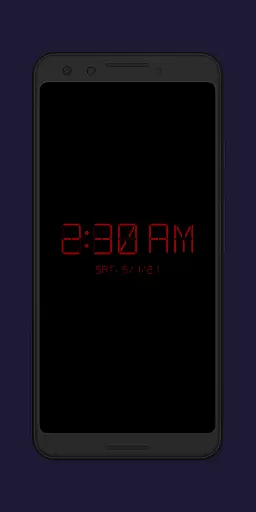
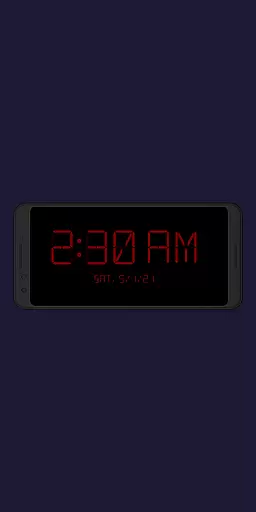
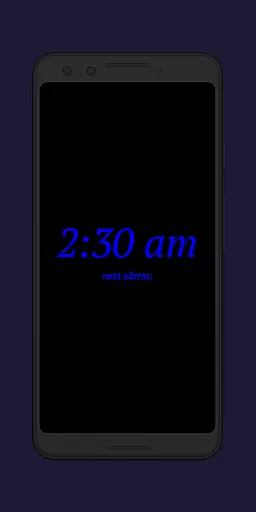
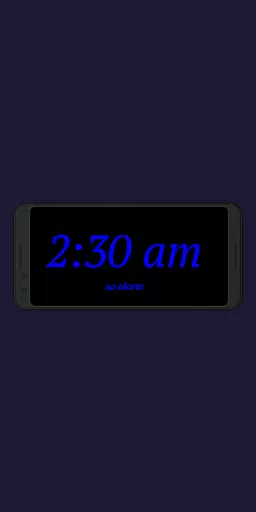
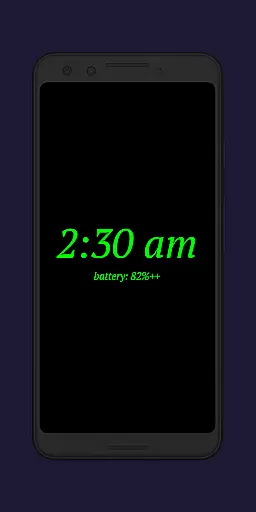
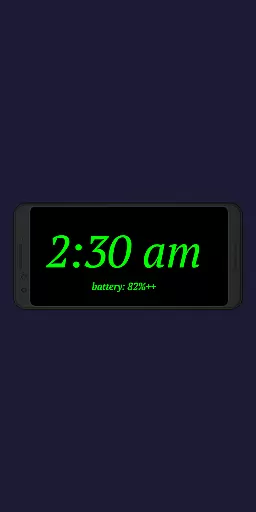
Night Clock + is a versatile digital clock app designed to serve as both a bedside night clock and a daylight mode display. The app transforms any unused device into an elegant timepiece, offering clear visibility during both day and night. Its supporter version provides all features without limitations, ensuring users can fully customize their experience.
Key functionalities include automatic night clock activation when connecting a power cord or at a preset time, flashlight integration directly on the display, and adjustable brightness levels for optimal nighttime visibility. These features make it particularly useful for bedroom use or as a secondary display in living spaces.
The app's true value lies in its comprehensive customization options. Users can adjust font types, colors, display sizes, and even enable a screensaver mode where the clock slowly moves across the screen. This level of personalization ensures optimal usability while maintaining aesthetic appeal.
The app boasts an impressive array of features that cater to various user needs. Its core functionality includes four selectable font types (compared to two in the free version) and complete control over font color customization. The adjustable display elements extend beyond basic timekeeping, allowing users to modify clock size and brightness levels according to their preferences.
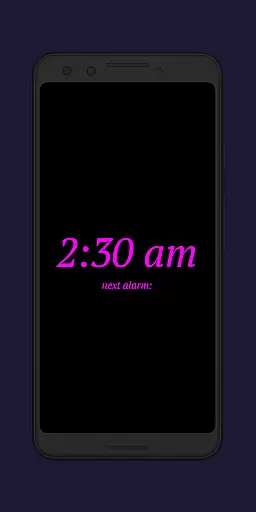
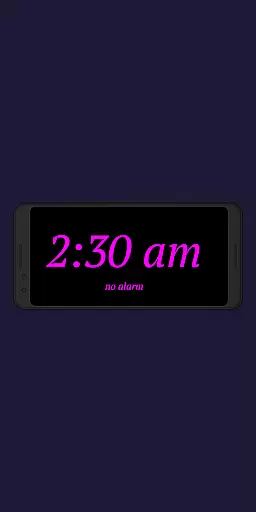
Advanced features include integrated system alarm display, showing the next scheduled Android alarm directly on the clock interface. The automatic activation system is particularly sophisticated, offering both power-connected triggers and scheduled start times. The daylight mode implements intelligent brightness management, switching between automatic adjustment during specific hours and fixed brightness for the remainder of the day.
Additional practical features include total display time tracking in settings and a unique screensaver functionality where the clock gradually moves across the screen. The built-in flashlight accessible directly from the clock interface proves invaluable for nighttime navigation, eliminating the need to switch between multiple apps.
In the realm of productivity applications, core task management is pivotal for organizing and prioritizing daily activities. Night Clock + integrates essential task management features that cater to both simplicity and efficiency.
This app provides users with the ability to view the next alarm time set in the Android system directly on the night clock display. This feature ensures that users are always aware of their upcoming schedules without having to navigate away from the current interface.
Additionally, the automatic night clock start function can be triggered either by connecting a power cord or at a preset time, streamlining the user's bedtime routine. These automation capabilities reduce the cognitive load on users, allowing them to focus on more critical tasks.
The inclusion of an integrated screensaver functionality also adds a layer of personalization and utility, as the clock moves slowly across the screen. This not only prevents screen burn-in but also maintains user engagement with a dynamic display.
Cross-device synchronization is crucial for maintaining consistency and reliability across multiple devices. While Night Clock + specializes in providing a superior bedside night clock experience, it also offers features that ensure dependable performance on a single device.
Although cross-device sync isn't its primary function, the app excels in maintaining reliable operations on the device it's installed on. The permission to 'Show / draw above other apps' facilitates the seamless initiation of the night clock, enhancing the user experience during nighttime hours.
Furthermore, the app requires camera/flashlight permissions for its flashlight functionality, ensuring that users have a convenient light source when leaving their bed at night. This practical feature underscores the app's commitment to serving users' needs reliably.
While designed primarily for use on a single device, Night Clock +'s robust feature setu2014including customizable font types, adjustable brightness levels, and automatic start optionsu2014ensures that users enjoy a highly personalized and consistent experience every time they interact with the app.
User-friendly interface
Highly customizable
Automatic activation
Day-night functionality
Integrated tools
Paid version only
Complex settings
Battery consumption
Feature overload
Screen burn risk

A Revolutionary All-in-One Artificial Intelligence Tools
 3.80
3.80
8 custom complications. Custom Time Fonts. Beautiful color schemes. A++ Design.
5.00
Android Wallet Password Manager
4.80
Find and delete junk files & block unwanted notifications & manage files
3.70
Activate Two Factor Authentication (2FA or Multi OTP), Password manager and more
4.10
Calendar 2023 widget for Android. Appointment scheduler, planner, and reminder
4.60
Code on-the-go with VScode for Android. Edit,debug and collaborate from mobile!!
3.10
Lightweight PDF, Word, Excel reader.
4.60
Set up, print, and get support—in one place
4.20
Great calculator for Android named one of USA TODAY's "25 Essential Apps".
4.90
Seamlessly integrate data and reports to build your presentation to impress
4.80
Protect and view your important info on your phone and tablet with eWallet®
4.80
Absolutely the best CNC machinist speed and feed calculator around. fswizard.com
4.60
A lightweight JSON & XML files creator, editor and viewer (Premium Version)
4.40
Easily read and manage all your PDF files
4.10
Experience real multitasking on your Android!
4.00
Ads Free App! Editor, Hide File, Copy, Move, Delete and Rename.. all facility av
1.70
The upgraded version of Name Wheel with AI and the power to add your own wheels.
4.1
A simple, portable logger for POTA, SOTA, Field Day, and more
4.3


User Reviews