

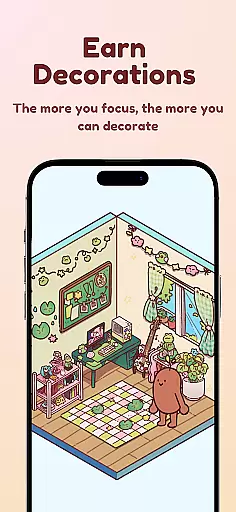

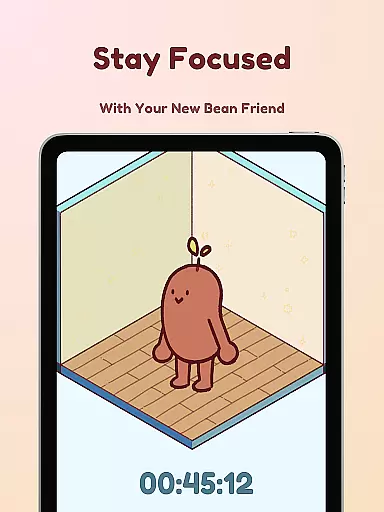
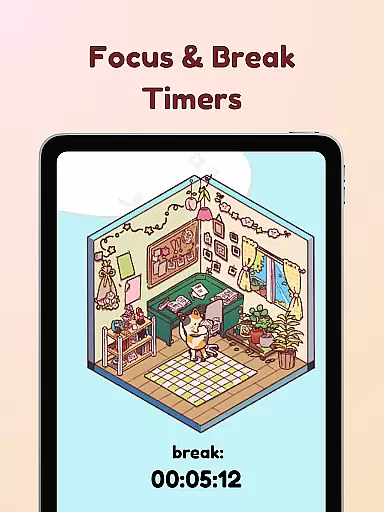
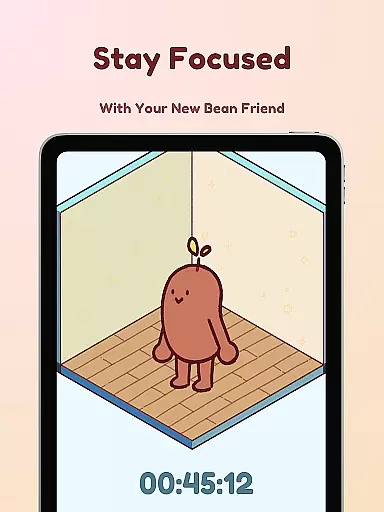
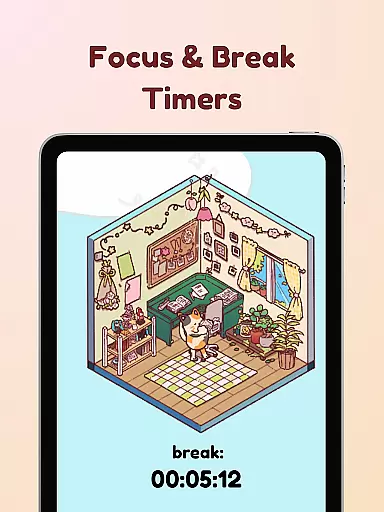
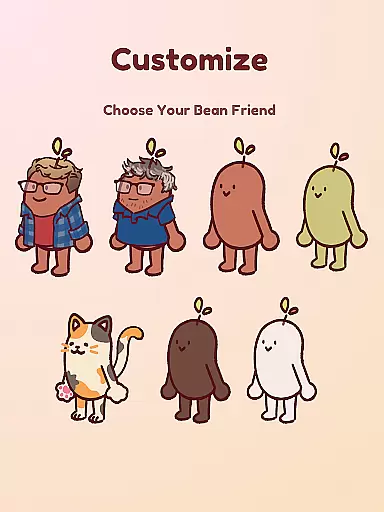
Focus Friend is a productivity app designed to help users maintain focus during work or study sessions through gamification. Developed by online educator Hank Green, this app features a unique approach where users are motivated to complete focus sessions to keep their virtual Bean Friend happy. The core functionality revolves around a timer system that rewards users with in-app prizes for successfully completing focus sessions.
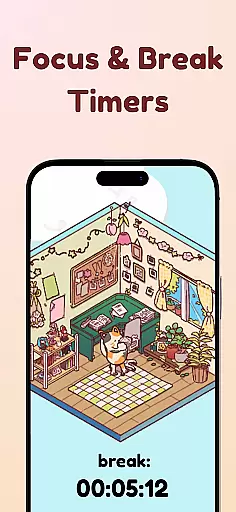
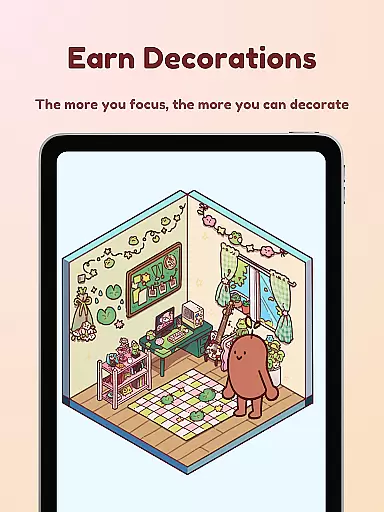
In addition to its primary focus timer, the app offers several productivity-enhancing features including Deep Focus Mode that locks distracting apps, break timers based on the Pomodoro technique, and a creative reward system with hundreds of room decorations and customizable Bean Skins. These engaging elements make it particularly suitable for students and professionals who struggle with maintaining concentration during extended periods of work or study.
The true value of Focus Friend lies in its ability to transform mundane focus sessions into an enjoyable experience while promoting healthy work habits. By incorporating game-like mechanics and providing visual motivation through the Bean Friend character, the app creates a supportive environment that encourages users to develop better focus habits while having fun.
Focus Friend stands out in the productivity category through its innovative combination of time management tools and gamification elements. The app's most distinctive feature is the Live Activity function, which allows users to track their timer progress even when their phone is locked, ensuring continuous motivation throughout focus sessions.
A key component of the app's functionality is the Deep Focus Mode, designed to minimize distractions by locking access to potentially distracting applications during focus sessions. This feature works in tandem with the app's implementation of the Pomodoro method, which alternates between focused work periods and scheduled breaks, during which users can decorate their virtual space.
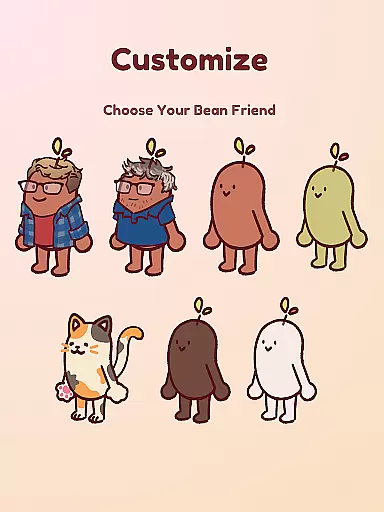
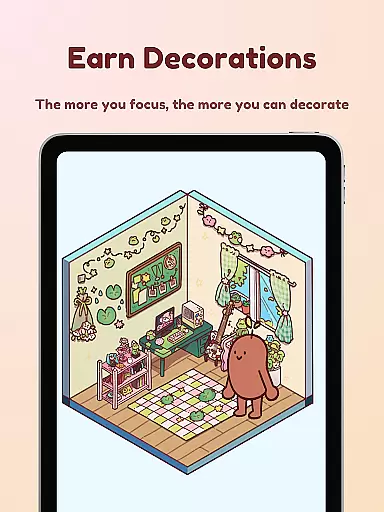
The app also offers extensive customization options with hundreds of decoration items and multiple Bean Skins to choose from, including unique options like Coffee Bean, Edamame Bean, and even characters representing Hank and John Green. These customization features serve as powerful motivators, encouraging users to complete focus sessions to earn rewards that personalize their experience and create a stronger emotional connection with their productivity journey.
At the heart of Focus Friend lies its robust core task management system, designed to help users structure their work and study sessions effectively. This productivity app employs a gamified timer that encourages focused work intervals, integrating seamlessly with the Pomodoro technique to enhance concentration and efficiency.
The app's task management feature is not just about timing; it motivates users by linking their productivity to the well-being of a virtual companion, the Bean Friend. As users complete focus sessions, they earn rewards that can be used to decorate the Bean's room, creating an engaging feedback loop that promotes sustained productivity.
With functionalities like Deep Focus Mode, which locks distracting apps during work sessions, Focus Friend ensures that users remain on track with their tasks. The inclusion of break timers further enhances this experience by reminding users to take necessary pauses, thus maintaining a healthy balance between work and rest.
Focus Friend offers reliable cross-device synchronization, allowing users to maintain consistency in their productivity routines across multiple devices. Whether you're switching from your phone to a tablet or another mobile device, the app ensures that your progress, settings, and customizations are updated in real-time.
This seamless synchronization means that users won't miss a beat when transitioning between devices. Your Bean Friendu2019s room decorations, earned rewards, and current focus session status are all preserved, providing a cohesive experience no matter where you are or what device you're using.
Moreover, the app supports Live Activity features, enabling users to view their timer progress even when their phone is locked. This functionality enhances accessibility and convenience, ensuring that important focus sessions are uninterrupted and that users stay committed to their productivity goals without being tethered to a single device.
User-friendly interface
Effective distraction control
Motivational reward system
Customizable experience
Engaging gamification elements
Limited advanced features
Premium content costs
Occasional app instability
Basic analytics tracking
Device compatibility issues

Seamlessly integrate data and reports to build your presentation to impress
 4.80
4.80
The long-awaited modern gallery app for your Nextcloud server
4.70
Send files, sync SMS, notifications & clipboard across devices via local network
4.40
Protect and view your important info on your phone and tablet with eWallet®
4.80
Font maker keyboard with your own handwriting
4.10
Multilingual translator for text, voice, and image translation!
4.90
Great calculator for Android named one of USA TODAY's "25 Essential Apps".
4.90
Share files & memories safely. Keep your photos and videos secure.
4.40
Lightweight PDF, Word, Excel reader.
4.60
Understand anything with a personalized AI research assistant
4.80
Simple notepad & memo. Take notes, to-do list, shopping list with reminders.
4.80
QuickBooks Workforce lets teams view pay info and track time in one place.
4.70
A simple Whisper AI keyboard for reliable speech transcription and rewording
4.60
Planet Free VPN - The best Fast Unlimited and Secure VPN Without Logs
4.50
PDF scanner & converter for files, photos, lottery, QR codes. One swipe away!
4.50
Experience Reading - Night Mode for Documents
4.40
Access, manage and transfer files on Android, PC, Mac, NAS and cloud storages.
4.30
All in One PDF Reader: Manage, Read and Edit your Documents
4.20
Customizable calendar widget for seamless event sync, planning & scheduling.
4.00


User Reviews