
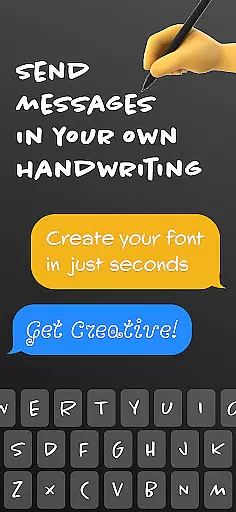
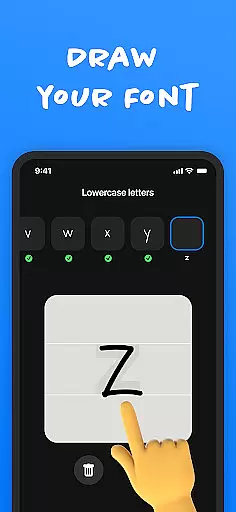
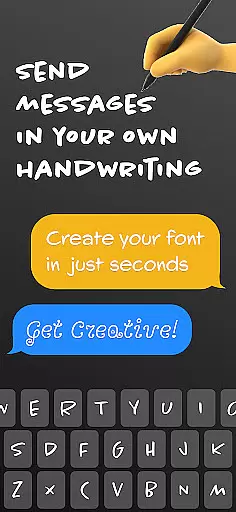
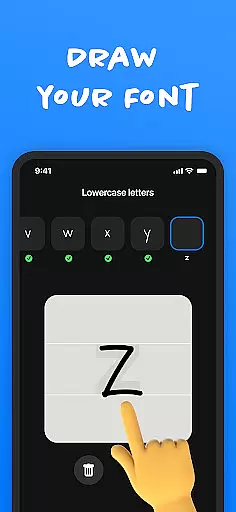
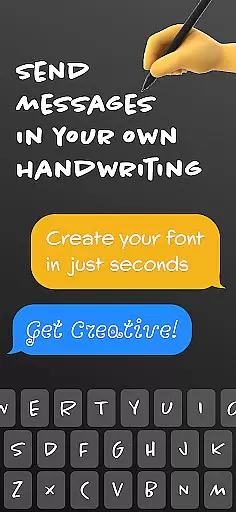
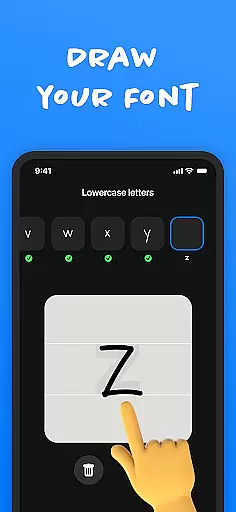
Fontmaker - Font Keyboard App is a productivity tool designed to help users create personalized cursive and handwritten fonts. This app allows you to customize your text with unique fonts that reflect your individual style, effectively turning your handwriting into a custom font keyboard.
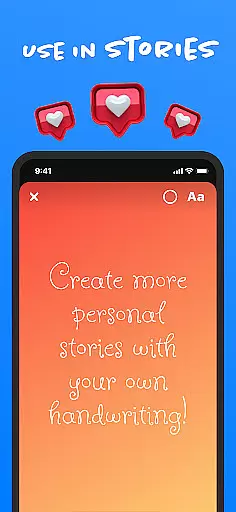
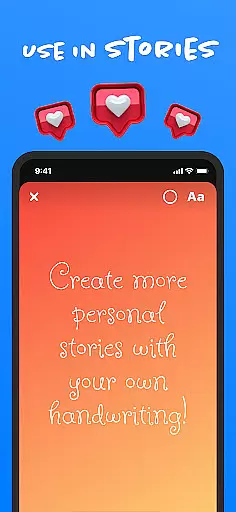
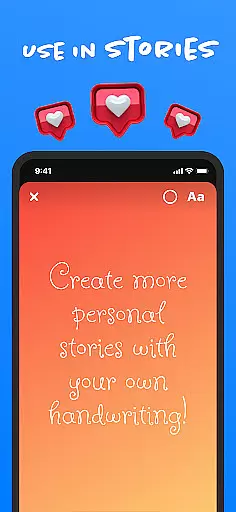
With its innovative features, Fontmaker enables you to enhance your online presence by using your own handwriting across social media platforms like Messenger, Instagram, Snapchat, TikTok, and Facebook. Whether you're looking to wow friends or add a personal touch to your posts, this app provides the tools to make your content truly unique.
The app's ability to generate custom handwriting fonts makes it an ideal solution for those who want to express their creativity and stand out in digital communication. By offering a new level of personalization, Fontmaker empowers users to revolutionize their text customization and elevate their messaging game.
Fontmaker offers a comprehensive set of features that cater to creative expression and text customization. The app includes a font creator tool, which lets users design custom handwriting fonts from their own writing samples. This feature ensures that every message or post can carry a personal touch unique to the user's style.
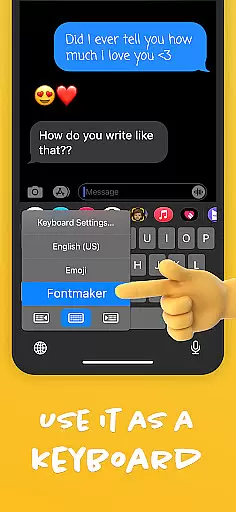
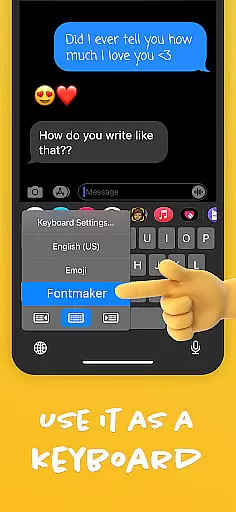
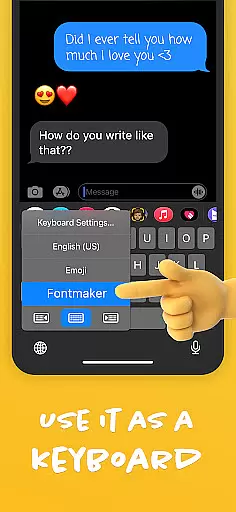
In addition to the font creator, Fontmaker provides a font keyboard functionality. This allows users to apply their custom fonts directly as a keyboard option for various social media and messaging apps. The integration is seamless, enhancing the user's ability to maintain authenticity across different platforms.
Another notable feature is the app's focus on elevating your online presence. By enabling users to use their own handwriting as a font, Fontmaker helps them showcase their individuality and flair. This not only adds uniqueness to messages but also enriches the overall social media experience by allowing true self-expression through customized text.
Fontmaker revolutionizes the way users manage their text customization tasks by offering a seamless font creation experience. The app's core function centers around enabling users to create unique, personalized fonts that reflect their individual style.
Through its intuitive interface, Fontmaker allows users to generate custom handwriting and cursive fonts effortlessly. This feature ensures that every text input can be transformed into a distinctive piece of personal expression, making it an essential tool for those looking to enhance their digital communication.
The value of this functionality lies in its ability to streamline the process of font customization. Users can easily switch between different styles, ensuring that their messaging across social media platforms like Instagram, Snapchat, and TikTok stands out with a personal touch.
One of the standout features of Fontmaker is its reliable cross-device synchronization. This ensures that users can access their custom fonts from multiple devices without any loss of quality or formatting discrepancies.
By integrating a robust cloud-based system, Fontmaker guarantees that all created fonts are consistently updated across smartphones, tablets, and other connected devices. This means users can start creating a font on one device and continue refining it on another, maintaining uniformity in their digital expressions.
This level of synchronization not only enhances user convenience but also supports a more dynamic and flexible creative process. Whether posting on Facebook or messaging via Messenger, individuals can count on their personalized fonts being readily available wherever they choose to communicate.
User-friendly interface
Custom font creation
Seamless social media integration
Enhances personal branding
Unique text customization
Limited free features
Requires steady handwriting
Occasional glitches
Learning curve for new users
Subscription cost for full access

Device's storage information in a simple and clear graphical form (infographics)
 4.10
4.10
Pwnagotchi companion app
4.20
Todo reminder
4.10
The ultimate file manager for rooted devices. The original and still the best.
4.00
This small app MUST BE INSTALLED after purchase, else license won't work
4.40
Use powerful, industry-leading AI tools to generate visual charts from any data
4.80
AT&T Internet customers can use this app to personalize their Wi-Fi network.
4.40
Browse and view your photos and videos from the phone with photo & video hide.
4.10
Discover Acode - a sleek, powerful IDE and code editor for Android.
4.30
Great calculator for Android named one of USA TODAY's "25 Essential Apps".
4.90
Secure, fast, open-source, VNC and SSH Remote Desktop for Windows, Linux and Mac
4.70
Planet Free VPN - The best Fast Unlimited and Secure VPN Without Logs
4.50
Translate text/voice/photos in 150+ languages. Offline & fast translator app.
4.50
Access, manage and transfer files on Android, PC, Mac, NAS and cloud storages.
4.30
Create and edit presentations with Google Slides, part of Google Workspace.
4.00
Make your handwriting beautiful, even more than pen on paper.
3.60
Code on-the-go with VScode for Android. Edit,debug and collaborate from mobile!!
3.10
Ads Free App! Editor, Hide File, Copy, Move, Delete and Rename.. all facility av
1.70
AI Video AI Image Private LLM AI Browser Llama Gemma Ollama Connect LLM Studio
4.1


User Reviews