![Disk & Storage Analyzer [PRO]](https://cdn.linksharehub.com/ocp/?u=https%3A%2F%2Fl2.fancapitalize.com%2Fimages%2F2025%2F12%2Fe6da4367704733d389803d59b763e052.jpg&t=webp)
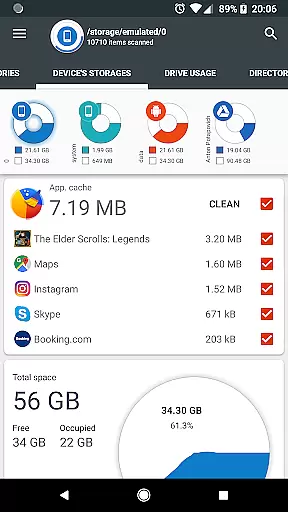
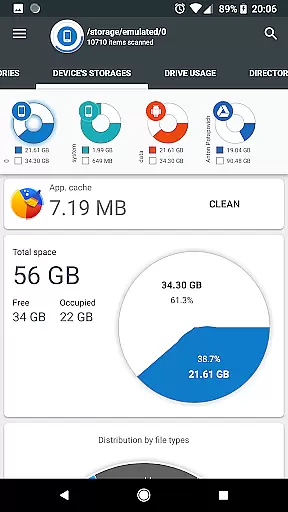
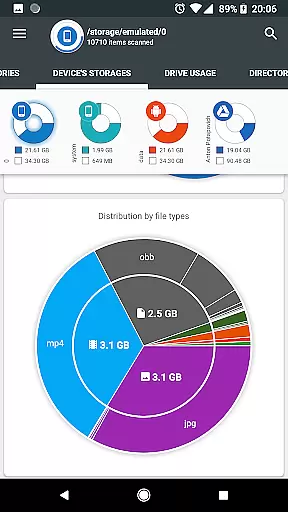
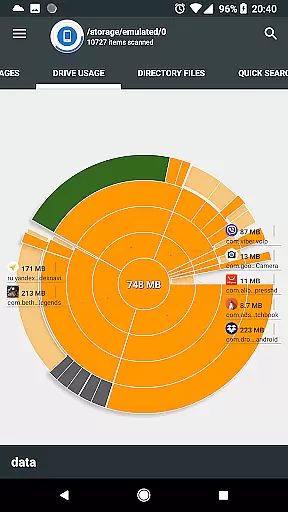
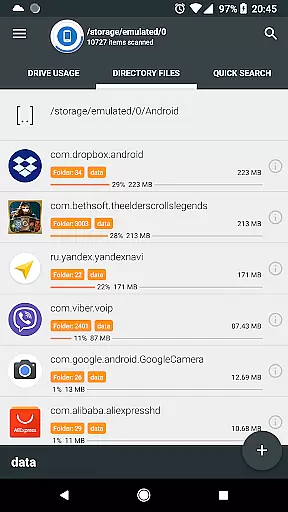
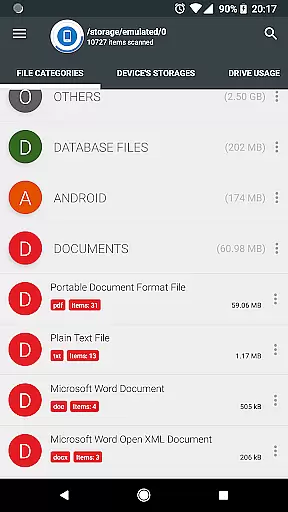
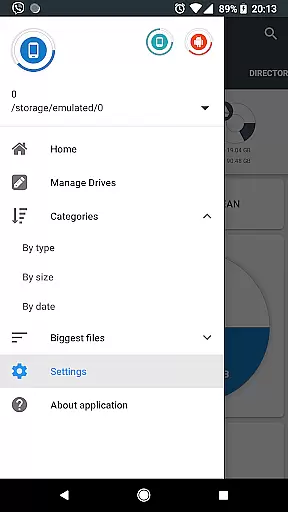
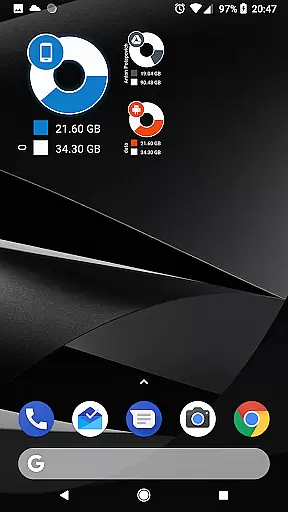
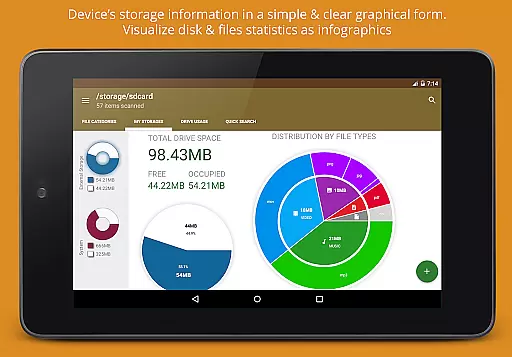
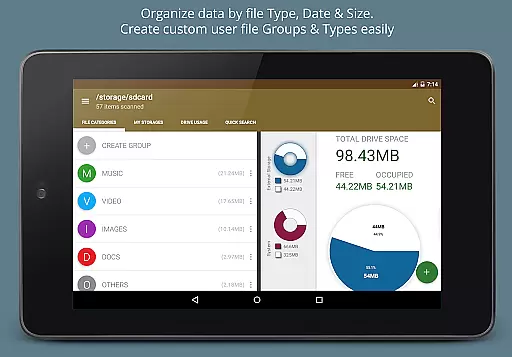
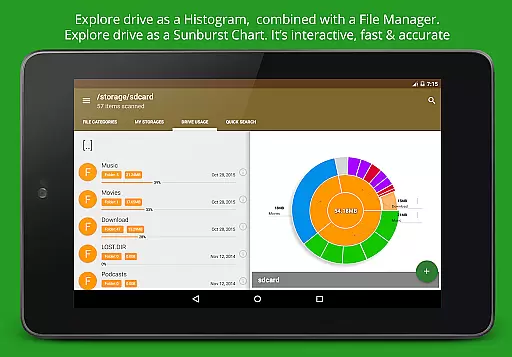
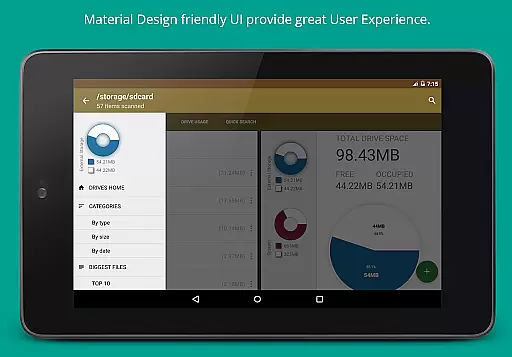
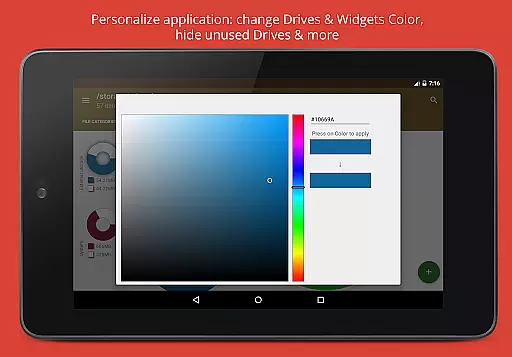
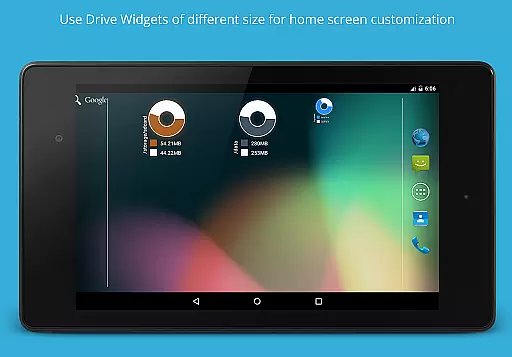
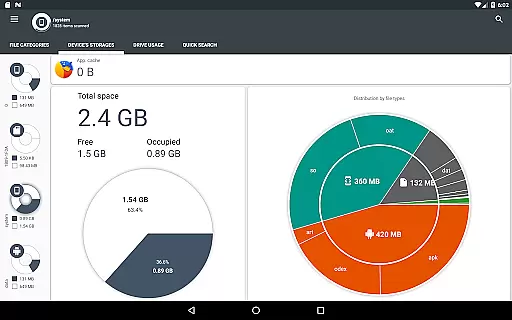
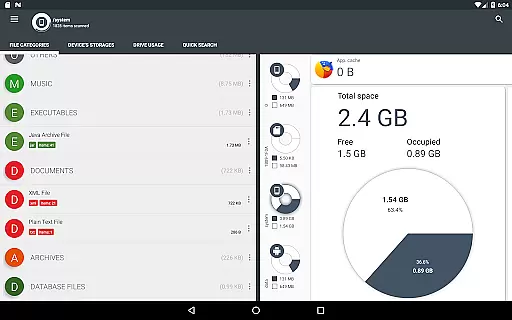
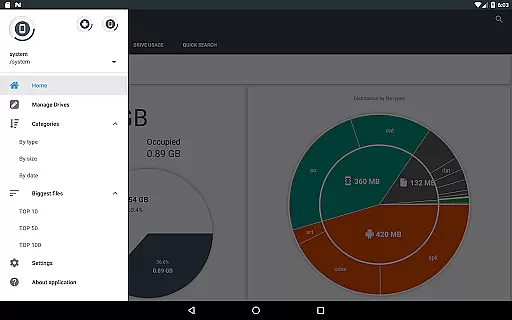
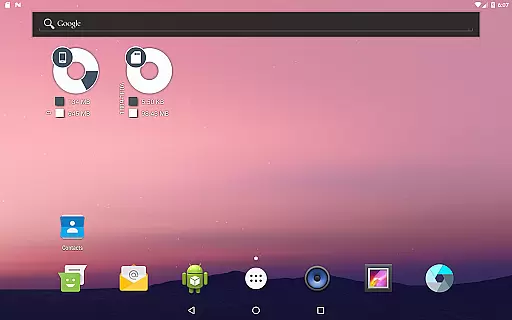
Disk & Storage Analyzer [PRO] is a comprehensive productivity tool designed to help users manage their device's storage efficiently. This application provides detailed insights into internal and external storage, USB devices, and cloud drives through intuitive infographics such as pie charts and sunburst diagrams.
With its advanced file analysis capabilities, the app allows users to view specific file data including name, path, size, and last modified date. It also supports cloud services like Google Drive and Dropbox, offering a unified view of both local and cloud storage usage. The app includes features for managing installed applications, cleaning cache, and deleting unnecessary apps, making it an essential tool for optimizing device performance.
Ideal for users who need to maintain optimal storage conditions on their devices, Disk & Storage Analyzer [PRO] ensures that you can easily monitor and manage your digital footprint without intrusive ads or unnecessary permissions.
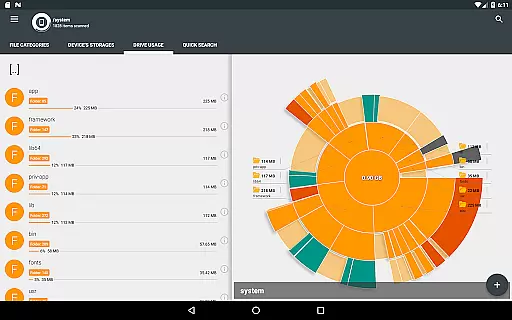
The standout feature of Disk & Storage Analyzer [PRO] is its robust visualization tools. Users can explore their storage in a structured format using Sunburst charts, which display folders and files sorted by size. This interactive chart lets users click through sectors to delve deeper into directories, providing an intuitive way to understand storage distribution.
In addition to graphical representations, the app offers global search functionality that indexes files at startup. This enables quick searches across device and cloud storage, displaying results based on categories or extensions with options to open, delete, or share files directly from the search results.
Another key feature is the ability to categorize files by type, size, and date. Whether sorting documents, videos, or music, users can quickly identify large or outdated files that may be taking up valuable space. These capabilities ensure that users have complete control over their storage management, enhancing productivity and device efficiency.
Disk & Storage Analyzer [PRO] excels in core task management by offering users comprehensive tools to monitor and manage their device's storage effectively. The application provides detailed insights into file usage, categorizing data by type, size, and date, which empowers users to make informed decisions about their storage.
With functionalities such as cache cleaning and app deletion, the app ensures that users can reclaim valuable space on their devices without hassle. This hands-on approach to managing installed applications not only optimizes device performance but also enhances user control over their digital environment.
The app's ability to connect with cloud drives amplifies its task management capabilities, allowing for a seamless integration of local and cloud storage solutions. Users can visualize their data through intuitive infographics, making it easier to understand storage consumption patterns and take necessary actions.
Cross-device synchronization is a standout feature of Disk & Storage Analyzer [PRO], ensuring reliable access to storage analytics across various platforms. By supporting connections to cloud services like Google Drive and Dropbox, the app enables users to maintain an up-to-date overview of their storage landscape regardless of the device they are using.
This synchronization reliability is further enhanced by the app's global search functionality, indexing files from both device storage and connected cloud drives. As a result, users enjoy quick and efficient access to their files, streamlining workflows and boosting productivity.
Moreover, the app's permission structure supports robust data management practices, granting users peace of mind when handling sensitive information across different devices. This secure and dependable cross-device experience underscores the app's commitment to providing a trustworthy productivity tool.
User-friendly interface
Comprehensive storage analysis
Cloud integration
Cache cleaning
No ads
Requires many permissions
May force close occasionally
Limited customer support
Advanced features may overwhelm new users
Occasional slow performance

Unlock AutoNotification
 4.00
4.00
Make your handwriting beautiful, even more than pen on paper.
3.60
Make apps & sites with natural language prompts
4.10
Stay on top of your to-dos with Google Tasks, part of Google Workspace.
4.60
Font maker keyboard with your own handwriting
4.10
Find and delete junk files & block unwanted notifications & manage files
3.70
Cloud storage, automatic phone backup, and more.
4.10
A simple Whisper AI keyboard for reliable speech transcription and rewording
4.60
Put a lock on your cloud: Take the security of your data into your own hands
3.70
Great calculator for Android named one of USA TODAY's "25 Essential Apps".
4.90
Seamlessly integrate data and reports to build your presentation to impress
4.80
Use powerful, industry-leading AI tools to generate visual charts from any data
4.80
Tally and goal counter for Wear OS & mobile
4.50
Secure your apps with lock screens, use custom themes and different features.
4.40
Easily read and manage all your PDF files
4.10
Experience real multitasking on your Android!
4.00
A Revolutionary All-in-One Artificial Intelligence Tools
3.80
All in one sketching tool. Technical and General drawing. Online Maps support.
3.70
Smart PDF reader & editor to view, organize and manage PDF documents easily.
3.70


User Reviews