
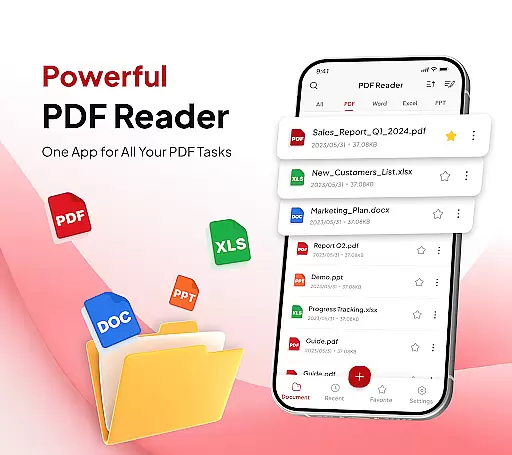
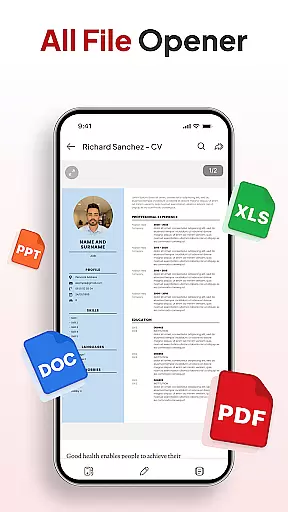
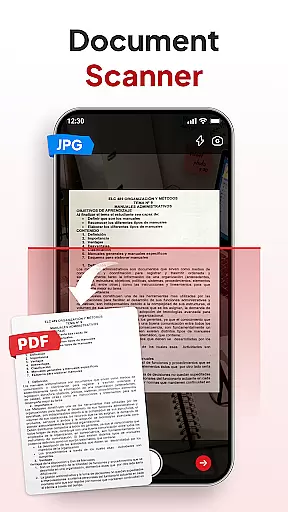
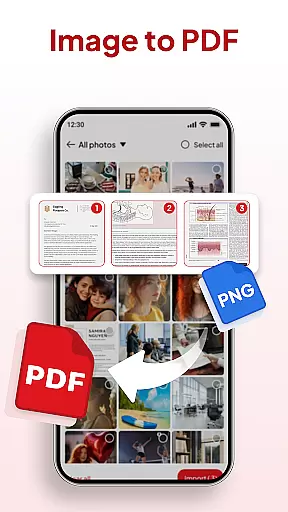
PDF Reader - Document Editor is a comprehensive productivity tool designed to simplify how you manage digital documents. This app allows users to read, edit, organize, and convert PDF files with ease, making it an essential utility for students, professionals, and anyone handling documents regularly.
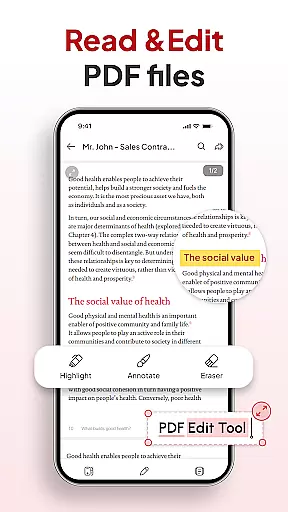
The app's standout feature is its all-in-one capability that combines smooth PDF reading with advanced functionalities like document scanning, image-to-PDF conversion, and AI-powered summarization. Whether you need to highlight important text, add signatures, or declutter your storage using smart organization tools, this app streamlines every step of document management.
With cross-platform support and seamless integration with various file types including XLS, DOCX, and PPT, PDF Reader - Document Editor ensures maximum compatibility and convenience. Its intuitive interface and powerful features make it the ideal choice for both personal and professional use, saving time while enhancing productivity.
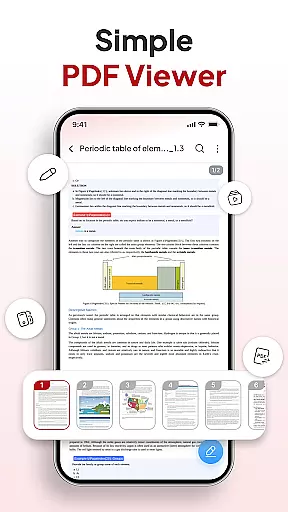
PDF Reader - Document Editor stands out with its robust set of features tailored for efficient document handling. The app provides lag-free reading for PDFs of any size, allowing users to zoom in for details and highlight key sections effortlessly.
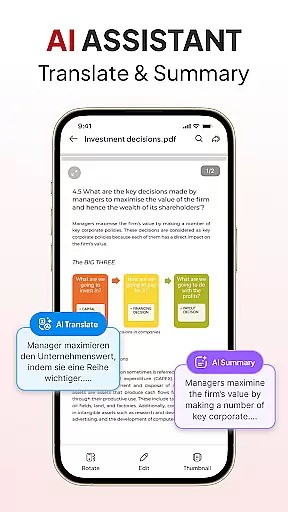
One of the app's core strengths is its smart conversion capabilities. The built-in document scanner transforms physical notes and receipts into clear PDFs, while the Image-to-PDF feature creates professional-quality documents from photos or screenshots. These tools are complemented by advanced AI functionalities, such as document summarization and translation, which help users process information faster.
For those managing large volumes of files, the app offers practical solutions like folder-based organization, quick search options, and signature management. Instant sharing via popular apps further enhances collaboration, ensuring users can work efficiently across different platforms and devices.
Task management is at the heart of productivity applications, and PDF Reader - Document Editor excels in this area. This feature allows users to handle multiple document-related tasks efficiently, from reading and editing to organizing and sharing files.
The app provides a comprehensive suite of tools for managing PDFs and other document formats. Users can open, view, and scroll through documents seamlessly, regardless of file size. The ability to highlight text, add signatures, and convert files into different formats ensures that all essential document tasks are covered.
What sets this app apart is its smart AI assistant, which enhances task management by offering features like document summarization and translation. This functionality not only saves time but also improves comprehension and collaboration across language barriers.
By integrating smooth PDF reading, smart conversion options, and instant sharing capabilities, the app creates an ecosystem where users can complete their document workflows without switching between multiple applications. This consolidation of features significantly boosts overall productivity.
In today's interconnected world, reliable cross-device synchronization is crucial for maintaining workflow continuity. PDF Reader - Document Editor addresses this need by providing seamless synchronization across multiple devices.
The app ensures that all your documents, annotations, and organizational structures are consistently updated across your devices. Whether you're working on your smartphone, tablet, or computer, you can pick up right where you left off without missing a beat.
This synchronization extends beyond just document storage. The app maintains your folder structures, favorite documents, and recent searches across devices, creating a unified experience regardless of which device you're using.
With real-time updates and cloud integration, users can trust that their work is always current and accessible. This reliability in synchronization empowers professionals to work flexibly and efficiently, knowing their documents are always up-to-date and available wherever they need them.
User-friendly interface
Advanced AI tools
Multi-format support
Fast document scanning
Efficient file management
Limited free features
Occasional ads
Premium subscription cost
Large file loading delays
Complex settings for beginners

Seamlessly integrate data and reports to build your presentation to impress
 4.80
4.80
Total remote control for your Android device, PC and cloud services (IFTTT)!
4.20
All in One PDF Reader: Manage, Read and Edit your Documents
4.20
Cloud storage, automatic phone backup, and more.
4.10
Great calculator for Android named one of USA TODAY's "25 Essential Apps".
4.90
A comprehensive suite of tools designed specifically for Lactation Consultants
4.4
A beautiful digital clock with autostart and many other functions
4.70
Quickly and easily keep track of your work shifts
4.70
Use powerful, industry-leading AI tools to generate visual charts from any data
4.80
Simple notepad & memo. Take notes, to-do list, shopping list with reminders.
4.80
Translate text/voice/photos in 150+ languages. Offline & fast translator app.
4.50
PDF scanner & converter for files, photos, lottery, QR codes. One swipe away!
4.50
A customizable calendar for your Wear OS watch
4.20
Device's storage information in a simple and clear graphical form (infographics)
4.10
Intelligent AI Assistant
4.10
Wake up & get tasks done! Add alarms & reminders on the Clock Launcher.
4.00
Create and edit presentations with Google Slides, part of Google Workspace.
4.00
Simple and reliable communication between inmates, friends and family
3.20
Ads Free App! Editor, Hide File, Copy, Move, Delete and Rename.. all facility av
1.70


User Reviews