
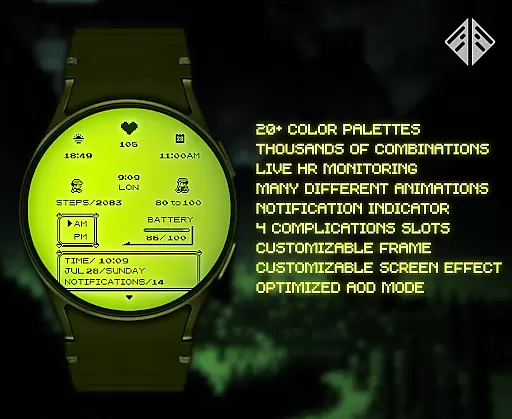
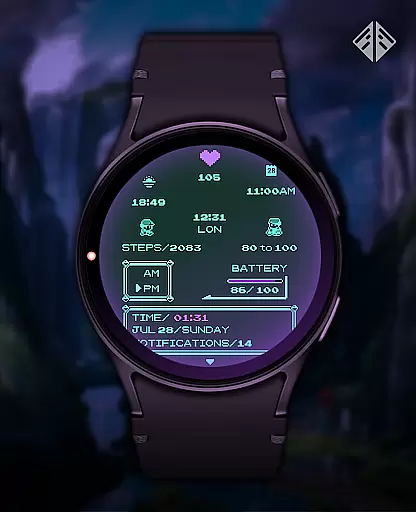
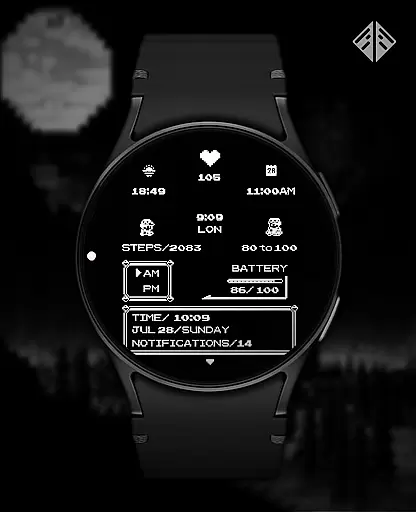
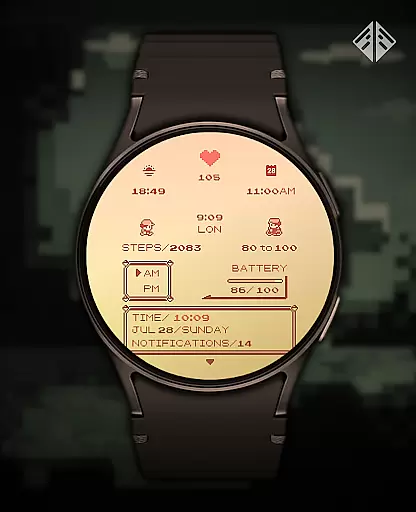
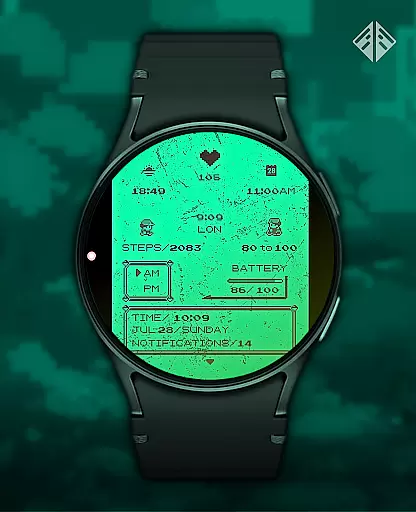
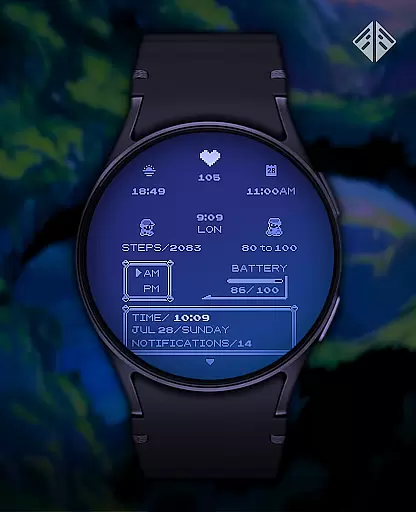
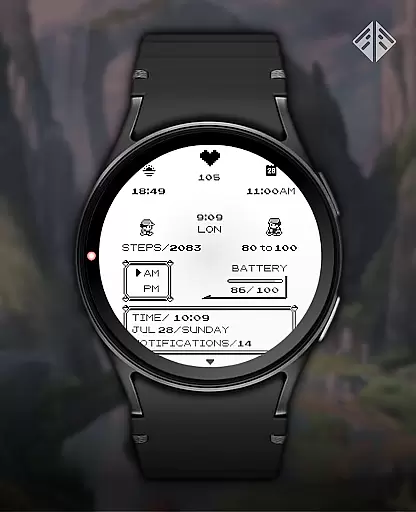
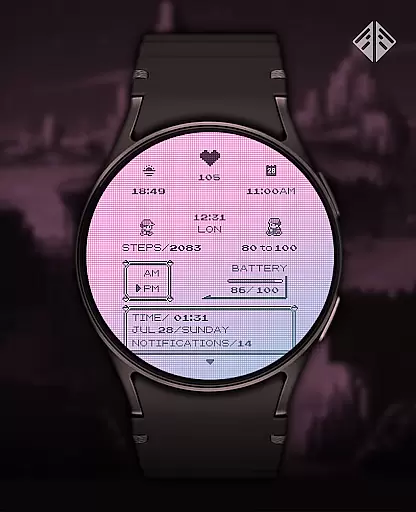
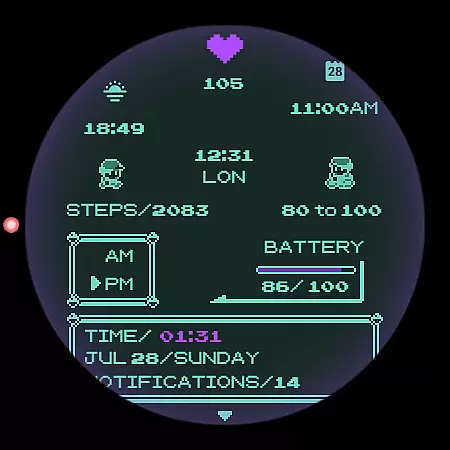
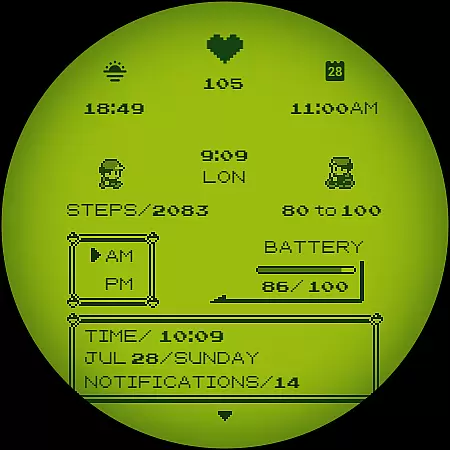
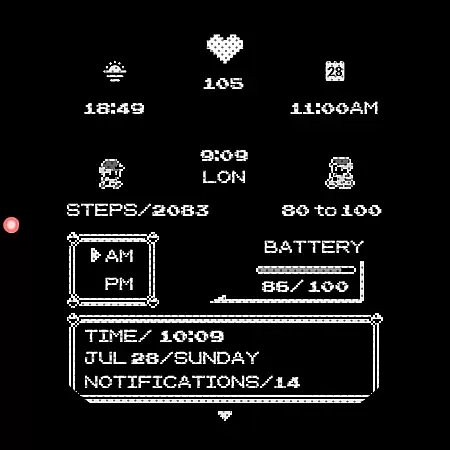
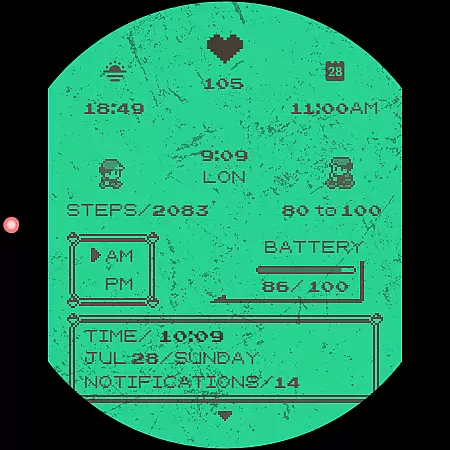
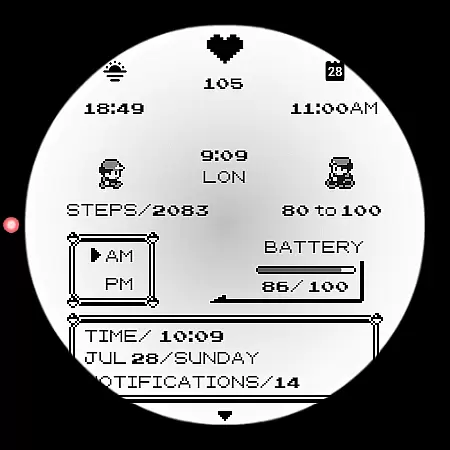
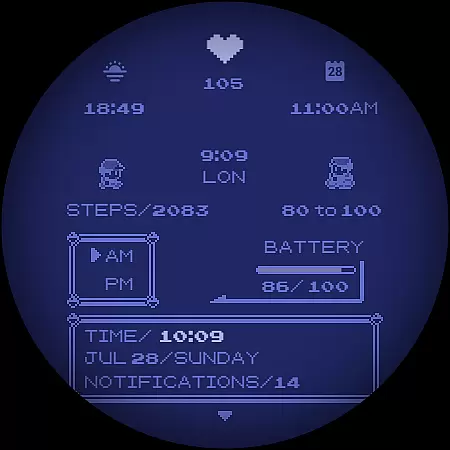
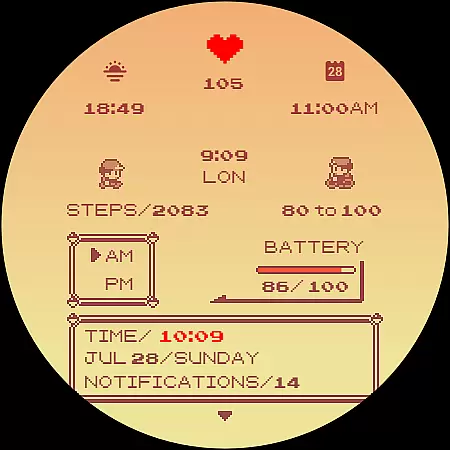
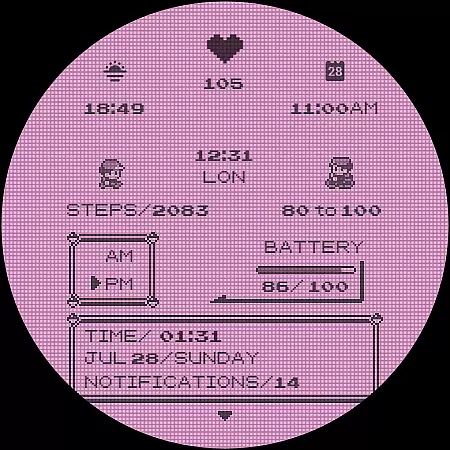
Poke Pixel Retro Watch Face is a pixel art themed watch face designed for Wear OS smartwatches. This standalone app offers users an animated, highly customizable experience with over 1000 possible combinations. It supports various features like 12/24 hour format and auto date format while presenting information in a clean, retro gaming style.
The watch face stands out through its unique handcrafted design and extensive customization options. Users can choose from 30 color schemes and modify elements such as the frame and battery light. Its intuitive companion app simplifies installation and management. Compatible with brands like Samsung, Mobvoi Ticwatch, Fossil, and Oppo, this app brings both functionality and nostalgia to your wrist.
This productivity-focused watch face boasts numerous valuable features. With support for 12/24 hour time formats and automatic date adjustments, it ensures users have accurate information at all times. The inclusion of a working battery light adds practicality, allowing wearers to monitor their device's power effortlessly.
Customization is where Poke Pixel truly shines. Offering 30 distinct color schemes and countless configuration possibilities, users can tailor the appearance to match their preferences perfectly. Each element has been meticulously crafted to maintain a pixel-perfect aesthetic reminiscent of classic video games. Additionally, the easy-to-use companion app streamlines installation and setup, ensuring a hassle-free experience for all users.
Poke Pixel Retro Watch Face offers a unique approach to managing essential tasks directly from your wrist. The watch face is designed with productivity in mind, allowing users to customize their experience by choosing from over 1000 possible combinations of features. This includes the ability to display important information at a glance, such as time, date, and battery status.
The level of customization ensures that users can tailor the watch face to suit their specific needs. With support for both 12-hour and 24-hour time formats, automatic date formatting, and various color schemes, this app makes it easy to keep track of daily tasks without being overwhelmed by unnecessary details. Each element on the screen is carefully crafted to maintain clarity while offering a retro aesthetic inspired by classic gaming consoles.
By integrating seamlessly with Wear OS devices, Poke Pixel enhances task management through its intuitive interface. Users can easily adjust settings via the companion app, ensuring that their smartwatch not only looks good but also functions efficiently. Whether you need quick access to notifications or simply want a clean, organized layout, this watch face provides a practical solution for staying productive throughout the day.
One of the standout features of Poke Pixel Retro Watch Face is its reliable cross-device synchronization. This functionality allows users to effortlessly sync data between their smartphone and smartwatch, ensuring that all customizations and updates are consistently applied across devices. By installing the companion app on your smartphone, you can manage settings and preferences with ease.
The installation process is straightforward, guiding users step-by-step to connect their Wear OS smartwatch. Once connected, any changes made through the companion app are immediately reflected on the watch face. This seamless integration ensures that whether you're adjusting color schemes, frame styles, or other personalization options, the results are instantly visible and synchronized.
This reliability extends beyond mere convenience; it enhances the overall user experience by maintaining consistency and accuracy. If issues arise, the developer offers robust support, including troubleshooting tips and direct email assistance. Such dedication underscores the commitment to providing a dependable product that meets the demands of modern productivity enthusiasts who rely on synchronized technology to stay organized and efficient.
Highly customizable
Vibrant pixel art design
Supports multiple devices
Regular updates and support
Unique handcrafted style
Paid application
Requires Wear OS
Limited free options
Installation may confuse some
No iOS compatibility

All in one sketching tool. Technical and General drawing. Online Maps support.
 3.70
3.70
The upgraded version of Name Wheel with AI and the power to add your own wheels.
4.5
Device's storage information in a simple and clear graphical form (infographics)
4.10
CalenGoo is a very flexible and feature-rich calendar app
4.40
Simple and reliable communication between inmates, friends and family
3.20
Best Tool for the professionals Electrician, Electrical contractors, etc.
4.90
Scientific calculator for Android - looks and operates like the real thing!
4.90
Use powerful, industry-leading AI tools to generate visual charts from any data
4.80
AT&T Internet customers can use this app to personalize their Wi-Fi network.
4.40
Android Wallet Password Manager
4.80
Mind Map and brainstorm, note taking and idea collection
4.80
Protect and view your important info on your phone and tablet with eWallet®
4.80
Simple notepad & memo. Take notes, to-do list, shopping list with reminders.
4.80
Secure, fast, open-source, VNC and SSH Remote Desktop for Windows, Linux and Mac
4.70
All document reader, all in one file viewer read PDF, DOCX, XLS, PPT, TXT files.
4.60
AI Chatbot and AI writing assistant powered by ChatGPT.
4.60
Font maker keyboard with your own handwriting
4.10
Unlock AutoNotification
4.00
Ultimate Virtual AI Character for immersive Roleplay Chat. Perfect Companion
3.90


User Reviews