
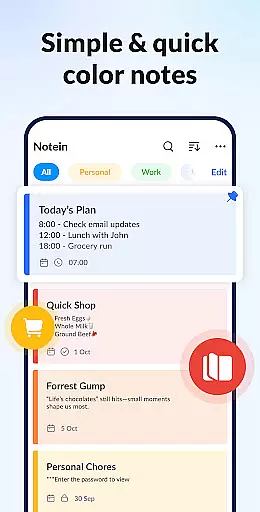
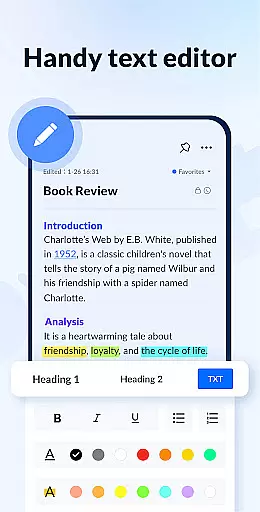
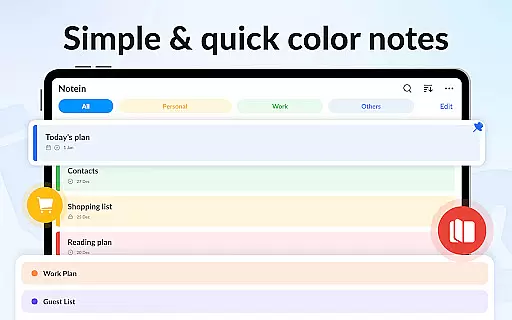
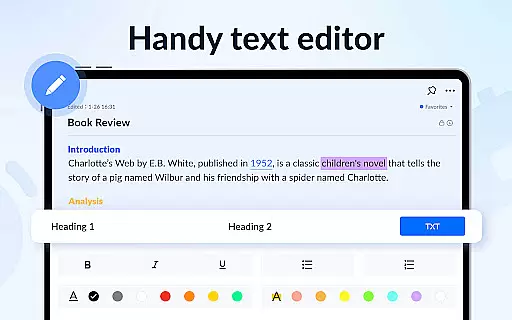
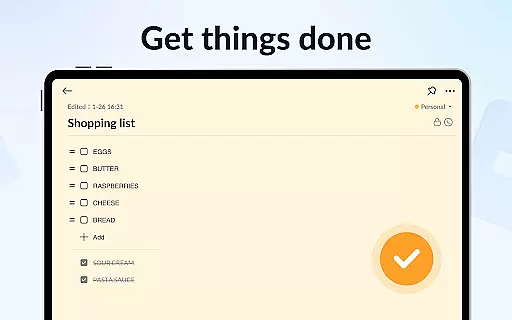
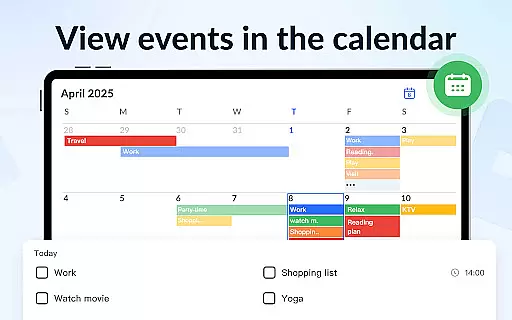
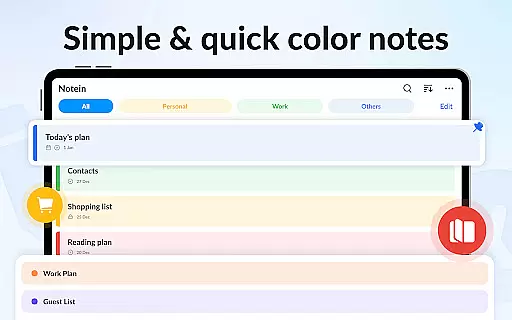
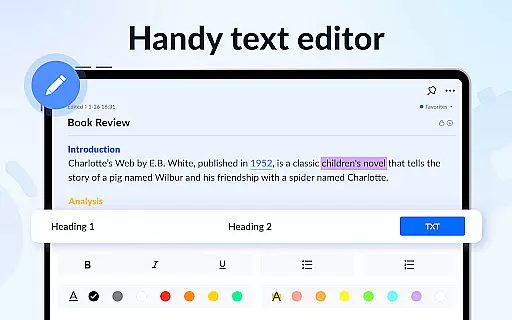
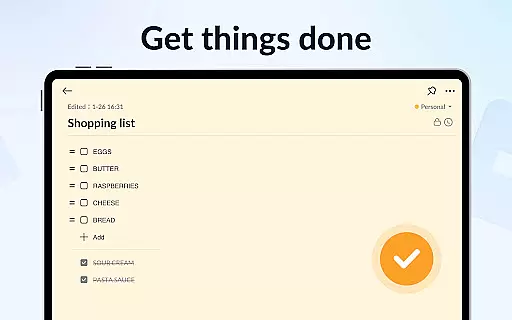
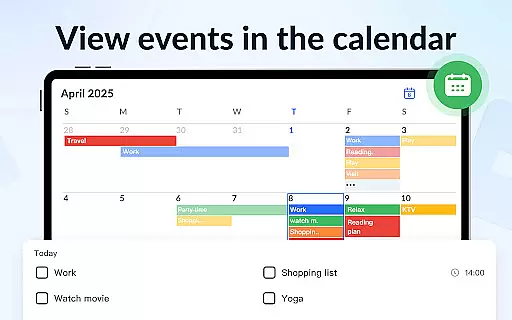
Notein - Notepad, Notes, Lists is a versatile productivity app designed to streamline note-taking and task management. This free notepad app offers multiple note-taking modes including text and checklist formats, automatic saving, and an intuitive interface for creating quick notes, meeting notes, or organizing tasks. The app supports calendar integration, enabling users to schedule tasks and reminders directly within their notes.
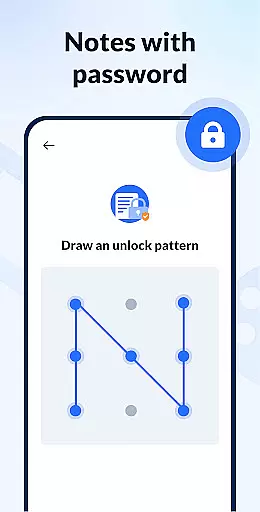
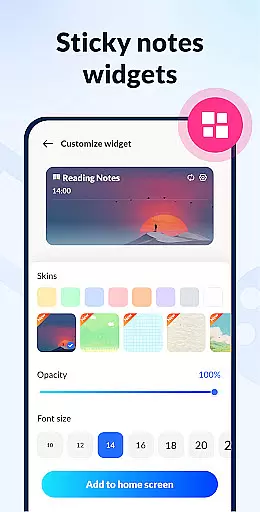
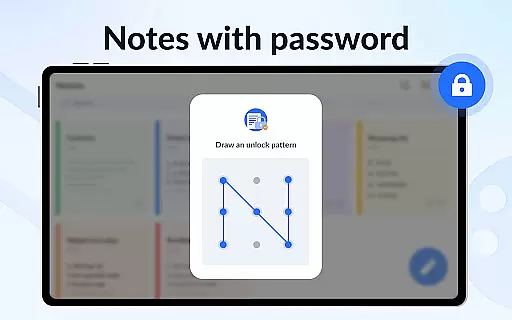
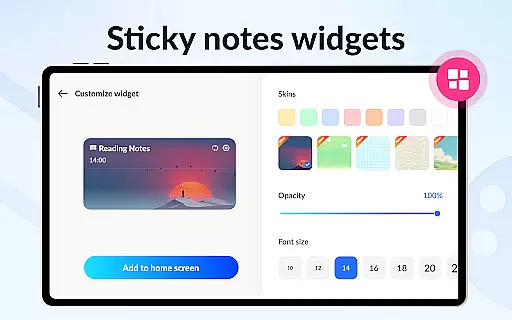
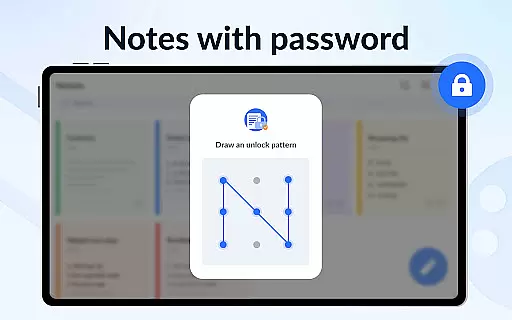
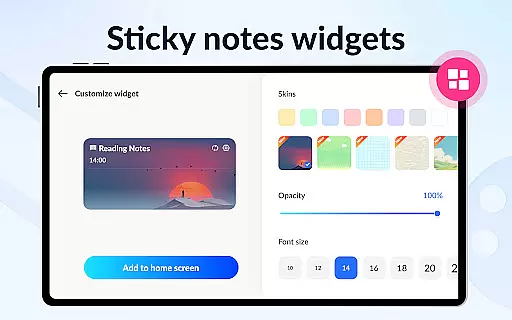
With its sticky notes widget feature, users can access their notes directly from the home screen on Android devices. Notein also provides advanced functionalities such as color-coded notes for better organization, password protection for privacy, and cloud backup to prevent data loss. Whether you need to jot down ideas, create to-do lists, or manage complex schedules, this app delivers a comprehensive solution for both personal and professional use.
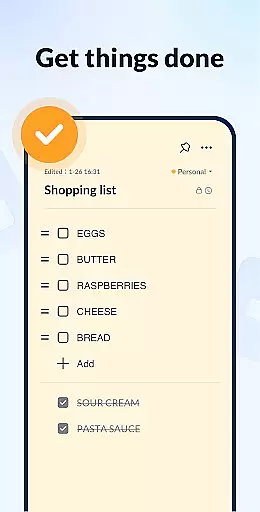
Notein stands out with its rich feature set tailored for efficient note management. The app offers two distinct note-taking modes: a lined-paper style text mode and a checklist mode, both of which automatically save your content as you type. Users can easily view, add, check, and edit notes through the convenient sticky notes widget available for Android devices, including Samsung, Xiaomi, Huawei, and Redmi models.
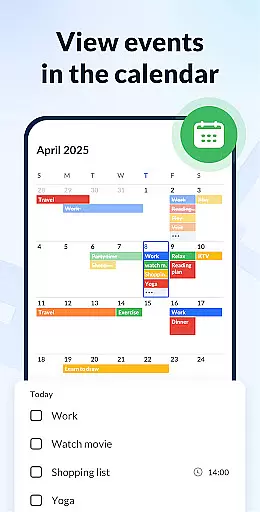
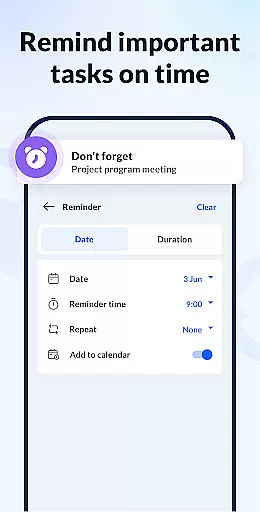
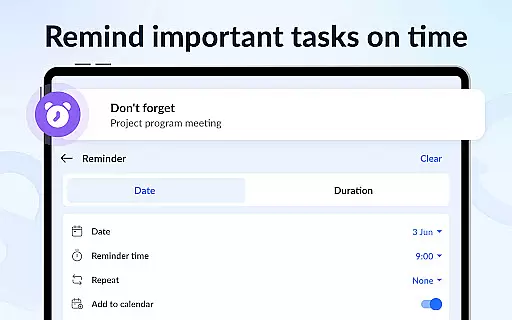
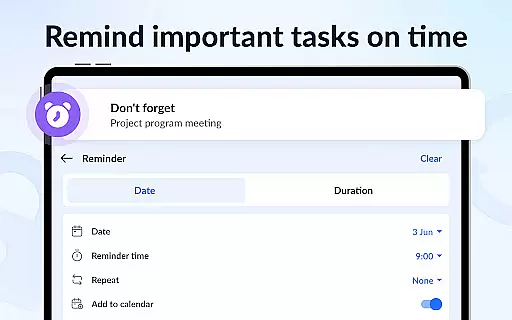
The app's calendar functionality allows users to associate notes with specific dates, making it easier to track deadlines and appointments. Additional features include setting reminders for important tasks, sorting notes by color or time, and securing private notes with a password lock. With support for cloud backup and restore, Notein ensures that your data remains safe and accessible across devices. Its ability to display notes in list, grid, or detailed views caters to different user preferences, while the small app size ensures minimal impact on device storage.
Effective task management is essential for productivity, and Notein - Notepad, Notes, Lists excels in this area. The app offers a comprehensive suite of tools designed to streamline the way you handle tasks and notes.
With features like color-coded notes, calendar integration, and checklist modes, users can organize their tasks with remarkable ease. The ability to pin important notes and view them through widgets ensures that critical information is always accessible.
Notein supports setting reminders for notes, ensuring you never miss an important deadline or event. This functionality extends to its sticky notes widgets, which allow quick access and management right from your home screen.
The app's automatic saving feature as you type, combined with cloud backup and restore options, provides peace of mind. Users can focus on their tasks without worrying about data loss, making Notein a reliable companion for both personal and professional task management.
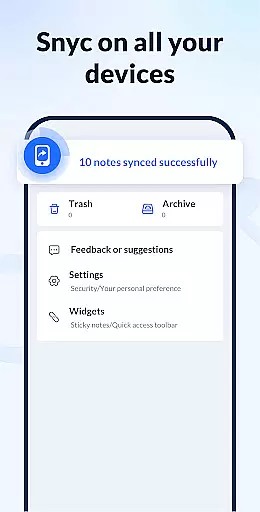
Cross-device synchronization is crucial for users who need consistent access to their notes across multiple devices. Notein - Notepad, Notes, Lists addresses this need by offering reliable synchronization capabilities.
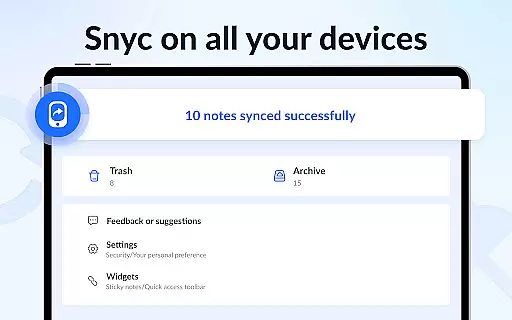
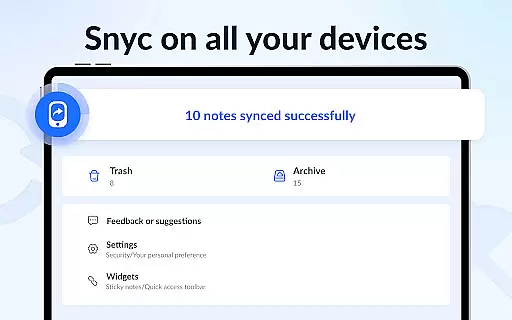
The app supports backing up all your notes and lists to the cloud, ensuring that your data is preserved and can be accessed from any device. This feature is particularly beneficial for users who switch between their phone, tablet, and computer throughout the day.
Moreover, Notein's compatibility with various Android devices, including Samsung, Xiaomi, Huawei, and Redmi, enhances its synchronization reliability. Regardless of the device you're using, the app maintains a seamless experience.
By providing a small-sized yet powerful application, Notein ensures that your notes are synchronized efficiently without consuming excessive storage or bandwidth. This reliability makes it an excellent choice for anyone seeking a dependable note-taking solution.
User-friendly interface
Automatic note saving
Color-coded organization
Strong security features
Cloud backup support
Limited formatting options
No collaboration tools
Occasional sync issues
Basic sharing capabilities
Ads in free version

Professional calendar app for Google Calendar, MS Outlook & Exchange
 4.20
4.20
Easiest event planning, volunteer signups & parent teacher conference scheduling
2.20
Stay on top of your to-dos with Google Tasks, part of Google Workspace.
4.60
Activate Two Factor Authentication (2FA or Multi OTP), Password manager and more
4.10
All document reader, all in one file viewer read PDF, DOCX, XLS, PPT, TXT files.
4.60
Calendar 2023 widget for Android. Appointment scheduler, planner, and reminder
4.60
Best Tool for the professionals Electrician, Electrical contractors, etc.
4.90
Ultimate Virtual AI Character for immersive Roleplay Chat. Perfect Companion
3.90
Browse and view your photos and videos from the phone with photo & video hide.
4.10
Seamlessly integrate data and reports to build your presentation to impress
4.80
Protect and view your important info on your phone and tablet with eWallet®
4.80
We're working to become the best machining app on the market! www.cncdirt.com
4.80
App lock - lock apps with fingerprint, password, pin or pattern, protect privacy
4.70
The AI assistant that thinks with you - write, code, and solve complex tasks
4.60
To do list widget with a notebook organizer, checklist, simple shopping list
4.60
AI Chatbot and AI writing assistant powered by ChatGPT.
4.60
Share files & memories safely. Keep your photos and videos secure.
4.40
Access, manage and transfer files on Android, PC, Mac, NAS and cloud storages.
4.30
IP Camera Viewer - Android TV : RTSP Surveillance camera viewer for Android TV
4.3


User Reviews