
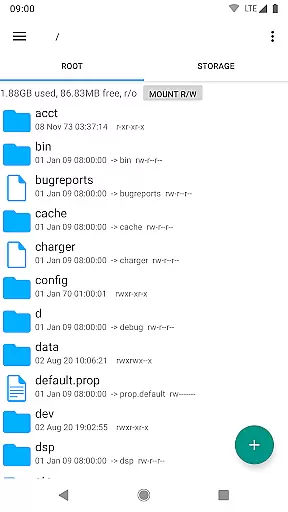
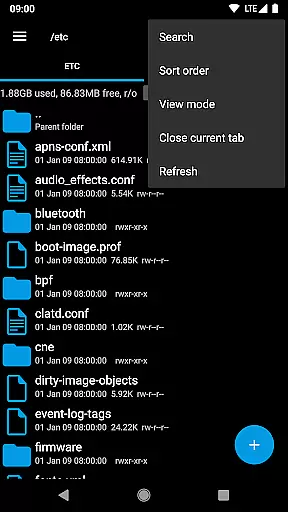
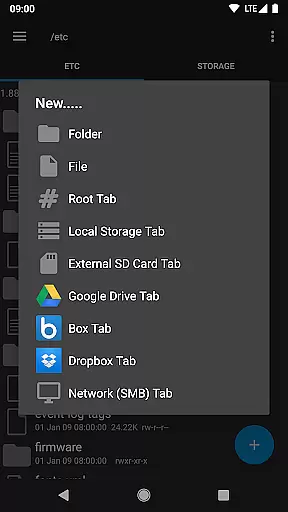
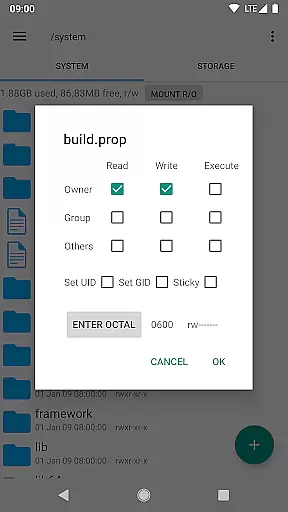
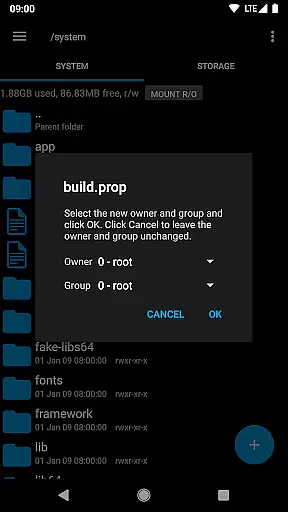
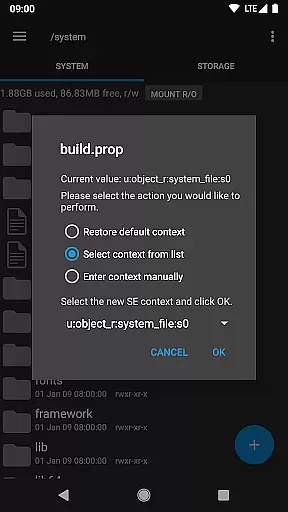
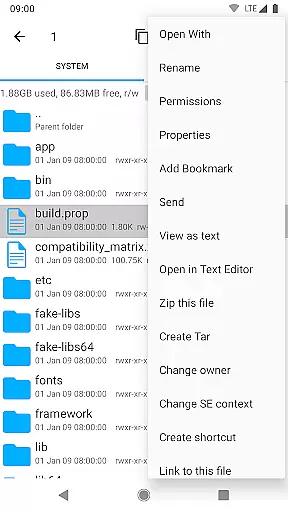
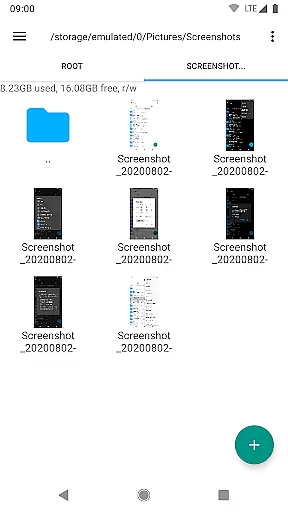
Root Explorer stands as the premier file manager tailored for root users, granting unrestricted access to Android's entire file system, including the often inaccessible data folder. With a comprehensive suite of features, it empowers users to manage files with precision and ease.
The app supports multiple tabs, cloud services like Google Drive, Box, and Dropbox, and network (SMB) connections. It includes tools such as an SQLite database viewer, text editor, and the ability to create and extract various file formats. Whether you're executing scripts, changing permissions, or viewing APK binary XML, Root Explorer is designed to cater to advanced user needs.
Ideal for tech-savvy individuals who require deep system access, this app facilitates efficient file management and system customization, making it invaluable for those seeking full control over their device's operating environment.
Root Explorer boasts an impressive array of features that set it apart from standard file managers. The inclusion of multiple tabs, support for cloud storage services, and network (SMB) capabilities ensures seamless file handling across different platforms.
Advanced functionalities such as an SQLite database viewer, text editor, and the ability to handle various file formats (ZIP, TAR/GZIP, RAR) provide users with powerful tools for file manipulation. Additionally, features like script execution, permission changes, and symbolic link creation offer granular control over the file system.
Each feature is meticulously crafted to enhance user productivity, whether through creating shortcuts, generating MD5 checksums, or using the 'Open With' facility. This robust functionality makes Root Explorer indispensable for users requiring sophisticated file management solutions.
Root Explorer excels in core task management by providing users with a comprehensive suite of tools to efficiently handle files and folders. This includes multiple tabs for easy navigation, multi-select options for batch operations, and the ability to create and extract various file formats such as zip, tar, and gzip.
The app also supports advanced functionalities like executing scripts, remounting drives, and changing file permissions, which are crucial for power users who require granular control over their Android device's file system. These features ensure that users can perform complex tasks without needing a computer.
Additionally, Root Explorer offers seamless integration with cloud services such as Google Drive, Dropbox, and Box, allowing users to manage their files across different platforms effortlessly. This connectivity enhances productivity by centralizing file management tasks within the app.
By combining these robust features with an intuitive interface, Root Explorer empowers users to manage their files more effectively, saving time and reducing complexity in everyday tasks.
Cross-device synchronization is a standout feature of Root Explorer, ensuring that users can access and manage their files consistently across different devices. The app supports network (SMB) connections, enabling reliable data transfer between Android devices and other systems on the same network.
Furthermore, Root Explorer provides integration with popular cloud storage services like Google Drive, Dropbox, and Box. This allows users to synchronize their files automatically, ensuring that changes made on one device are reflected on all others. Such reliability is vital for maintaining up-to-date backups and collaborative workflows.
The app's ability to prevent the device from sleeping during long operations ensures uninterrupted synchronization processes. This feature is particularly beneficial when transferring large files or performing extensive file management tasks, as it minimizes the risk of errors due to device inactivity.
Overall, Root Explorer's cross-device synchronization capabilities enhance user productivity by offering dependable and efficient ways to keep files organized and accessible, regardless of the device being used.
Unparalleled file system access
Comprehensive feature set
Efficient multi-tab interface
Robust cloud service integration
Precise permission management
Complex for novice users
Requires root access
Feature overload for some
Occasional stability issues
Not ideal for casual use

A Revolutionary All-in-One Artificial Intelligence Tools
 3.80
3.80
Ads Free App! Editor, Hide File, Copy, Move, Delete and Rename.. all facility av
1.70
A simple, portable logger for POTA, SOTA, Field Day, and more
4.2
We're working to become the best machining app on the market! www.cncdirt.com
4.80
Customizable calendar widget for seamless event sync, planning & scheduling.
4.00
Create and edit presentations with Google Slides, part of Google Workspace.
4.00
Access, manage and transfer files on Android, PC, Mac, NAS and cloud storages.
4.30
Experience and share your SolidWorks designs on your Android® phone and tablet.
2.50
AT&T Internet customers can use this app to personalize their Wi-Fi network.
4.40
Native client for Forgejo and Gitea
5.00
Direct Chat without saving contacts & Dual WA Account on Single Device
4.70
Scan paperwork into PDF/JPG, generate your own e-signature and send fax or email
4.70
Okta MFA
4.70
Secure, fast, open-source, Remote Desktop Client for Windows and Linux with SSH
4.60
The AI assistant that thinks with you - write, code, and solve complex tasks
4.60
To do list widget with a notebook organizer, checklist, simple shopping list
4.60
A customizable calendar for your Wear OS watch
4.20
Unlock AutoNotification
4.00
Mega cloud explorer plugin for Solid Explorer
3.80


User Reviews