
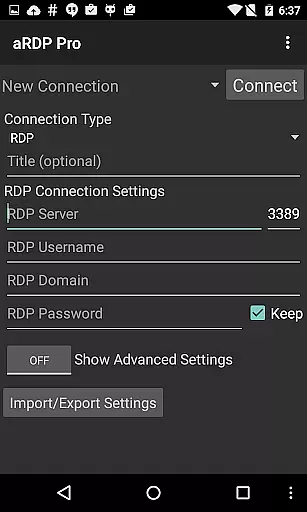
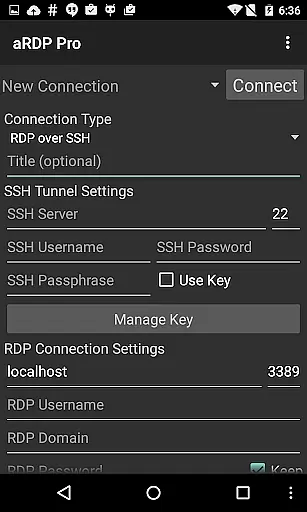
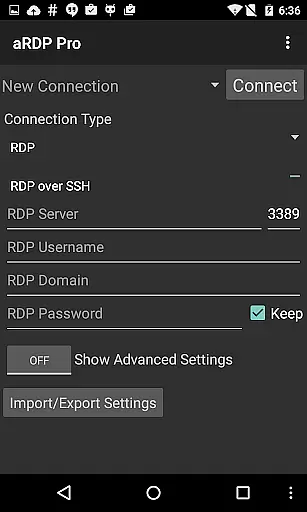
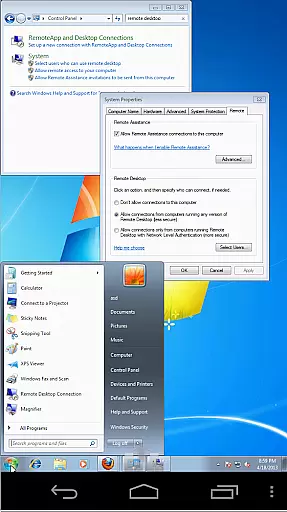
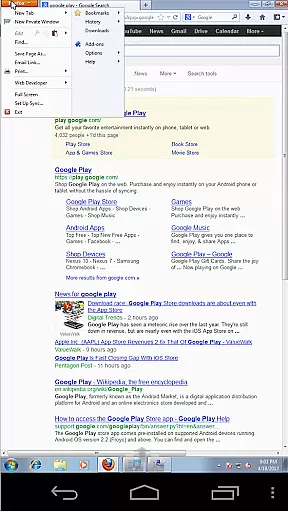
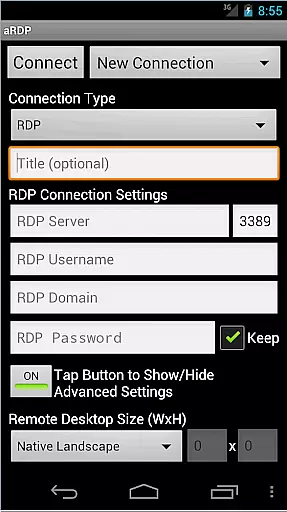
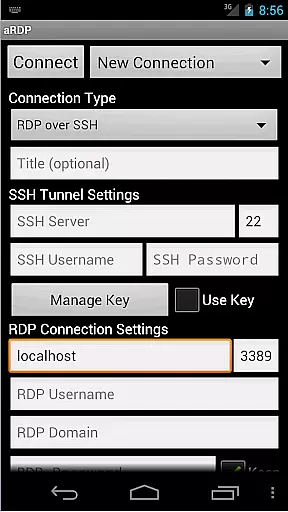
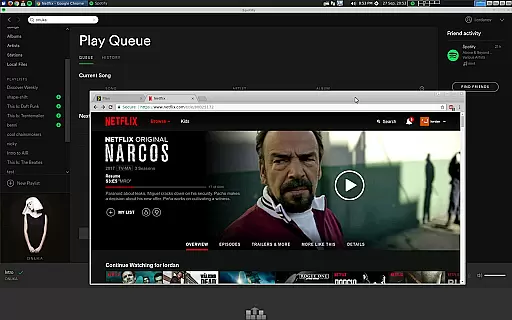
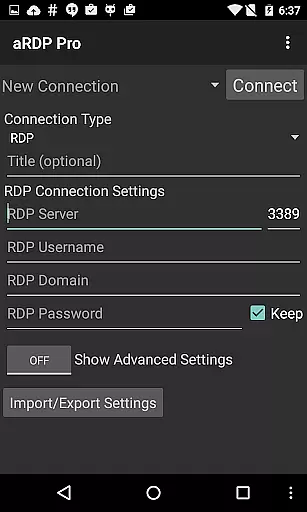
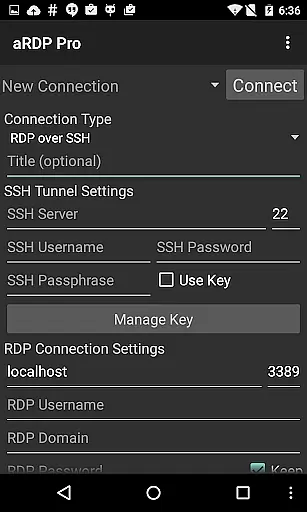
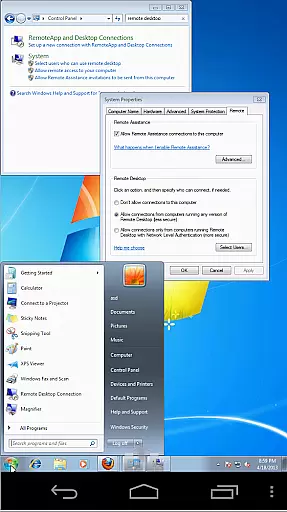
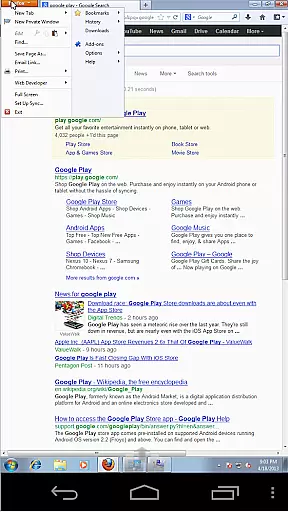
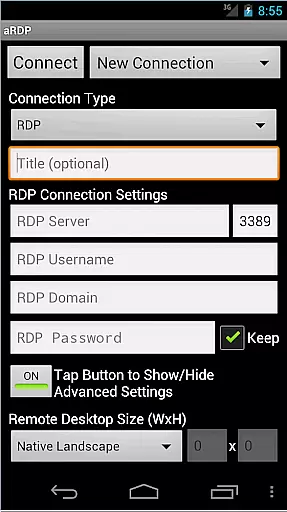
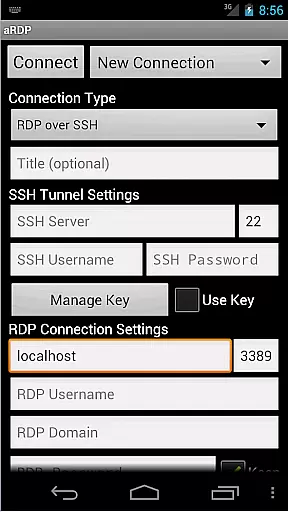
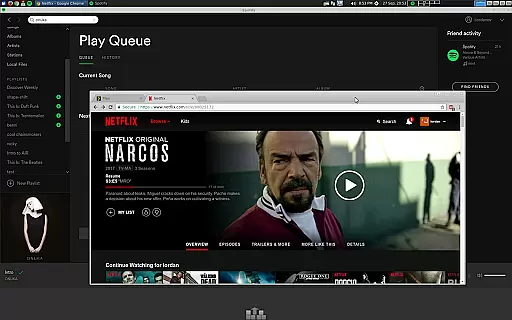
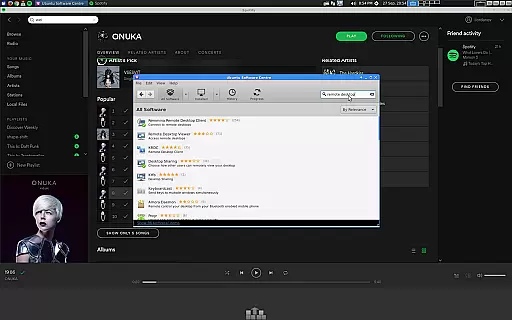
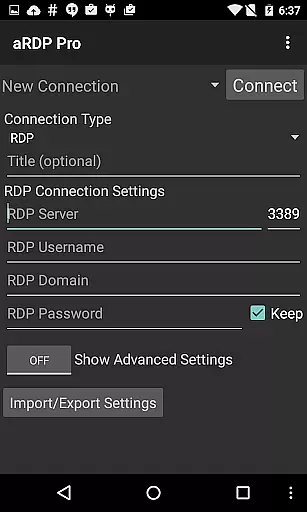
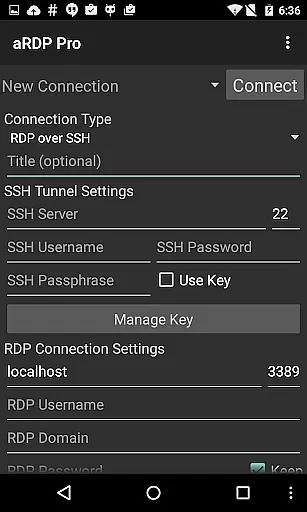
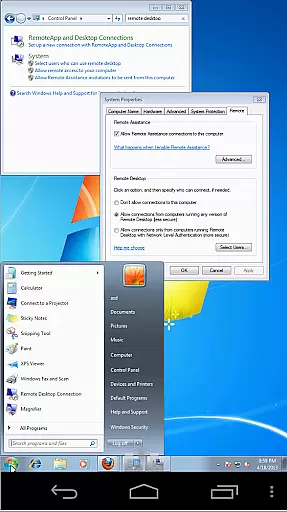
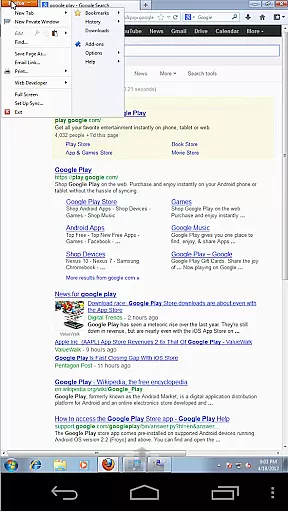
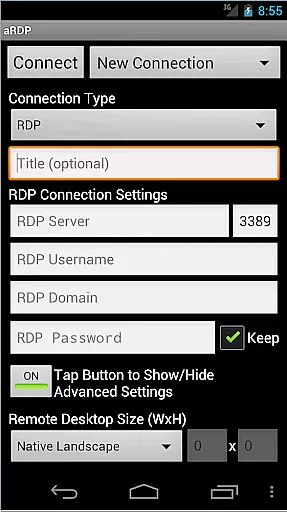
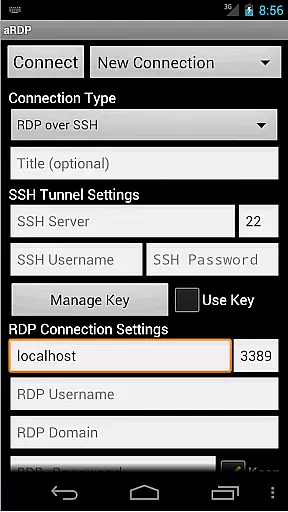
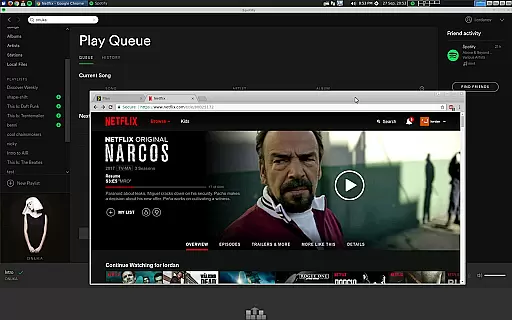
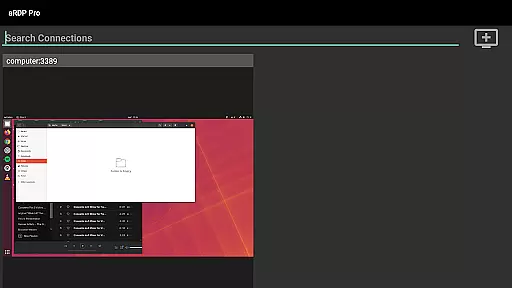
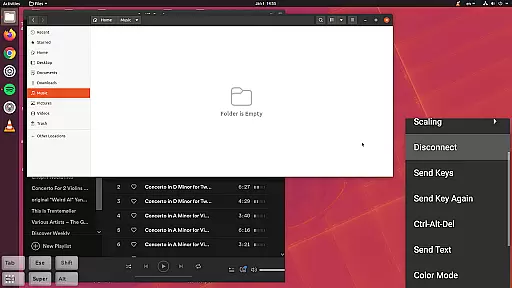
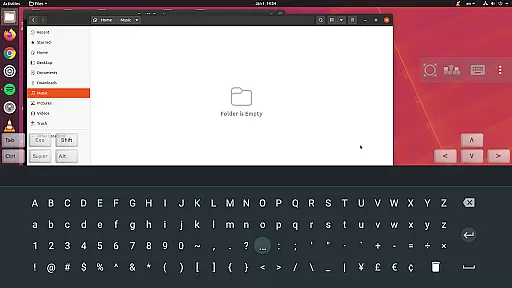
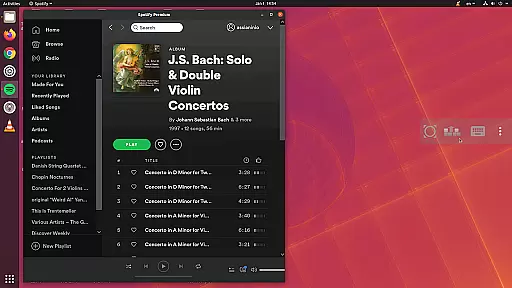
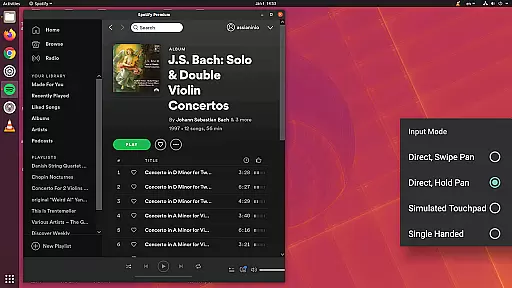
aRDP Pro is a premier open-source Remote Desktop Protocol (RDP) client, offering secure and versatile remote desktop control. It leverages the robust FreeRDP library to deliver seamless connectivity with Windows and Linux systems. The app supports multi-touch gestures, SSH tunneling, sound redirection, and various other features that enhance remote access.
Designed for productivity, aRDP Pro caters to users who require reliable remote connections on their Android devices. Whether accessing a Windows PC or managing a Linux server, this application ensures a smooth and responsive experience. Its comprehensive feature set includes multi-factor authentication, dynamic resolution changes, and support for multiple languages, making it an essential tool for IT professionals and tech-savvy users.
aRDP Pro stands out with its extensive array of features tailored for efficient remote desktop management. The app provides full control over remote sessions, allowing users to customize their experience with options like master password protection, MFA/2FA SSH authentication, and RDP Gateway Support. These features ensure secure and flexible access to remote machines.
One of the key highlights is the intuitive multi-touch control system. Users can perform complex actions such as right-clicking, middle-clicking, and scrolling with simple touch gestures. Additionally, advanced functionalities like pinch-zooming, force landscape mode, and immersive mode contribute to a superior user experience. With support for high color depths and various scaling modes, aRDP Pro delivers crisp and clear visuals during remote sessions.
aRDP Pro excels in core task management by offering users a comprehensive set of tools to control remote desktops efficiently. The application supports RDP connections to various operating systems, including Windows and Linux, ensuring broad compatibility.
With features like dynamic resolution changes and multi-touch controls, users can seamlessly interact with remote systems as if they were using a local machine. The ability to configure sessions with precision allows for an optimized workflow tailored to individual needs.
The app also includes SSH tunneling, adding a layer of security while accessing remote machines. This ensures that sensitive data remains protected during transmission, which is crucial for productivity applications handling confidential information.
Additionally, the availability of different input modes and on-screen controls enhances user experience by providing flexibility in how tasks are managed remotely. These capabilities make aRDP Pro a reliable choice for efficient remote desktop management.
Cross-device synchronization is a standout feature of aRDP Pro, enabling users to maintain consistent access to their remote desktops across multiple devices. Whether switching from a smartphone to a tablet or vice versa, the transition is smooth and reliable.
The application's support for automatic connection session saving means that users can pick up right where they left off, without the need to reconfigure settings each time they switch devices. This seamless experience is vital for maintaining productivity on the go.
Moreover, aRDP Prou2019s compatibility with various screen sizes and its Samsung multi-window support ensure that the interface remains intuitive and functional, regardless of the device being used. Such adaptability enhances the overall user experience.
By prioritizing synchronization reliability, aRDP Pro ensures that all interactions with remote systems are accurately mirrored across devices, providing a dependable solution for managing tasks from any location.
Secure SSH connections
Multi-touch gestures
Dynamic resolution
Multi-language support
Comprehensive help guides
No iOS version available
Complex setup for beginners
Limited Windows 10 Home support
Occasional connection issues
Requires technical knowledge

Secure, fast, open-source, VNC and SSH Remote Desktop for Windows, Linux and Mac
 4.70
4.70
Mega cloud explorer plugin for Solid Explorer
3.80
A simple, portable logger for POTA, SOTA, Field Day, and more
4.2
Find and delete junk files & block unwanted notifications & manage files
3.70
Activate Two Factor Authentication (2FA or Multi OTP), Password manager and more
4.10
Translate text/voice/photos in 150+ languages. Offline & fast translator app.
4.50
A comprehensive suite of tools designed specifically for Lactation Consultants
4.0
A beautiful digital clock with autostart and many other functions
4.70
Ultimate Virtual AI Character for immersive Roleplay Chat. Perfect Companion
3.90
Seamlessly integrate data and reports to build your presentation to impress
4.80
We're working to become the best machining app on the market! www.cncdirt.com
4.80
Understand anything with a personalized AI research assistant
4.80
Simple notepad & memo. Take notes, to-do list, shopping list with reminders.
4.80
The Pro Version of Android's tiniest Notepad app. Just 0.3MB but feature-packed!
4.60
Docker, Kubernetes management over Portainer Mobile
4.40
This small app MUST BE INSTALLED after purchase, else license won't work
4.40
Remotely view listen control and record cameras.
3.70
Easiest event planning, volunteer signups & parent teacher conference scheduling
2.20
Create study competitions, track your hours, and stay consistent with friends
4.5


User Reviews