
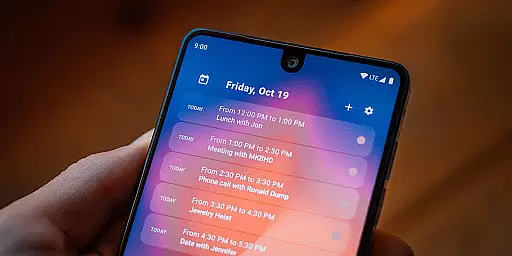
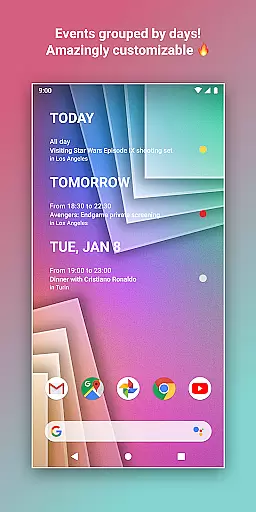
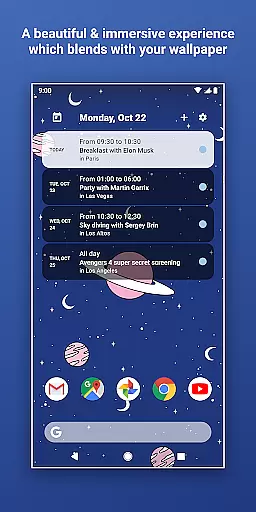
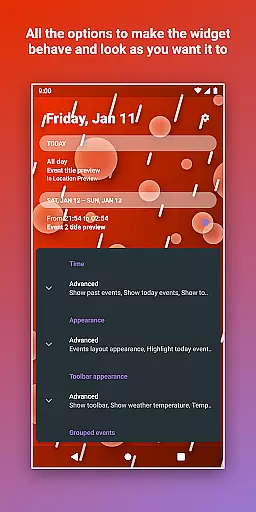
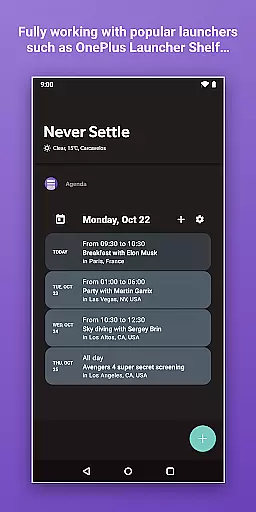
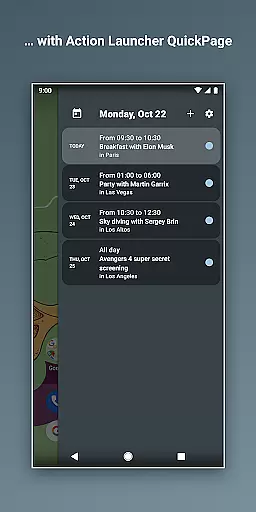
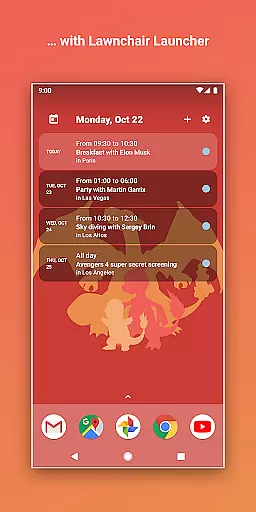
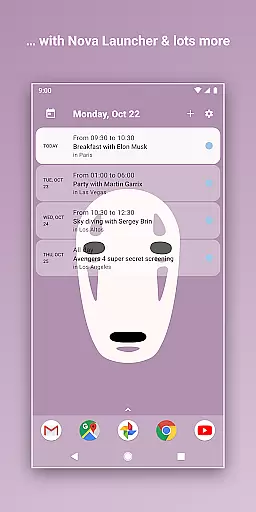
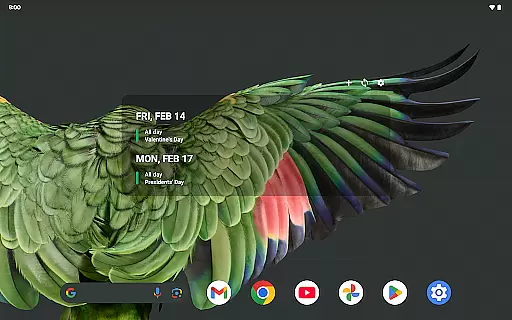
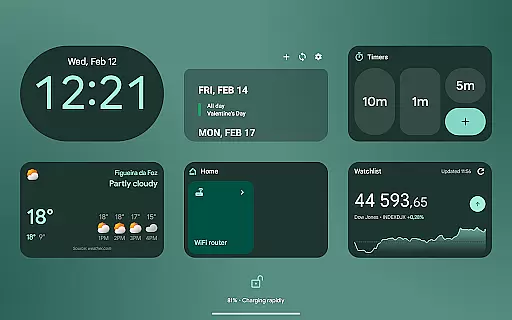
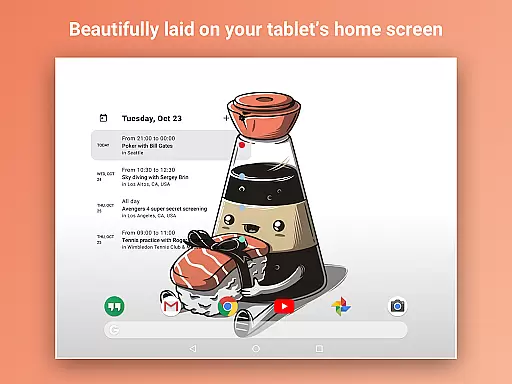
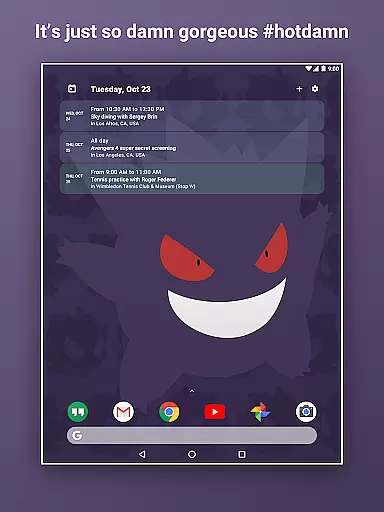
Home Agenda is a powerful productivity tool designed to streamline your daily planning and organization. This customizable calendar widget, agenda, and planner for Android offers seamless integration with popular calendar services like Google Calendar and Outlook. With instant syncing capabilities, users can effortlessly manage their events and appointments directly from their home screen.
The app stands out with its custom design options, allowing users to personalize widget sizes and themes to match their preferences. Its user-friendly interface provides easy access to event details, while the quick-add feature ensures efficient time management. Home Agenda also prioritizes privacy, operating as a 100% local application without data tracking or ads, making it an ideal choice for security-conscious users.
Whether you need to maintain a busy work schedule or simply want to stay organized in your personal life, Home Agenda transforms your home screen into a dynamic planning hub. The app's optimized performance ensures minimal battery impact, while real-time notifications keep you updated on your schedule. These features make it an essential tool for anyone seeking to enhance their productivity and maintain better control over their daily activities.
Home Agenda distinguishes itself through a comprehensive set of features that cater to various productivity needs. One of its core strengths is the extensive customization options, enabling users to create personalized themes and adjust widget sizes to fit their home screen perfectly. This flexibility allows for a unique and tailored user experience that adapts to individual preferences and workflows.
The app's instant synchronization capability is another standout feature. It connects seamlessly with multiple calendar services including Google Calendar and Outlook, ensuring all events and appointments are automatically updated across devices. Users can quickly view, add, and edit events directly from their home screen, streamlining their planning process. The app's low battery impact is achieved through optimized performance algorithms, making it suitable for everyday use without compromising device efficiency.
Security and privacy are paramount in Home Agenda's design. As a 100% local application, it guarantees that user data remains private and secure, never being tracked or shared with third parties. The app also provides real-time notifications, keeping users informed about upcoming events and schedule changes. These features collectively contribute to a superior productivity solution that helps users maintain better organization and control over their time management.
Effective task management is essential for maintaining productivity, and Home Agenda excels in this area by providing users with a comprehensive suite of tools to manage their schedules.
This app allows you to effortlessly sync events from various calendar services such as Google Calendar and Outlook, ensuring that all your important dates are centralized in one accessible location.
With instant access to your events, the ability to quickly add new ones, and edit existing entries, Home Agenda ensures that you stay organized and on top of your planning game without missing a beat.
The true value lies in its seamless integration into your daily routine, boosting your efficiency while keeping everything at your fingertips.
In today's fast-paced world, reliable cross-device synchronization is key to maintaining an up-to-date and cohesive schedule across all your devices.
Home Agenda offers optimized performance with real-time notifications that ensure you're always aware of your upcoming events, regardless of the device you're using.
Despite the lack of a public API for fetching reminders from Google Calendar, the app manages to keep your data current through its smart syncing capabilities with supported calendars.
Moreover, being 100% local means it respects user privacy while delivering consistent updates, making sure that your personal information remains secure and your plans are always in sync.
User-friendly interface
Highly customizable widgets
Instant calendar sync
Privacy-focused design
Minimal battery consumption
Limited reminder functionality
No public API access
Premium features require payment
Occasional sync delays
Complex initial setup

QuickBooks Workforce lets teams view pay info and track time in one place.
 4.70
4.70
Ads Free App! Editor, Hide File, Copy, Move, Delete and Rename.. all facility av
1.70
Wake up & get tasks done! Add alarms & reminders on the Clock Launcher.
4.00
Android Wallet Password Manager
4.80
App Lock with fingerprint, password: Lock apps & hide photos with lock screens
4.60
Secure, open-source, SPICE and SSH Remote Desktop for QEMU KVM virtual machines
4.00
Great calculator for Android named one of USA TODAY's "25 Essential Apps".
4.90
To do list widget with a notebook organizer, checklist, simple shopping list
4.60
2026 USPS Alpha/Color coded calendar Sunday/Rotating day off schedules
4.0
Best Tool for the professionals Electrician, Electrical contractors, etc.
4.90
Understand anything with a personalized AI research assistant
4.80
Functional QR scanner and barcode reader that requires little storage space.
4.60
A simple Whisper AI keyboard for reliable speech transcription and rewording
4.60
Planet Free VPN - The best Fast Unlimited and Secure VPN Without Logs
4.50
Share files & memories safely. Keep your photos and videos secure.
4.40
When you Focus, so will your Bean in this cozy focus timer
4.30
Total remote control for your Android device, PC and cloud services (IFTTT)!
4.20
Professional calendar app for Google Calendar, MS Outlook & Exchange
4.20
A Revolutionary All-in-One Artificial Intelligence Tools
3.80


User Reviews