
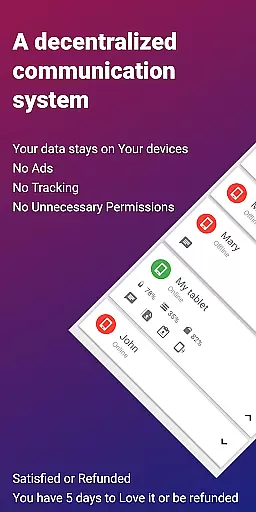
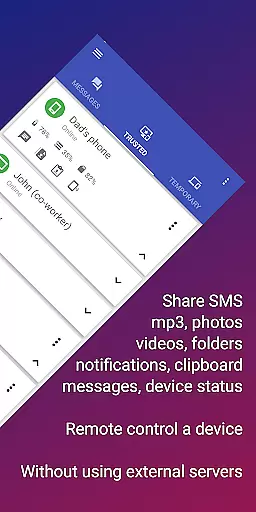
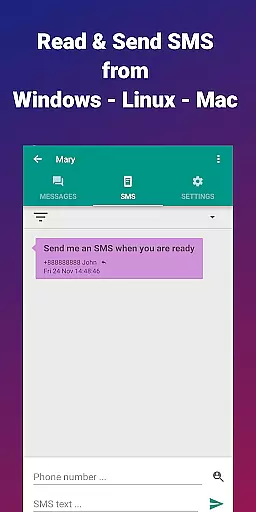
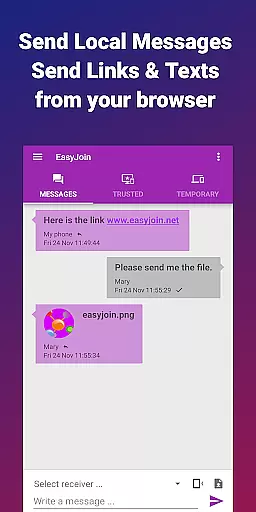
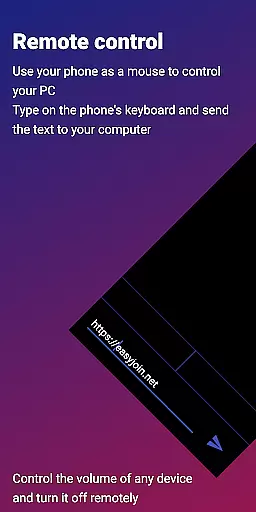
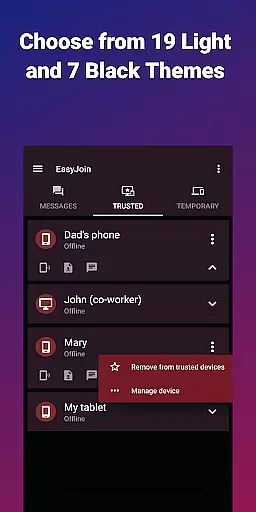
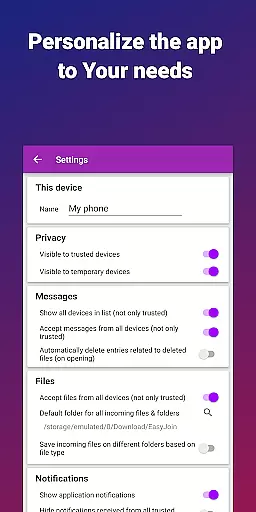
EasyJoin is a productivity-focused application designed to seamlessly connect your devices and transfer files instantly without relying on cloud services, advertisements, or tracking mechanisms. The app enables users to send files, sync clipboards, manage SMS, read notifications, and control devices using only their local network, ensuring privacy and encryption of data.
With its user-friendly interface, EasyJoin supports fast file transfers between various devices such as phones, PCs, and tablets. It also offers clipboard synchronization across multiple platforms including Android, Windows, macOS, iPhone, iPad, and Linux. This makes it an ideal tool for individuals seeking efficient ways to manage their digital workflow while maintaining complete control over their personal information.
Whether you're looking to read and respond to SMS from your computer, share files between devices, or use your phone as a remote control, EasyJoin provides a secure and private solution that operates entirely within your local network.
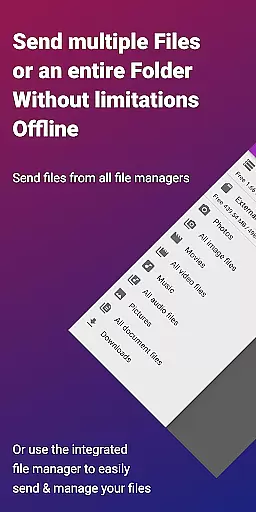
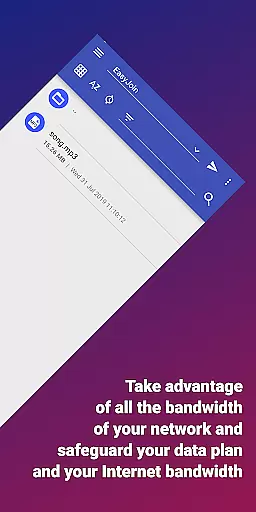
EasyJoin boasts a variety of features tailored to enhance productivity and streamline device management. One of its standout capabilities is the fast file transfer function, which allows users to send photos, videos, documents, and folders between devices instantly without the need for internet connectivity, cloud storage, or external servers.
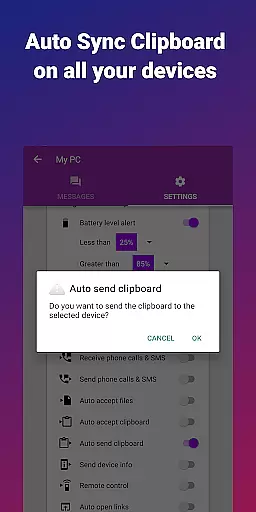
Another key feature is clipboard synchronization, enabling users to copy content on one device and paste it on another effortlessly. This functionality works seamlessly across different operating systems, enhancing cross-platform compatibility. Additionally, EasyJoin offers peer-to-peer encrypted sharing, ensuring all data remains private and secure within the local network.
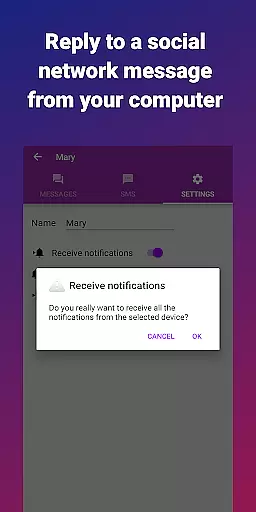
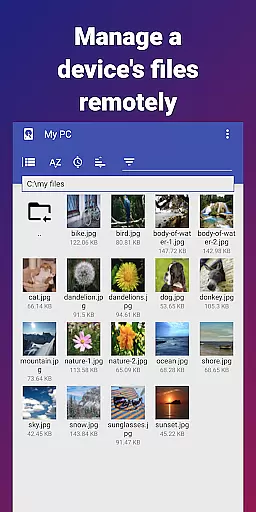
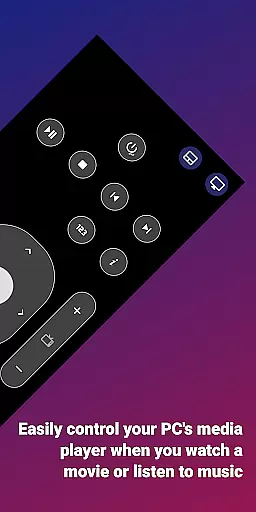
Remote notifications and SMS management allow users to interact with their phone's messages and alerts directly from their computer. The app also includes remote control functionalities, letting users operate their PC with their phone or vice versa. With support for local network messaging and cross-platform usage, EasyJoin stands out as a versatile and secure tool for modern digital environments.
Efficient task management is essential for productivity applications, and EasyJoin excels in this area by offering a suite of features that streamline device connectivity and file sharing.
The app enables instant file transfers between various devices without relying on cloud services or external servers, ensuring that your workflow remains uninterrupted. With support for multiple file types including photos, videos, and documents, users can easily manage their digital assets across platforms.
Additionally, EasyJoin's clipboard sync feature enhances task management by allowing seamless copy-paste operations across Android, Windows, macOS, iPhone, iPad, and Linux devices. This ensures that information flows smoothly between different work environments, enhancing efficiency.
By focusing on local network operations, EasyJoin provides a secure and fast method for managing tasks related to file sharing and device control, making it an indispensable tool for both personal and professional use.
Cross-device synchronization is a critical component of modern productivity tools, and EasyJoin delivers reliable performance through its innovative peer-to-peer encrypted sharing.
All data shared via EasyJoin stays within the user's local network, employing end-to-end encryption to maintain privacy and security. This approach not only safeguards sensitive information but also ensures that files, notifications, and messages are accurately synchronized across all linked devices.
EasyJoin supports remote notifications and SMS functionality, enabling users to interact with their mobile devices directly from their computers. This level of integration enhances the reliability of cross-device interactions, providing a cohesive user experience.
Furthermore, the application's compatibility with multiple operating systems, including Windows, macOS, Linux, and mobile platforms, guarantees that users can depend on consistent and timely updates across their entire device ecosystem.
Fast file transfer
Clipboard sync
P2P encryption
Cross-platform
No subscriptions
Limited to LAN
One-time cost
No cloud backup
Complex setup
Fewer integrations

Secure, fast, open-source, VNC and SSH Remote Desktop for Windows, Linux and Mac
 4.70
4.70
QuickBooks Workforce lets teams view pay info and track time in one place.
4.70
Total remote control for your Android device, PC and cloud services (IFTTT)!
4.20
Easily read and manage all your PDF files
4.10
A simple, portable logger for POTA, SOTA, Field Day, and more
4.5
Remotely view listen control and record cameras.
3.70
Cloud storage, automatic phone backup, and more.
4.10
A simple Whisper AI keyboard for reliable speech transcription and rewording
4.60
Experience and share your SolidWorks designs on your Android® phone and tablet.
2.50
Direct Chat without saving contacts & Dual WA Account on Single Device
4.70
Quickly and easily keep track of your work shifts
4.70
A lightweight JSON & XML files creator, editor and viewer (Premium Version)
4.40
A Pixel Art watchface inspired by other iconic 90s designs for Wear OS devices!
4.40
Access, manage and transfer files on Android, PC, Mac, NAS and cloud storages.
4.30
* block pre-roll ads, pop-up and forced redirect ads * Samsung certification app
4.00
A Revolutionary All-in-One Artificial Intelligence Tools
3.80
All in one sketching tool. Technical and General drawing. Online Maps support.
3.70
Find and delete junk files & block unwanted notifications & manage files
3.70
Create study competitions, track your hours, and stay consistent with friends
4.3


User Reviews