
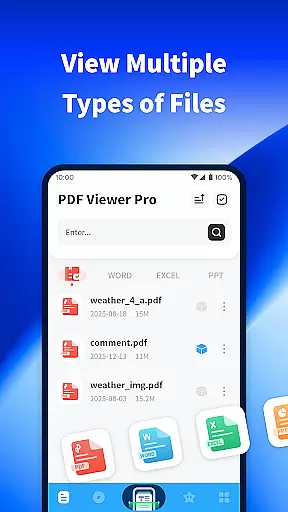
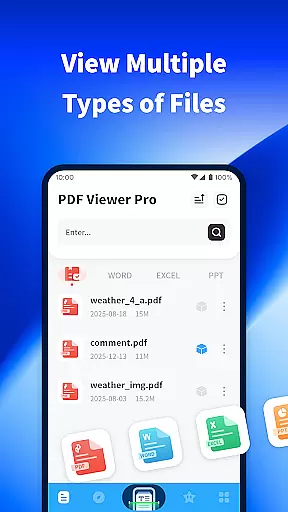
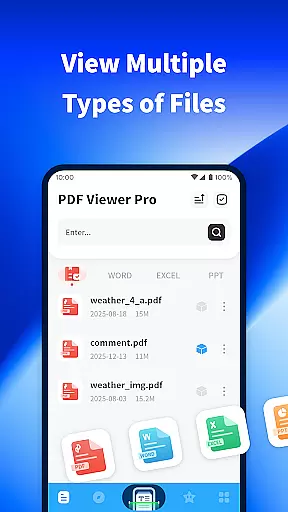
PDF Viewer Pro is a versatile productivity application designed to enhance document management and reading experiences. This app allows users to open files in various formats, making it an essential tool for both study and daily use. With features like file scanning, PDF annotation, and night mode, it offers a comprehensive solution for document handling.
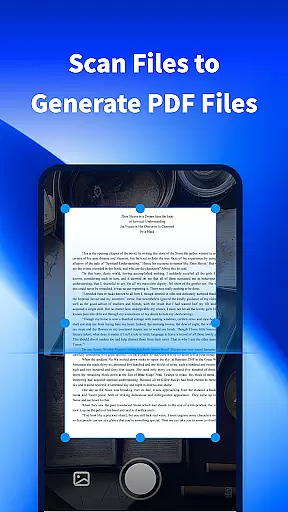
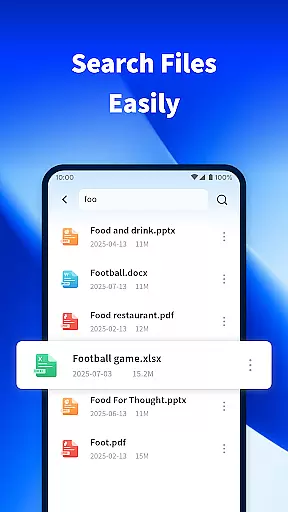
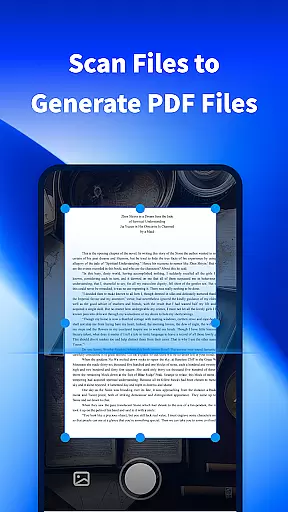
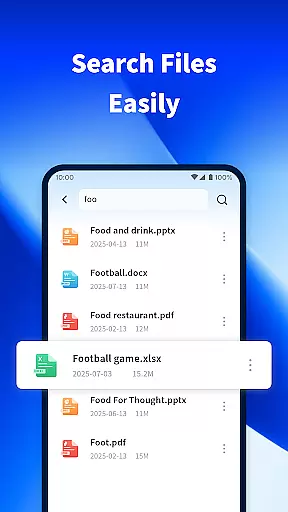
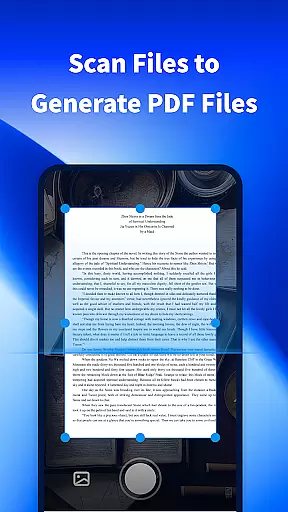
The application stands out with its ability to scan physical documents and convert them into digital PDFs. Additionally, the built-in search functionality enables quick access to files stored on your device. Whether you're a student managing research papers or a professional handling business documents, PDF Viewer Pro provides the tools needed to stay organized and efficient.
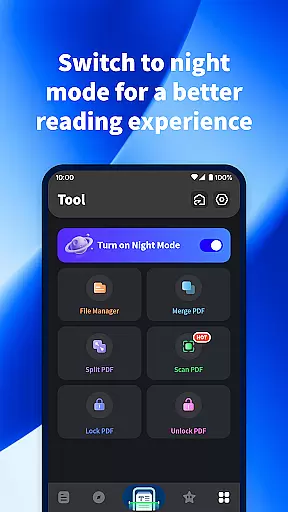
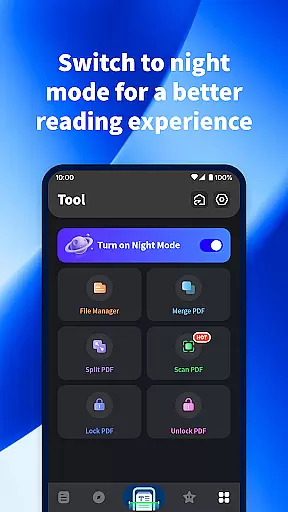
One of the key benefits of this app is its user-friendly interface that supports productive workflows. The night mode feature ensures comfortable reading during late hours, while the annotation tools allow for detailed document review. These capabilities make PDF Viewer Pro a valuable asset for anyone looking to streamline their document management process.
PDF Viewer Pro boasts an impressive array of features that cater to diverse document management needs. The app's scanning functionality lets users capture physical documents and transform them into digital PDFs, streamlining the digitization process. This feature is particularly useful for creating electronic copies of important paperwork or notes.
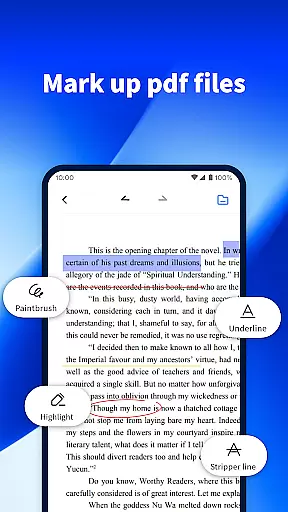
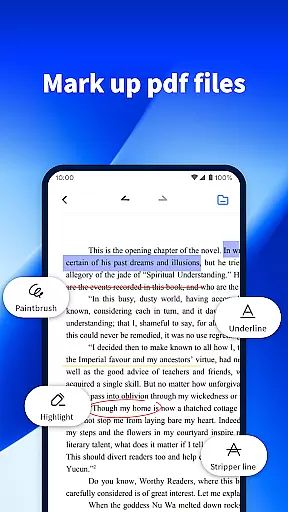
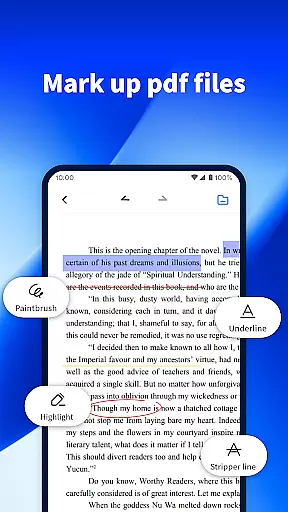
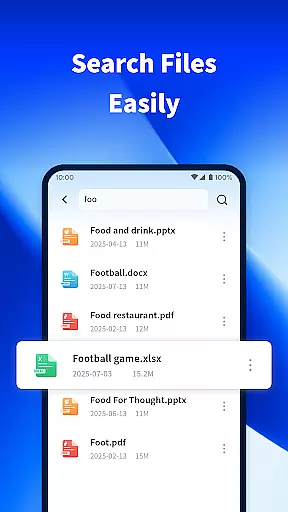
In addition to document scanning, the app provides robust PDF annotation tools. Users can highlight text, add comments, and draw directly on PDF documents, facilitating detailed review and collaboration. The search capability is another standout feature, allowing users to quickly locate specific files among numerous documents stored on their devices.
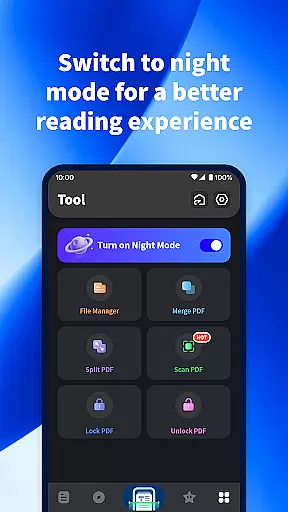
The night mode feature enhances readability in low-light conditions, reducing eye strain during extended reading sessions. This thoughtful design element demonstrates the app's commitment to user comfort. Together, these features create a powerful productivity tool that empowers users to work more efficiently across different environments and use cases.
PDF Viewer Pro excels in core task management by offering a comprehensive suite of tools designed to handle PDF documents efficiently. This includes the ability to scan files and generate PDFs, making document creation seamless.
The app allows users to mark PDF documents with ease, providing essential annotation features that are crucial for productivity. These marking tools enable users to highlight, underline, and add notes to their documents, facilitating better information processing and retention.
Additionally, the app enhances task management through its powerful file search functionality. Users can quickly locate the files they need, streamlining their workflow and ensuring that important documents are always at their fingertips.
By integrating these robust task management features, PDF Viewer Pro ensures that users can manage their PDF documents with precision and efficiency, significantly boosting their overall productivity.
Cross-device synchronization is a pivotal feature of PDF Viewer Pro, ensuring that users can access their documents from multiple devices without any loss of data or formatting. This reliability is crucial for users who work across different platforms.
The app supports real-time updates, meaning any changes made to a document on one device are immediately reflected on all other linked devices. This seamless synchronization ensures that users always have the most up-to-date version of their documents, regardless of where they make edits.
Moreover, PDF Viewer Pro's synchronization process is designed to be both fast and secure. By employing advanced data encryption techniques, the app guarantees that user data remains protected during transfers between devices.
This reliable cross-device synchronization not only enhances user convenience but also provides peace of mind, knowing that their documents are consistently synchronized and secure across all their devices.
User-friendly interface
Comprehensive PDF tools
Efficient file search
Comfortable night mode
Free to use
Limited advanced features
Occasional performance issues
No cloud integration
Basic UI design
Few customization options

A Revolutionary All-in-One Artificial Intelligence Tools
 3.80
3.80
The long-awaited modern gallery app for your Nextcloud server
4.70
Device's storage information in a simple and clear graphical form (infographics)
4.10
Remotely view listen control and record cameras.
3.70
Easiest event planning, volunteer signups & parent teacher conference scheduling
2.20
ID.me Authenticator is a simple and free Two Factor Authentication solution
3.50
Translate text/voice/photos in 150+ languages. Offline & fast translator app.
4.50
The ultimate file manager for rooted devices. The original and still the best.
4.00
Set up, print, and get support—in one place
4.20
8 custom complications. Custom Time Fonts. Beautiful color schemes. A++ Design.
5.00
Scientific calculator for Android - looks and operates like the real thing!
4.90
Seamlessly integrate data and reports to build your presentation to impress
4.80
Okta MFA
4.70
Functional QR scanner and barcode reader that requires little storage space.
4.60
To do list widget with a notebook organizer, checklist, simple shopping list
4.60
Subscribe to Webcal & .ics calendars and keep them up-to-date!
4.50
Unlock AutoNotification
4.00
Ultimate Virtual AI Character for immersive Roleplay Chat. Perfect Companion
3.90
IP Camera Viewer - Android TV : RTSP Surveillance camera viewer for Android TV
4.1


User Reviews