
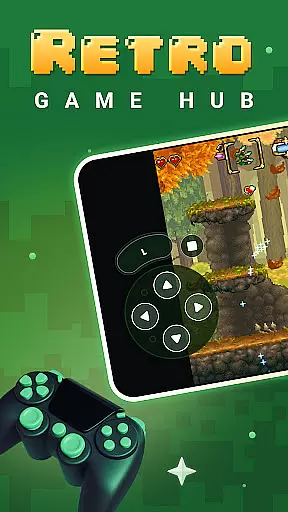
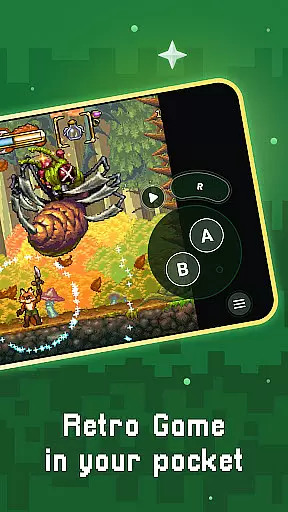
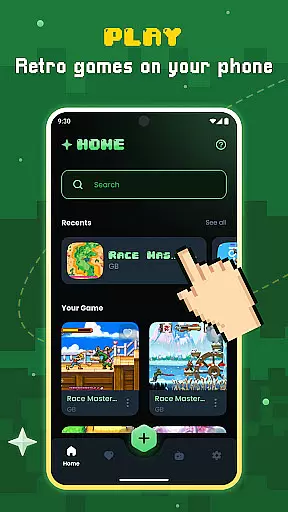
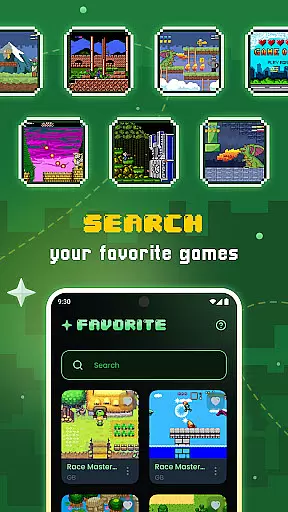
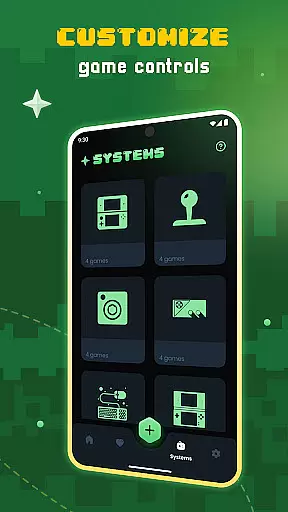
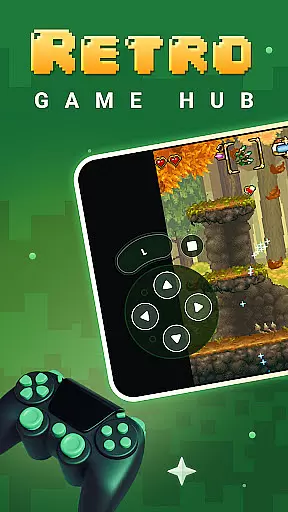
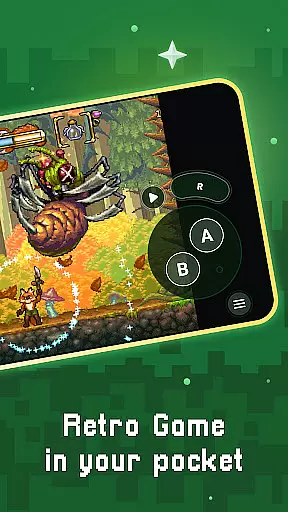
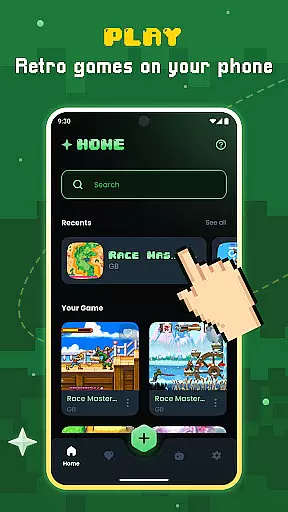
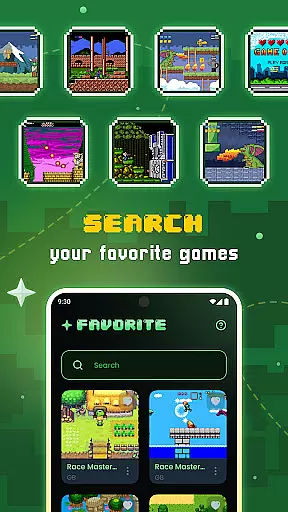
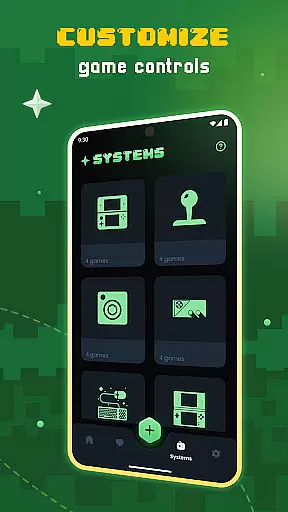
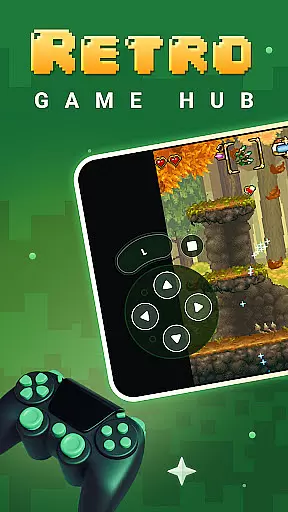
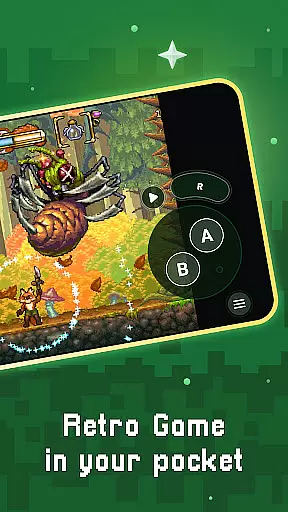
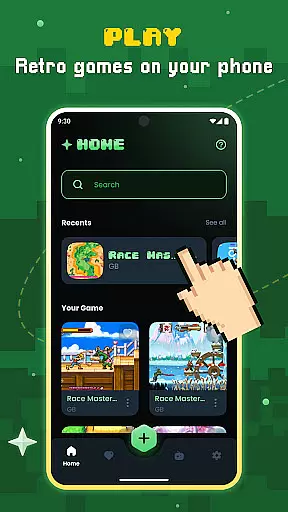
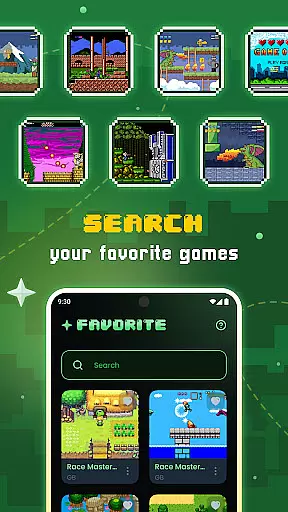
Gamu is a versatile retro gaming platform that allows users to relive classic video game experiences on modern devices. The app supports a wide range of retro game formats and works across multiple operating systems, including PC, Mac, Linux, Android, and iOS. With its compatibility with external controllers and built-in library organization features, Gamu offers a comprehensive solution for managing and enjoying your favorite games from the past.
One of Gamu's standout features is its foundation on Libretro, a powerful open-source framework that ensures smooth performance and rich multimedia capabilities. This includes advanced rendering options, camera integration, and support for various display filters. Whether you're using a smartphone or a smart TV, Gamu delivers an optimized experience tailored to your device's capabilities. Best of all, it's completely free, ad-free, and regularly updated to enhance functionality.
Gamu stands out with its extensive feature set designed to optimize the retro gaming experience. The platform supports automatic saving and resuming of game progress, ensuring you never lose your place. It also includes a robust file scanning system that organizes your game library efficiently, making it easy to find and play your favorite titles.
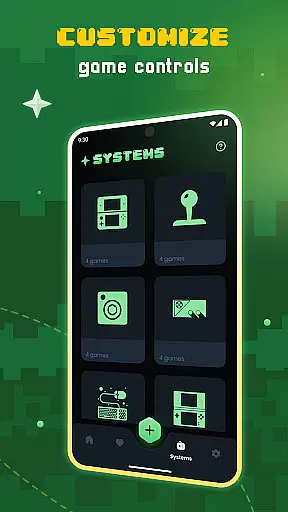
For mobile users, Gamu provides customizable virtual controls and motion-based tilt-to-stick functionality, offering flexibility in how you interact with games. Advanced options like quick save/load slots, fast-forward mode, and visual filters for LCD/CRT displays allow for a personalized gaming experience. Additionally, cloud sync functionality enables seamless access to saved progress across devices, while local multiplayer support makes it perfect for shared gaming sessions.
Task management is essential for productivity applications, and Gamu excels in this area by offering a comprehensive suite of tools designed to streamline your gaming experience. The app provides auto-save functionality, allowing users to pick up right where they left off without worrying about losing progress.
Gamu goes beyond simple save states by including quick save/load slots, giving gamers the flexibility to manage multiple points in their gameplay journey. This feature ensures that you can experiment with different strategies or challenges without jeopardizing your overall progress.
In addition to its robust saving system, Gamu offers game file scanning and cataloging. This means that users can easily organize their extensive libraries of retro games into a coherent and accessible format. With just a few clicks, your entire collection is sorted and ready for play.
The ability to support compressed game files adds another layer of convenience, reducing storage space while maintaining full functionality. These features collectively enhance user productivity by making it easier than ever to manage and enjoy classic video games on modern devices.
Cross-device synchronization is crucial for users who switch between multiple platforms throughout their day. Gamu addresses this need with reliable cloud sync capabilities for game saves, ensuring that your progress is always up-to-date no matter which device you're using.
This seamless integration across devices means that whether you're playing on your PC, Mac, Linux machine, or mobile device like Android and iOS, your saved data follows you everywhere. This feature eliminates the frustration of being tied to one device and allows for greater flexibility in how and when you choose to game.
Gamu's compatibility with external game controllers further enhances cross-device reliability. Whether you prefer playing on a large screen with a console-style controller or on-the-go with touch controls, Gamu adapts to your preferred setup effortlessly.
Moreover, regular updates improve performance and add new features, reinforcing the appu2019s commitment to providing consistent and dependable service across all supported platforms. By focusing on these aspects, Gamu ensures an uninterrupted gaming experience tailored to fit diverse lifestyles.
User-friendly interface
Wide system compatibility
Regular feature updates
Advanced customization options
Completely free and ad-free
No included games
Hardware-dependent performance
Limited to retro formats
Requires manual setup
Occasional bugs in updates

A customizable calendar for your Wear OS watch
 4.20
4.20
Easily read and manage all your PDF files
4.10
Easiest event planning, volunteer signups & parent teacher conference scheduling
2.20
PDF scanner & converter for files, photos, lottery, QR codes. One swipe away!
4.50
Simple and reliable communication between inmates, friends and family
3.20
Translate text/voice/photos in 150+ languages. Offline & fast translator app.
4.50
A simple Whisper AI keyboard for reliable speech transcription and rewording
4.60
Access your phone's notifications, calls, apps, photos & texts on your PC
3.90
Seamlessly read, manage, and organize all your PDF files solution in one place
4.40
Understand anything with a personalized AI research assistant
4.80
Scan paperwork into PDF/JPG, generate your own e-signature and send fax or email
4.70
Client for Nextcloud Deck
4.60
All document reader, all in one file viewer read PDF, DOCX, XLS, PPT, TXT files.
4.60
Send files, sync SMS, notifications & clipboard across devices via local network
4.40
Docker, Kubernetes management over Portainer Mobile
4.40
Automates browsing any website and notifies you of important changes or events
4.30
All in One PDF Reader: Manage, Read and Edit your Documents
4.20
Secure, open-source, SPICE and SSH Remote Desktop for QEMU KVM virtual machines
4.00
Smart PDF reader & editor to view, organize and manage PDF documents easily.
3.70


User Reviews