






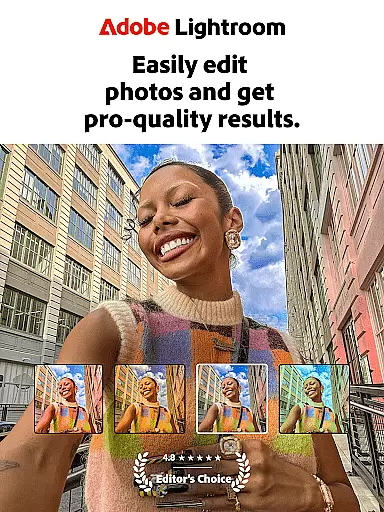

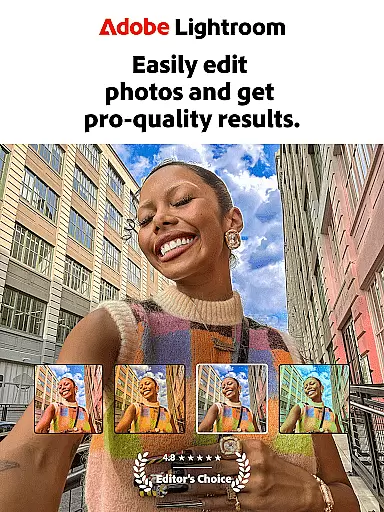

Adobe Lightroom is a comprehensive photo and video editor designed to help users create shareworthy images with ease. This powerful mobile application offers professional-grade editing tools that cater to both amateur photographers capturing casual moments and professionals seeking refined control over their edits.
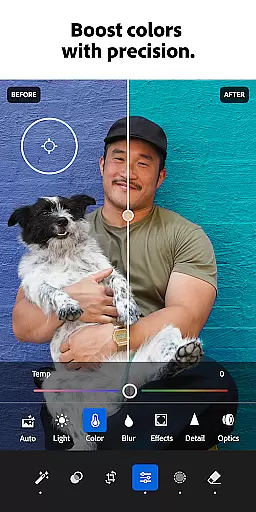
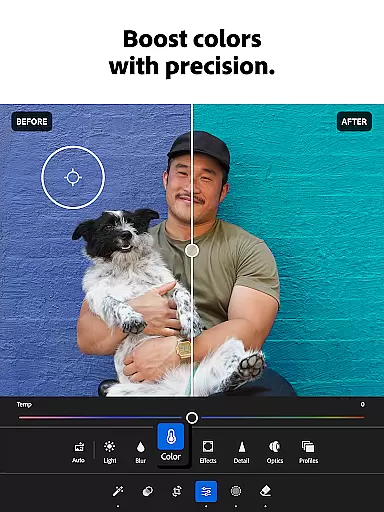
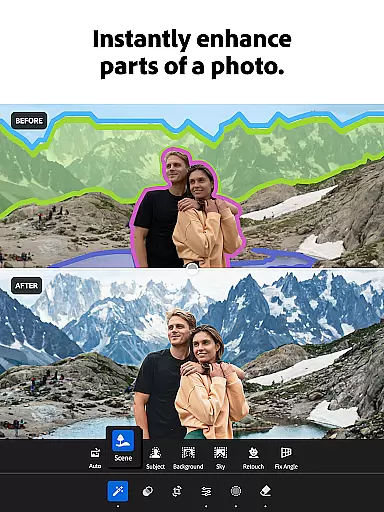
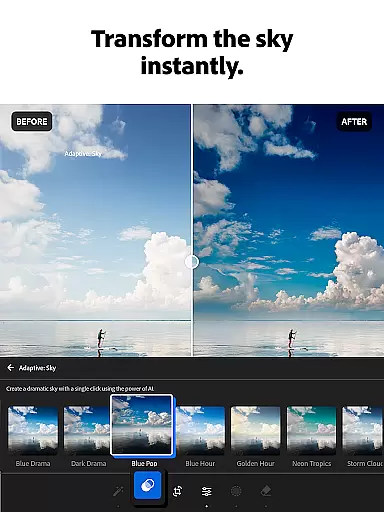
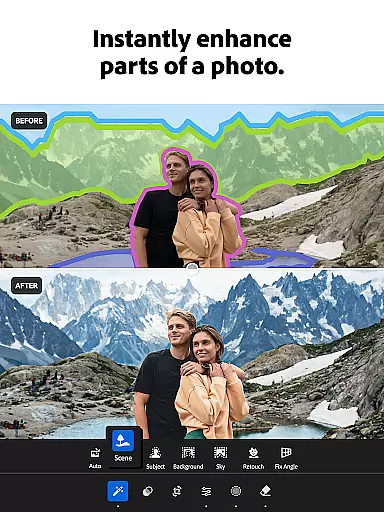
The app's standout features include AI-powered editing suggestions, one-tap enhancement presets, and advanced retouching capabilities. Users can effortlessly adjust lighting, remove unwanted objects, apply creative filters, and even edit videos with precise color controls. Whether you're perfecting social media content or working on your photography portfolio, Lightroom provides the necessary tools to produce high-quality results directly from your mobile device.
Lightroom proves particularly valuable for content creators who need to maintain consistent aesthetics across multiple images. The app's batch editing functionality allows users to synchronize edits across numerous photos, saving significant time while ensuring uniform quality and style throughout their collections.
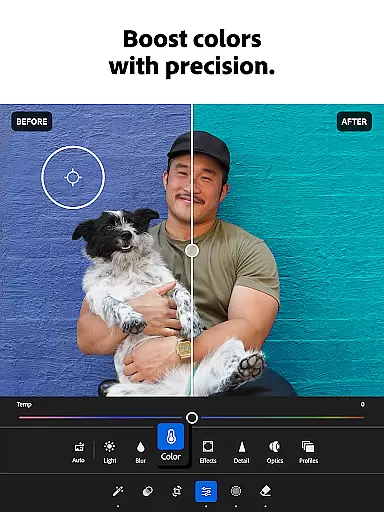
Lightroom distinguishes itself through its sophisticated feature set tailored for modern digital creators. The application's AI-driven editing tools automatically analyze and suggest optimal adjustments for each image, while still allowing manual fine-tuning of exposure, color grading, and other parameters. This combination of intelligent automation and precise control makes professional-level editing accessible to all skill levels.
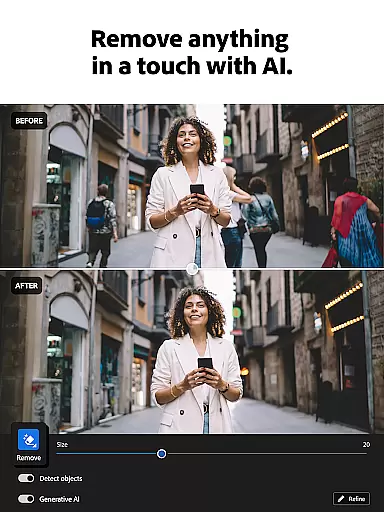
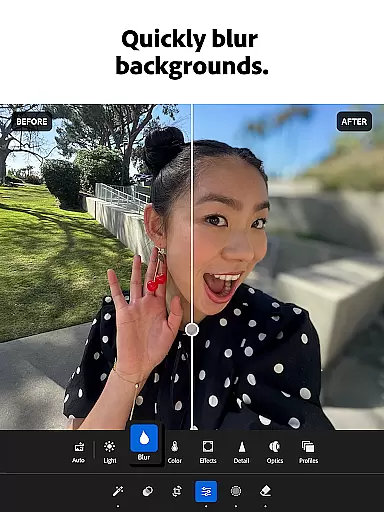
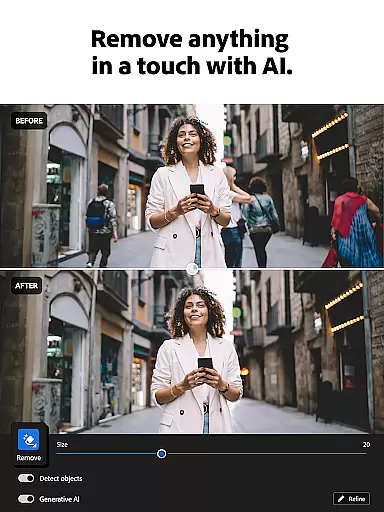
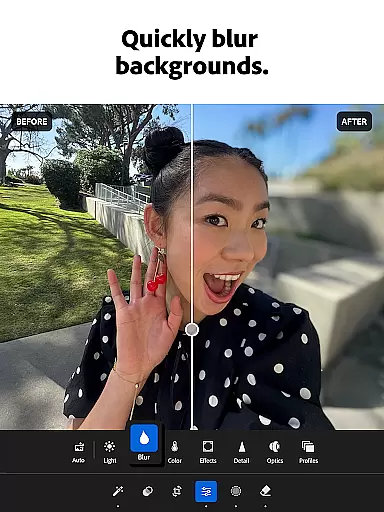
The app's innovative Generative Remove function enables users to seamlessly eliminate unwanted elements from photographs, while its background blur capabilities create stunning portrait effects. Video editors will appreciate the consistent color grading tools that maintain visual harmony between photos and accompanying video content. Additionally, the extensive library of customizable presets allows users to develop and apply their unique signature style across all their visual content.
Lightroom's community-driven features foster creativity through shared presets and editing techniques. Users can explore and implement popular editing styles from photographers worldwide, while the batch editing functionality ensures efficient workflow management when handling large volumes of images.
Real-time capture and preview functionality is essential for photographers who need to ensure their shots are perfect before they even take them. With Lightroom Photo & Video Editor, users can see exactly how their photo will look with applied settings before capturing it. This feature allows for adjustments in exposure, white balance, and other critical parameters on the fly.
The application provides a live view that simulates the final image output, which is particularly useful when shooting in challenging lighting conditions. Photographers can tweak their settings until the preview matches their creative vision, ensuring that the captured image requires minimal post-processing.
For those who engage in portrait or studio photography, this real-time feedback is invaluable. It enables the photographer to make instant decisions about lighting and composition, resulting in high-quality images that meet professional standards. The ability to preview edits in real time significantly enhances the workflow efficiency and creative control.
Ultimately, the real-time capture and preview feature in Lightroom empowers photographers to produce work that is true to their artistic intent. By delivering immediate visual feedback, it reduces guesswork and helps users at all skill levels to improve their photographic outcomes.
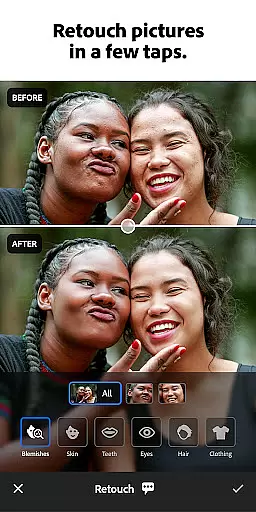
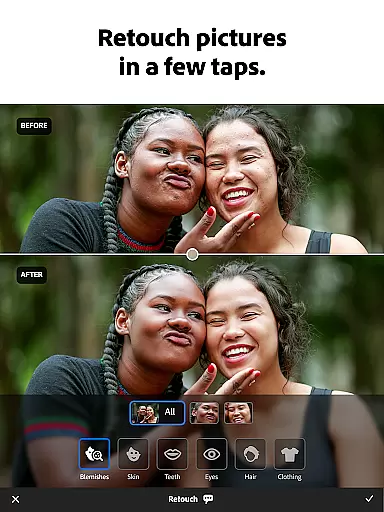
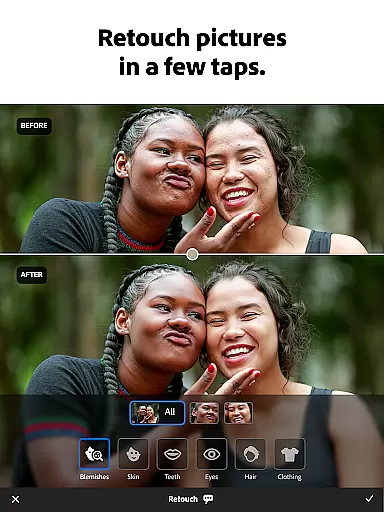
AI beauty and enhancement features have become a staple in modern photo editing, allowing users to refine and perfect their images with natural-looking results. Lightroom Photo & Video Editor employs advanced AI algorithms to enhance facial features while maintaining authenticity. This ensures that skin textures, eye details, and other facial elements remain lifelike after retouching.
The AI-driven tools within Lightroom offer smart skin smoothing, teeth whitening, and eye enhancement capabilities that adapt to each unique face. These enhancements are applied subtly so that the subject's original characteristics shine through without appearing over-processed or artificial. Users can adjust the intensity of these effects to suit their preference for a more personalized touch.
This technology not only saves time but also democratizes professional-grade photo editing by making it accessible to non-professionals. With just a few taps, anyone can achieve polished portraits that retain their genuine essence. The AI enhancements help bring out the best in every photo, whether it's for social media or personal keepsakes.
By prioritizing naturalness in its AI beauty enhancements, Lightroom ensures that edited photos resonate with viewers as authentic representations. This commitment to preserving the integrity of the original image while offering powerful editing tools sets Lightroom apart as a sophisticated choice for discerning photographers.
User-friendly interface
Powerful AI tools
Batch editing
Video support
Cloud integration
Premium subscription
Steep learning
Storage limits
Advanced tools
Mobile focus

Photo editor: face & body editor, beauty cam, filters and quality enhancer.
 4.00
4.00
Safe & smart flight with Go Fly drone controller for 40+ drone camera, zone map
4.50
1M influencer's special filter
4.60
Natural Beauty, Selfie Retouch
4.30
Photo editor: AI filters, photo enhancer, pic collage maker, AI art generator.
4.80
USB Storage Access for Photos, Videos, Music and Documents
3.80
The original Rarevision VHS look seen everywhere!
4.70
Welcome to ProShot, the most powerful camera app on Android.
4.20
Solocator stamps photos you take with GPS location, Compass Direction, Date/Time
3.80
Your personal guide to the sun and moon. Plan ahead, visualize and predict!
4.70
Enhance, upscale, and transform your images — on your device, without limits
4.70
Easily create custom gifts, cards, photo books & more on the Shutterfly app!
4.60
Transform photos into videos! Create realistic or anime-style images easily!
4.50
Movie camera, supports pro recording settings for filming. Try it and be amazed!
4.50
A reflected light meter with spot metering and incident light metering.
4.40
[3DSteroid Pro] is a stereoscopic application for Android.
4.30
Virtual makeup, hair filters & body tuner—edit from face to full body!
4.20
A light meter for true photographers.
4.20
How would you look like with a differently shaped nose, chin or lips?
3.90


User Reviews