

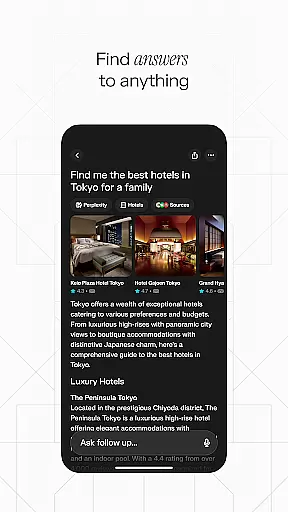
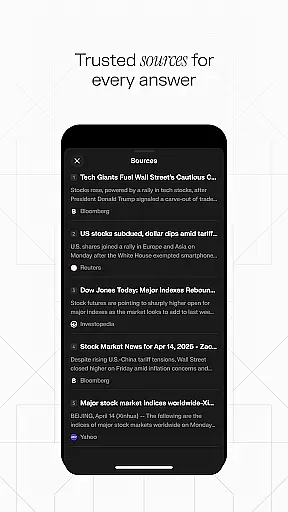
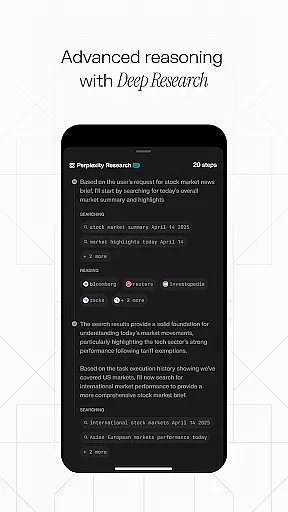
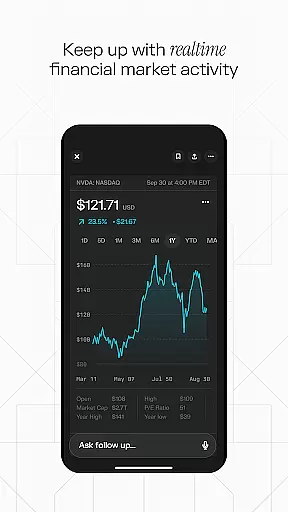
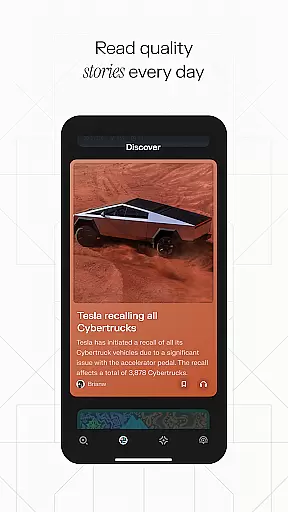
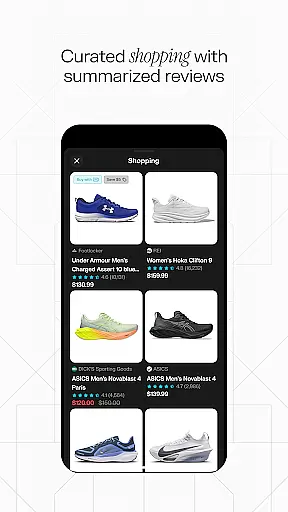
Perplexity is a productivity-focused AI search app that delivers credible, up-to-date answers directly to users. It integrates advanced AI models from industry leaders like OpenAI and Meta, ensuring high-quality results. The app supports cross-device syncing, making it easy for users to access their search history and curated content from anywhere.
Key features include Perplexity Pro Search for deeper exploration, Thread Follow-Up for extended conversations, and Voice Search for hands-free queries. Each answer comes with cited sources, promoting trust and reliability. With its Discover section and personalized Library, Perplexity helps users expand their knowledge while organizing their findings effectively.
Perplexity stands out with its innovative approach to search and information discovery. The app's Pro Search feature uses guided AI to help users explore topics more thoroughly, while the Thread Follow-Up option allows for continuous learning through conversational queries.
Voice functionality enables instant responses whether users type or speak their questions, offering flexibility and convenience. Every answer is backed by cited sources, ensuring transparency and credibility. Additionally, the Discover section provides community-driven insights, and the Library feature lets users curate their discoveries beyond simple search history, creating a personalized knowledge base.
Effective task management is essential for productivity apps, and Perplexity excels in this area by offering a streamlined approach to organizing your knowledge journey. The app's Your Library feature acts as more than just a search history; it curates your discoveries, enabling efficient task tracking and resource management.
Perplexity implements an innovative Thread Follow-Up system that allows users to maintain continuity in their research. This feature supports deeper understanding by linking related queries and preserving the context of your investigations, making task management more coherent and interconnected.
The app's Perplexity Pro Search function provides guided AI search capabilities for more profound exploration of topics. This advanced search tool helps users break down complex tasks into manageable research steps, enhancing overall productivity through systematic inquiry.
In today's multi-device world, reliable cross-device synchronization is crucial for maintaining workflow efficiency. Perplexity addresses this need by offering seamless synchronization across devices, ensuring that your research and discoveries are always up-to-date regardless of which device you're using.
The app's cloud-based architecture guarantees that all your searches, threads, and library items are consistently updated across your devices. This synchronization reliability means you can start researching on your phone during your commute and continue exactly where you left off on your tablet or computer at home.
Furthermore, Perplexity's Voice feature maintains consistent performance across devices, providing instant, up-to-date answers whether you type or speak your queries. This unified experience ensures that your productivity remains uninterrupted, regardless of your chosen device or location.
Accurate results
User-friendly design
Cross-device sync
Trusted citations
Voice support
Limited offline use
Premium costs
Dependent on internet
Occasional bugs
Steep learning curve

QuickBooks Workforce lets teams view pay info and track time in one place.
 4.70
4.70
Planet Free VPN - The best Fast Unlimited and Secure VPN Without Logs
4.50
The upgraded version of Name Wheel with AI and the power to add your own wheels.
4.2
CalenGoo is a very flexible and feature-rich calendar app
4.40
Subscribe to Webcal & .ics calendars and keep them up-to-date!
4.50
A comprehensive suite of tools designed specifically for Lactation Consultants
4.2
To do list widget with a notebook organizer, checklist, simple shopping list
4.60
Quickly and easily keep track of your work shifts
4.70
Daily processing of PDF documents.
4.40
Protect and view your important info on your phone and tablet with eWallet®
4.80
App lock - lock apps with fingerprint, password, pin or pattern, protect privacy
4.70
Calendar 2023 widget for Android. Appointment scheduler, planner, and reminder
4.60
Secure your apps with lock screens, use custom themes and different features.
4.40
Activate Two Factor Authentication (2FA or Multi OTP), Password manager and more
4.10
Unlock AutoNotification
4.00
The ultimate file manager for rooted devices. The original and still the best.
4.00
⏰ Finally a timer app which can run multiple timers simultaneously on your watch
3.90
AI Video AI Image Private LLM AI Browser Llama Gemma Ollama Connect LLM Studio
4.4
Create study competitions, track your hours, and stay consistent with friends
4.5


User Reviews