
Create funny photos and videos with the popular Time Warp Scan filter.
 4.90
4.90
What celebrity do you look like? Celebs will find your celebrity match!
4.10
Superimpose one photo on top of another using the original Superimpose app!
3.20
AI Photo Editor with 100+ Filters, Effects! Remove BG, Retouch & Photo Enhancer.
4.80
Collage your moments in one tap: 1000+ layouts, filters, stickers, and texts.
4.90
Easily view, share, delete photos with Gallery.
4.70
A light meter for true photographers.
4.20
Enhance, upscale, and transform your images — on your device, without limits
4.70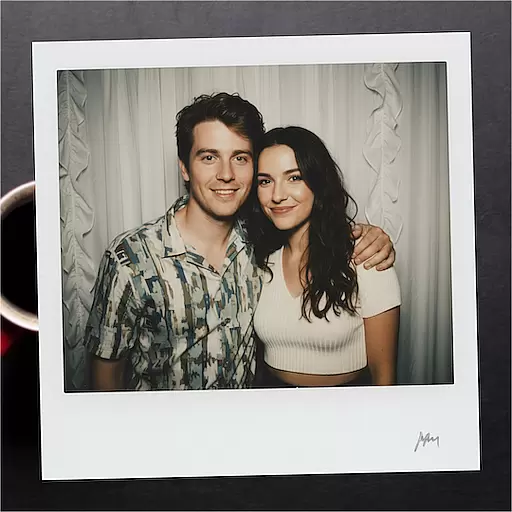
Edit photos with the picture generator: PS2 & AI Clay filters, cartoon effects.
4.50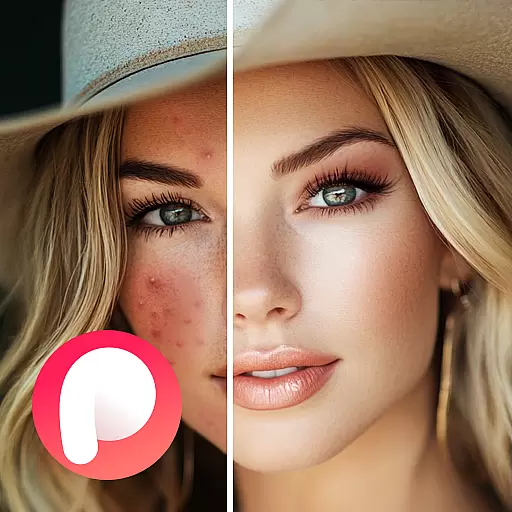
Perfect body tune & face app - photo retouch, makeup, slim body & beautify face.
4.80
A collection of tools and reference tables for DPs, ACs, DITs and Operators.
4.70
1M influencer's special filter
4.60
Cut and paste photo editor & eraser to customize photos easy and swap faces fun
4.50
Create AI photos & videos with Enhancer; restore, fix, beautify, enhance photos
4.50
AI portrait generator and polaroid AI selfie, fun AI generated AI photo creator!
4.30
Shooting photos and records video easily and efficient with professional Camera
4.30
The #1 app for B&W film developing featuring an advanced darkroom timer.
4.10
Professional quality photo edits with the new Snapseed.
4.00
Create amazing frames with up to five photos. Rounded corners, effects and more!
3.60


