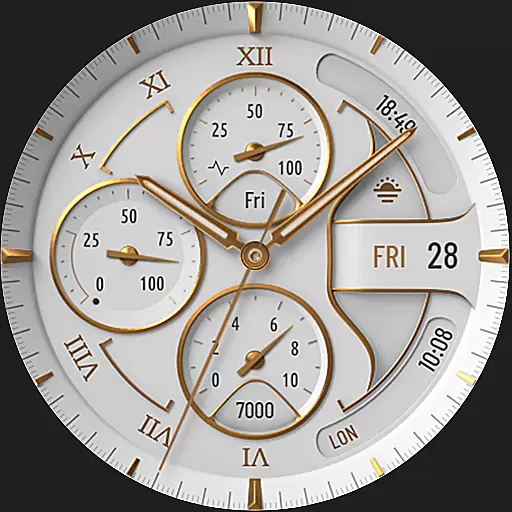
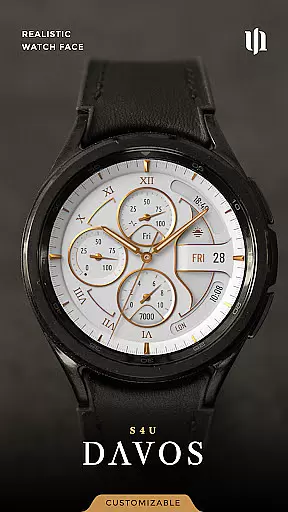
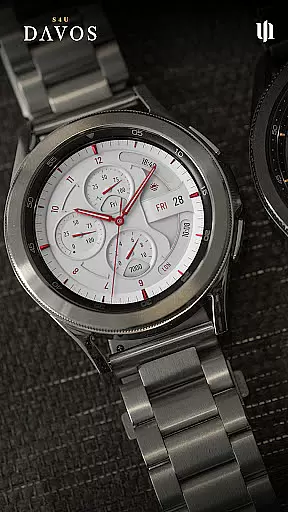
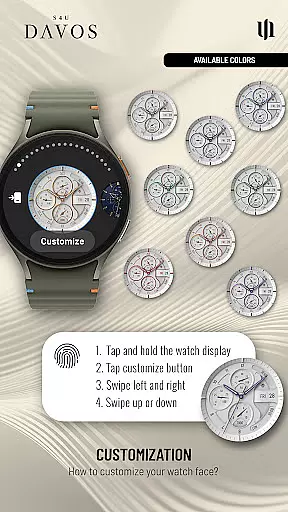
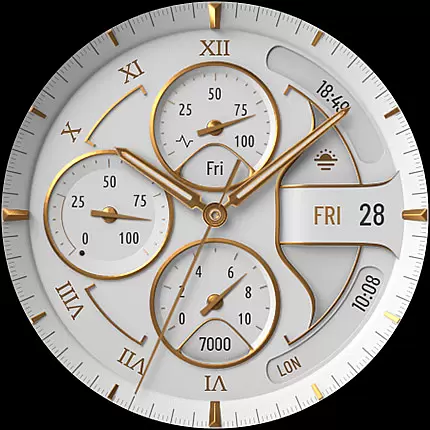
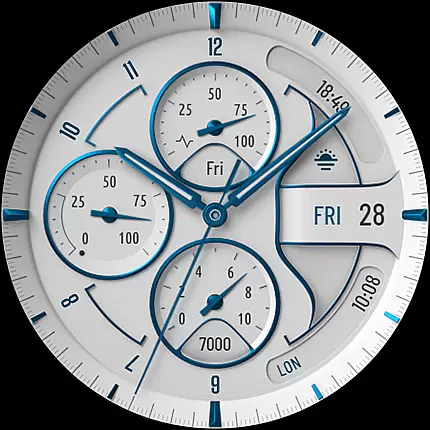
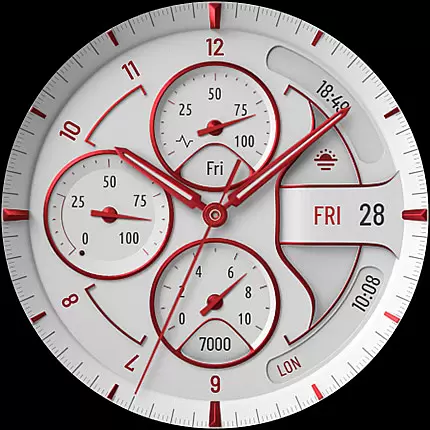
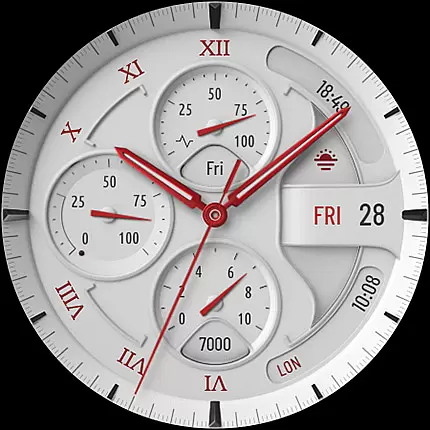
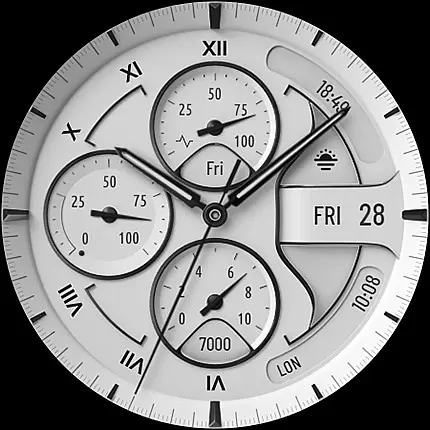
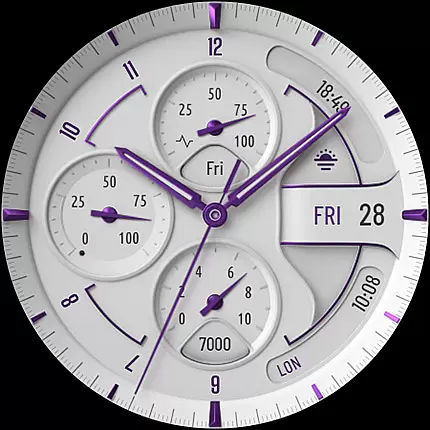
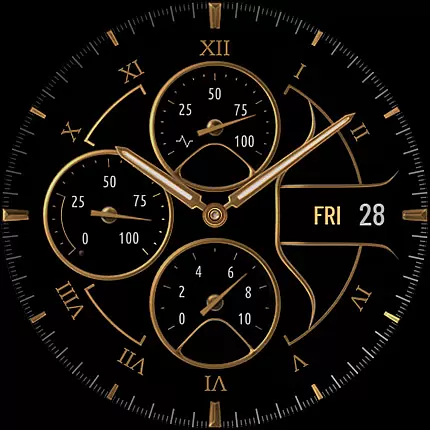
S4U Davos is a premium Wear OS watch face app designed for smartwatches running Wear OS 4 or higher. This app combines luxury and functionality, offering users a realistic white analog dial with customizable options to suit individual preferences. Compatible devices include Samsung Galaxy Watches (4-8), Google Pixel Watches (1-3), and other Wear OS 4+ smartwatches.
With features like Always-On Display (AOD) and editable complications, S4U Davos ensures both style and practicality. Users can personalize their watch faces by choosing from multiple color schemes, dial styles, and data displays. The app also supports quick access shortcuts, making it easy to interact with favorite widgets directly from the watch face.
This app is ideal for professionals and tech enthusiasts who value both aesthetics and utility in their wearable technology. By providing extensive customization options and maintaining an elegant design, S4U Davos enhances the overall Wear OS experience.
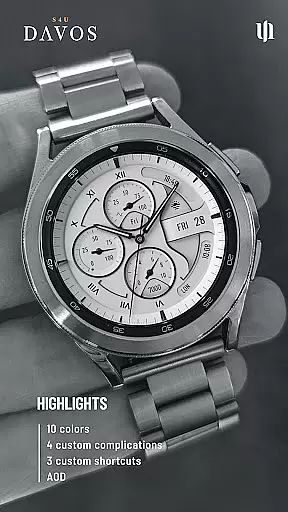
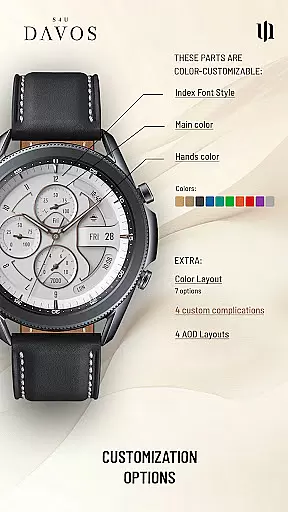
S4U Davos stands out with its beautifully realistic white analog dial that exudes timeless elegance. The app offers extensive customization options, allowing users to personalize their watch faces with multiple dial colors, hands styles, and secondary colors. With 10 main color choices, 10 hand color variations, and 9 secondary color options, users can create a unique look that matches their personal style.
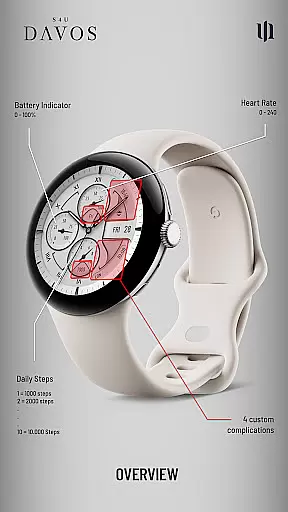
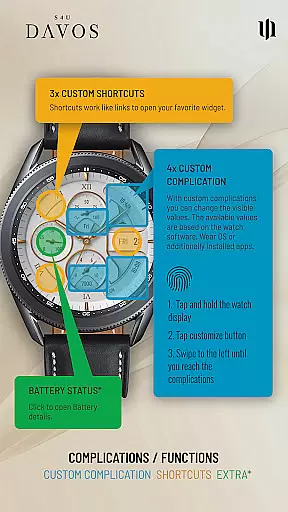
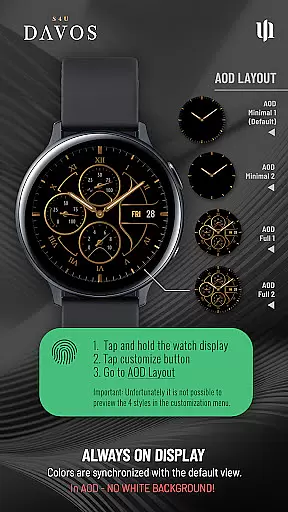
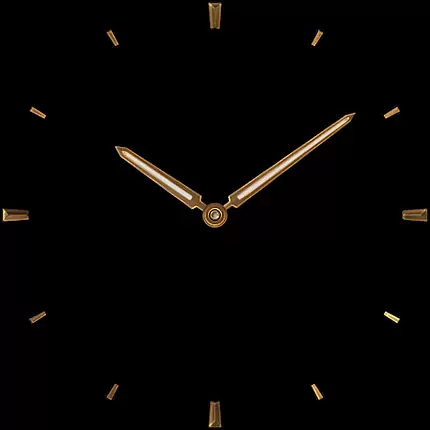
The app includes 4 editable complications and 3 app shortcuts, enabling users to display user-defined data and quickly access favorite widgets. These complications can show analog time, daily step count, battery level, heart rate, day of the week, and more. Additionally, the Always-On Display (AOD) feature provides continuous timekeeping with two distinctive layout options, ensuring optimal visibility even when the watch is idle.
Setting up these features is straightforward. Users can press and hold the watch display, tap the customize button, and navigate through various sections to adjust settings. Whether configuring AOD layouts or setting up complications, S4U Davos makes it easy to tailor the watch face to meet specific needs, enhancing both functionality and personalization.
Companion app integration is essential for Wear OS applications like S4U Davos, as it ensures seamless synchronization between the smartwatch and its paired smartphone. This functionality allows users to manage settings, customize watch faces, and troubleshoot issues directly from their phone.
S4U Davos provides a dedicated companion app that simplifies the setup process. Through this app, users can access detailed customization options, including dial colors, complications, and shortcuts. The app also includes an Install/Issues section that guides users through common setup challenges.
This level of integration enhances user experience by centralizing control and providing easy access to support. If users encounter persistent issues, they can reach out via wear@s4u-watches.com for personalized assistance.
Device compatibility is a critical factor for Wear OS applications, ensuring the software runs optimally on supported devices. S4U Davos is designed specifically for smartwatches running Wear OS 4 or higher (Wear OS API 33+), guaranteeing a smooth and feature-rich experience.
The application supports popular models such as Samsung Galaxy Watch series (4, 5, 6, 7, 7 Ultra, 8) and Google Pixel Watch (1u20133). By targeting these devices, S4U Davos leverages the latest hardware capabilities to deliver realistic watch faces with customizable options.
This focused compatibility ensures users benefit from advanced features like Always-On Display (AOD) layouts, editable complications, and app shortcuts. Such optimization highlights the importance of matching software with appropriate hardware specifications.
Highly customizable
Stylish design
User-friendly interface
Extensive compatibility
Quick access shortcuts
Limited to Wear OS
Battery consumption
Complex setup
Premium cost
Fewer updates

WTW M17 is a premium and luxurious hybrid watch face
 4.70
4.70
Embrace the holiday spirit with this magical animated watch face!
4.40
Beautiful, colorful and practical watch face. For Wear OS devices.
5.00
Be an elegant and classy secret agent, with this carefully detailed watch face
4.70
3 Complications. All shadow on/off. 30 Themes color palette...
4.3
Locate your family members by GPS phone location tracker everywhere and anytime
4.30
The ultimate destination for kids ages 3-8 to explore the Marvel Universe!
4.30
The most customizable hybrid watch face. For Wear OS 5.0, API 34+ and later
4.70
Daily Weather forecast with 15 weather images for Day & Night plus Big Bold time
4.10
Christmas Theme Watch Face for Wear Os
5.00
Hybrid watch face for Wear OS with customizable complications by Matteo Dini MD
4.70
Gym & home workout plans with strength training, exercise tracking, HIIT & more.
4.60
Premium hybrid watch face with many customizations for Wear OS devices.
4.40
Let's celebrate Thanksgiving - Wear Os watch face
4.20
Animated video-game inspired “secret agent” simulation, right on your wrist!
4.20
Structured watch face with seven complications and modular UI elements
3.90
A heartwarming Christmas scene featuring a cute image of Santa and Rudolf
4.1
Stunning modern digital watch face with 7 complications and strong contrast
4.2
Artistic Digital Watchface
4.4


User Reviews