
Gym Log & Workout Tracker | Fitness Journal, Training & Weight Lifting Planner
 4.90
4.90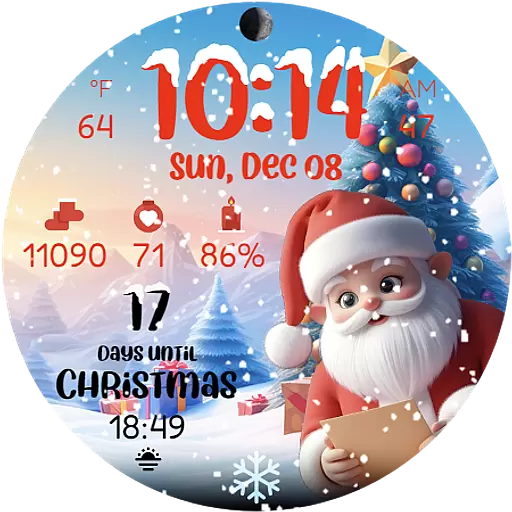
Christmas is near, let's count together the days left until Santa comes
4.5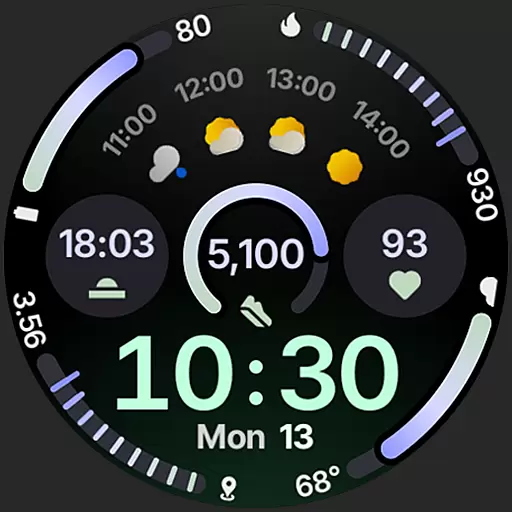
Sleek, highly customizable watch face inspired by Galaxy Watch Circle Dashboard.
4.2
Nutrition, Macro tracker: Food, fitness & healthy diet tracking for weight loss
4.60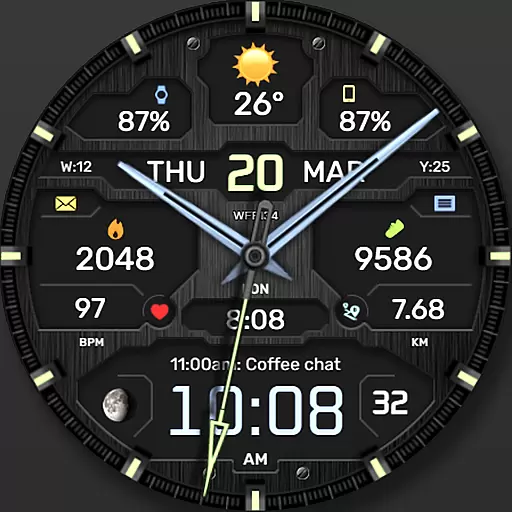
The most customizable hybrid watch face. For Wear OS 5.0, API 34+ and later
4.70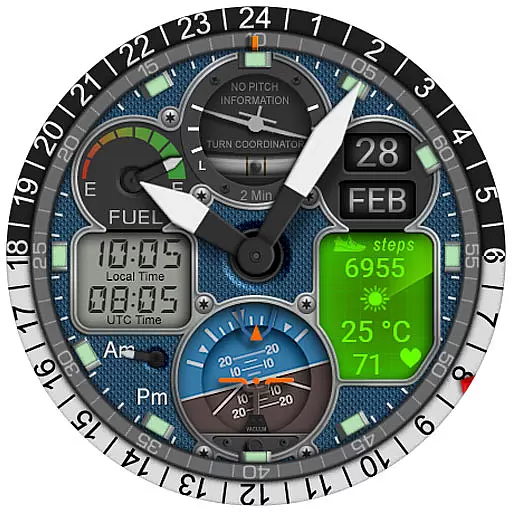
Hyper-Realistic Airplane Dashboard Watch Face With 10 Skins and Custom AOD
4.00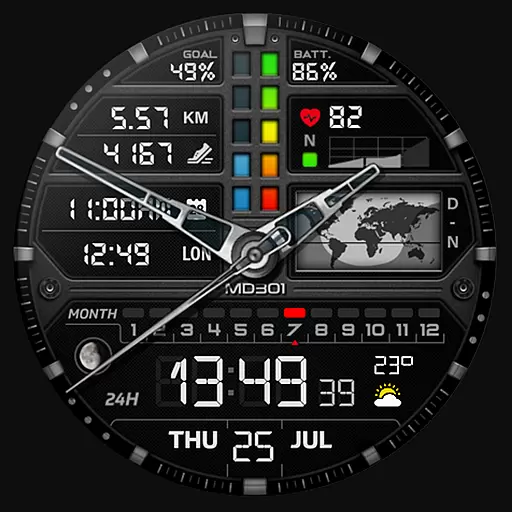
Hybrid watch face for Wear OS with customizable complications by Matteo Dini MD
4.70
Your local weather forecast, storm tracker, radar maps & live weather news
3.40
Track your active life in one place and share the journey with friends.
4.40
Diet tracker for weight loss - track calories, food and macros. Simple and easy!
4.70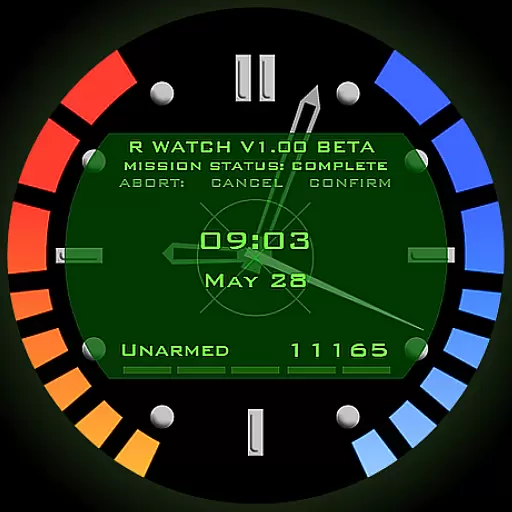
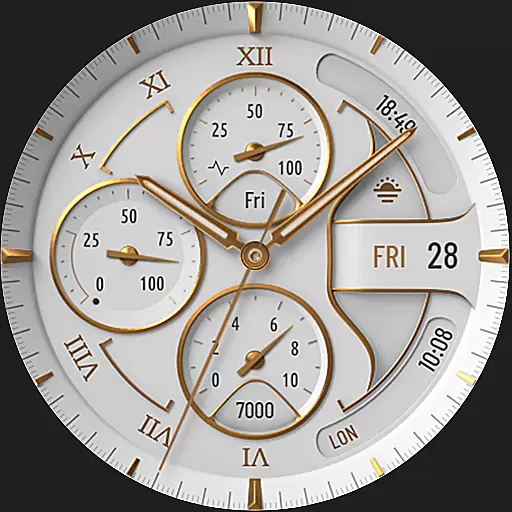
Be an elegant and classy secret agent, with this carefully detailed watch face
4.70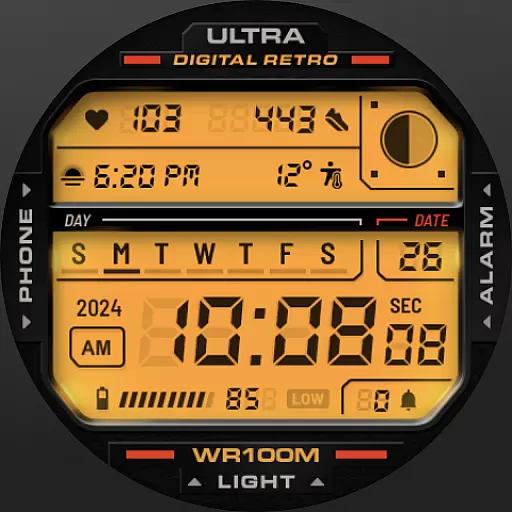
Retro digital watch face with customizable colors and a unique lighting effect
4.60
Calming & relaxing sounds for sleeping and stress relief. Stay focused all day!
4.20
Connect, create, and collaborate with Gmail, part of Google Workspace.
4.10
Get helpful reminders, take progress photos and find answers to your questions.
3.90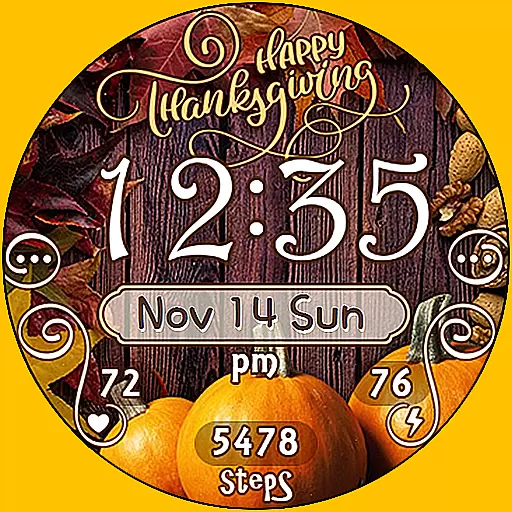
Watch face designed for Thanksgiving Day. 7 Background Styles included.
3.20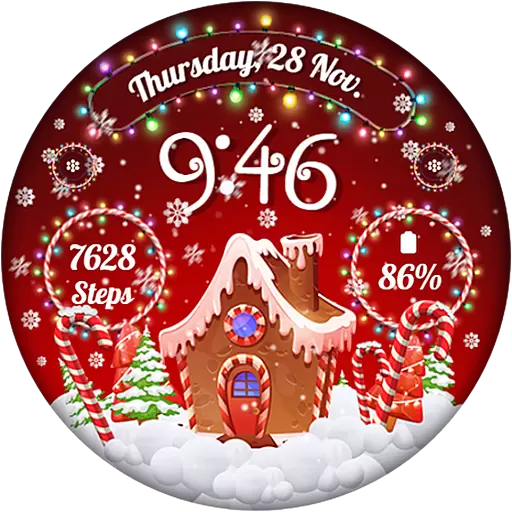
Wear Os Watch Face - Animated Snow - Sesonal for Christmas & Winter
4.1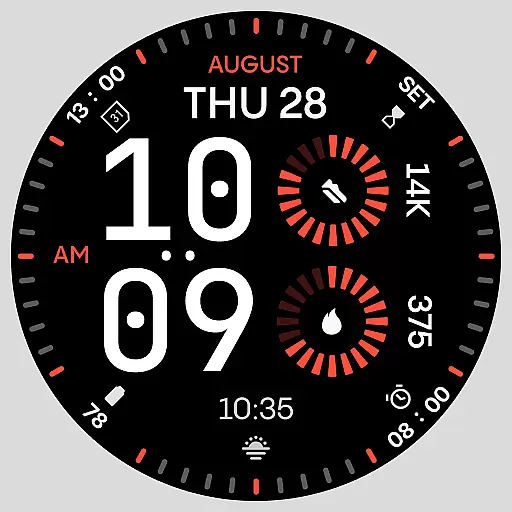
Stunning modern digital watch face with 7 complications and strong contrast
4.2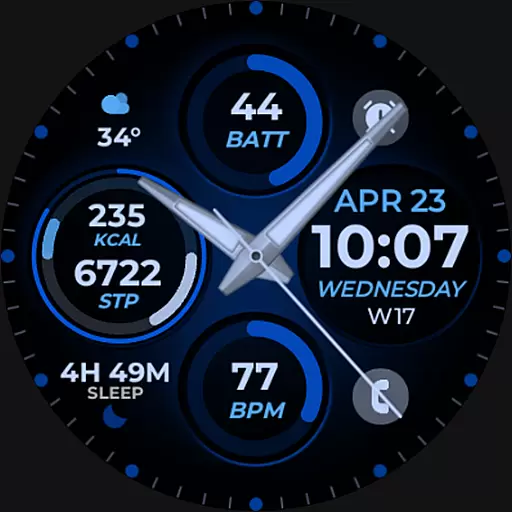
Hybrid Vibrant Health Watch Face for Wear OS
4.3


