Wear Os Watch Face - Animated Snow - Sesonal for Christmas & Winter
 4.0
4.0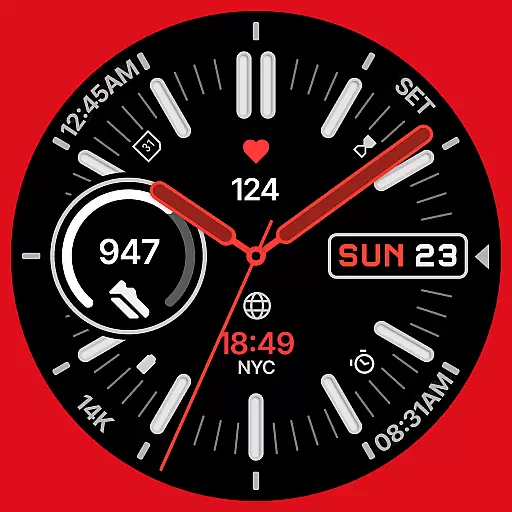
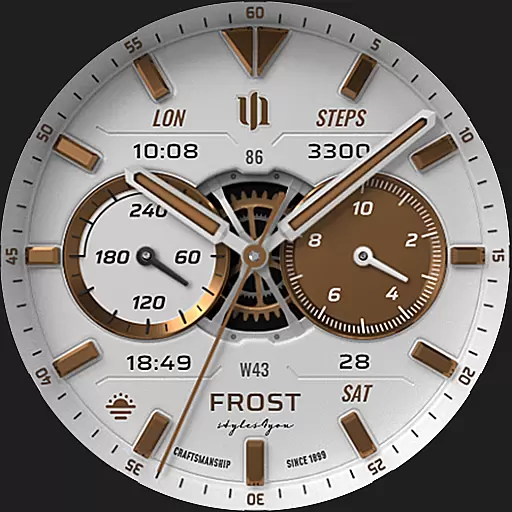
A watch face that fuses motorsport precision with contemporary smartwatch design
4.3
Easy Voice Recorder is your everyday companion to record important moments.
4.70
Hyperlocal rain alerts by MyRadar using patent-pending technology, radar & more
4.80
The #1 source of faces for your smartwatch!
4.00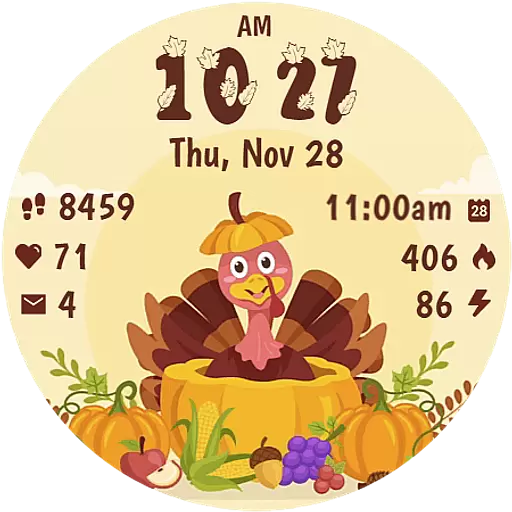
Funny animated watch face for Thanksgiving
4.0
Viewer for Wyze/Yi/Eufy/Arlo/ONVIF/RTSP/P2P IP cams w/ adv. features & DIY DVR
4.00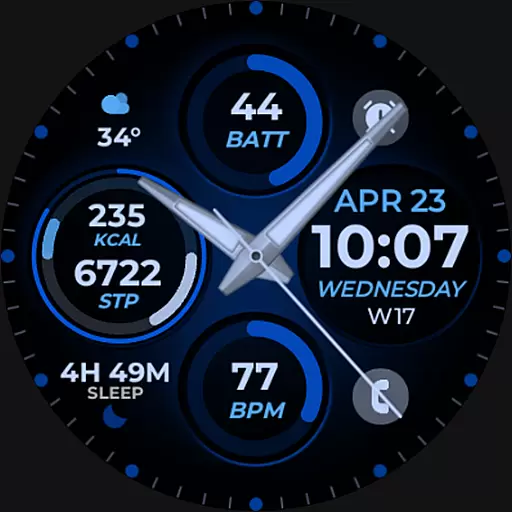
Hybrid Vibrant Health Watch Face for Wear OS
4.3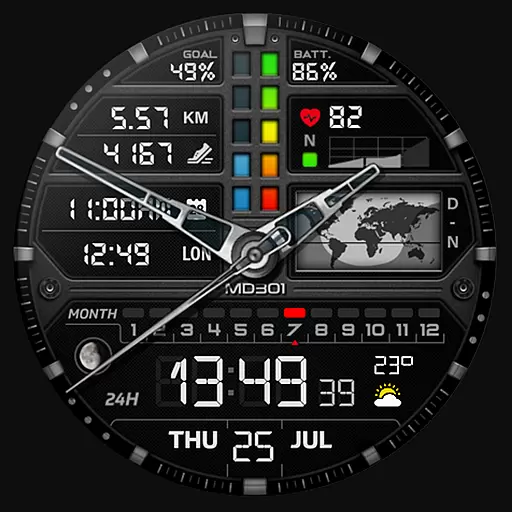
Hybrid watch face for Wear OS with customizable complications by Matteo Dini MD
4.70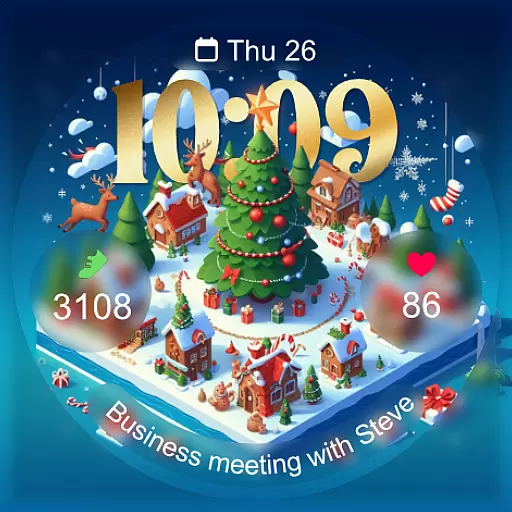
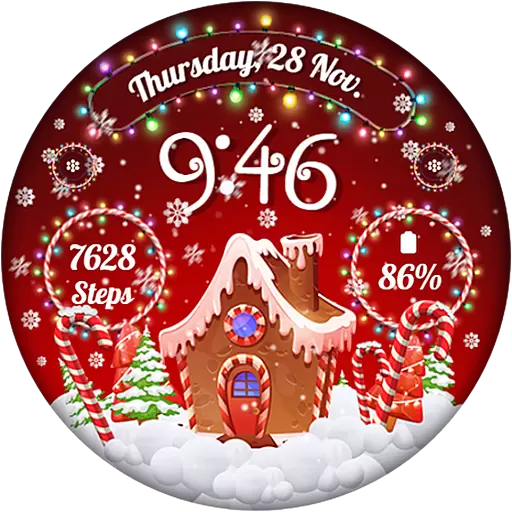
Christmas - Festive - Christmas Village - Winter - Christmas lights
5.00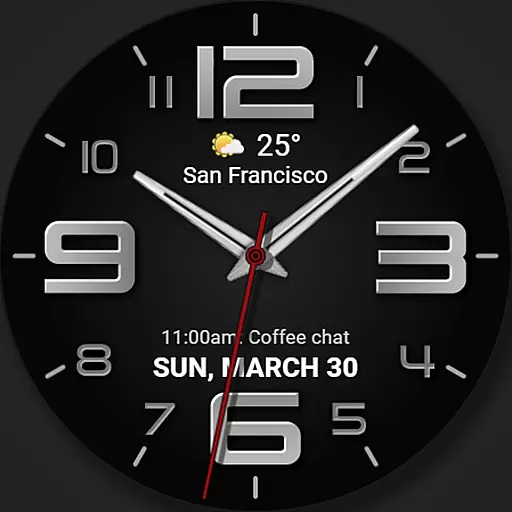
The most customizable minimal watch face. For Wear OS 5.0, API 34+ and later
4.70
Real-time results, stats, schedules and player profiles for all leagues
4.60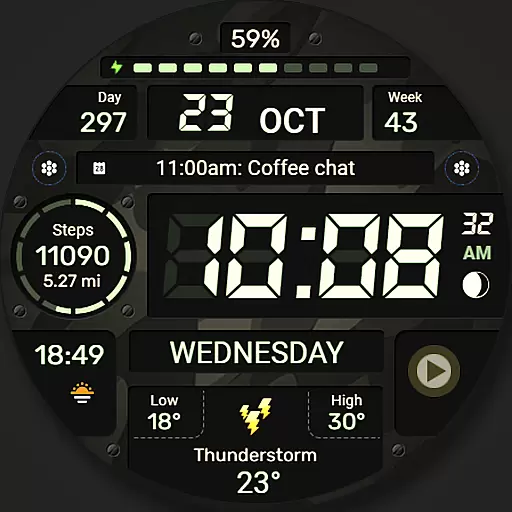
Digital watch face. For Wear OS devices.
4.40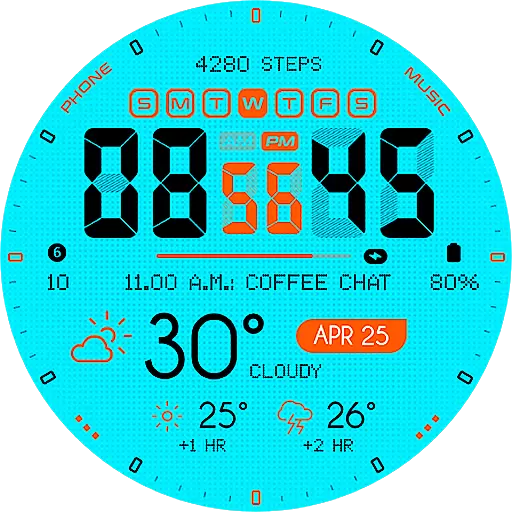
Bold weather Digital watchface with forecast & optional animated background
4.40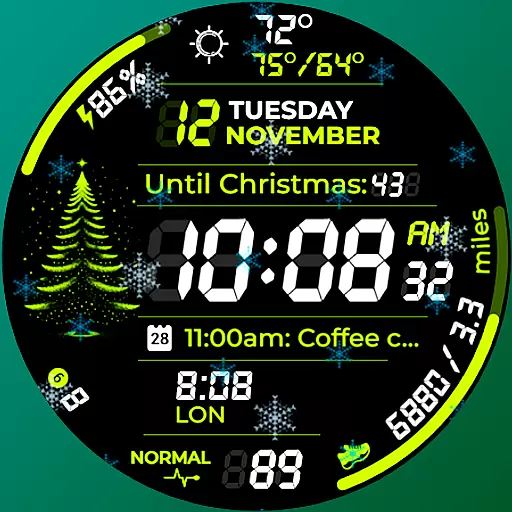
A customizable Christmas watch face for Wear OS with a countdown.
4.20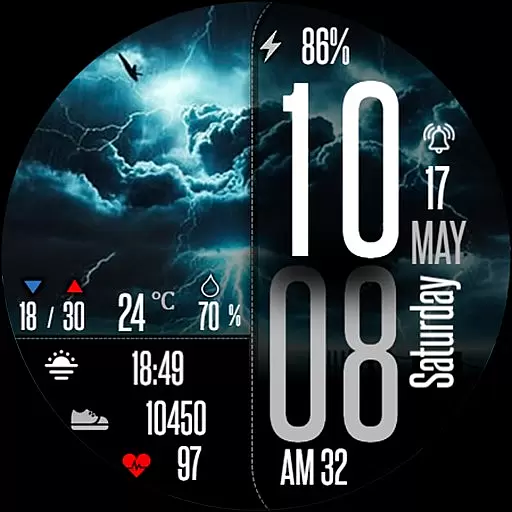
Daily Weather forecast with 15 weather images for Day & Night plus Big Bold time
4.10
A full-featured Amazon Alexa voice assistant that can show you things.
3.70
Want to take charge of your health? Let Google Fit help you reach your goals.
3.50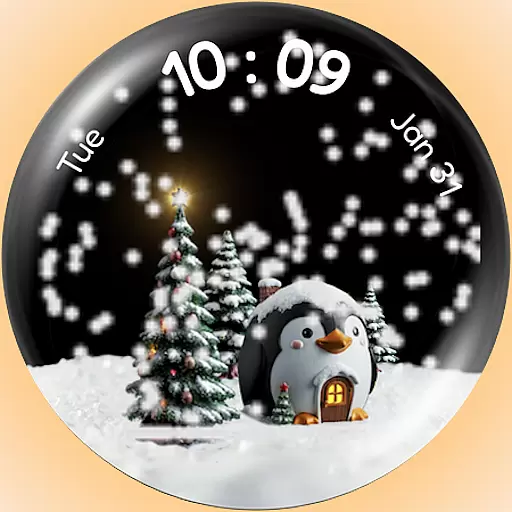
A Wintery Snow Globe on Your Wrist; now celebrating Christmas!
4.1


