

Photo Album Watch Face shows your favorite pictures as a Watchface.
 1.90
1.90
An interval timer to automate photo taking process for timelapse
2.90
Create Business Headshots, Polaroid Filter, Retake Photos,Profile Pics,AI Photos
4.50
Transform photos into videos! Create realistic or anime-style images easily!
4.50
Turn your phone into a professional camera - full DSLR manual photography
4.30
Photo Exif Editor allows to view, add and modify EXIF data of multiple photos
4.50
Pro version: AR sun/moon tracker for any date. Tool for photographers & planners
4.90
Snap photos remotely using your Garmin watch as the camera trigger
4.2
Try an anime version, cartoon yourself, and generate AI hug or aging videos!
3.70
Collage your moments in one tap: 1000+ layouts, filters, stickers, and texts.
4.90
See your baby AI baby face generator AI baby maker Face generator babymaker fun!
4.70
Automatically backup your photos and videos to computer, NAS and Cloud services
4.60
Easily create custom gifts, cards, photo books & more on the Shutterfly app!
4.60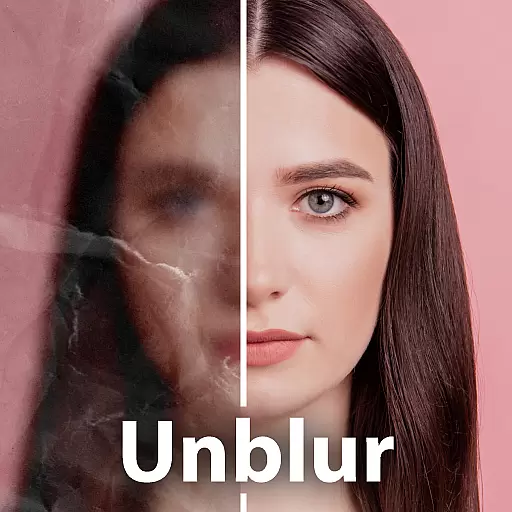
Unblur, enhance & restore photos with powerful AI photo enhancer tools.
4.60
What celebrity do you look like? Celebs will find your celebrity match!
4.10
Photobooth mini FULL app will allow you to add more fun to your parties
4.00
Professional quality photo edits with the new Snapseed.
4.00
live datamoshing
4.00
Remote control of the phone camera from your Wear OS smartwatch
3.70


