
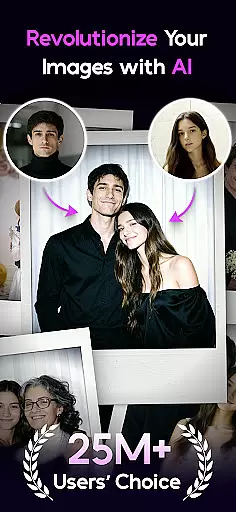

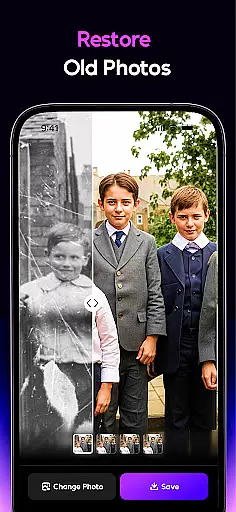
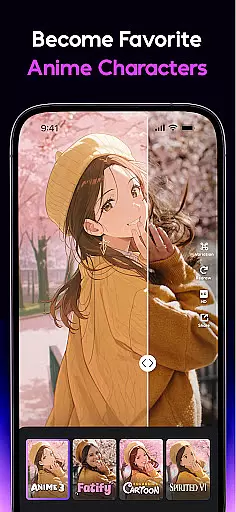
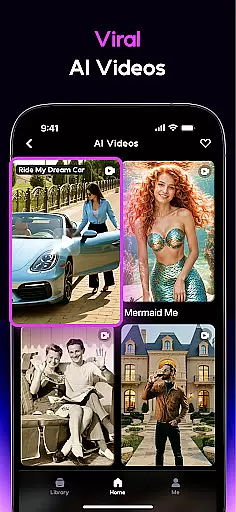


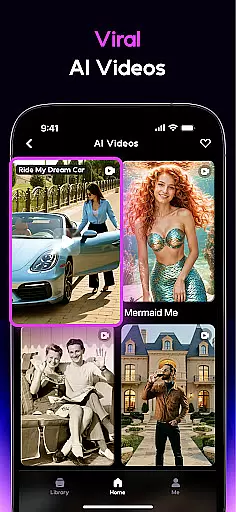
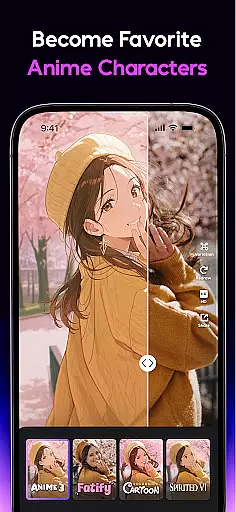

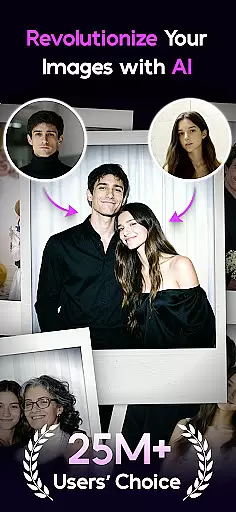

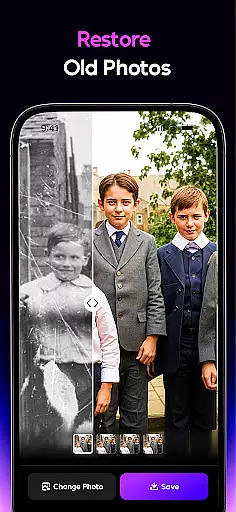
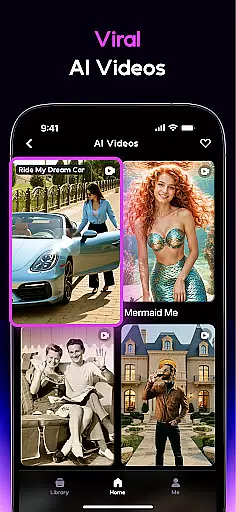
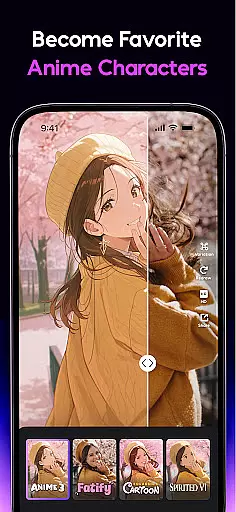

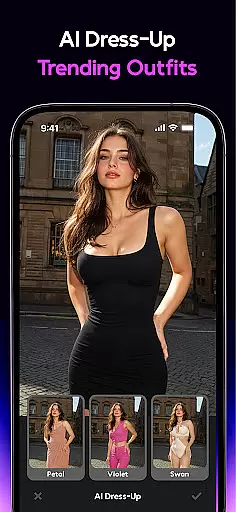
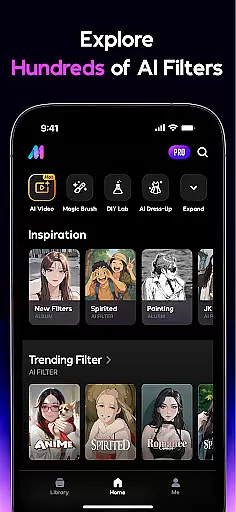
AI Mirror is a cutting-edge photography app that leverages artificial intelligence to revolutionize photo and video editing. With its powerful suite of AI-driven tools, users can effortlessly transform images and videos using dozens of filters and style transformations. The app specializes in converting snapshots into anime characters, game avatars, action figures, and more, while also offering advanced restoration features for old photos. Whether creating viral TikTok clips or preserving family memories, AI Mirror delivers professional-grade results.
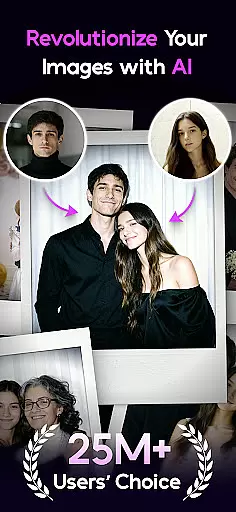
A standout feature is the Image-to-Video tool, which brings still photos to life with motion and emotion. Additionally, weekly updates ensure users stay ahead of social media trends on platforms like TikTok, Instagram, and Facebook. From interactive duo videos to the trending AI baby effect, AI Mirror provides endless creative possibilities for photographers and content creators alike.
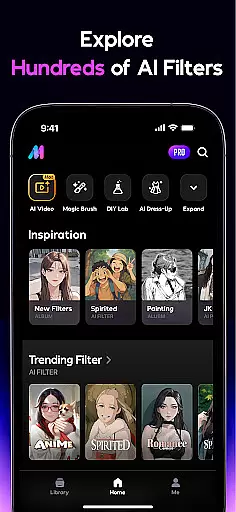
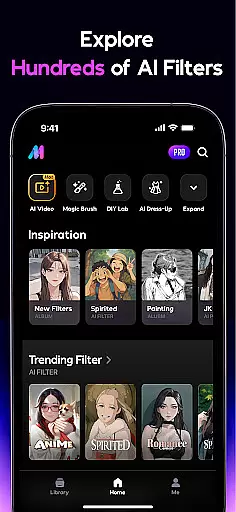
AI Mirror offers an extensive range of innovative features tailored for both casual users and professional creators. One of its core functionalities is the Anime Generator, allowing users to turn their photos into digital avatars with various artistic styles such as fairy princess themes or spirited wind effects. The app also includes robust video-editing capabilities, including Magic Live Photo, which animates still images, and Stylized Video, enabling users to apply unique filters that elevate their footage into visually captivating creations.
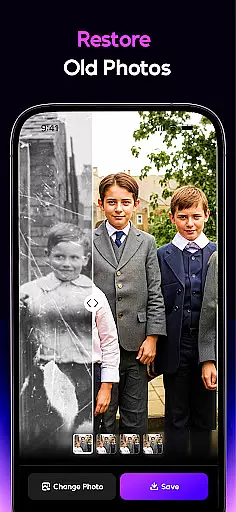
For photo enhancement, AI Mirror provides tools like AI Magic Brush, AI Photo Enhancer, and Old Photo Restoration, which collectively repair imperfections, enhance clarity, and even colorize black-and-white images. Another groundbreaking feature is Chat Edit, where users can make edits through natural language commands. This combination of versatility and precision ensures that every user can achieve studio-quality results without needing technical expertise.
Real-time capture and preview functionality is essential for any photography app, allowing users to see exactly what their final image will look like before taking the shot. AI Mirror excels in this area by providing instantaneous previews of its numerous AI filters and transformations. Whether you're turning a snapshot into an anime character or restoring an old photo, the app's real-time processing ensures that users can adjust settings and see results instantly.
The app employs advanced algorithms to apply complex filters without delay, ensuring a seamless user experience. This feature is particularly beneficial when experimenting with different styles, such as cosplay or cartoon transformations, where immediate feedback enhances creativity and control. Users can toggle between various effects, fine-tuning their images until they achieve the desired outcome.
By offering real-time previews, AI Mirror empowers users to make informed decisions about their edits, saving time and enhancing satisfaction. The ability to preview changes before committing to them reduces the likelihood of errors and encourages experimentation. Ultimately, this feature transforms the editing process into an interactive and enjoyable experience, setting AI Mirror apart from other photo editing applications.
AI beauty and enhancement features are crucial for elevating ordinary photos into stunning works of art. AI Mirror stands out by offering natural-looking enhancements that preserve the authenticity of the original image while improving its overall quality. With tools like AI Photo Enhancer and AI Magic Brush, users can refine specific areas of their photos, ensuring that every detail is crisp and clear.
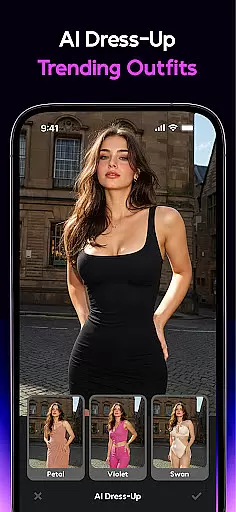
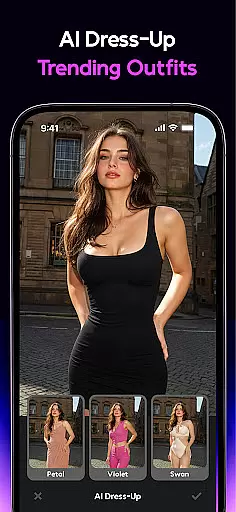
The app's AI Dress-Up and AI Background features further enhance the naturalness of edits by seamlessly integrating new elements into the original photo. These tools allow users to virtually try on clothes or change backgrounds without appearing artificial, maintaining the integrity of the image. Additionally, the Old Photo Restoration function breathes new life into cherished memories by repairing damage and enhancing details, all while keeping the essence of the original photograph intact.
AI Mirror's commitment to natural enhancement extends to its AI Hugging and Kissing features, which create lifelike interactions between subjects. By prioritizing realism and subtlety, the app ensures that all modifications enhance rather than detract from the original image. This dedication to preserving the natural beauty of photos makes AI Mirror an invaluable tool for both casual users and professional photographers seeking authentic results.
User-friendly interface
Advanced AI filters
Regular feature updates
High-quality photo restoration
Versatile editing options
Premium features require subscription
Some tools may overwhelm beginners
Occasional processing delays
Limited free usage
Resource-intensive on older devices

A collection of tools and reference tables for DPs, ACs, DITs and Operators.
 4.70
4.70
Remote control of the phone camera from your Wear OS smartwatch
3.70
All-in-One Editor & AI Photo Enhancer, Beautify & Retouch, Collage, Cartoonify
4.20
Perfect photos with body shaping, BG changer and object remover.
3.70
Raw Image Viewer. Gallery with support of raw images (.cr3, .cr2, .nef, .raf).
2.00
AI photo enhancer with Sora 2! Enhance, descratch, and colorize your old photos.
4.50
Enhance, retouch & create your story - Share the moment with Photoshop Express.
4.60
Transform Photos: Edit, Beautify and Craft Memories & Make Collages!
4.10
Your Family Calendar + Photos. Manage your Skylight Calendar and Skylight Frame.
4.40
Amazing Photo Effects - The most fun you can have with your photos!
4.70
Safe & smart flight with Go Fly drone controller for 40+ drone camera, zone map
4.50
Professional photography on your mobile phone
4.20
Professional quality photo edits with the new Snapseed.
4.00
live datamoshing
4.00
Turn photos into cartoons & avatars! - Photo Editor, Cartoon Face!
3.90
Pet Camera
3.70
Long exposure camera with computational photography
2.60
Add a dreamy vibe to your selfies and videos with soft style filters
4.5
Snap photos remotely using your Garmin watch as the camera trigger
4.2


User Reviews