


Docusign is the leading Intelligent Agreement Management solution that simplifies and secures the entire agreement process. As the world's #1 eSignature platform, it allows businesses and individuals to sign documents from anywhere, at any time, on nearly any device. Trusted by millions globally, Docusign offers unlimited free signing for all parties and supports multiple document formats including PDFs, Word, Excel, and images.
The app streamlines agreement management with features like "Sign Here" tags, real-time push notifications, and responsive signing functionality that adapts to any device. It ensures legal compliance through encryption and ISO 27001 SSAE16 standards while providing a complete audit trail. Whether you're handling NDAs, sales contracts, or lease agreements, Docusign makes the process efficient and secure.
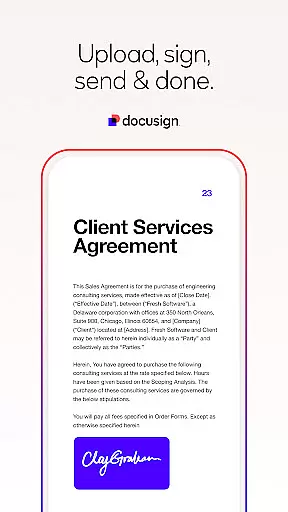
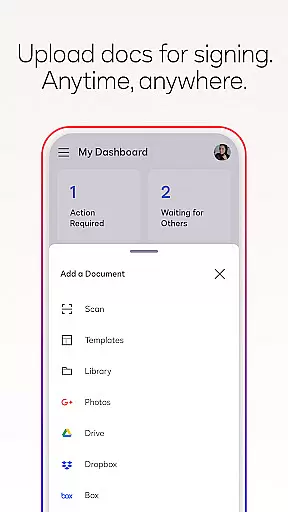
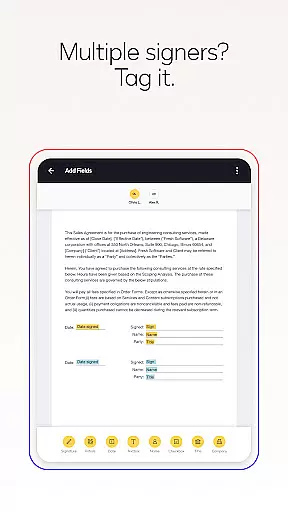
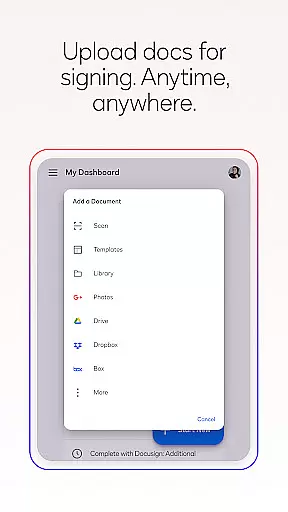
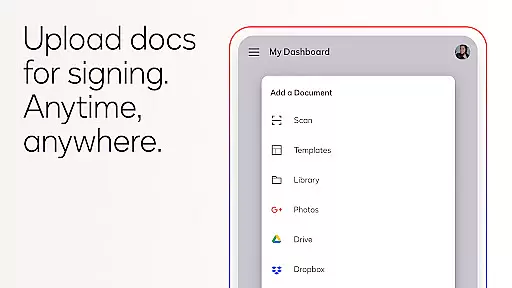
Docusign stands out with its comprehensive set of productivity-enhancing features. The app allows users to create customized digital signatures directly on their devices and upload documents via email, Google Drive, Dropbox, or photo scanning. Its streamlined interface lets you prepare documents with precise "Sign Here" tags, set signing orders, and manage workflows for multiple signers.
Advanced functionalities include sending reminders with a single tap, voiding sent documents, and receiving real-time push notifications upon completion. The responsive signing feature automatically adjusts documents for optimal mobile viewing. With support for both in-person and remote signing, Docusign caters to various business needs while maintaining top-tier security protocols.
Premium plans offer additional capabilities such as reusable templates, advanced fields, and specialized tools for industries like real estate. These features ensure that users can manage their agreements efficiently while enjoying the flexibility to customize their experience according to specific requirements.
Task management is a cornerstone of productivity applications, and Docusign excels in this area by streamlining the agreement process. The app allows users to create customized digital signatures, upload documents from various sources, and manage them efficiently.
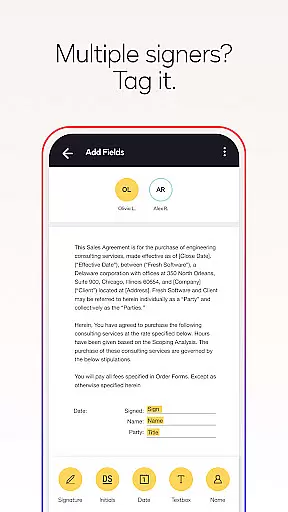
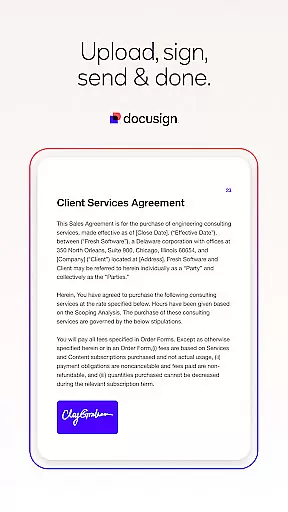
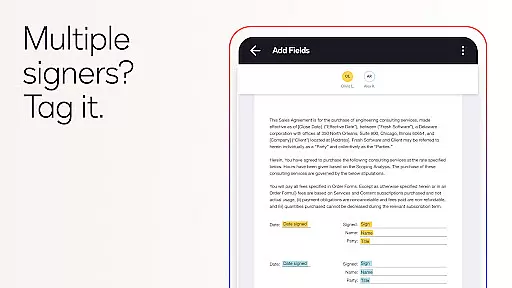
Docusign's interface simplifies document preparation with 'Sign Here' tags that guide users on where to sign or initial, making it easy for multiple signers to complete their sections. This feature ensures that all parties involved are aware of their responsibilities and the required actions, enhancing overall workflow efficiency.
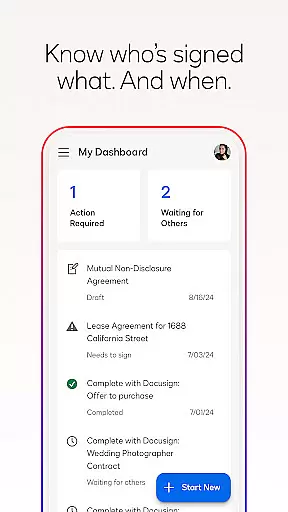
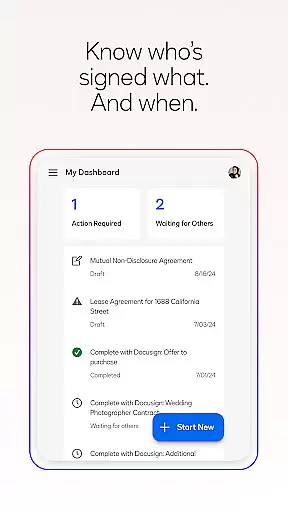
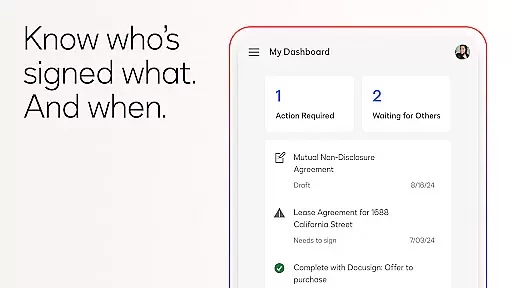
With real-time push notifications, users are immediately informed when a document has been signed. This instant communication minimizes delays and keeps all stakeholders updated on the progress of their agreements, which is crucial for maintaining productivity and ensuring timely completion of tasks.
Cross-device synchronization is vital for users who need access to their documents across multiple devices. Docusign offers reliable synchronization, allowing users to securely send and sign agreements from practically anywhere, at any time, and from almost any device.
The app supports various document types and formats, including PDFs, Word documents, Excel sheets, and images, ensuring that users can work with their preferred file formats without compatibility issues. This versatility enhances the user experience by providing flexibility in managing different types of agreements.
Furthermore, Docusign's compliance with the eSign Act guarantees that all synchronized documents are legally binding, with a complete audit trail tracking every action. This level of security and legal assurance makes cross-device operations not only convenient but also trustworthy, reinforcing Docusign's commitment to secure and efficient agreement management.
User-friendly interface
Legally compliant signatures
Secure document encryption
Real-time notifications
Wide format compatibility
Limited free sending options
Premium features are costly
Occasional syncing issues
No offline functionality
Subscription auto-renews

Mega cloud explorer plugin for Solid Explorer
 3.80
3.80
Planet Free VPN - The best Fast Unlimited and Secure VPN Without Logs
4.50
Todo reminder
4.10
Easiest event planning, volunteer signups & parent teacher conference scheduling
2.20
ID.me Authenticator is a simple and free Two Factor Authentication solution
3.50
Subscribe to Webcal & .ics calendars and keep them up-to-date!
4.50
Scientific calculator for Android - looks and operates like the real thing!
4.90
Access your phone's notifications, calls, apps, photos & texts on your PC
3.90
Note taking, handwriting, record audio, PDF annotation, planner & journal
4.20
Secure, fast, open-source, Remote Desktop Client for Windows and Linux with SSH
4.60
Calendar 2023 widget for Android. Appointment scheduler, planner, and reminder
4.60
Secure your apps with lock screens, use custom themes and different features.
4.40
When you Focus, so will your Bean in this cozy focus timer
4.30
Enjoy classic gameplay with customizable features and retro-style graphics.
4.30
Professional calendar app for Google Calendar, MS Outlook & Exchange
4.20
Intelligent AI Assistant
4.10
⏰ Finally a timer app which can run multiple timers simultaneously on your watch
3.90
Make your handwriting beautiful, even more than pen on paper.
3.60
Ads Free App! Editor, Hide File, Copy, Move, Delete and Rename.. all facility av
1.70


User Reviews