
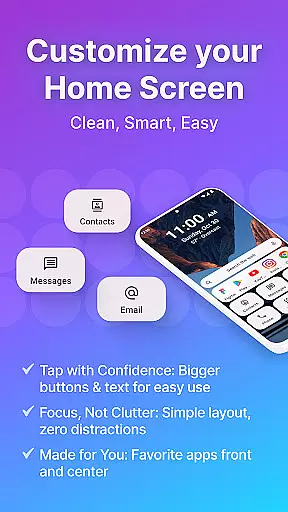
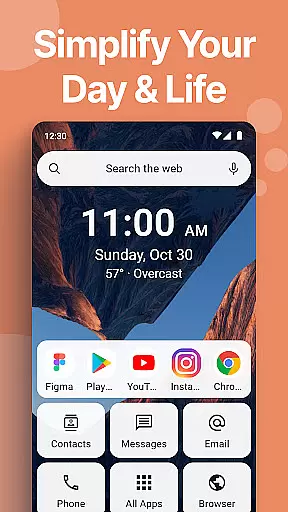
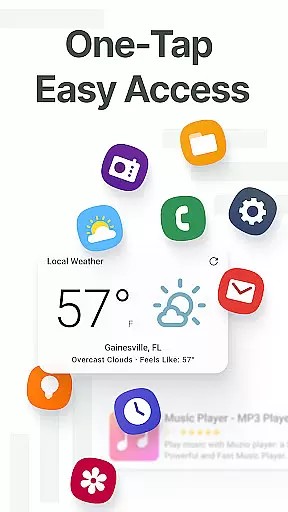
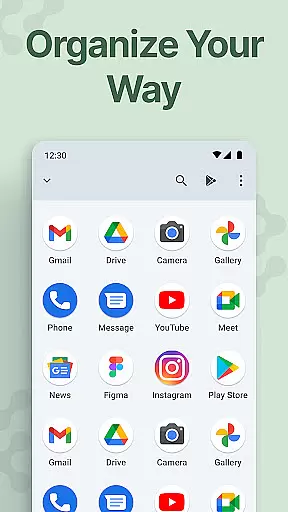
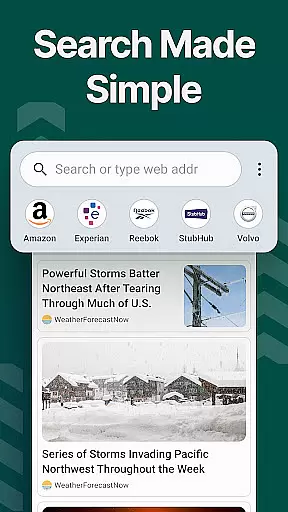
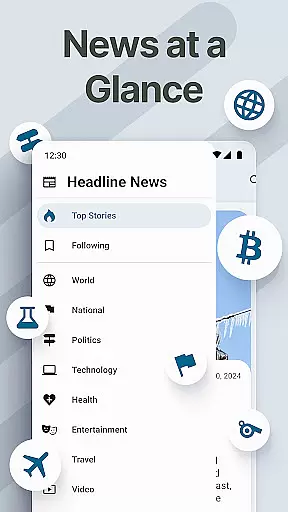
Easy Homescreen is a personalized home screen launcher designed to simplify and declutter your Android device. With its user-friendly interface, the app transforms chaotic screens into organized spaces by prioritizing frequently used apps and tools while hiding unnecessary ones. It offers oversized buttons, clear text, and customizable themes that cater to accessibility and ease of use.
This launcher stands out with features like widget support, custom fonts, and app icon personalization, allowing users to tailor their phone's appearance to match their style. Whether you're tech-savvy or prefer simplicity, Easy Homescreen adapts to individual needs, making it suitable for all ages. Its calming UI reduces digital noise, creating a more enjoyable and stress-free experience.
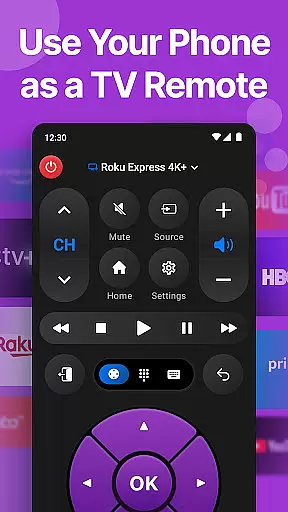
Perfect for those seeking control and comfort in their daily phone usage, Easy Homescreen empowers users to focus on what matters most without distraction. By integrating essentials such as a universal remote, weather app, and large keyboard, it ensures everything you need is easily accessible, enhancing both productivity and relaxation.
Easy Homescreen offers an array of innovative features that redefine how users interact with their Android devices. One standout aspect is its advanced personalization options, including custom fonts, themes, and app icons. These allow users to express their unique style while maintaining usability through bold, playful, or professional designs tailored specifically for them.
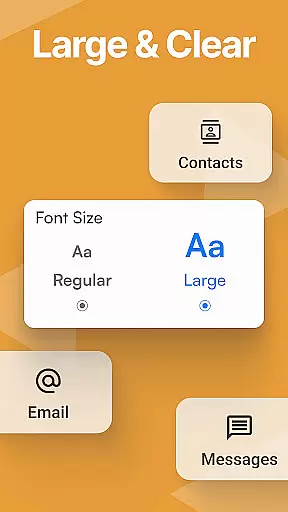
The app also excels in accessibility-first design principles. Large fonts, oversized buttons, and an optional easy keyboard cater to users who require enhanced visibility and ease of typing. This makes navigation intuitive and comfortable, particularly beneficial for older adults or those with visual impairments. Additionally, the minimalist UI reduces cognitive load, ensuring a calming digital environment.
Another key feature is the smart organization system, which intelligently displays frequently used tools and hides less essential ones. Combined with homescreen widgets, lockscreen widgets, and top widgets, users can stay informed without feeling overwhelmed. The built-in home screen organizer further enhances this by keeping everything clean and easy to find, ultimately providing a seamless blend of functionality and aesthetics.
Customization is at the heart of Easy Homescreen, offering users a wide array of options to tailor their smartphone experience. With features ranging from custom fonts and themes to personalized app icons, this launcher allows for an unprecedented level of personal expression.
The ability to modify visual elements such as fonts and themes ensures that your device reflects your unique style. Whether you prefer a bold, playful look or a more professional appearance, Easy Homescreen adapts seamlessly to match your preferences.
Moreover, the app provides essential tools like a universal remote and weather app integration, enhancing both aesthetics and functionality. These customization options not only make your phone visually appealing but also improve usability by prioritizing frequently used applications and tools.
Ultimately, Easy Homescreen empowers users to create a personalized and efficient digital environment. By focusing on individual needs and preferences, it transforms the Android experience into something truly special and user-centric.
Theme compatibility in Easy Homescreen ensures that users can enjoy a cohesive and visually pleasing interface across their devices. This feature supports a wide range of themes, allowing for seamless integration with various design preferences and ensuring a consistent look and feel.
By providing extensive theme options, Easy Homescreen caters to diverse aesthetic tastes. Users can choose from a variety of themes that suit their mood or style, whether they prefer minimalist designs or vibrant, colorful interfaces. This flexibility enhances the overall user experience by making it more engaging and enjoyable.
In addition to visual appeal, theme compatibility contributes to the app's accessibility features. Large fonts and buttons are supported within different themes, maintaining ease of use while offering customization. This dual focus on aesthetics and functionality sets Easy Homescreen apart from other launchers.
Overall, the emphasis on theme compatibility underscores Easy Homescreen's commitment to delivering a personalized and accessible Android experience. It ensures that every user can find a theme that resonates with them, creating a harmonious and intuitive digital space.
User-friendly interface
Customizable themes
Accessible design
Smart organization
Essential integrations
Limited iOS support
Advanced features locked
Occasional bugs
Ads in free version
Learning curve

Beautiful realistic hybrid watch face with numerous customization options.
 4.50
4.50
Art & Emoji Keyboard with Cool Fonts, Cute Themes and Custom Designs.
4.40
Personalize your phone with stunning HD and 4K wallpapers!
4.70
Shimeji adds cute animated characters to your screen, lively and fun.
4.70
Try creating your own keyboard with "Keyboard theme for android" app now!
4.50
Struggling to find apps? Use this app to locate and open any app on your phone!
2.20
Modern Glass Icon Pack with glossy icons, clean minimal theme & aesthetic style
4.5
A minimalist productivity launcher. One-hand-friendly. Zero ads.
4.70
Transform your phone with stunning video wallpapers and a unique, personal touch
3.80
Customizable Glass widgets. Over 360+ stunning widgets and more!
4.70
350+ widgets with a premium glass-style finish, perfect for home & lock screens.
4.70
Aesthetic Widgets, HD Wallpapers, Themes in Mico Widget for Home and Lock Screen
4.50 4.50
4.50
Vibrant Adaptive Icons with Material You and Enhanced Monet Colors.
4.50
AI-powered Copilot. Personalized keyboard with gifs, stickers & themes
4.40
Yandex Browser — stylish and secure, with voice search and data compression
4.40
Romantic Kiss Stickers App. Start romantic messaging now!
4.30
Realistic animated snow on your wrist, with 10 images landscapes to choose from
4.00
Interactive Miniature Painting Catalogue
3.30


User Reviews