
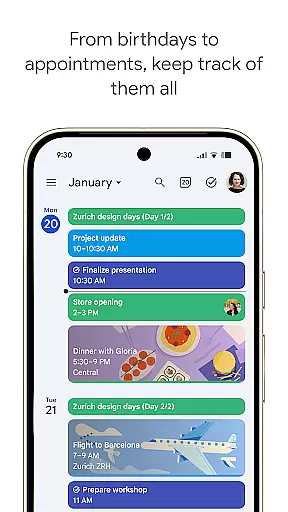
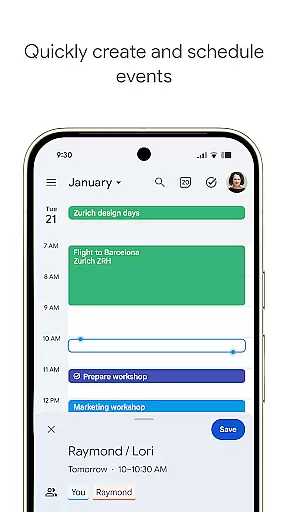
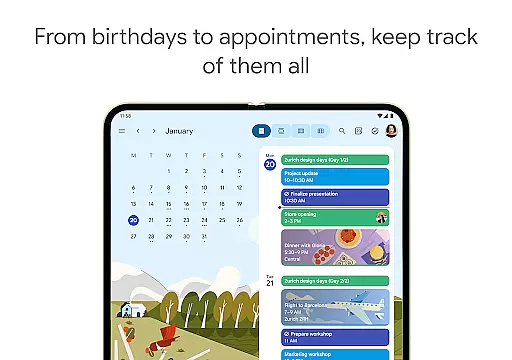
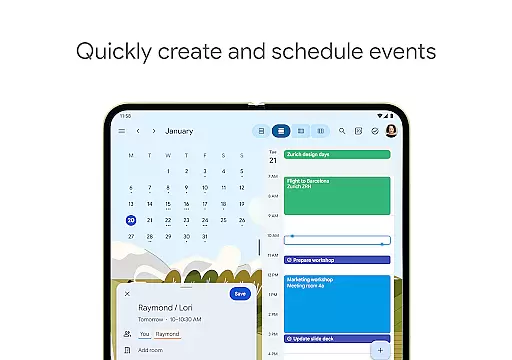
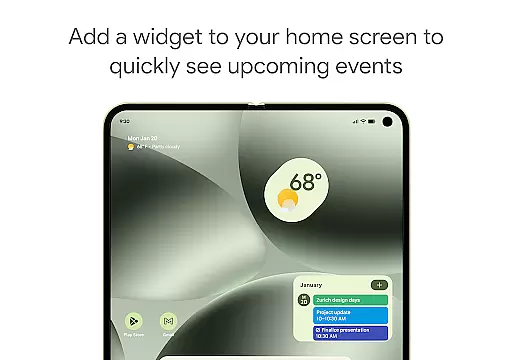
Google Calendar is the official calendar app designed for Android phones, tablets, and Wear OS devices. It helps users stay organized and plan their day efficiently. The app offers easy event creation, supports multiple calendars, and provides customizable views. With features like widgets and task management, it ensures you make the most of your day.
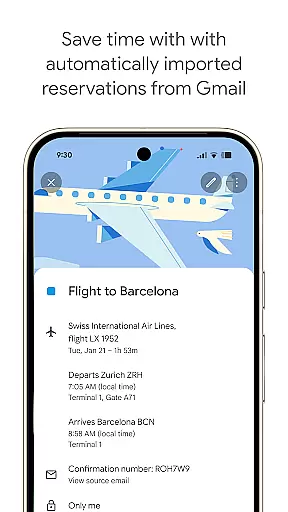
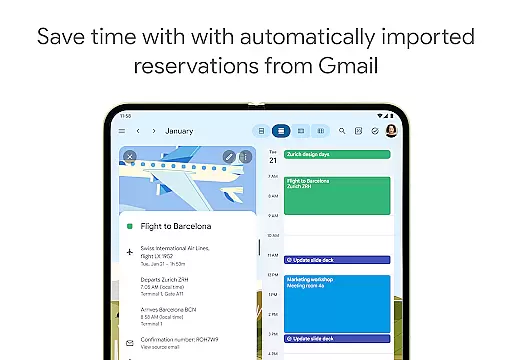
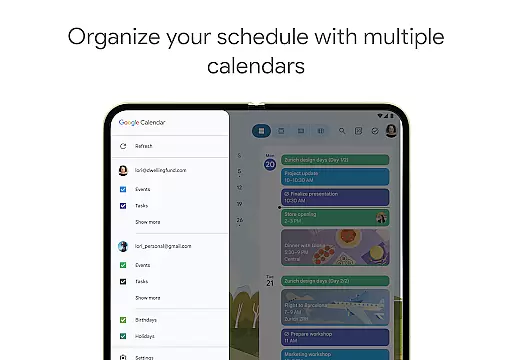
One of the standout functionalities is its seamless integration with Gmail, automatically adding events such as flight details, hotel bookings, and restaurant reservations to your calendar. Whether you're switching between devices or using it on a Wear OS device, Google Calendar keeps you in sync. Its ability to consolidate various calendars, including Exchange, makes it versatile for both personal and professional use.
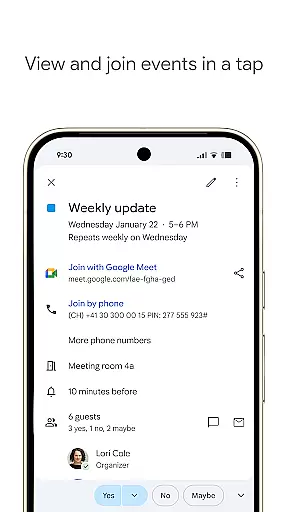
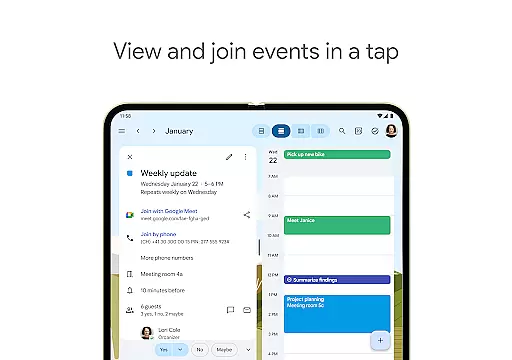
For those working in hybrid environments, Google Calendar enhances collaboration by integrating Google Meet video calls into events. It also allows teams to schedule meetings easily by checking availability and layering calendars. This app is part of Google Workspace, ensuring enterprise-level privacy and security, making it reliable for both individual and team use.
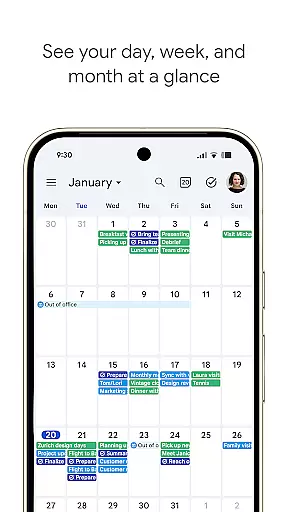
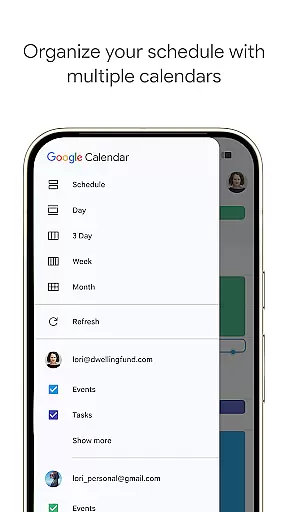
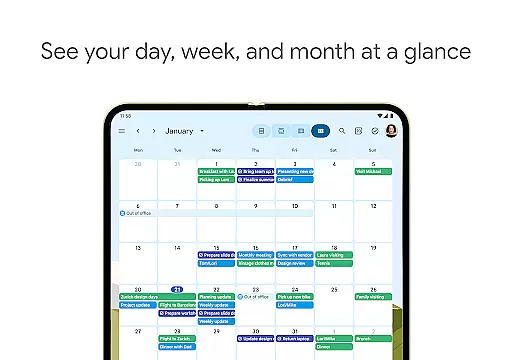
Google Calendar boasts an array of features that cater to diverse scheduling needs. Users can quickly switch between month, week, and day views, allowing for flexible planning. The app supports shared calendars, enabling family, friends, and colleagues to view, add, or modify events, thus keeping everyone in the loop.
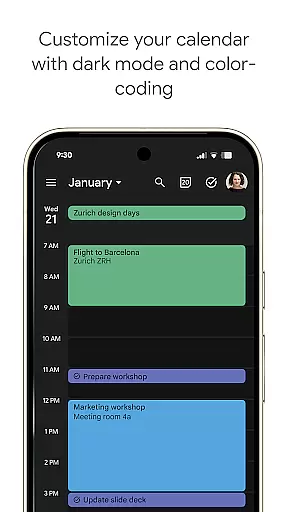
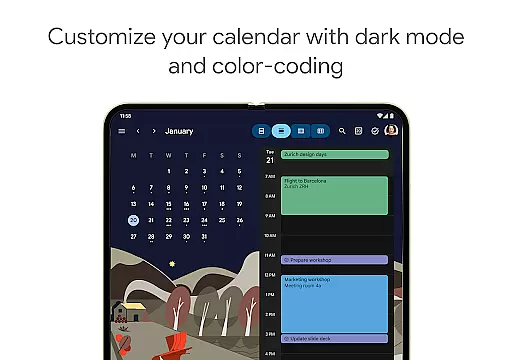
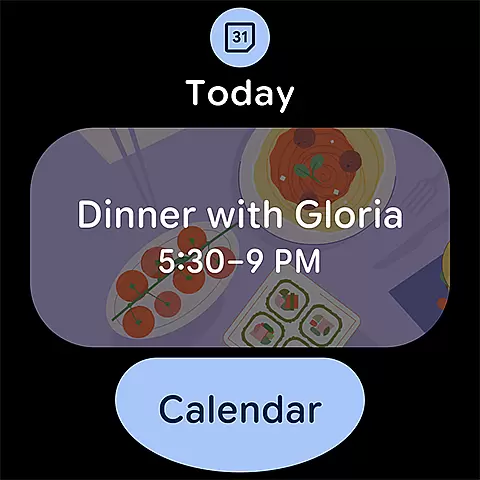
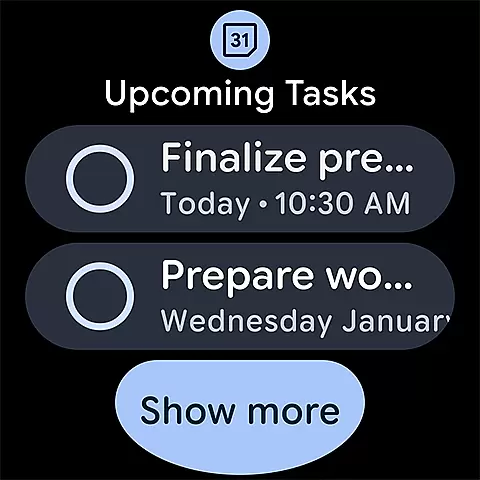
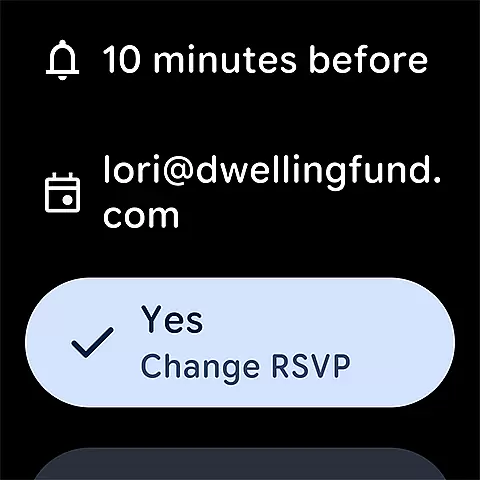
Task management is seamlessly integrated, letting users create and manage tasks alongside their events. Personalization options include light or dark mode and color-coding events, enhancing user experience. Additionally, full-screen task lists help organize duties effectively. For users on the go, Google Calendar on Wear OS devices supports tiles and complications, ensuring you never miss an important event or task.
As part of Google Workspace, the app facilitates collaboration through professional booking pages and meeting attachments like notes and pre-read materials. Integration with other Google tools ensures smooth connectivity and productivity, making Google Calendar a comprehensive solution for managing schedules and tasks efficiently.
Companion app integration is essential for users who want a seamless experience across multiple devices. Google Calendar excels in this area by ensuring that your events, tasks, and settings are synchronized effortlessly between your Android phone, tablet, and Wear OS device. This synchronization allows you to start planning on one device and continue on another without missing any details.
The app automatically syncs data from Gmail, including flight, hotel, concert, and restaurant reservations, ensuring all important events are captured. Whether you're switching from your phone to a tablet or using a Wear OS smartwatch, Google Calendar keeps everything up-to-date. This means you can access your schedule anytime, anywhere, making it easier to stay organized and productive.
Furthermore, the ability to view and manage Google Calendar events side-by-side with other calendars, such as Exchange, enhances its utility. Shared calendars allow family, friends, and colleagues to stay informed and collaborate efficiently. With real-time updates and comprehensive syncing, Google Calendar ensures that you never miss an important event or task, no matter which device you're using.
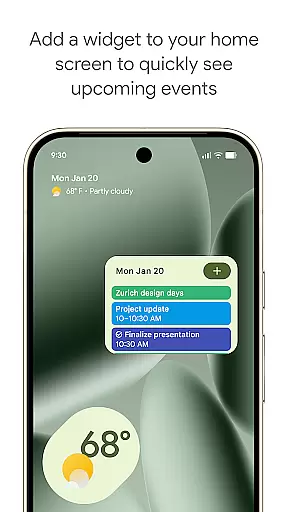
For users invested in the Wear OS ecosystem, Google Calendar offers exceptional compatibility and functionality. The app supports tiles and complications, allowing quick access to your schedule directly from your smartwatch face. This feature ensures that you can stay on top of your day without needing to pull out your phone, offering convenience and saving time.
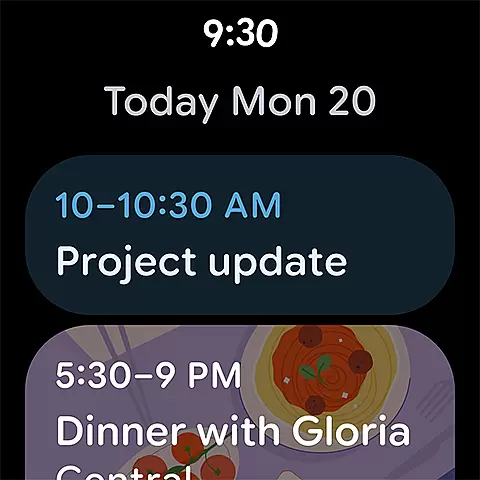
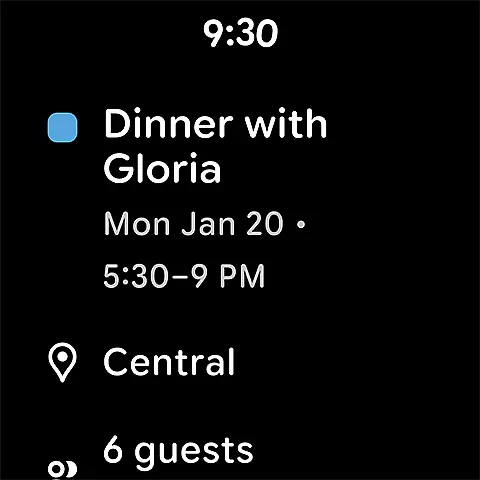
Google Calendar's Wear OS app provides a streamlined experience, focusing on essential features like event notifications, daily agenda, and quick event creation. These capabilities ensure that even on a smaller screen, you have all the tools needed to manage your time effectively. The intuitive design makes navigation simple, while voice commands offer hands-free operation when you're on the go.
In addition to basic scheduling, Google Calendar on Wear OS integrates seamlessly with other Google services. You can join Google Meet video calls directly from calendar events, ensuring you're always ready for hybrid work environments. With robust privacy and security measures, you can trust that your data remains safe. Overall, Google Calendar's compatibility with Wear OS devices enhances both accessibility and productivity, making it an indispensable tool for managing your life.
User-friendly interface
Seamless Gmail integration
Multiple calendar support
Task management features
Enterprise-level security
Limited offline functionality
Occasional sync issues
Basic customization options
No built-in reminders
Dependent on Google services

Christmas Theme Watch Face for Wear Os
 5.00
5.00
Beautiful artistic animated digital watch face, with a customizable layout!
4.40
A watch face that fuses motorsport precision with contemporary smartwatch design
4.4
Watch face designed for Thanksgiving Day. 7 Background Styles included.
3.20
Digital watch face. For Wear OS devices.
4.40
Stay in touch with your friends and family using LINE!
3.40
Stylish, Energizing and Modern Watch Face crafted by Dominus Mathias.
4.50
A digital watch face that celebrates Christmas.
4.00
Connect, create, and collaborate with Gmail, part of Google Workspace.
4.10
Easy Voice Recorder is your everyday companion to record important moments.
4.70
To-Do List: daily schedule planner, task organizer, to do reminder app, calendar
4.60
Simple, helpful messaging by Google
4.60
MyNISSAN® lets you remotely control your car from your phone.*
4.50
Bold, Modern Hybrid Watch Face for Wear OS. 10 Colors, Rich Info Display.
4.30
Calming & relaxing sounds for sleeping and stress relief. Stay focused all day!
4.20
Animated Watch Face and Customizable with 24 Backgrounds. Perfect for Christmas!
3.90
Artistic Digital Watchface
4.3
Sleek, highly customizable watch face inspired by Galaxy Watch Circle Dashboard.
4.3
Hybrid Vibrant Health Watch Face for Wear OS
4.4


User Reviews