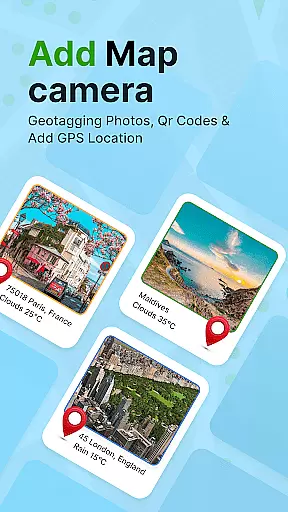
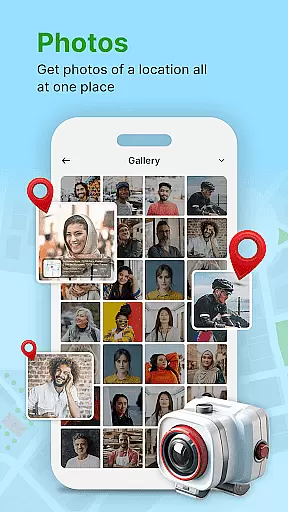
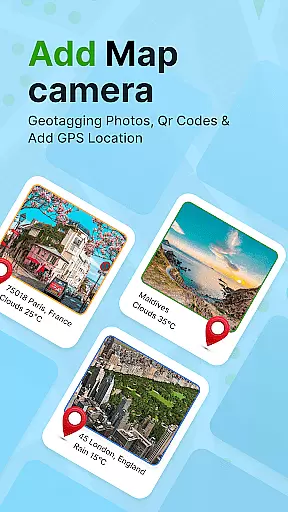
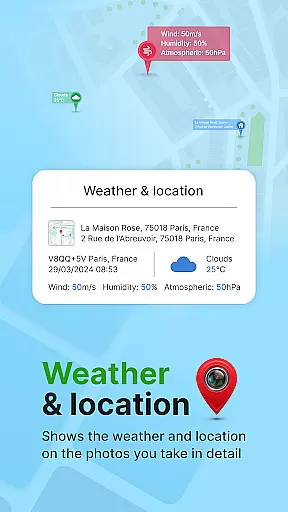
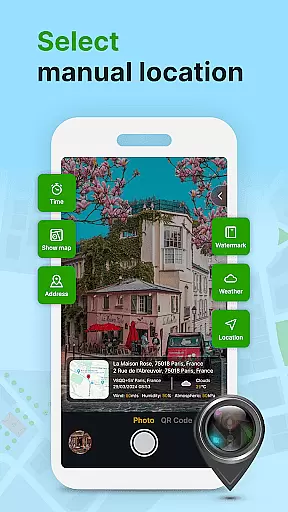
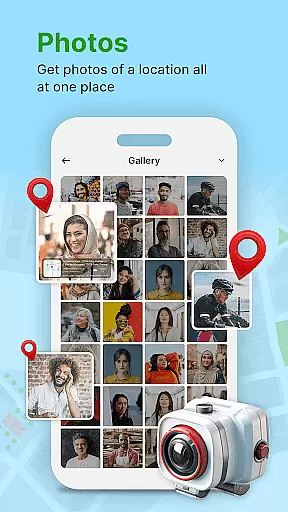
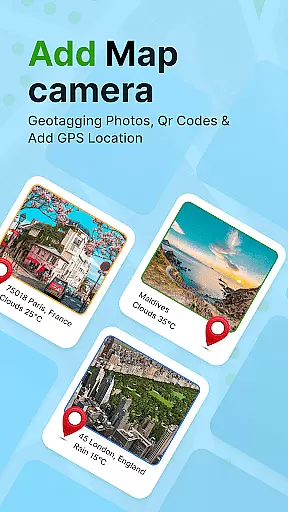
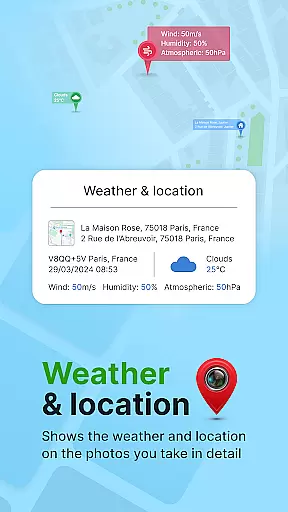
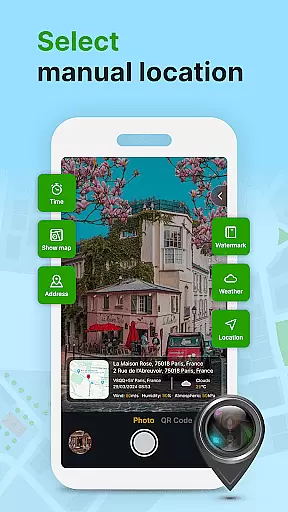
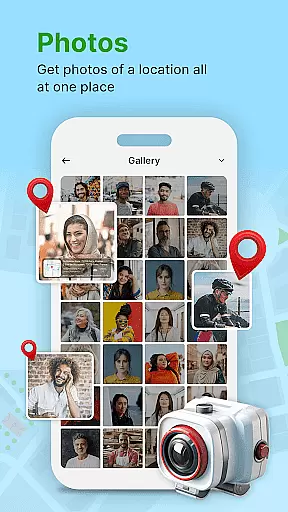
GPS Geotag Photos & Camera Map is a powerful photography app designed to enhance your photo-taking experience by embedding precise location data into your images. The app automatically adds GPS coordinates, altitude, and address information directly into the photo's metadata, making it easy to track where and when each photo was taken.
In addition to geotagging, the app offers advanced customization options, allowing users to add timestamps, weather details, and even short location descriptions to their photos. Whether you're a traveler wanting to document your journeys or a professional photographer needing accurate metadata, this app provides the tools you need for effective photo management.
The app also features a live map view, QR code scanner, and manual GPS adjustment options, giving users complete control over their geotagging process. With its user-friendly interface and robust functionality, GPS Geotag Photos & Camera Map is an essential tool for anyone looking to organize and enrich their photo library with valuable location-based information.
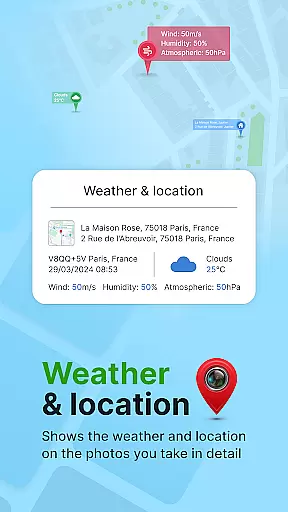
One of the standout features of GPS Geotag Photos & Camera Map is its ability to automatically embed detailed location data into photos. This includes not only GPS coordinates but also altitude, address, and even weather conditions at the time of capture. Users can customize how this information appears on their photos by adjusting font styles, sizes, colors, and positions.
The app also offers a unique QR code scanning feature, which allows users to quickly access additional information about a location. For those who require more precision, manual latitude and longitude adjustments are supported, ensuring that every photo has the most accurate geotagging possible. Furthermore, the built-in camera supports capturing stunning images while simultaneously recording all relevant metadata.
With its intuitive live map functionality, users can easily visualize their geotagged photos in real-time. This makes it simple to manage large collections of images and quickly identify where each photo was taken. These comprehensive features make GPS Geotag Photos & Camera Map an indispensable tool for photographers, travelers, and anyone interested in maintaining well-organized digital albums.
Real-time capture and preview functionality is essential for ensuring that every photo taken with GPS Geotag Photos & Camera Map app accurately reflects the desired composition. This feature allows users to see exactly what the camera sees, making it easier to frame shots perfectly.
The app supports capturing stunning photos while automatically embedding GPS coordinates, altitude, and even the address into the image metadata. This real-time data integration ensures that each photo contains valuable location information, enhancing its future reference value.
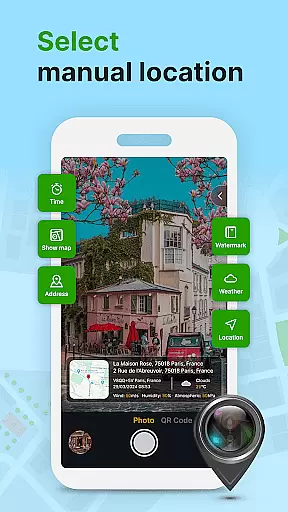
Users can also customize various aspects of their images through the app's interface. Options include adjusting the font, size, color, and position of timestamps directly onto the photo. Such customization empowers users to tailor each image to their specific needs or preferences.
Overall, the real-time capture and preview capabilities of this app provide a seamless experience for photographers who wish to document not just the visual aspect of their subjects but also critical contextual details like time and place.
While primarily focused on geotagging, GPS Geotag Photos & Camera Map app also offers features related to AI beauty and enhancement, ensuring that photos look their best without appearing overly processed. The emphasis on naturalness means that enhancements are subtle and preserve the authenticity of the original image.
One notable feature is the ability to add geo-location stamps automatically, which includes not only the latitude and longitude but also additional context such as weather conditions. These elements enrich the storytelling aspect of each photograph, providing viewers with more than just a visual snapshot.
Furthermore, the app allows for manual adjustments if users wish to fine-tune certain aspects of their images. For instance, one can manually set the latitude and longitude, ensuring precision in geotagging. This level of control helps maintain the natural appearance of enhanced photos.
By combining practical geotagging features with thoughtful enhancement options, the app delivers a balanced approach to photo editing that prioritizes both functionality and aesthetic appeal.
User-friendly interface
Accurate geotagging
Customizable metadata
Live map functionality
QR code scanner included
Occasional GPS lag
Advanced features locked
Heavy battery usage
Limited free version
Requires constant internet

All-in-One Editor & AI Photo Enhancer, Beautify & Retouch, Collage, Cartoonify
 4.20
4.20
Future baby face generator: AI kids generator, kid face! What my baby look like?
4.40
Collage your moments in one tap: 1000+ layouts, filters, stickers, and texts.
4.90
Turn photos into cartoons & avatars! - Photo Editor, Cartoon Face!
3.90
Your personal guide to the sun and moon. Plan ahead, visualize and predict!
4.70
A light meter for true photographers.
4.20
Welcome to ProShot, the most powerful camera app on Android.
4.20
Solocator stamps photos you take with GPS location, Compass Direction, Date/Time
3.80
Your Family Calendar + Photos. Manage your Skylight Calendar and Skylight Frame.
4.40
Create funny photos and videos with the popular Time Warp Scan filter.
4.90
Take videos and pictures with the popular TikTok TIME WARP SCAN filter.
4.60
AI photo editor with hair editor, retouch tools, hair color changer & filters!
4.50
Transform photos into videos! Create realistic or anime-style images easily!
4.50
HD Camera Pro with HD Video shooting, Panorama, Photo editor , Beauty Camera.
4.50
Edit like a pro with Hypic. Apply filters, AI effects, & magic touch.
4.40
Shooting photos and records video easily and efficient with professional Camera
4.30
Turn your phone into a professional camera - full DSLR manual photography
4.30
Professional camera app that brings DSLR manual photography controls to Android.
4.20
Add a dreamy vibe to your selfies and videos with soft style filters
4.3


User Reviews