
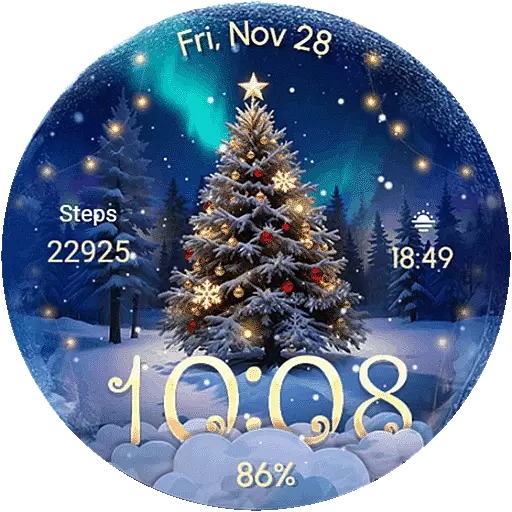
Wear Os Watch Face - Animated Snow Effect & Christmas Lights
 4.1
4.1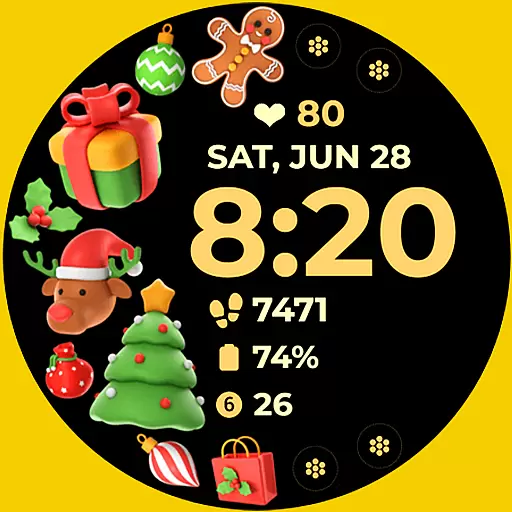
Christmas and New Year - Themed Watchface
4.5
Easy Voice Recorder is your everyday companion to record important moments.
4.70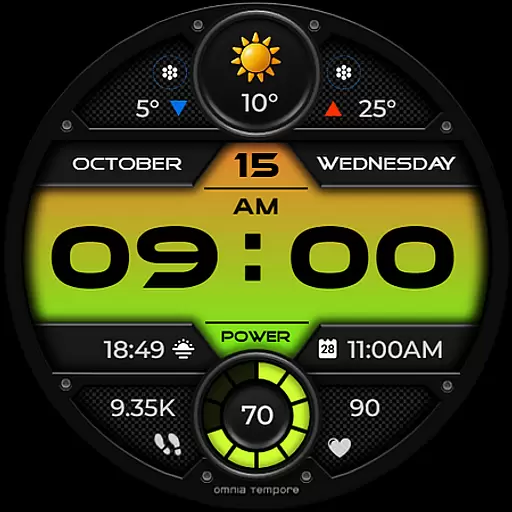
Stylish digital watch face for Wear OS devices with customizable features
4.0
Nutrition, Macro tracker: Food, fitness & healthy diet tracking for weight loss
4.60
The Chevron App allows you to pay for fuel from the comfort of your car!
4.80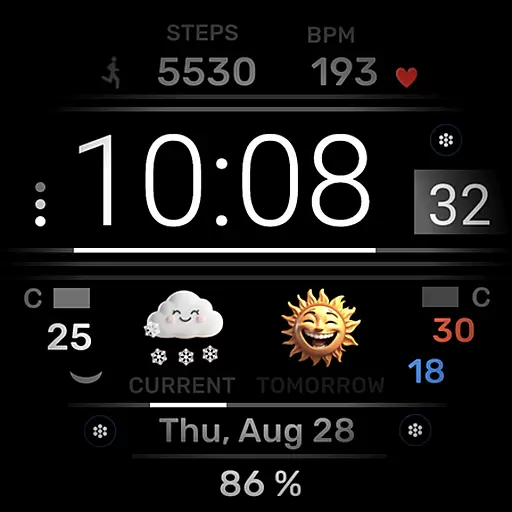
Minimalistic design modern digital watch face.
4.2
Viewer for Wyze/Yi/Eufy/Arlo/ONVIF/RTSP/P2P IP cams w/ adv. features & DIY DVR
4.00
From periods to pregnancy & perimenopause, Flo helps you track it all. Try now.
4.70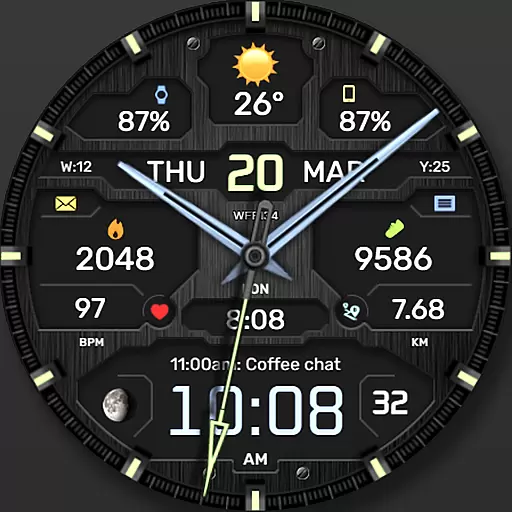
The most customizable hybrid watch face. For Wear OS 5.0, API 34+ and later
4.70
To-Do List: daily schedule planner, task organizer, to do reminder app, calendar
4.60
Kia Access makes getting your vehicle information easier than ever
4.60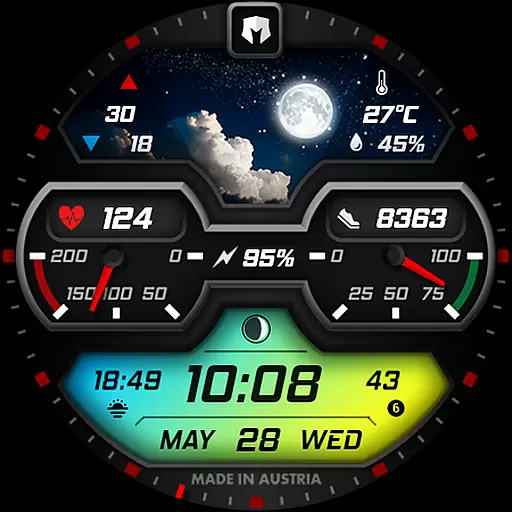
Stylish, Energizing and Modern Watch Face crafted by Dominus Mathias.
4.50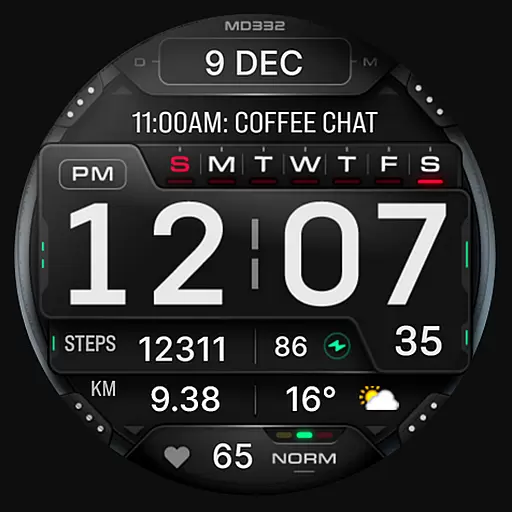
Digital watch face with big numbers and many customization for Wear OS devices
4.40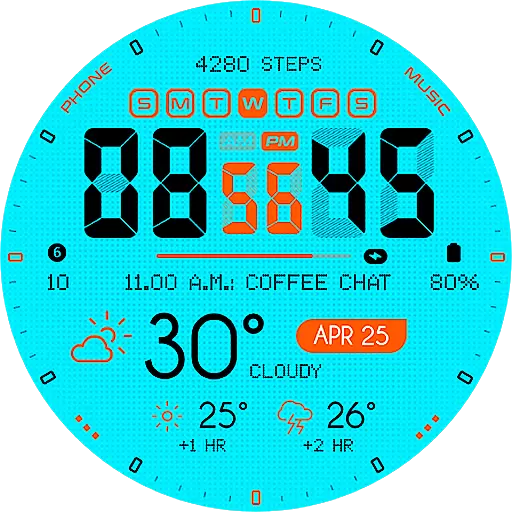
Bold weather Digital watchface with forecast & optional animated background
4.40
Find EV charging stations
4.30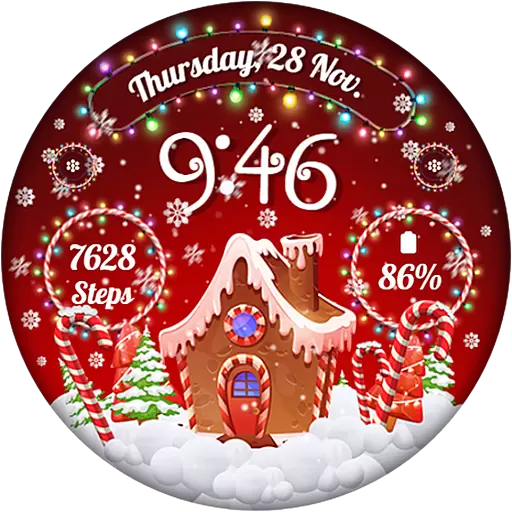
Wear Os Watch Face - Animated Snow - Sesonal for Christmas & Winter
4.1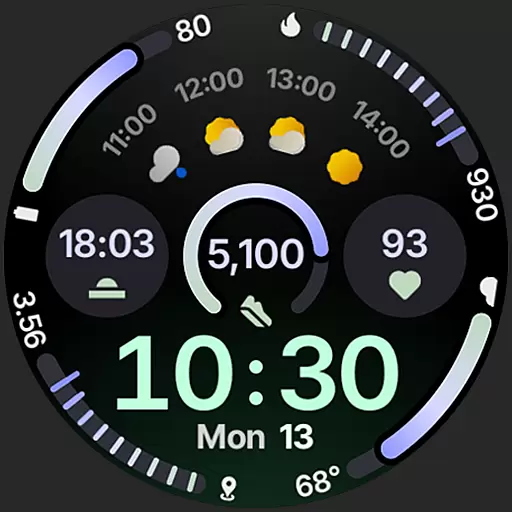
Sleek, highly customizable watch face inspired by Galaxy Watch Circle Dashboard.
4.4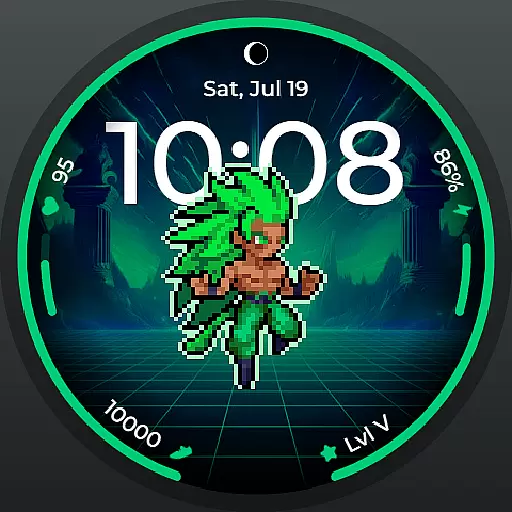
Fitness interactive virtual pet super fighter boy watch face
4.2


