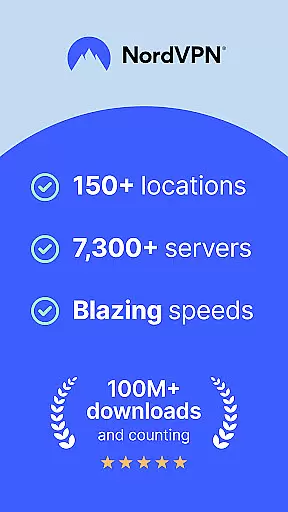
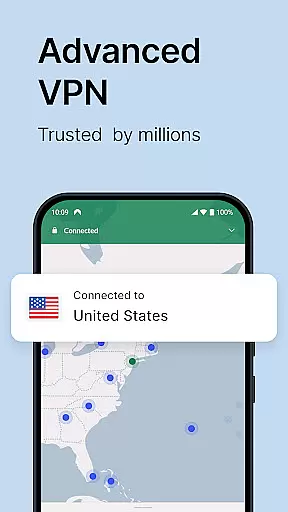
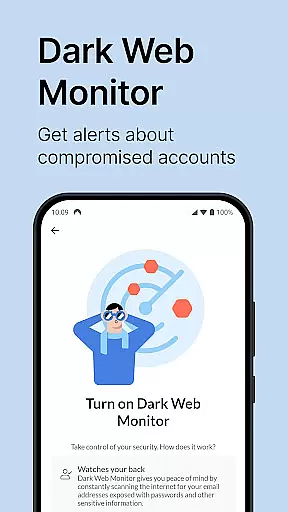
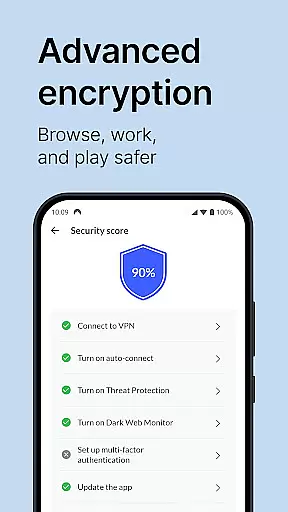
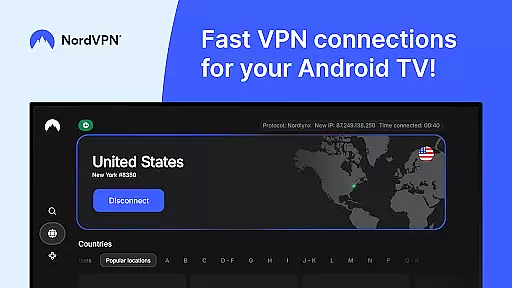
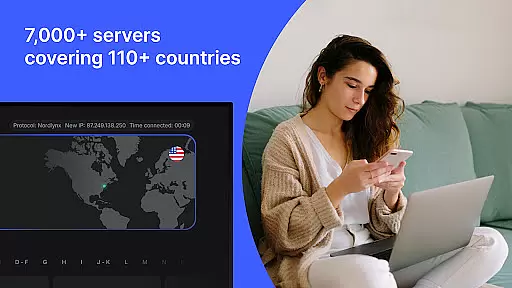
NordVPN is a leading virtual private network application designed to provide users with enhanced online privacy and security. The app encrypts internet traffic, hides IP addresses, and allows access to geo-restricted content through its vast network of over 7,000 servers worldwide. With advanced features like NordLynx protocol for high-speed connections and Threat Protection to block malicious websites, it ensures both safety and performance.
This tool is particularly beneficial for Android smartphone, tablet, and TV users who seek secure internet access while maintaining high-speed connectivity. Whether you're browsing sensitive information or streaming entertainment content, NordVPN offers a reliable solution that fits seamlessly into your daily digital routine.
NordVPN stands out with its comprehensive suite of features tailored for optimal user experience. The application employs powerful encryption standards alongside multiple VPN protocols including OpenVPN and the innovative NordLynx based on WireGuard®, ensuring top-grade security without compromising speed. This dual focus makes it an ideal choice for both privacy-conscious individuals and those needing fast data transmission rates.
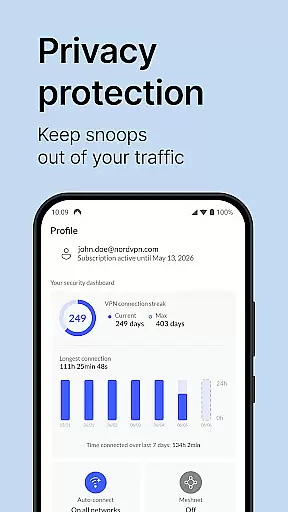
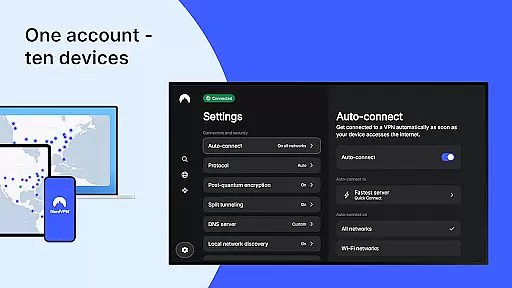
Additional functionalities such as Double VPN for increased anonymity, split tunneling to exclude specific apps from the encrypted connection, and Meshnet for remote device access further enhance its utility. Moreover, the ability to protect up to ten devices under one account provides exceptional value, making NordVPN not just a tool but a complete security ecosystem for modern digital life.
NordVPN excels in providing a highly accurate and effective core VPN functionality that ensures users can browse the internet with confidence. The app employs advanced encryption protocols, including OpenVPN and NordLynx, which is based on WireGuardu00ae, to secure your data and online activities from potential threats.
With over 7,000 servers worldwide, NordVPN guarantees not only top-grade security but also turbo speeds for an uninterrupted browsing experience. This extensive server network allows users to connect to a server close to their location or choose one in another country, depending on their needs, ensuring optimal performance and access to geo-restricted content.
The no-log policy upheld by NordVPN means that user activity remains private and is never recorded or stored. Independent audits have verified this commitment to privacy, giving users peace of mind that their online actions are truly confidential and secure from prying eyes.
For those seeking additional layers of protection, features such as Double VPN and Threat Protection further enhance the app's effectiveness. These tools help shield against malicious websites and provide increased privacy, making NordVPN a comprehensive solution for maintaining digital security across multiple devices with just one account.
The interface design of NordVPN reflects its dedication to simplicity and intuitiveness, ensuring that even novice users can navigate and utilize the app with ease. Upon launching NordVPN, users are greeted with a clean layout where the most essential functionsu2014such as connecting to a server and selecting a specific locationu2014are prominently displayed and easily accessible.
One-touch connectivity is a standout feature, allowing users to initiate a secure connection with just a single tap. This straightforward approach eliminates any unnecessary complexity, making it possible for anyone to protect their internet activity without needing technical expertise.
Advanced settings, such as setting up auto-connect features or configuring split tunneling, are tucked away in menus but remain intuitive enough for users who wish to customize their experience. These options do not clutter the main screen, preserving the appu2019s simplicity while still catering to more experienced users looking for tailored solutions.
Furthermore, NordVPN offers 24/7 customer support through an award-winning team ready to assist with any questions or issues that may arise. This commitment to user assistance complements the intuitive design, ensuring that help is always available should users encounter difficulties or require guidance on maximizing the app's capabilities.
Top-grade encryption
Extensive server network
User-friendly interface
Advanced threat protection
Multi-device support
Premium pricing model
Occasional server congestion
Limited free trial availability
No lifetime subscription option
Resource-intensive on older devices

Change your GPS location instantly. Simulate routes anywhere in the world.
 4.90
4.90
This app unlocks the Pro features of the Central for DayZ app
3.60
Family Locator, Share location, StayConnect with your family in real time
3.90
Universal TV remote control all TVs, Roku, LG, Samsung, Fire, Vizio, Sony, TCL.
4.40
Small and simple app to Verify Root Access and BusyBox Install!
4.70
PC precision for mobile gaming: dominate with keyboard and mouse!
4.30
Pro Emulator is an easy to use game console emulator for a range of consoles.
4.40
Clean up large files and similar photos, fast and easy to use
4.40
Your personal health butler
3.60
Enjoy smooth gameplay with Game Booster
4.90
Excellent scientific calculator with symbolic algebra, integrals, derivatives
4.80
WiFi Signal Strength Meter help you detect WiFi Signal Strength in real time.
4.80
The one-and-only remote control for PC, Mac, and Linux
4.70
NFC Tools can read and write NFC tags.
4.70
Play your X-Box games remotely in 1080p with any controller and zero latency
4.60
eXtended Permission Manager - a small app to manage permissions and AppOps
4.50
Making emulation easy for everyone!
4.30
Effortlessly run ADB commands directly on your device without a PC.
4.20
Automate everything from settings to photos, SMS to speech. ADC2 prize winner.
4.10


User Reviews