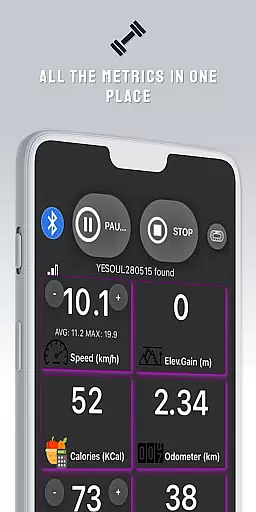
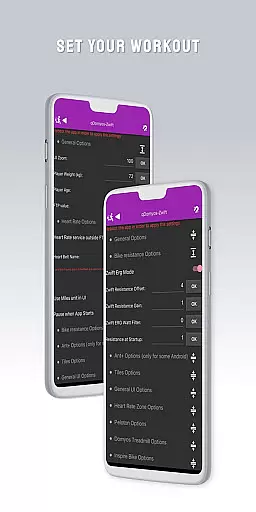
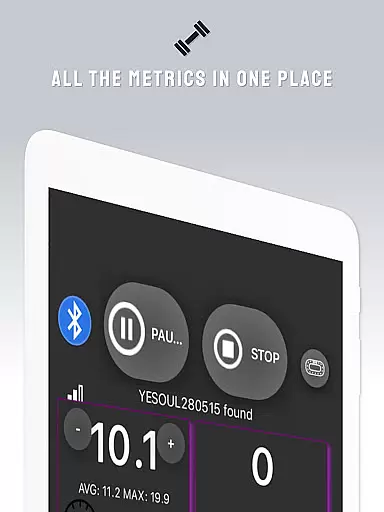
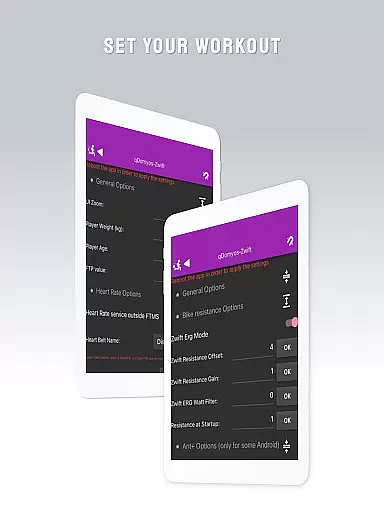
QZ is a versatile application designed to enhance your fitness equipment by enabling connectivity with popular platforms like Zwift and Strava. This app breathes new life into machines such as Domyos, Echelon, Proform, Flywheel, Yesoul, and Toorx treadmills or bikes, allowing them to seamlessly integrate with modern workout ecosystems.
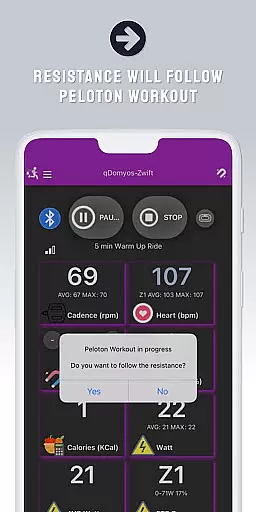
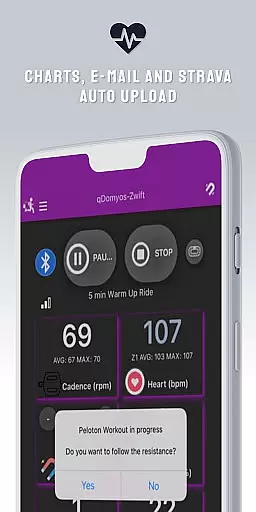
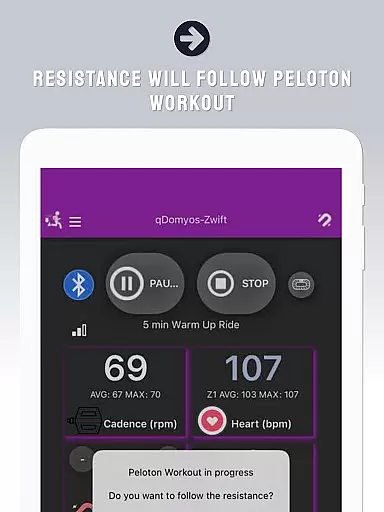
With QZ, users can enjoy automated resistance adjustments during workouts, making it an ideal companion for Peloton enthusiasts. The app also supports Wear OS, empowering users to monitor their heart rate directly from their smartwatches and sync this data with the main app for comprehensive performance tracking.
This compatibility extends across various brands and models, ensuring that whether you're using Keiser M3i bikes or JK Fitness treadmills, QZ has you covered. Its broad support transforms standard exercise machines into smart devices, enhancing both functionality and user experience.
QZ stands out with its extensive compatibility list, supporting a wide range of fitness equipment including all Echelon and Domyos bikes, treadmills, and ellipticals. It uniquely offers direct integration without converters for certain models like the Keiser M3i bike.
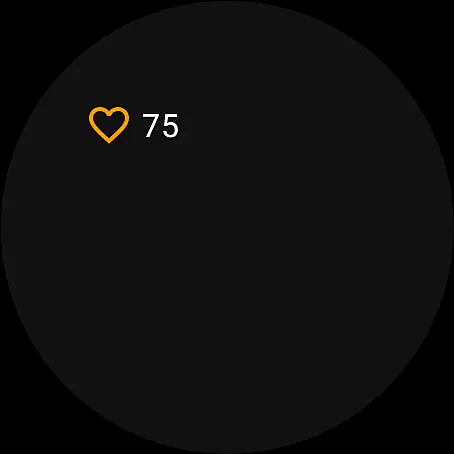
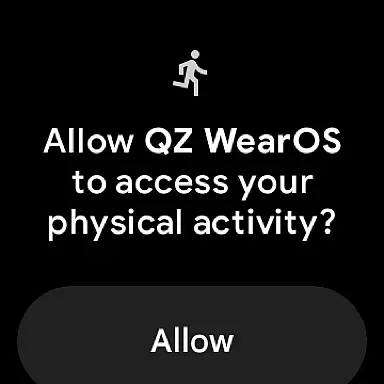
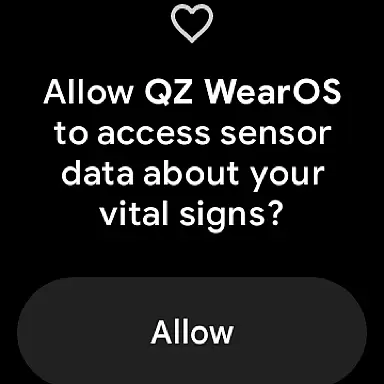
The app's innovative features include automatic resistance control for Peloton workouts and real-time heart rate monitoring through Wear OS devices. By downloading the companion app on your smartwatch, you can effortlessly track vital stats and sync them with your smartphone app.
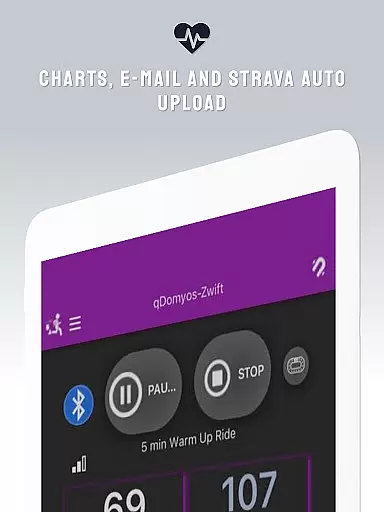
Additionally, QZ facilitates automatic uploads to Strava, streamlining the process of logging and sharing your achievements. This feature-rich platform ensures that users can maximize their workout efficiency while enjoying seamless connectivity across multiple devices and services.
Companion app integration is essential for users who want a seamless experience between their wearable devices and main applications. QZ offers robust connectivity options that allow your Domyos, Echelon, or other compatible fitness equipment to sync effortlessly with platforms like Zwift.
The app ensures that data captured on your wearable device, such as heart rate or performance metrics, is accurately transmitted to the primary app. This allows for real-time monitoring and adjustments during workouts, enhancing both convenience and effectiveness.
By downloading the companion app on your Wear OS device, you can extend the functionality of your fitness setup. The smartwatch app reads vital stats like heart rate and relays them back to the main QZ application, ensuring all your workout data is centralized and easily accessible.
Device compatibility is crucial when selecting an app designed to work with wearable technology. QZ supports a wide range of devices, including those running on Wear OS, making it versatile for various users' needs.
This app's compatibility extends beyond just smartwatches; it also works seamlessly with numerous treadmills and bikes from brands like Domyos, Echelon, Proform, and more. Whether you're using a treadmill at home or hitting the trails with your bike, QZ has got you covered.
With its broad support for different types of exercise equipment and wearables, QZ ensures that no matter what gear you own, you'll be able to integrate it into your digital fitness routine without hassle. This extensive compatibility list makes QZ a reliable choice for anyone looking to enhance their workout experience through technology.
User-friendly interface
Wide device compatibility
Auto resistance adjustment
Heart rate monitoring
Strava Autopload feature
Limited Proform treadmill support
No iOS version available
Occasional connection issues
Additional sensor needed for some models
Interface can be complex for beginners

A customizable Christmas watch face for Wear OS with a countdown.
 4.20
4.20
Watch the sharpness of the sky on your wrist..
3.70
Embrace the holiday spirit with this magical animated watch face!
4.40
Digital, flexibly customizable watch face. For Wear OS 5.0, API 34+ and later.
5.00
Let's celebrate Thanksgiving - Wear Os watch face
4.20
Your second brain for organizing your life: to-do, calendar, reminder.
4.70
Nutrition, Macro tracker: Food, fitness & healthy diet tracking for weight loss
4.60
Get helpful reminders, take progress photos and find answers to your questions.
3.90
Track airplanes and follow flights with our real-time flight tracker
4.50
Connect to your Bluelink equipped Hyundai vehicle from your smartphone.
4.50
Digital watch face. For Wear OS devices.
4.40
Premium hybrid watch face with many customizations for Wear OS devices.
4.40
Animated video-game inspired “secret agent” simulation, right on your wrist!
4.20
Your music, your playlists, and more—offline and unlimited.
4.20
Authentic military-tactical design with ZULU time! Realistic and functional!
3.80
A heartwarming Christmas scene featuring a cute image of Santa and Rudolf
4.2
Stunning modern digital watch face with 7 complications and strong contrast
4.1
Stylish digital watch face for Wear OS devices with customizable features
4.4
Fitness interactive virtual pet super fighter boy watch face
4.4


User Reviews