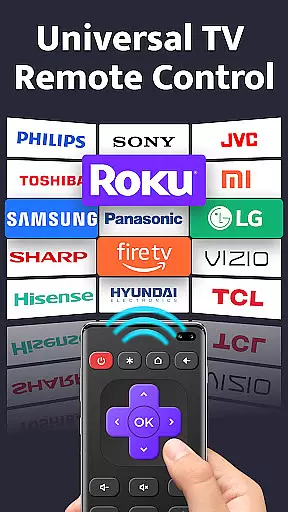
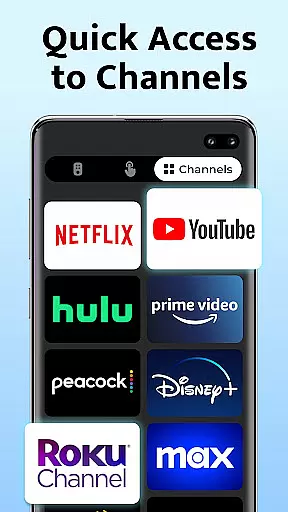
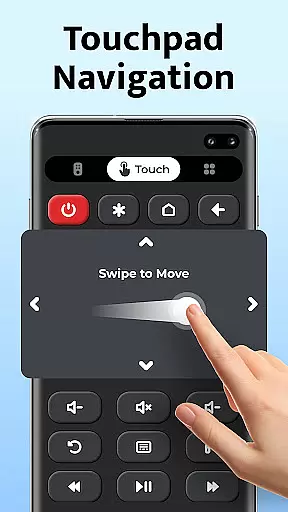
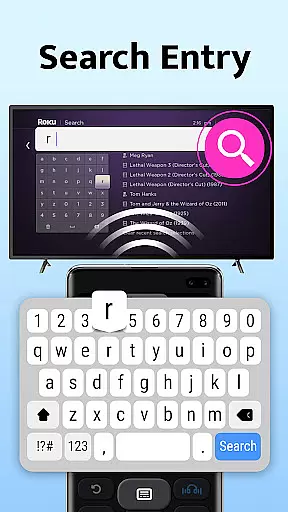
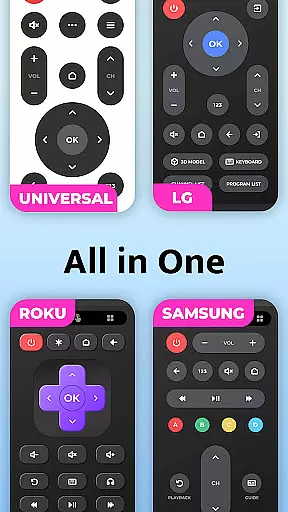
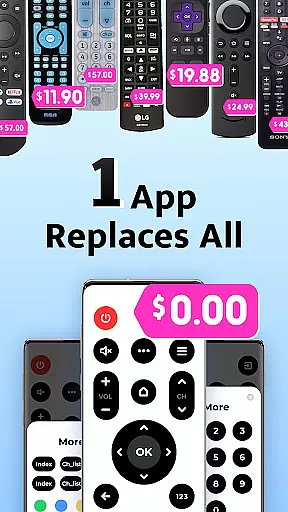
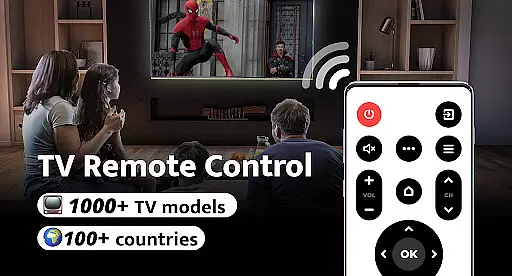
Remote Control for TV is a universal remote control application designed to replace traditional TV remotes across 1000+ TV models and 100+ countries. This app transforms your smartphone into an all-in-one remote control solution, offering power, volume, channel, and menu controls with ease.
The app addresses common frustrations such as lost remotes, fast battery drain, and unresponsive buttons by leveraging the convenience of smartphones that are always at hand. With simple setup and one-click connectivity, it provides a seamless experience for users looking to simplify their home entertainment systems.
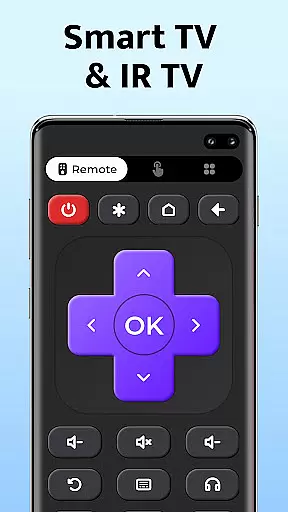
This app stands out with its comprehensive feature set tailored for effortless TV management. It includes essential functions like power control, volume adjustment, mute options, channel navigation, and dedicated digit buttons. The user-friendly interface ensures quick access to frequently used controls.
Additional highlights include directional navigation (up/down/left/right), AV/TV mode switching, and compatibility with major TV brands such as Samsung, Sony, LG, and more. Its best-in-class IR technology enables easy setup and reliable signal transmission from your phone's built-in IR blaster directly to your television.
For a universal TV remote control app, core function accuracy and effectiveness are paramount to ensure seamless interaction with various TV models. Remote Control for TV delivers on this front by providing precise infrared signals that match the requirements of over 1000 TV models across 100+ countries.
The app's meticulous design allows users to effortlessly perform essential functions such as power control, volume adjustments, channel changes, and navigation with its user-friendly interface. Each button press translates into an accurate command sent to the television, emulating the original remote's functionality without any lag or confusion.
Users benefit from reliable and responsive controls that maintain consistency across different brands like Samsung, LG, and Sony. This reliability eradicates common issues encountered with traditional remotesu2014such as unresponsive buttons or complex setupsu2014and offers a streamlined experience where commands are executed promptly every time.
A straightforward and intuitive interface is crucial for tools like Remote Control for TV, ensuring users can easily navigate through its features without a steep learning curve. The app excels in delivering simplicity with its one-click setup process that connects instantly to your TV once you've selected your brand from the list provided.
Every feature within Remote Control for TV has been strategically placed for ease of access and use; whether itu2019s adjusting the volume, switching channels, or accessing menu options, everything is just a tap away. Its minimalist layout avoids unnecessary complexities, making it accessible even for those who may not be tech-savvy.
This focus on an uncomplicated yet effective design significantly enhances user satisfaction by reducing the time needed to learn how to operate their device remotely while increasing overall convenienceu2014a testament to how modern technology can simplify everyday tasks without compromising functionality.
User-friendly interface
Wide device compatibility
Quick one-click connection
Comprehensive remote features
Reliable signal transmission
Requires built-in IR blaster
Limited to smartphone use
Not affiliated with TV brands
Potential connectivity issues
Dependent on physical hardware

 4.50
4.50
Transfer Files, APK from Phone to Watch & Install.
4.4
Signal Strength, Mobile, Wifi, Speed Test, Bad Signals, Cellular, 5G, LTE, 4G
4.20
PC precision for mobile gaming: dominate with keyboard and mouse!
4.30
Quickly check the frequency of the Earth
4.30
Automate everything from settings to photos, SMS to speech. ADC2 prize winner.
4.10
Button mapper, mouse toggle, sleep timer and a lot of another features
4.50
Protect your device with antivirus, storage cleanup, and system monitoring
4.70
Screen recorder with audio to record high-quality videos and take screenshots.
4.40
Powerful collection of electronics tools and reference.A must for any enthusiast
4.90
Monitor car performance in real time and troubleshoot malfunctions.
4.80
Learn the vast amount of system information about device and monitor it's state
4.70
The Ultimate Flex Drivers Utility App - Convenient Tapping & Block Filters
4.70
NFC Tools can read and write NFC tags.
4.70
Just swipe the edge to do something!
4.40
Use your phone as a webcam on your computer over WiFi or USB.
4.40
pdf merge, word to pdf, jpg to pdf, edit pdf, convert to pdf and much more!
4.20
This app unlocks the Pro features of the Central for DayZ app
3.60
Download any file easily and quickly with Downloader
4.4


User Reviews