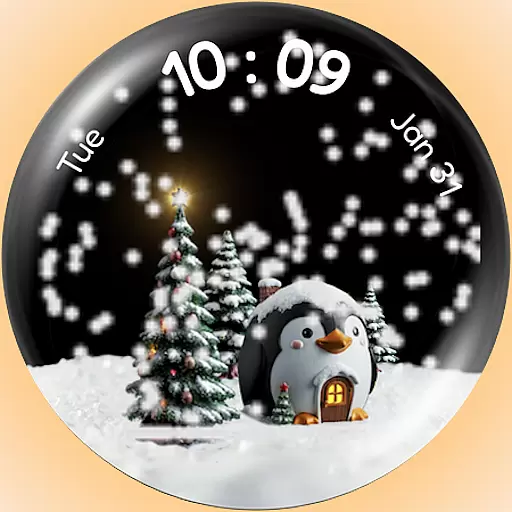
A Wintery Snow Globe on Your Wrist; now celebrating Christmas!
 4.2
4.2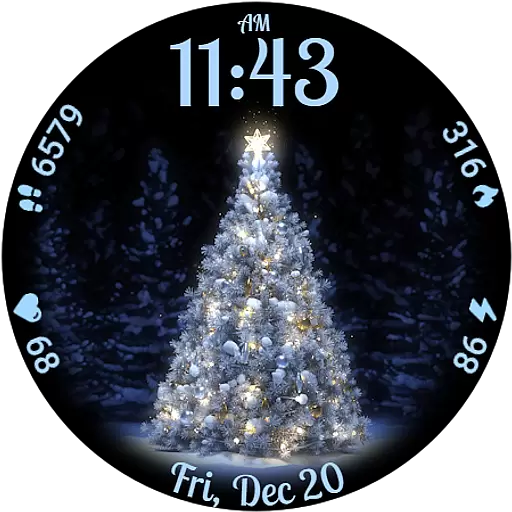
Elegant animated Christmas tree with multiple customization options
4.20
Easy Voice Recorder is your everyday companion to record important moments.
4.70
Your second brain for organizing your life: to-do, calendar, reminder.
4.70
Nutrition, Macro tracker: Food, fitness & healthy diet tracking for weight loss
4.60
The #1 source of faces for your smartwatch!
4.00
Fast and smart typing with Emojis, GIFs, and more
4.50
Want to take charge of your health? Let Google Fit help you reach your goals.
3.50
Toyota app currently supports 2010 or newer vehicles (2018 or newer for Hawaii).
4.50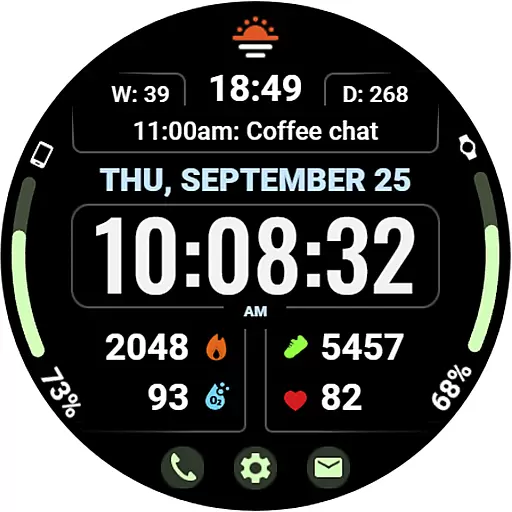
Beautiful, colorful and practical watch face. For Wear OS devices.
5.00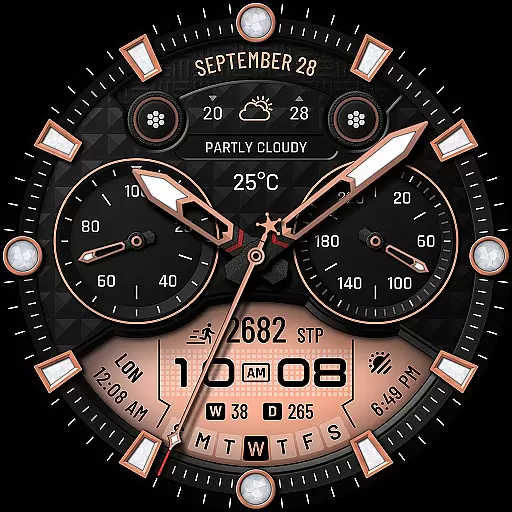
WTW M17 is a premium and luxurious hybrid watch face
4.70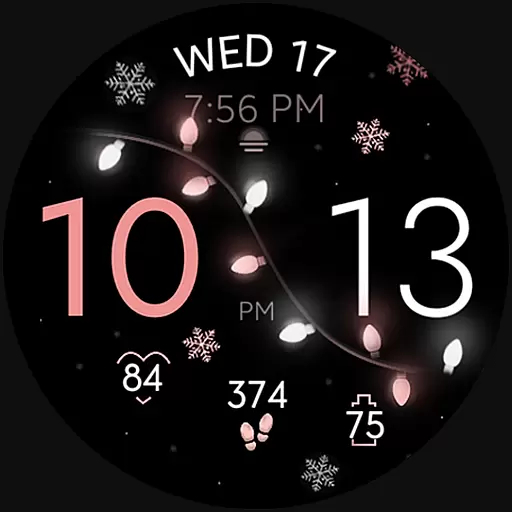
Rose gold watch face with festive lights & customizable features.
4.60
Real-time results, stats, schedules and player profiles for all leagues
4.60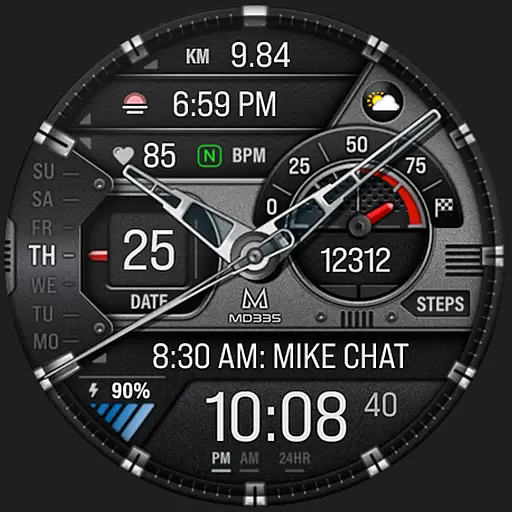
Premium hybrid watch face with many customizations for Wear OS devices.
4.40
Professional weather radar and more
3.90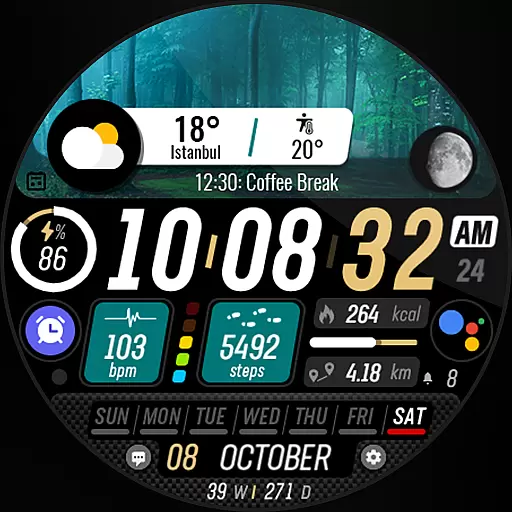
Watch the sharpness of the sky on your wrist..
3.70
A full-featured Amazon Alexa voice assistant that can show you things.
3.70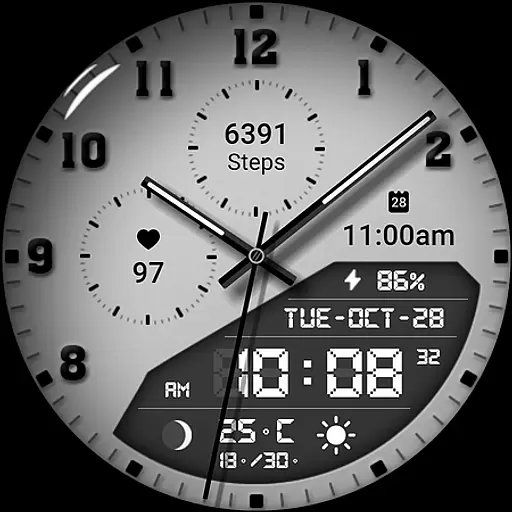
3 Complications. All shadow on/off. 30 Themes color palette...
4.1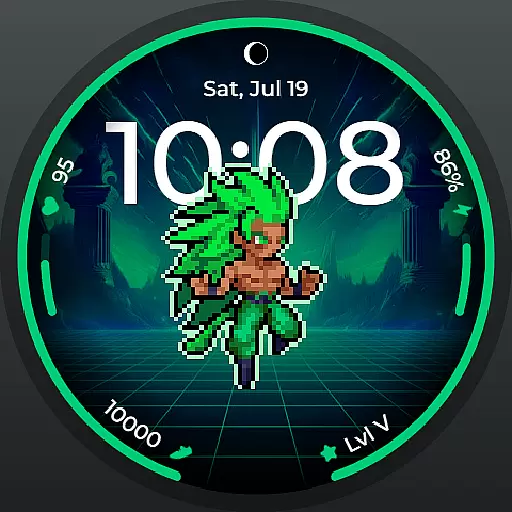
Fitness interactive virtual pet super fighter boy watch face
4.0


