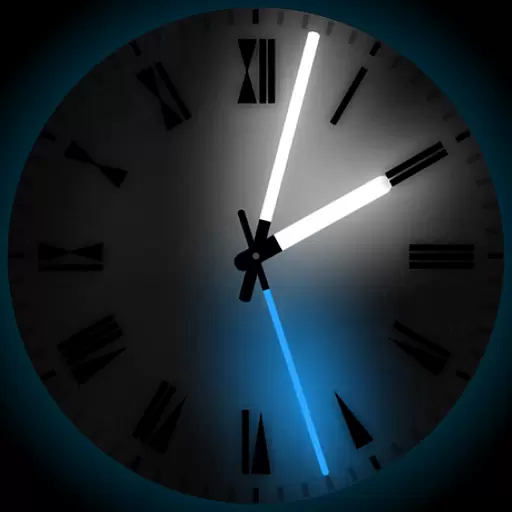
A light in the dark, a unique style and an andless cutomization!
 4.30
4.30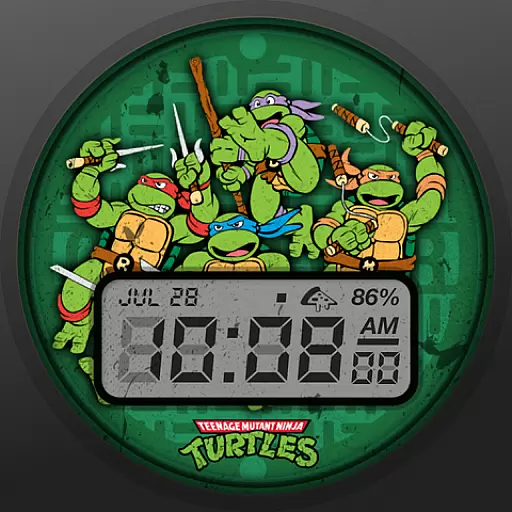
Ninja Turtles Cowabunga SE watch face for Wear OS
4.50
Art & Emoji Keyboard with Cool Fonts, Cute Themes and Custom Designs.
4.40
Dark icon pack based on One 8
4.80
The definitive Icon pack maker and editor
4.30
Aesthetic Widgets, HD Wallpapers, Themes in Mico Widget for Home and Lock Screen
4.50
Design your screen with unique, vibrant clocks
3.80
Yandex Browser — stylish and secure, with voice search and data compression
4.40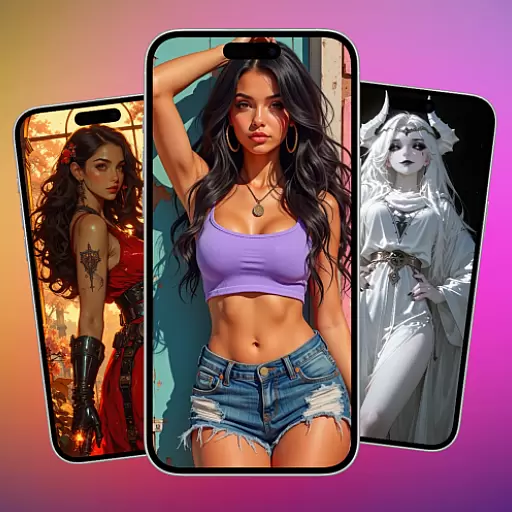
Transform your phone with stunning video wallpapers and a unique, personal touch
3.80
Gun Chase - Let the chase begin.
4.80
100+ Stylish Fonts, Emojis, Symbols keyboard for Instagram & TikTok!
4.80
Customizable Glass widgets. Over 360+ stunning widgets and more!
4.70
350+ widgets with a premium glass-style finish, perfect for home & lock screens.
4.70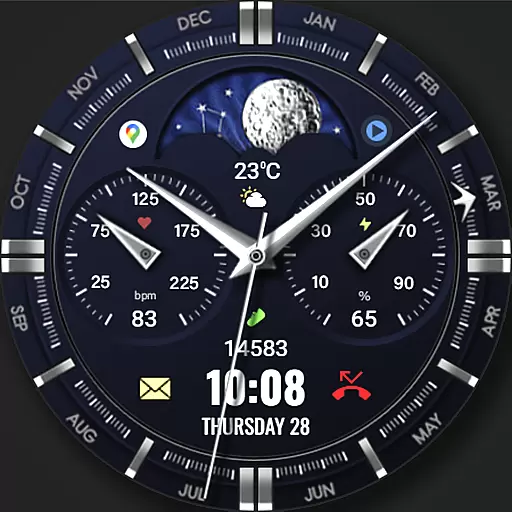
Classic analogue watch face. For wear os devices.
4.60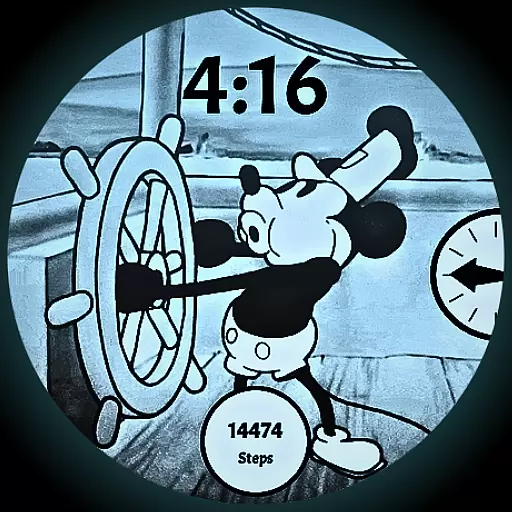
A retro cartoon style watch face and a punch right in the face of the copyright
4.60
Unique Android Launcher
4.60
Organize and manage your photos and videos effortlessly with Photo Gallery
4.20
Adaptive Dot Style IconPack with Light & Dark Theme.
3.70
Customize glowing edges, wallpapers, and caller screen with EdgeAura.
3.50


