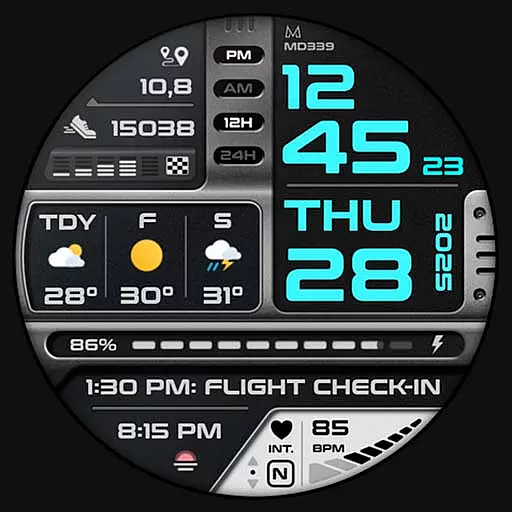
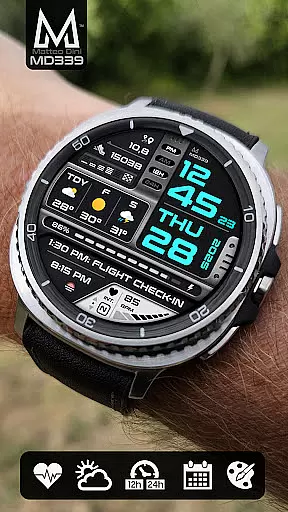
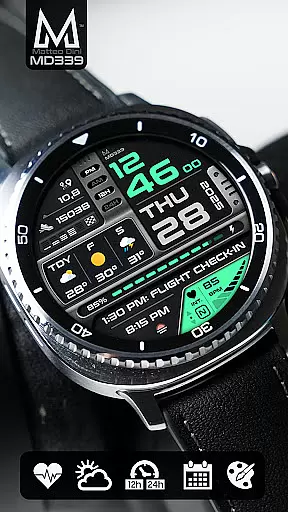
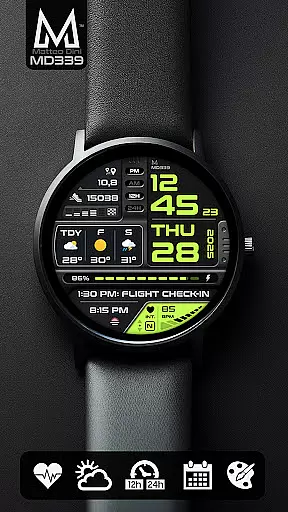
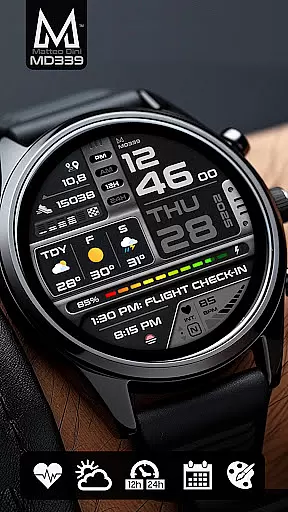
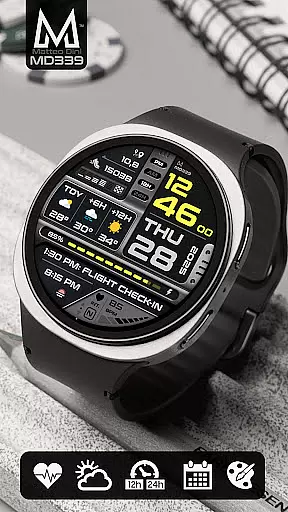
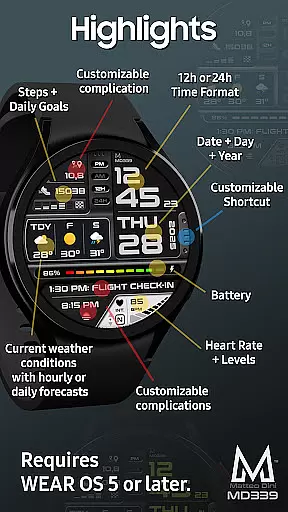
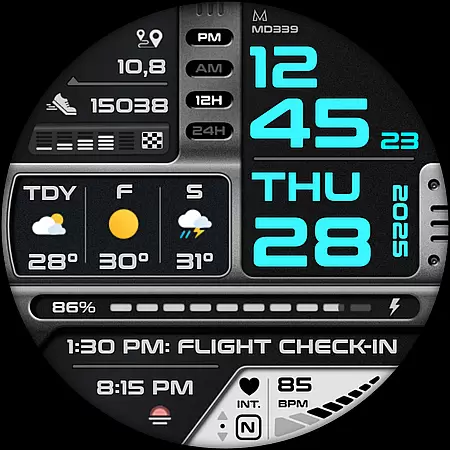
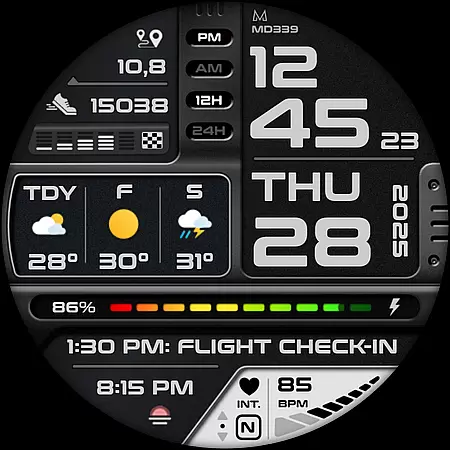
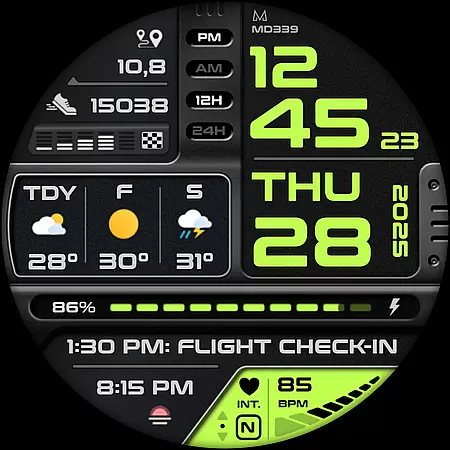
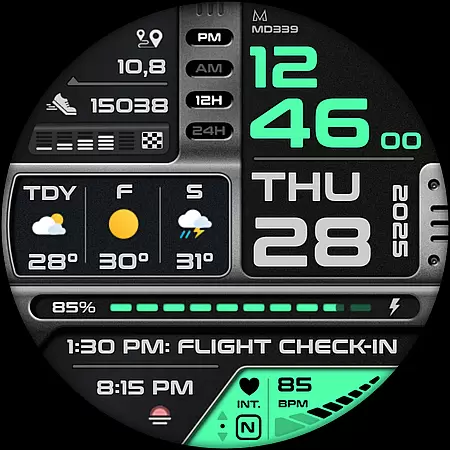
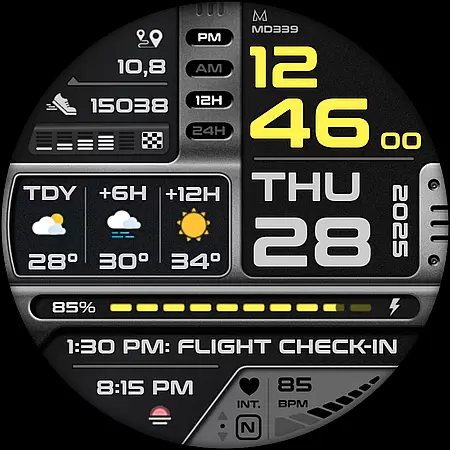
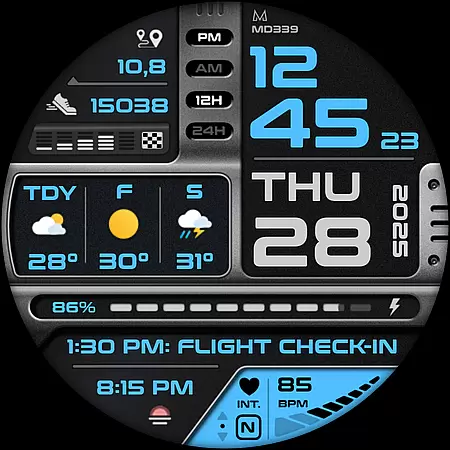
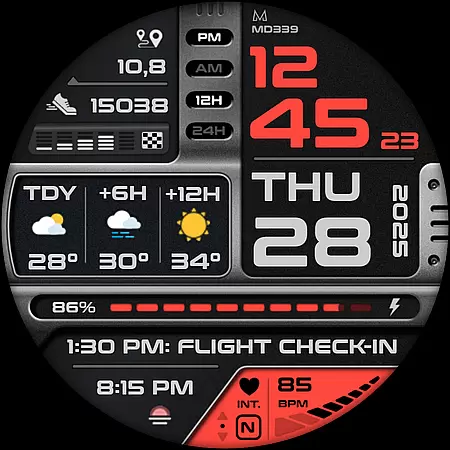
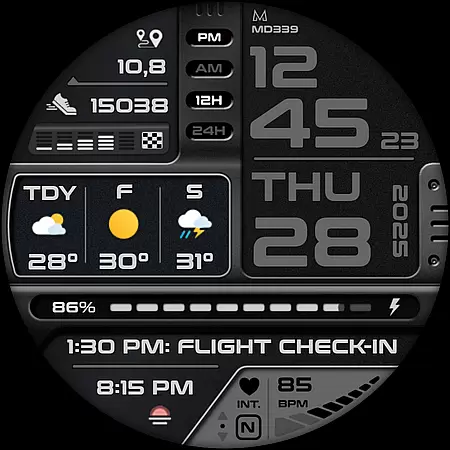
Companion app integration is essential for a seamless wearable experience. The MD339 Digital watch face ensures that your smartwatch and smartphone work in harmony, providing real-time data synchronization. This allows users to receive timely updates on their health metrics, weather forecasts, and notifications directly on their wrist.
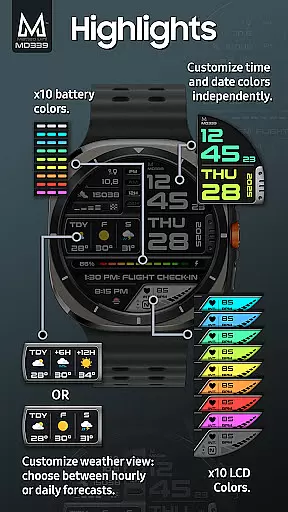
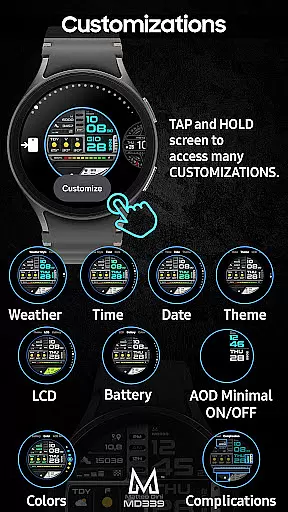
The watch face leverages the phone's settings for features like time format and temperature units, ensuring consistency across devices. Users can customize their watch face by simply touching and holding the screen, then tapping on the 'customize' option. This intuitive process lets you personalize everything from time and date colors to battery indicator shades.
For Galaxy Watch users, certain shortcuts like weather link directly to Samsungu2019s default Weather app, while other devices may have different behaviors. However, the display of forecasts remains unaffected regardless of the device type. This flexibility ensures that users can enjoy a tailored experience based on their specific hardware.
Device compatibility is crucial for ensuring that your watch face functions optimally across various Wear OS devices. The MD339 Digital watch face supports all Wear OS devices with API Level 34+ (Wear OS 5 and later versions), including popular models like Samsung Galaxy Watch 4-8, Ultra, and Pixel Watch.
This broad compatibility means that whether you own a Samsung or another brand, you can enjoy advanced features such as customizable complications and app shortcuts. These include options to display barometer readings, distance walked, calories burned, UV index, and more, enhancing the utility of your smartwatch.
However, it's important to note that older models like Galaxy Watch 4 or 5 might encounter customization issues due to less recent hardware. For optimal performance, we recommend using this watch face on newer devices. Should any issues arise, our support team is available at support@mdwatchfaces.com to assist you.

Precision analog watch face with 7 complications and style options
 4.5
4.5
A Wintery Snow Globe on Your Wrist; now celebrating Christmas!
4.0
Beautiful artistic animated digital watch face, with a customizable layout!
4.40
Beautiful, colorful and practical watch face. For Wear OS devices.
5.00
Watch face for Wear OS.
4.20
Your second brain for organizing your life: to-do, calendar, reminder.
4.70
The Chevron App allows you to pay for fuel from the comfort of your car!
4.80
Simple, helpful messaging by Google
4.60
Fitbit is dedicated to helping people lead healthier, more active lives.
4.10
Christmas Theme Watch Face for Wear Os
5.00
Digital, flexibly customizable watch face. For Wear OS 5.0, API 34+ and later.
5.00
Easy Voice Recorder is your everyday companion to record important moments.
4.70
A modern premium sporty hybrid watch face for Wear OS by Ballozi
4.70
Highly customizable hybrid watch face for Wear OS, perfect for everyday use.
4.60
Nutrition, Macro tracker: Food, fitness & healthy diet tracking for weight loss
4.60
Premium hybrid watch face with many customizations for Wear OS devices.
4.40
The #1 source of faces for your smartwatch!
4.00
Get helpful reminders, take progress photos and find answers to your questions.
3.90
Sleek, highly customizable watch face inspired by Galaxy Watch Circle Dashboard.
4.0


User Reviews