Customizable Glass widgets. Over 360+ stunning widgets and more!
 4.70
4.70
A light in the dark, a unique style and an andless cutomization!
4.30
Turn your lock screen into fun with smile live wallpapers & animated wallpapers!
2.50
More than 3000+ themes and 9000+ wallpapers for everybody!
4.10
Vibrant Adaptive Icons with Material You and Enhanced Monet Colors.
4.50
HappyLighting is a Bluetooth lamp control software.
3.40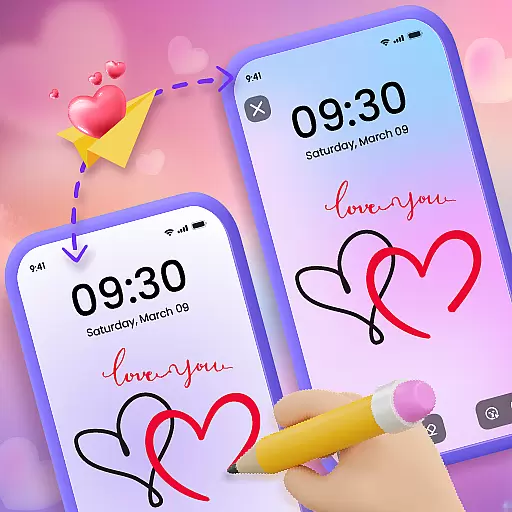
Unleash Your Creativity and Connect with Loved Ones with Lockscreen Drawing!
4.20
A minimalist productivity launcher. One-hand-friendly. Zero ads.
4.70
Transform your phone with stylish zipper lock themes and 4D live wallpaper
4.10
Stunningly Different look with Line Icons and Neon Colors
4.60
Ultimate Gallery Lock App - Hide Pictures, Videos and Lock Apps Instantly!
4.60
Customize your home screen with stunning themes, blur, widgets & icons.
4.60
Embrace the Night. Unleash the power of darkness with Raven Dark Icon Pack
4.60
300+ widgets inspired by Material You and Material 3 expressive design.
4.60
Unique Fonts, typefaces and stylish text. Fonts for Instagram, Whatsapp & others
4.20
Ultimate widget creator. Design custom widgets for a truly unique home screen!
3.90
Emoji Maker app - Design custom emojis and effortlessly blend them with Mixer
3.80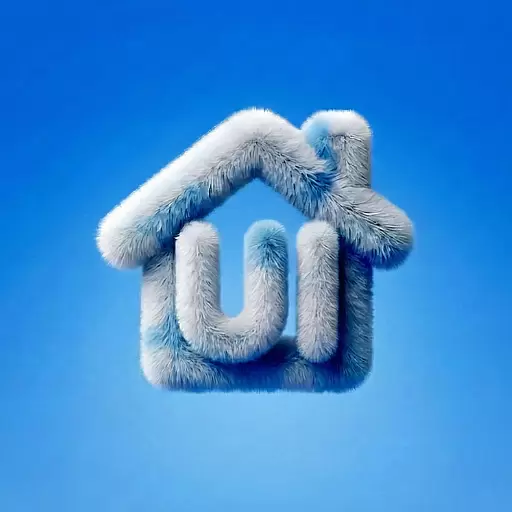
⭐ OneUI inspired Fluffy Icon Pack – Soft. Stylish. Standout. ⭐
4.3
Custom edge gestures for volume control, brightness, apps, and shortcuts.
4.0


