
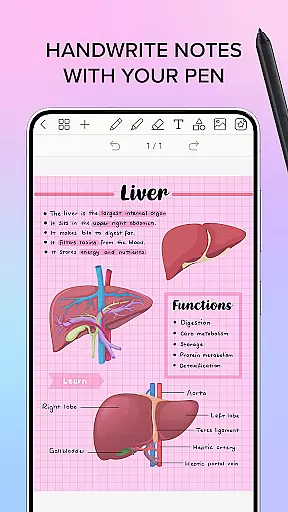
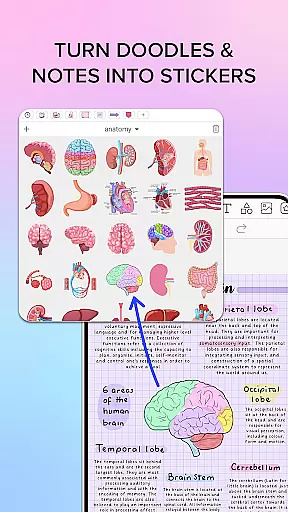
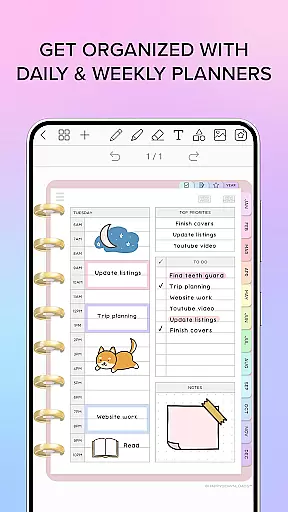
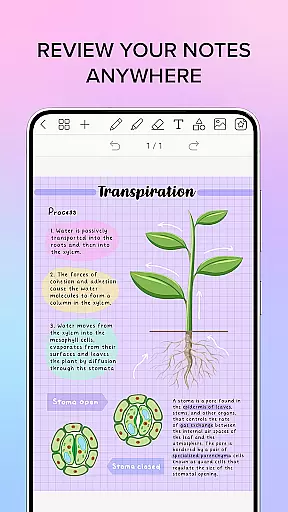
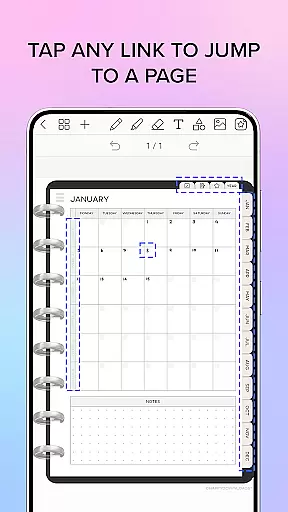
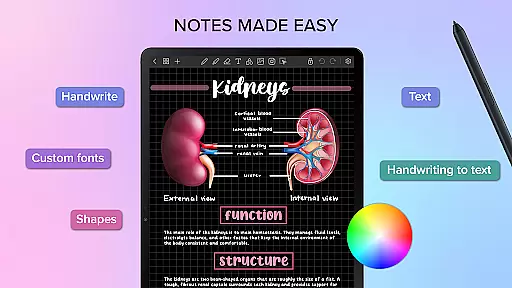
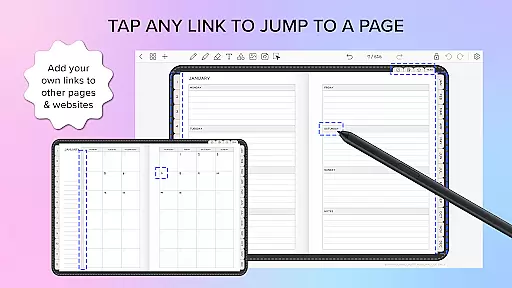
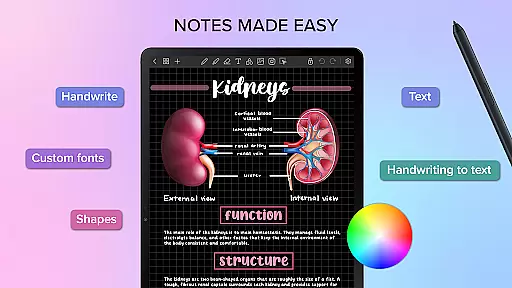
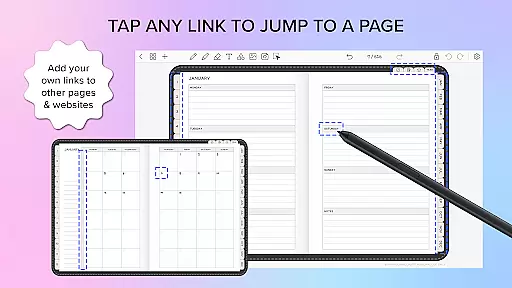
Penly is a comprehensive digital planner, journal, and note-taking app designed to enhance both creativity and productivity. With its intuitive interface, users can enjoy smooth handwriting recognition alongside powerful editing tools such as text, image, and shape manipulation. The app includes four digital planners with hyperlinked pages, reusable templates, and supports importing custom fonts and PDF files.
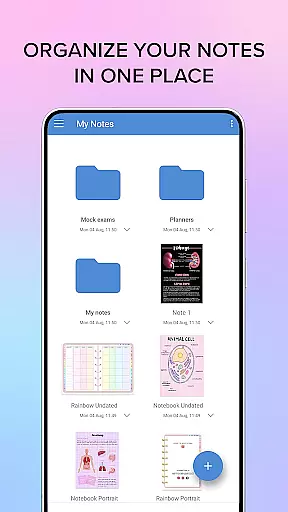
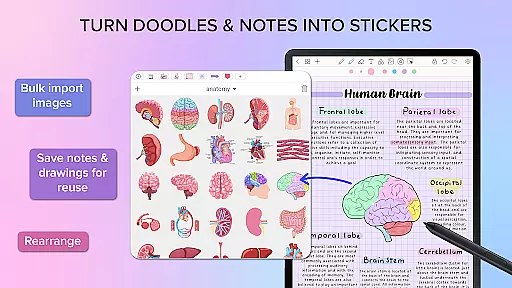
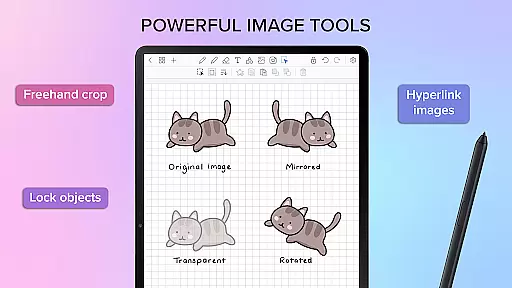
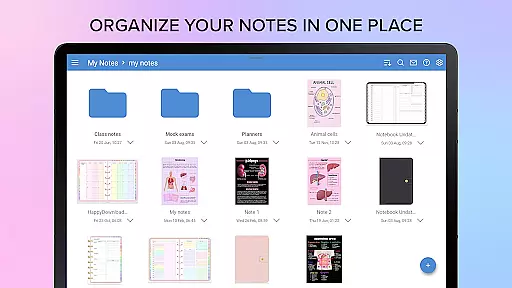
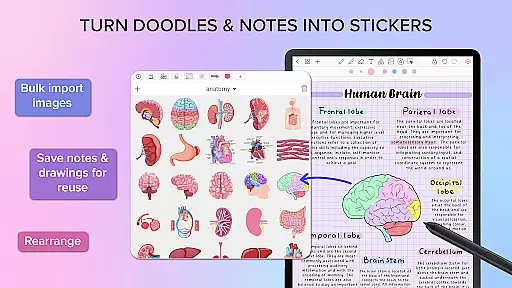
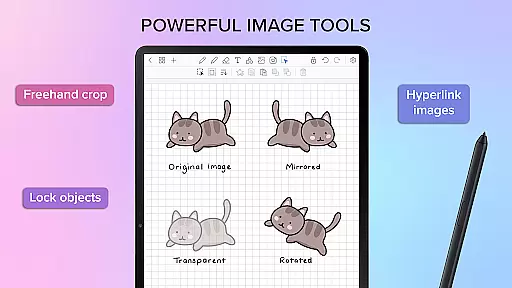
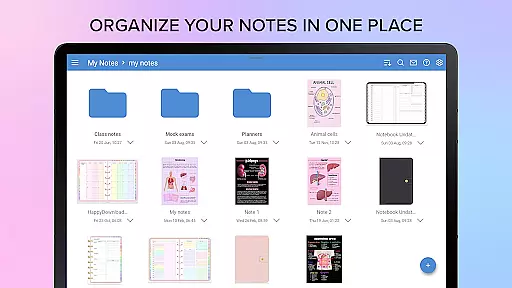
One of Penly's standout features is the ability to create and organize sticker collections, bulk import stickers, and edit images with options like mirroring, flipping, and adjusting opacity. Users can also create hyperlinks within their documents, transforming any object into an interactive element. With support for organizing pages and documents through folders and sub-folders, along with syncing capabilities between Android devices via Google Drive, Penly ensures your notes are always accessible wherever you go.
Penly offers a rich set of features tailored for productivity enthusiasts. Its handwriting-to-text conversion and smart eraser functionalities allow for seamless note-taking and editing. The app provides extensive customization options, including highlight and underline tools, the ability to transform, group, and lock objects, and undo/redo actions for flexible document management.
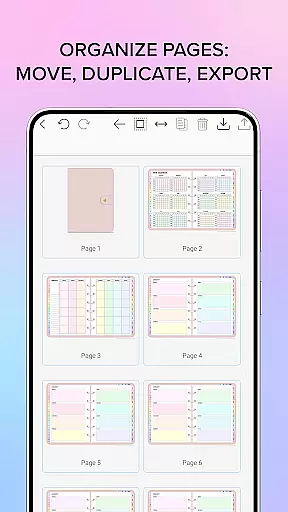
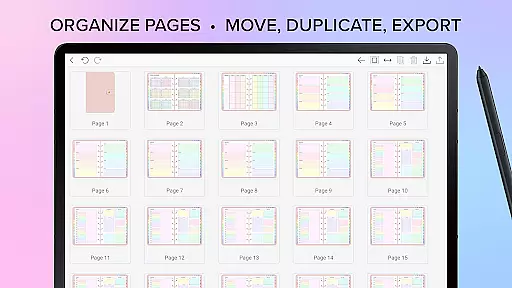
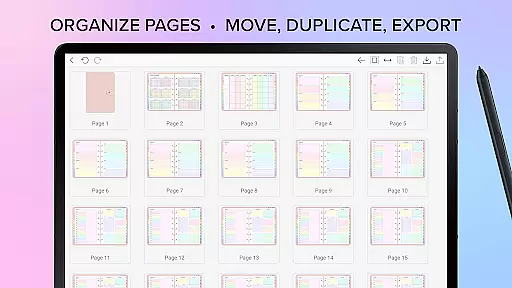
Users can import any PDF file into Penly, navigating them using existing hyperlinks and exporting their work as either an editable Penly file or a PDF. The organizational tools extend to managing pages and documents efficiently, allowing users to copy, paste, delete, and rearrange pages effortlessly. Syncing between Android devices is made simple by linking Google Drive, ensuring that all your notes and planners are up-to-date across devices.
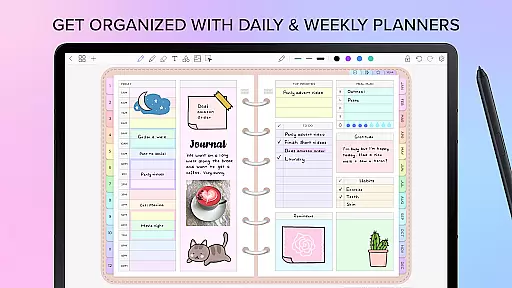
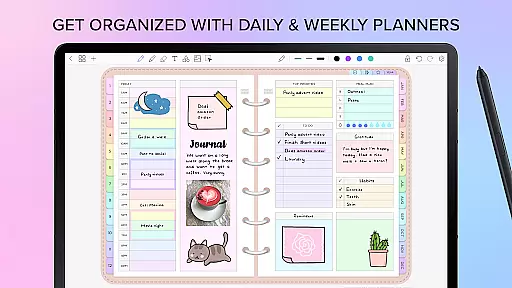
Penly excels in core task management by offering a comprehensive suite of tools designed to enhance productivity. The app provides users with the ability to create, organize, and manage tasks through digital planners that include hyperlinked pages for easy navigation.
With features such as automatic handwriting to text, users can seamlessly convert their handwritten notes into digital text, streamlining the task creation process. This functionality ensures that users can quickly capture ideas and action items without the need to manually type each entry.
The app's organizational capabilities extend to its page and document management system. Users can copy, paste, delete, and rearrange pages, allowing for a flexible approach to structuring their notes and tasks. This level of control enables users to maintain an organized digital workspace that adapts to their unique workflow.
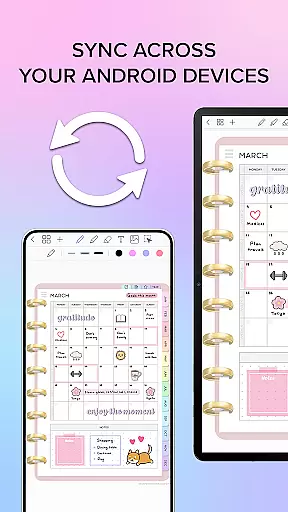
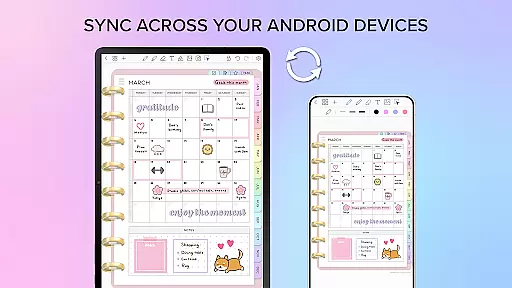
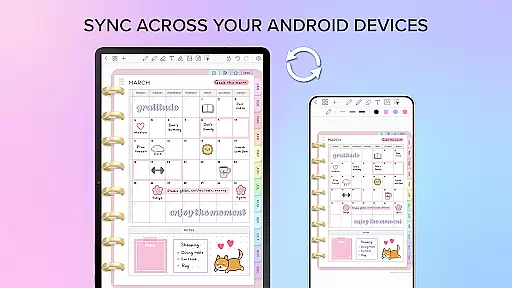
Cross-device synchronization is a critical feature for users who rely on consistent access to their data across multiple devices. Penly addresses this need by integrating with Google Drive, ensuring that users can sync their information effortlessly between Android devices.
This synchronization process can be performed manually or set to occur automatically when the app is opened or closed. Such flexibility allows users to choose a syncing schedule that best fits their usage patterns, providing peace of mind that their latest work is always up-to-date and accessible.
By focusing on reliable cross-device synchronization, Penly ensures that users can transition smoothly between devices without losing momentum or access to critical information, thus maintaining productivity regardless of location or device in use.
User-friendly interface
Advanced handwriting recognition
Customizable templates
Efficient organization tools
Cross-device syncing
Limited language support
No iOS version available
Premium features require payment
Occasional sync issues
Learning curve for new users

AI Video AI Image Private LLM AI Browser Llama Gemma Ollama Connect LLM Studio
 4.3
4.3
Planet Free VPN - The best Fast Unlimited and Secure VPN Without Logs
4.50
Secure, fast, open-source, Remote Desktop Client for Windows and Linux with SSH
4.60
Make apps & sites with natural language prompts
4.10
Font maker keyboard with your own handwriting
4.10
The AI assistant that thinks with you - write, code, and solve complex tasks
4.60
Enjoy classic gameplay with customizable features and retro-style graphics.
4.30
Tally and goal counter for Wear OS & mobile
4.50
Access, manage and transfer files on Android, PC, Mac, NAS and cloud storages.
4.30
Simple notepad & memo. Take notes, to-do list, shopping list with reminders.
4.80
Okta MFA
4.70
To do list widget with a notebook organizer, checklist, simple shopping list
4.60
A lightweight JSON & XML files creator, editor and viewer (Premium Version)
4.40
A Pixel Art watchface inspired by other iconic 90s designs for Wear OS devices!
4.40
Professional calendar app for Google Calendar, MS Outlook & Exchange
4.20
Cloud storage, automatic phone backup, and more.
4.10
Activate Two Factor Authentication (2FA or Multi OTP), Password manager and more
4.10
Create and edit presentations with Google Slides, part of Google Workspace.
4.00
Code on-the-go with VScode for Android. Edit,debug and collaborate from mobile!!
3.10


User Reviews