
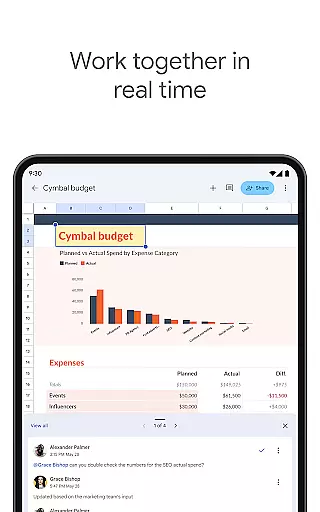
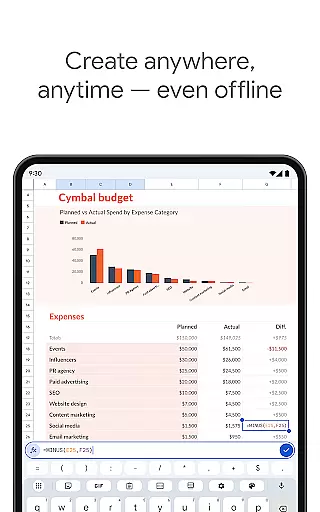
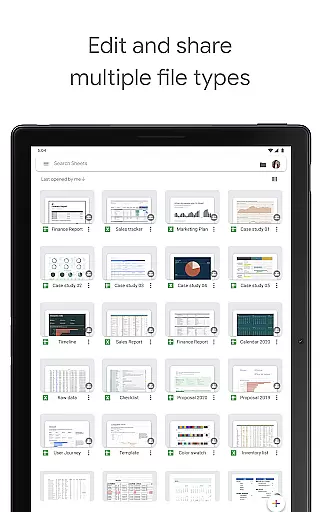

Google Sheets is a powerful productivity application that allows users to create, edit, and collaborate on spreadsheets directly from their Android devices. The app offers a comprehensive set of features including real-time collaboration, offline access, and automatic saving. Whether you need to manage business data or organize personal information, Google Sheets provides the tools to get the job done efficiently.
The application supports advanced functionalities such as smart suggestions for quick insights, seamless integration with Excel files, and enterprise-grade security for business users. With its intuitive interface and robust feature set, Google Sheets is suitable for both individual and team use, making spreadsheet management accessible anytime, anywhere.
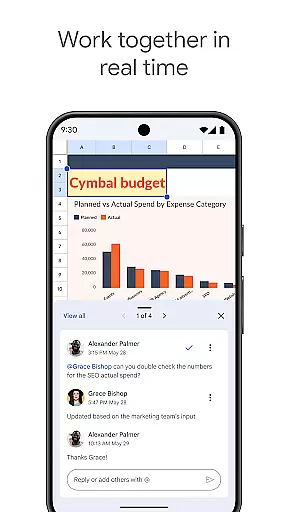
Google Sheets stands out with its rich feature set tailored for productivity. The app enables users to perform complex tasks like data analysis, chart creation, and formula implementation with ease. Its real-time collaboration feature allows multiple users to work on the same document simultaneously, streamlining teamwork.
Additional capabilities include offline access, ensuring productivity isn't hindered by lack of internet connection, and smart suggestions powered by Google AI for rapid insights. Business users benefit from enhanced security measures and seamless integration with other critical business tools, allowing for efficient data analysis and custom solution development.
Google Sheets revolutionizes core task management by providing a versatile platform for organizing, tracking, and completing tasks efficiently.
The app allows users to create detailed spreadsheets that can serve as task lists, project trackers, or workflow managers. With real-time collaboration features, team members can assign tasks, set deadlines, and monitor progress without missing a beat.
Smart suggestions powered by Google AI offer quick insights and automate repetitive tasks, enhancing productivity. Users can format cells, enter data, sort information, and apply formulas effortlessly, ensuring that task management is both intuitive and powerful.
This seamless blend of functionality ensures that whether you're working online or offline, your task management process remains uninterrupted, with all changes saved automatically as you work.
Cross-device synchronization is a cornerstone of Google Sheets, ensuring that your data is always up-to-date across all your devices.
Whether you're switching from your Android phone to a tablet or moving to a desktop, Google Sheets provides reliable and consistent access to your spreadsheets. This synchronization happens in real time, meaning any changes made are instantly reflected everywhere, allowing for uninterrupted productivity.
With enterprise-grade security, the integrity and privacy of your data are maintained at all times, giving peace of mind while managing tasks or sensitive information.
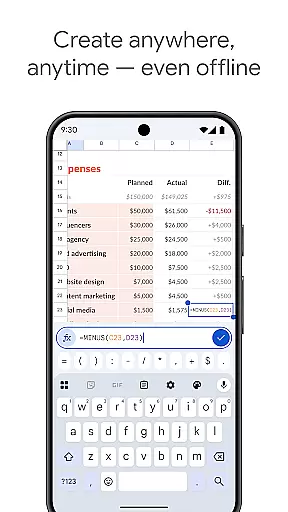
Offline access further enhances this reliability, enabling users to create, view, and edit files even without an internet connection, with changes syncing automatically once connectivity is restored.
User-friendly interface
Real-time collaboration
Automatic saving
Offline access
Seamless Excel integration
Limited advanced features
Requires Google account
Occasional sync issues
Basic formula support
Ads in free version

A customizable calendar for your Wear OS watch
 4.20
4.20
QuickBooks Workforce lets teams view pay info and track time in one place.
4.70
Smart PDF reader & editor to view, organize and manage PDF documents easily.
3.70
The upgraded version of Name Wheel with AI and the power to add your own wheels.
4.0
Protect and view your important info on your phone and tablet with eWallet®
4.80
Secure your apps with lock screens, use custom themes and different features.
4.40
Ultimate Virtual AI Character for immersive Roleplay Chat. Perfect Companion
3.90
Use powerful, industry-leading AI tools to generate visual charts from any data
4.80
Daily processing of PDF documents.
4.40
Native client for Forgejo and Gitea
5.00
All document reader, all in one file viewer read PDF, DOCX, XLS, PPT, TXT files.
4.60
To do list widget with a notebook organizer, checklist, simple shopping list
4.60
Lightweight PDF, Word, Excel reader.
4.60
Experience Reading - Night Mode for Documents
4.40
When you Focus, so will your Bean in this cozy focus timer
4.30
A Revolutionary All-in-One Artificial Intelligence Tools
3.80
Mega cloud explorer plugin for Solid Explorer
3.80
All in one sketching tool. Technical and General drawing. Online Maps support.
3.70
A comprehensive suite of tools designed specifically for Lactation Consultants
4.3


User Reviews