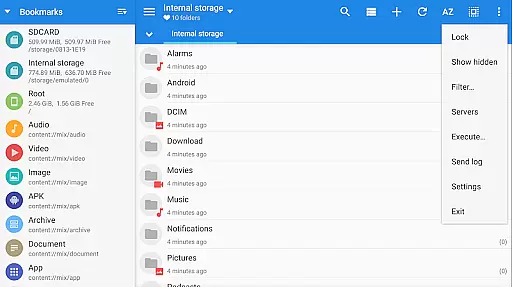
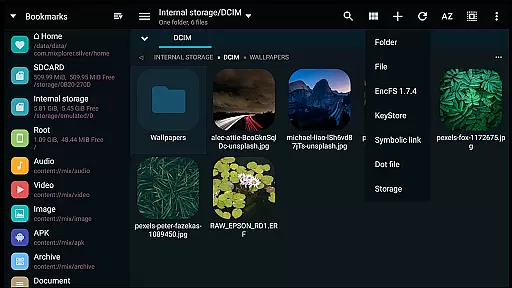
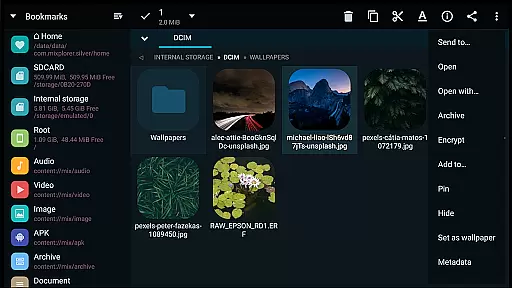
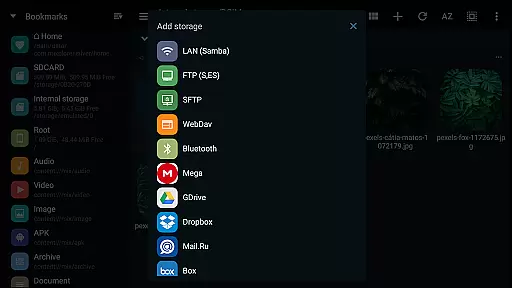
MiXplorer Silver is a comprehensive file management solution that combines the robust MiXplorer file manager with powerful add-ons including Archiver, Image viewer, Tagger, and PDF reader. Designed for productivity enthusiasts, this paid app offers an all-in-one platform to efficiently manage files, archives, and multimedia content while supporting development of the MiXplorer ecosystem.
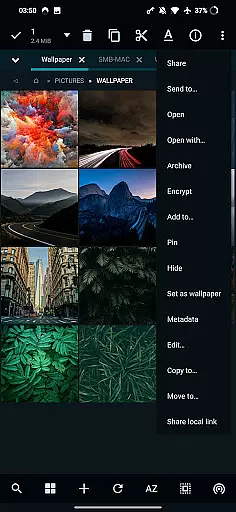
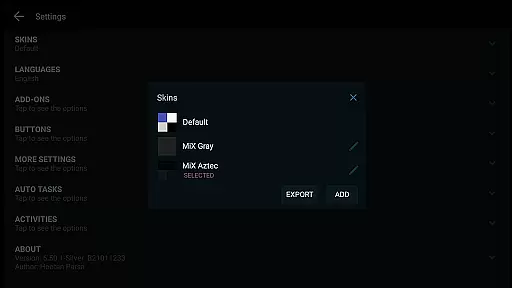
The application stands out with its themable interface, allowing users to customize colors and modify skin elements through the built-in Skin editor. It supports extensive file operations across local and cloud storage, including Mega.nz, Google Drive, and Dropbox, alongside advanced archive handling for formats like 7z, RAR5, and Zstandard. Its dual-panel interface in landscape mode and multitasking capabilities make it ideal for power users who need to handle complex file operations on-the-go.
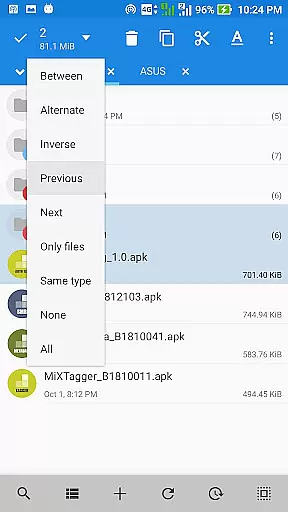
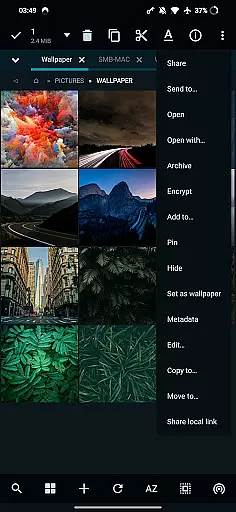
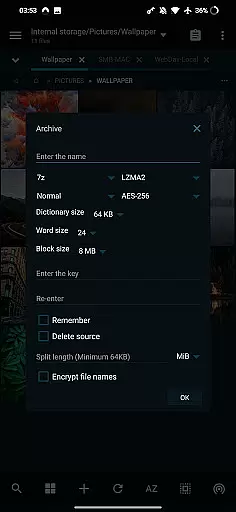
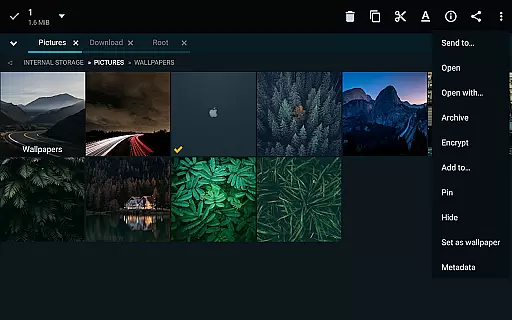
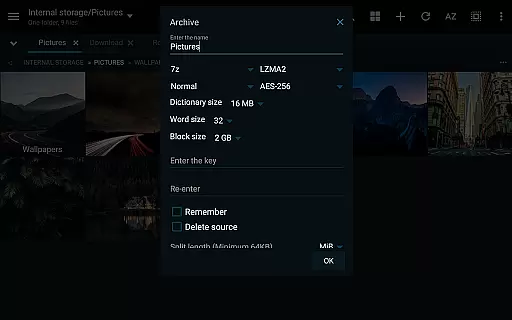
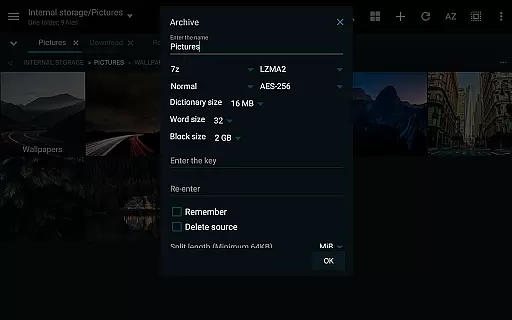
MiXplorer Silver distinguishes itself through its rich feature set tailored for advanced file management. The app provides unlimited tabbed browsing, customizable menu options, and advanced sorting capabilities, enabling users to organize their files exactly how they prefer. Its ability to handle various compression formats, including creating and modifying archives, makes it indispensable for managing large collections of documents and media files.
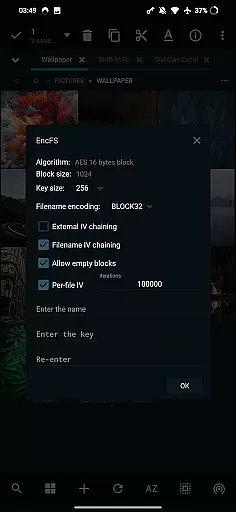
One of the standout features is its comprehensive cloud storage integration, supporting over 15 major providers. Users can seamlessly access and manage their cloud files alongside local storage. The app also includes specialized viewers for PDF, EPUB, and image files, as well as a built-in text editor and media player. Advanced users will appreciate the root access functionality and support for EncFS volumes, making it suitable for both casual and professional use cases.
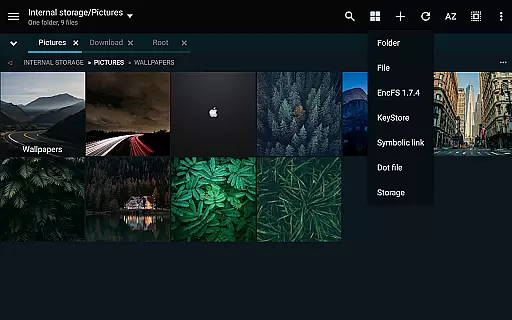
In the realm of file management, MiXplorer Silver excels with its robust core task management capabilities. This feature allows users to effortlessly create and manage tasks for various operations such as copying, moving, and other file manipulations. The ability to handle multiple tasks simultaneously enhances productivity, making it an ideal tool for both personal and professional use.
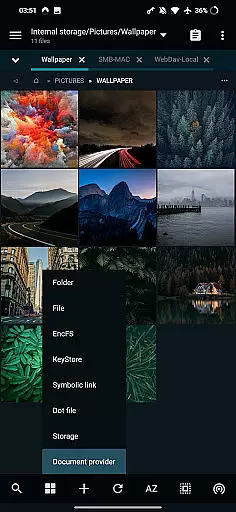
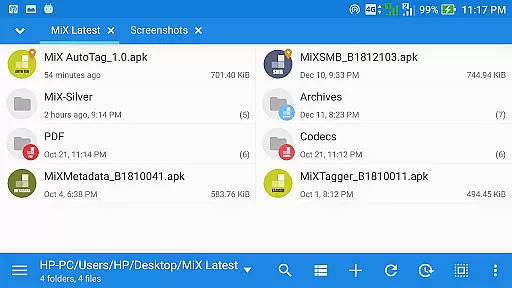
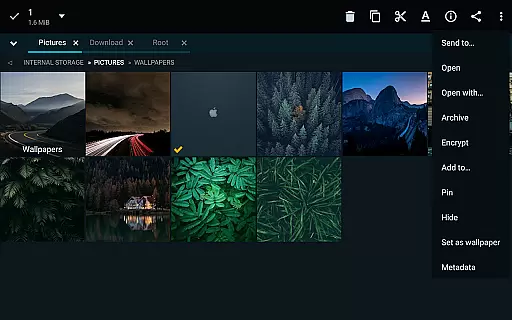
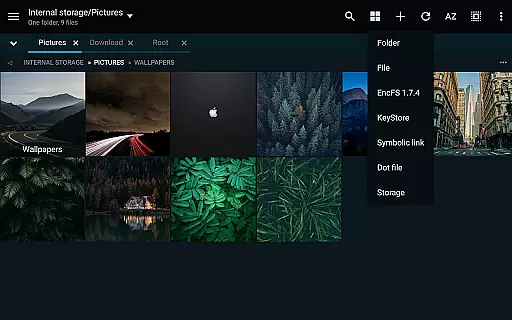
The app's tabbed browsing supports unlimited tabs, which means you can multitask with ease, keeping several folders or drives open at once. This is complemented by a dual-panel mode available in landscape orientation, providing a side-by-side view that facilitates efficient file transfers and organization. Users will appreciate the drag-and-drop functionality between panels, streamlining complex operations into simple gestures.
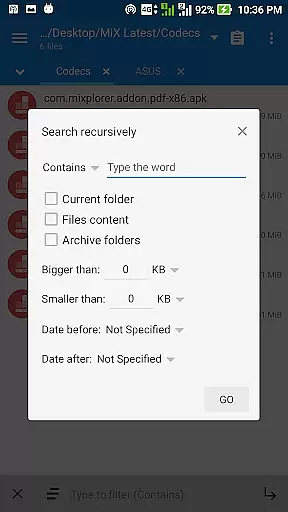
Furthermore, MiXplorer Silver offers customizable bookmarks and categorized file types, ensuring quick access to frequently used folders and files. With advanced search functions and various view modes, locating and managing your data has never been more straightforward. These features collectively contribute to a seamless task management experience, empowering users to maintain control over their digital content.
Cross-device synchronization is a pivotal aspect of modern productivity tools, and MiXplorer Silver rises to the occasion with reliable performance. Whether you're working across smartphones, tablets, or computers, this app ensures that your files and preferences remain consistent and up-to-date. This synchronization capability extends to cloud storage services, offering a unified solution for all your file management needs.
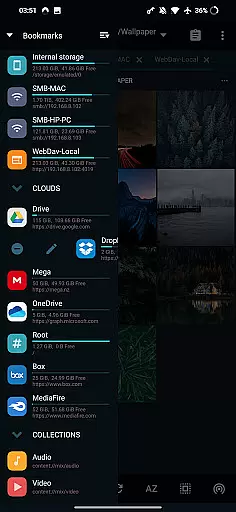
MiXplorer Silver supports a wide array of cloud providers including Google Drive, Dropbox, OneDrive, and many others. This extensive compatibility means you can access your files from any device, anywhere, without missing a beat. The app also supports WebDAV, allowing integration with additional cloud services that adhere to this protocol, thus broadening your storage options.
Moreover, the app provides export and import functionalities for all preferences, bookmarks, and customized skins. This means your personalized settings can follow you across devices, maintaining a consistent user experience. With these features, MiXplorer Silver not only keeps your files in sync but also preserves your preferred working environment, enhancing both convenience and efficiency.
Highly customizable interface
Extensive file format support
Powerful archiving tools
Comprehensive cloud integration
Advanced root capabilities
Paid application only
Steeper learning curve
No free version available
Resource intensive
Limited customer support

Ads Free App! Editor, Hide File, Copy, Move, Delete and Rename.. all facility av
 1.70
1.70
Professional calendar app for Google Calendar, MS Outlook & Exchange
4.20
All in One PDF Reader: Manage, Read and Edit your Documents
4.20
App Lock with fingerprint, password: Lock apps & hide photos with lock screens
4.60
Multilingual translator for text, voice, and image translation!
4.90
Great calculator for Android named one of USA TODAY's "25 Essential Apps".
4.90
Best Tool for the professionals Electrician, Electrical contractors, etc.
4.90
Browse and view your photos and videos from the phone with photo & video hide.
4.10
QuickEdit is a fast, stable and full featured text and code editor.
4.20
Scientific calculator for Android - looks and operates like the real thing!
4.90
Android Wallet Password Manager
4.80
Secure, fast, open-source, VNC and SSH Remote Desktop for Windows, Linux and Mac
4.70
Okta MFA
4.70
A simple Whisper AI keyboard for reliable speech transcription and rewording
4.60
Make apps & sites with natural language prompts
4.10
Wake up & get tasks done! Add alarms & reminders on the Clock Launcher.
4.00
Access your phone's notifications, calls, apps, photos & texts on your PC
3.90
Make your handwriting beautiful, even more than pen on paper.
3.60
ID.me Authenticator is a simple and free Two Factor Authentication solution
3.50


User Reviews