
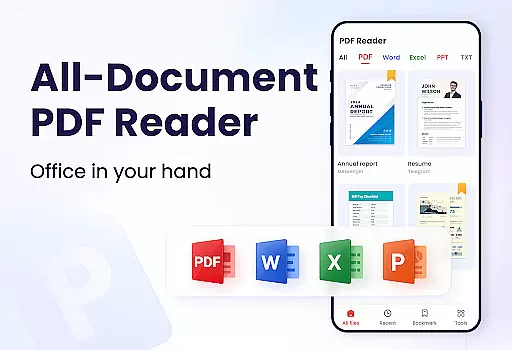
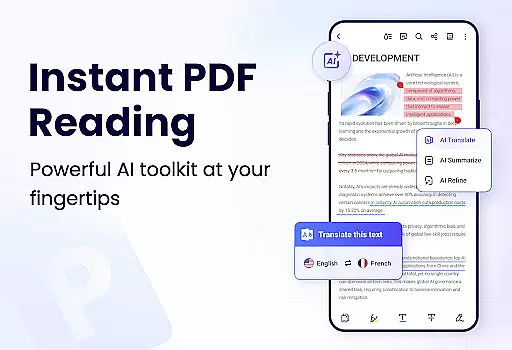
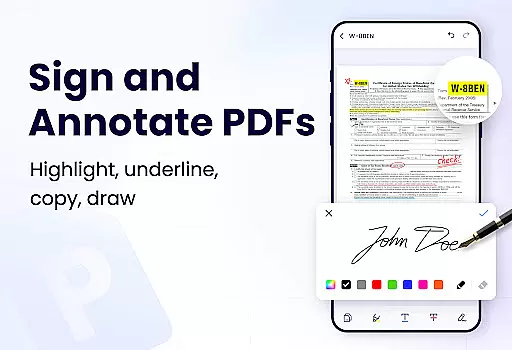
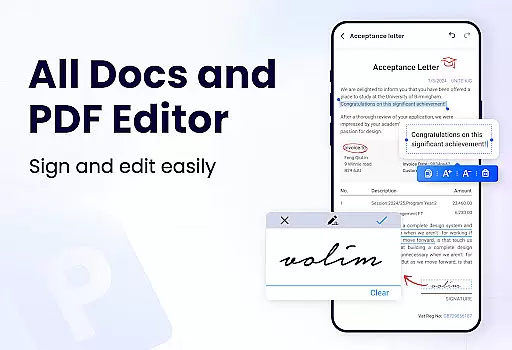
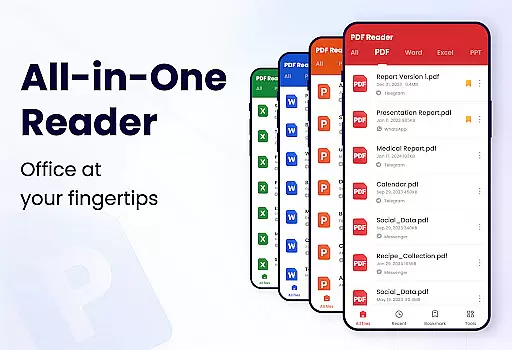
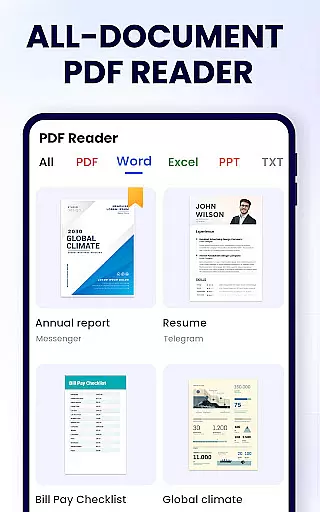
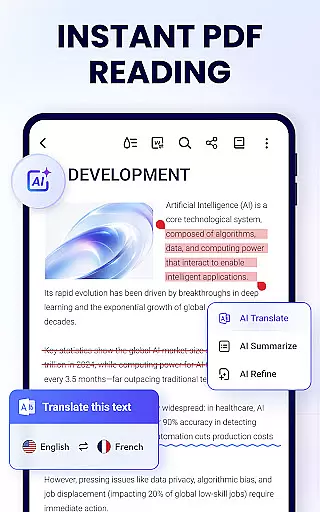
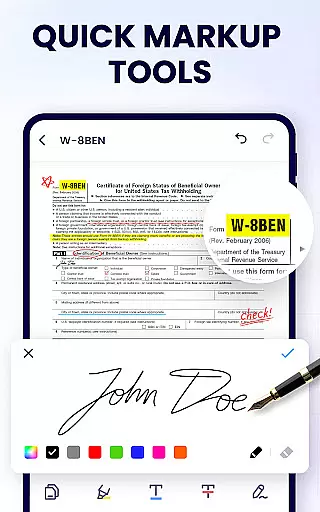
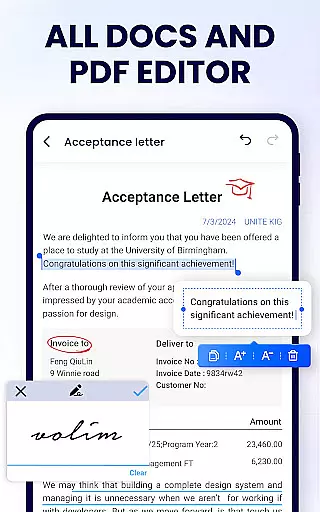
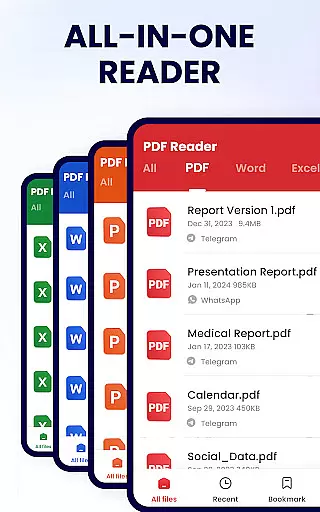
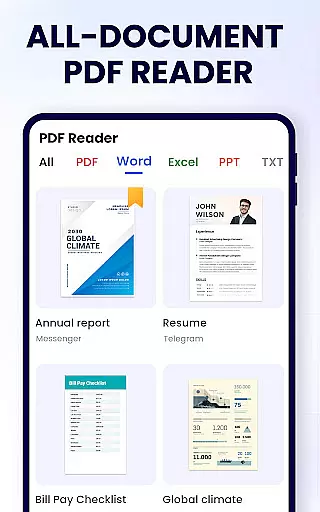
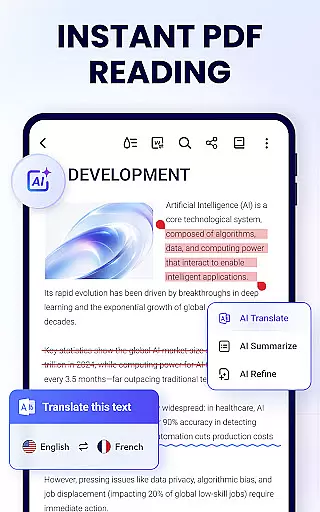
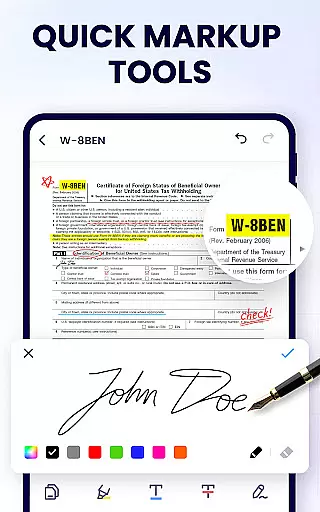
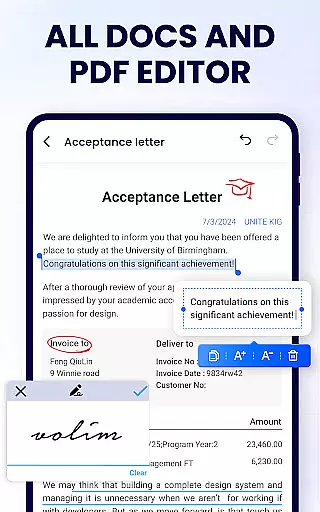
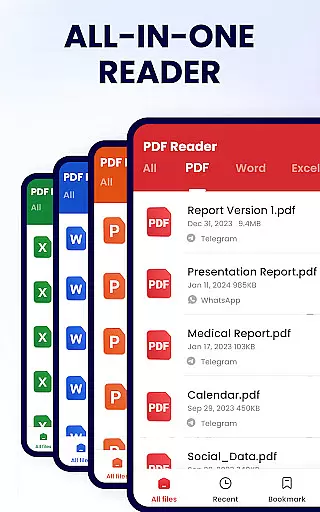
PDF Reader - PDF Viewer is a comprehensive productivity tool designed for Android users who need to manage, edit, and view PDF documents efficiently. This free app, A+ Read, offers an all-in-one solution by combining a powerful PDF viewer, editor, and manager into a single platform. With its user-friendly interface, the app allows you to auto-search and display all your PDF files, making it easy to open and read them quickly.
In addition to viewing, this app provides advanced features such as note-taking, merging and splitting PDFs, setting passwords for document protection, and adding bookmarks for future reference. It also supports sharing PDFs with others seamlessly. Whether you're working or studying, PDF Reader - PDF Viewer ensures that you have all the necessary tools at your fingertips to handle PDF documents effectively.
The app's standout feature is its ability to provide a perfect reading experience through various modes like page-by-page scrolling, full-screen mode, and zoom functionality. Its lightweight design (only 12MB) ensures smooth performance without consuming too much storage space. Suitable for students, professionals, and anyone dealing with PDFs regularly, this app enhances productivity by simplifying complex tasks related to document management.
PDF Reader - PDF Viewer boasts an impressive array of features tailored to meet diverse user needs. As a convenient PDF viewer, it automatically searches and displays all your PDF files, presenting them in a simple and clear list format. You can quickly open and read PDFs, easily search for specific documents, and add bookmarks to pages for future reference. The app supports both horizontal and vertical viewing modes, along with full-screen mode for an optimal reading experience.
As a smart PDF reader, the app offers page-by-page and continuous scrolling modes, allowing you to navigate through documents effortlessly. You can zoom in and out of pages as needed and jump directly to any page by entering the page number. These features ensure that you can customize your reading experience according to your preferences.
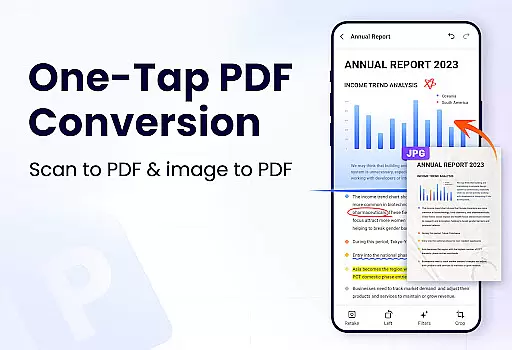
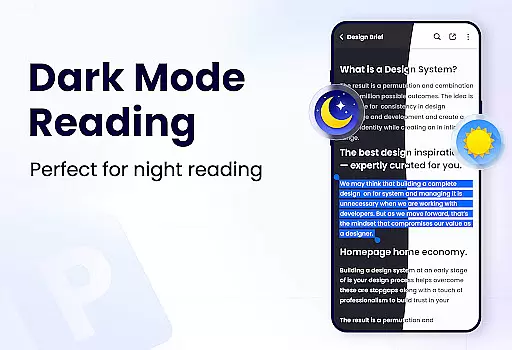
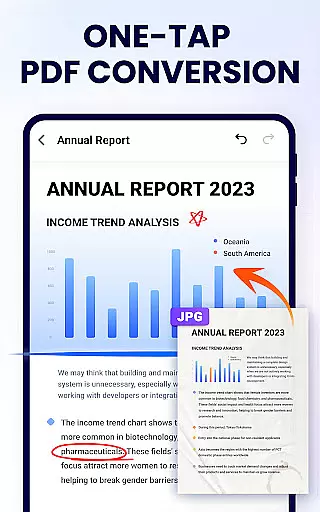
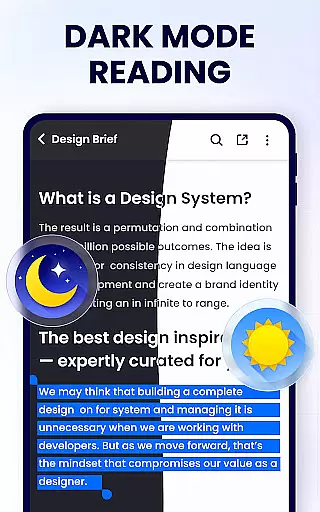
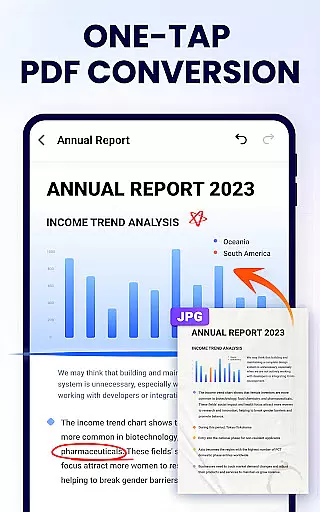
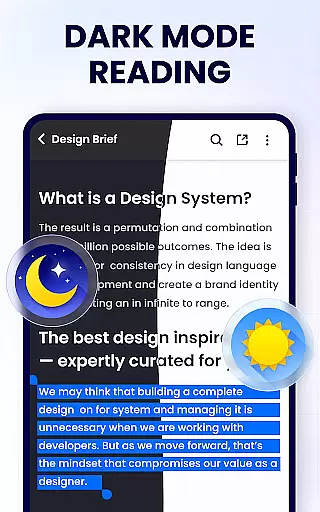
Moreover, as an efficient PDF editor and manager, the app lets you annotate on PDF files, highlight text, underline, and strikethrough phrases. You can doodle on your PDFs, search and copy any text within the files, merge and split PDFs, set passwords for document protection, and rename your files. Additionally, it facilitates sharing PDF files via social media and printing directly from your device. With upcoming features like dark mode, compressing PDFs, filling forms, and converting between different file formats, PDF Reader - PDF Viewer continues to evolve, offering even more value to its users.
In the realm of productivity, managing tasks efficiently is paramount. PDF Reader - PDF Viewer excels in organizing and handling PDF documents, which are often critical in both professional and academic environments. This app provides a comprehensive suite of features that streamline the process of reading, editing, and managing PDF files.
With capabilities such as merging and splitting documents, setting passwords for protection, and adding bookmarks for easy navigation, users can maintain control over their workflow. The ability to quickly search and access specific PDFs ensures that time-sensitive tasks are addressed promptly. Additionally, the app's efficient file management system allows users to rename, print, and share their documents with ease.
The benefit to the user is a seamless experience that enhances productivity. Whether it's for work or study, this app equips users with tools that not only save time but also offer peace of mind through secure document handling. Its full-featured approach means that all essential functions are at the user's fingertips, making daily tasks more manageable and less time-consuming.
For individuals who use multiple devices throughout their day, having reliable cross-device synchronization is crucial. PDF Reader - PDF Viewer understands this need and offers a robust solution for those who require consistent access to their PDF documents regardless of the device they are using. While the current feature set is extensive, including options like annotation, text highlighting, and doodling, future updates promise even greater flexibility.
Although explicit details on cloud integration are not provided, the app lays a solid foundation with its existing capabilities, such as recently opened files listed for quick viewing and sharing via social media platforms. These features suggest an intention towards facilitating smoother transitions between devices, ensuring that users can pick up right where they left off.
Users stand to gain significant advantages from these functionalities, particularly when transitioning from one device to another. Knowing that oneu2019s work is securely saved and readily available enhances the overall user experience. As updates roll out, users can expect improvements in synchronization, further solidifying PDF Reader - PDF Viewer as a dependable tool in the productivity landscape.
User-friendly interface
Comprehensive PDF management
Advanced editing capabilities
Lightweight and fast performance
Secure document handling
Limited advanced features in free version
Occasional ads may appear
Some functions require permissions
Interface could be more modern
Advanced tools still in development

Send files, sync SMS, notifications & clipboard across devices via local network
 4.40
4.40
Smart PDF reader & editor to view, organize and manage PDF documents easily.
3.70
Stay on top of your to-dos with Google Tasks, part of Google Workspace.
4.60
Translate text/voice/photos in 150+ languages. Offline & fast translator app.
4.50
Secure, open-source, SPICE and SSH Remote Desktop for QEMU KVM virtual machines
4.00
Best Tool for the professionals Electrician, Electrical contractors, etc.
4.90
To do list widget with a notebook organizer, checklist, simple shopping list
4.60
Secure your apps with lock screens, use custom themes and different features.
4.40
AT&T Internet customers can use this app to personalize their Wi-Fi network.
4.40
Secure, fast, open-source, VNC and SSH Remote Desktop for Windows, Linux and Mac
4.70
The long-awaited modern gallery app for your Nextcloud server
4.70
Experience Reading - Night Mode for Documents
4.40
A lightweight JSON & XML files creator, editor and viewer (Premium Version)
4.40
A Pixel Art watchface inspired by other iconic 90s designs for Wear OS devices!
4.40
Enjoy classic gameplay with customizable features and retro-style graphics.
4.30
A customizable calendar for your Wear OS watch
4.20
Make apps & sites with natural language prompts
4.10
Activate Two Factor Authentication (2FA or Multi OTP), Password manager and more
4.10
Find and delete junk files & block unwanted notifications & manage files
3.70


User Reviews