
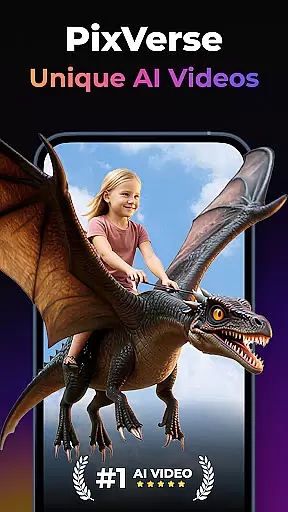
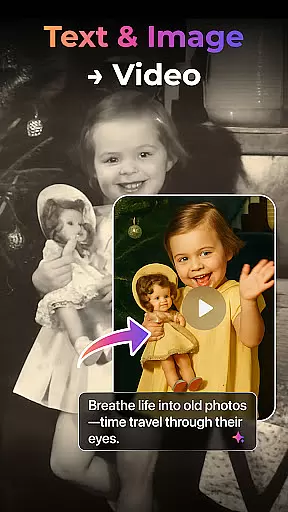

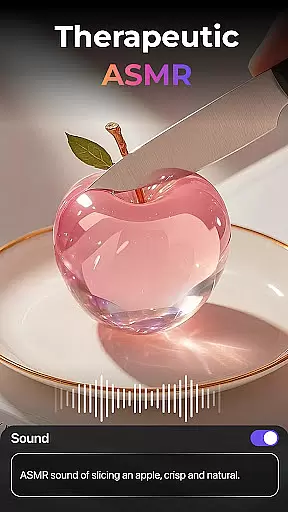
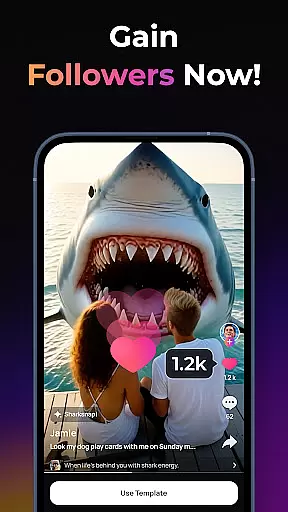
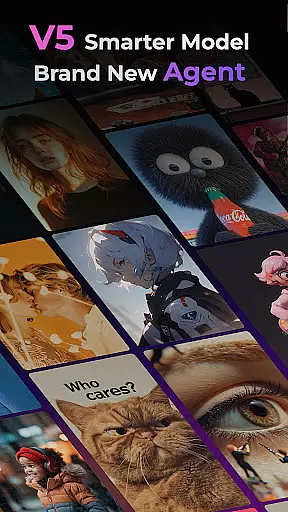
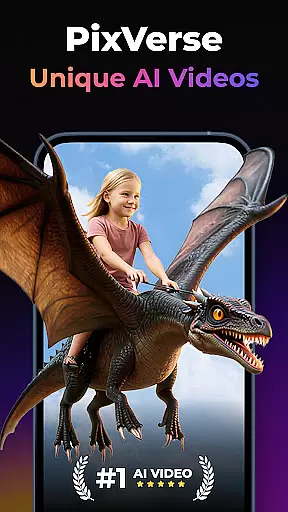

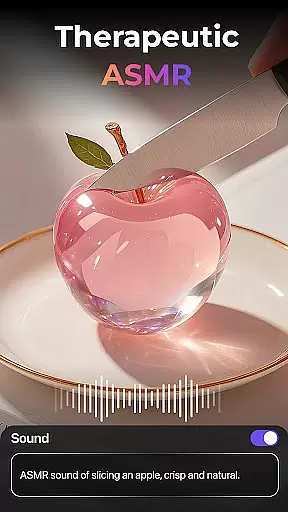
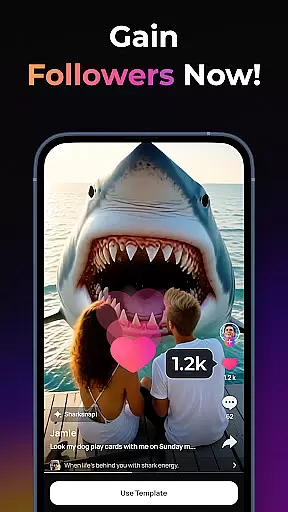
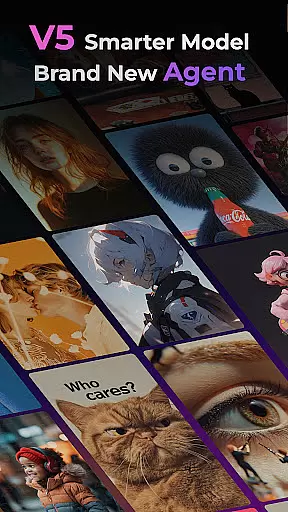
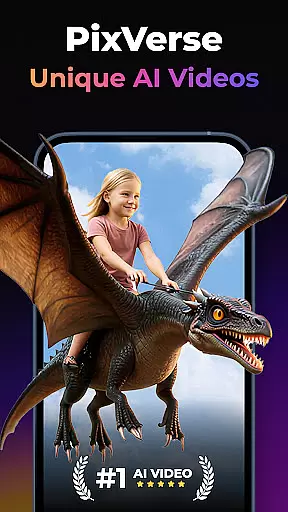

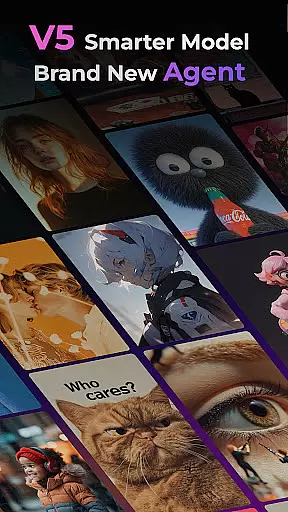
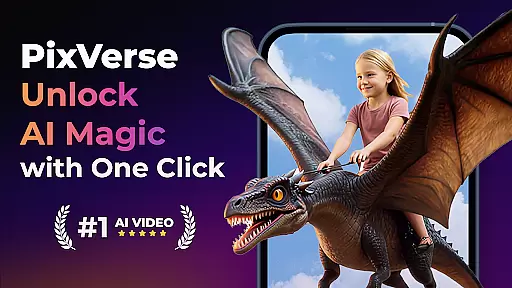

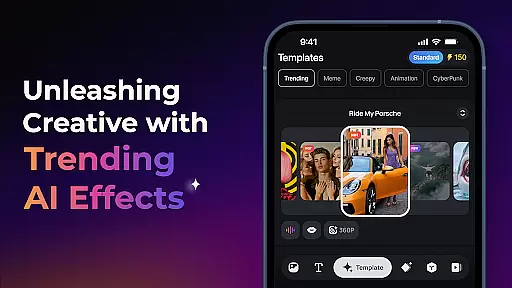
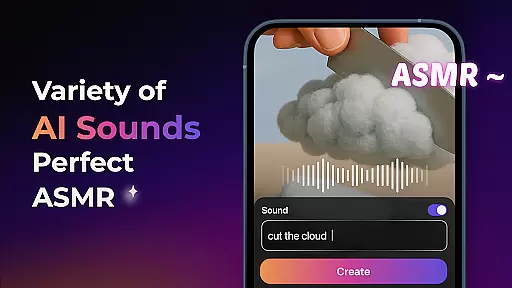
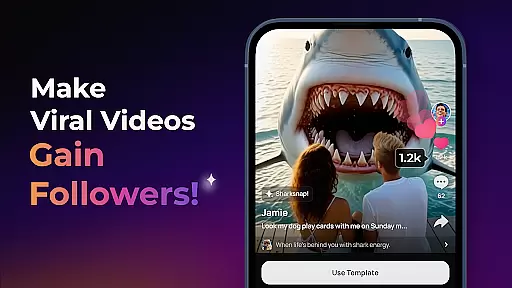
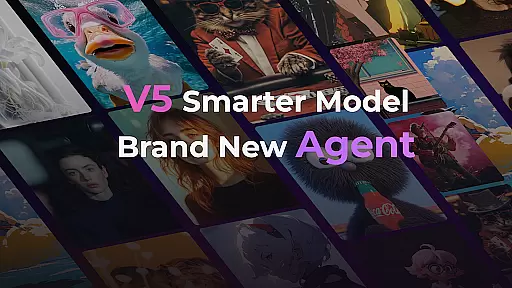
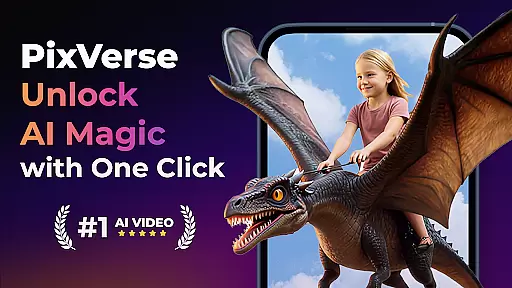
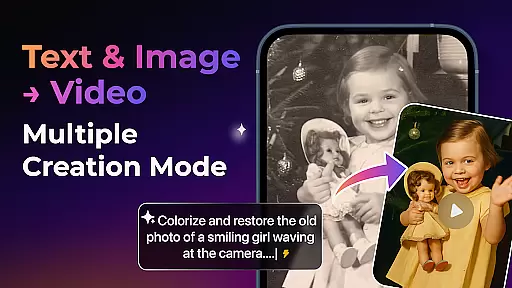

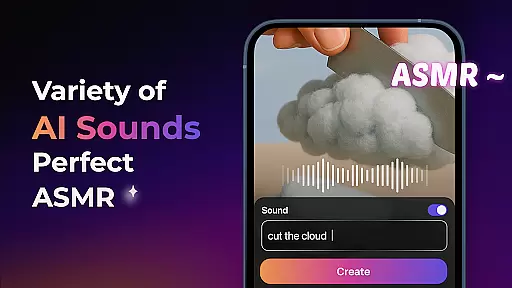
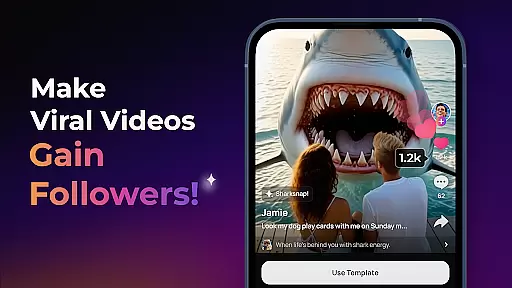
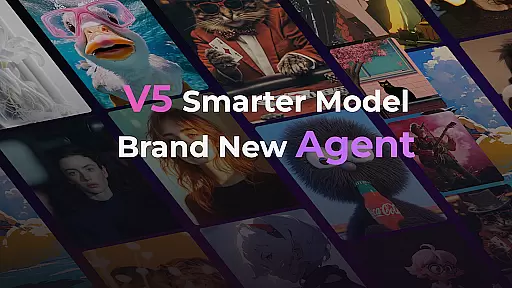
PixVerse is an advanced AI-powered video creation suite that allows users to transform photos, text, and videos into high-quality content within seconds. The app's cutting-edge V5 model ensures perfect prompt alignment and lifelike details, while its Brand New Agent feature acts as a creative co-pilot to streamline the content creation process.
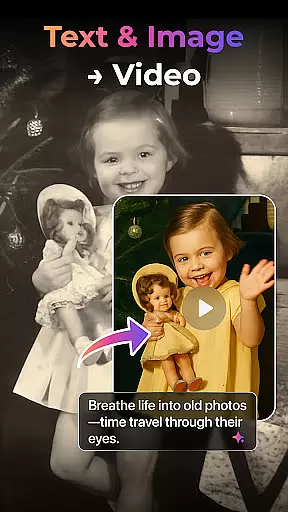
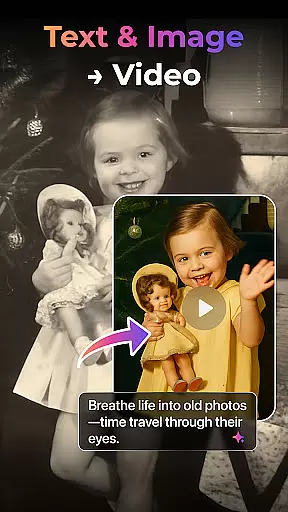
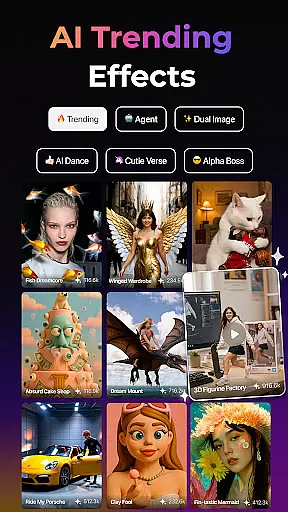
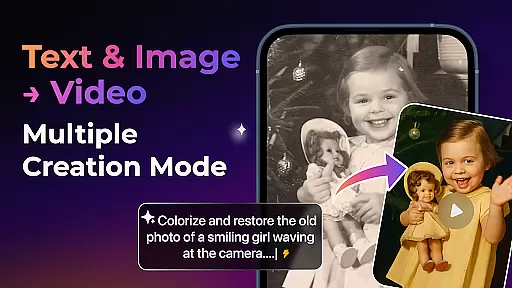
With multiple creation modes including Image to Video, Text to Video, and Video Extension, PixVerse offers versatile tools for creators. Its innovative AI effects like Old Photo Revival and AI Dance Revolution enable users to produce unique visuals. The platform also provides Key Frame Control and Fusion features for enhanced creative control, making it an ideal tool for both amateur and professional content creators.
PixVerse stands out with its powerful AI-driven features designed to enhance creativity. The Smarter V5 Model delivers lifelike animations with smooth, natural movements, while the Brand New Agent simplifies complex creative tasks. Users can choose from various creation modes such as Image to Video, Text to Video, and Video Extension, each powered by AI to ensure seamless results.
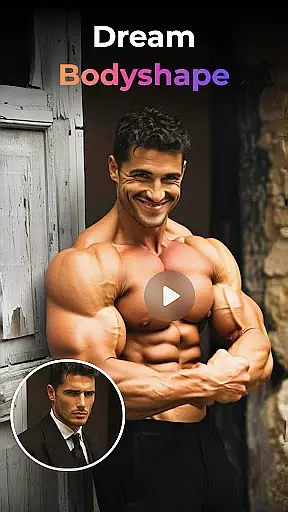
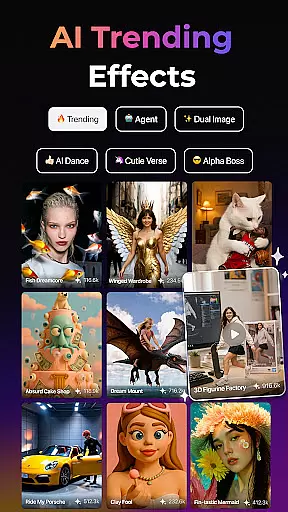
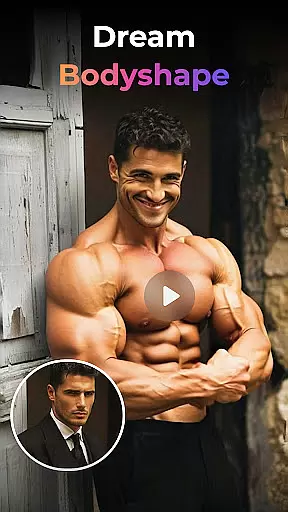
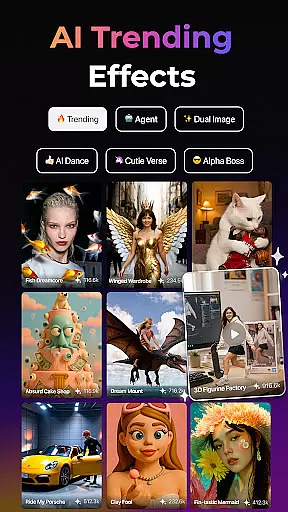
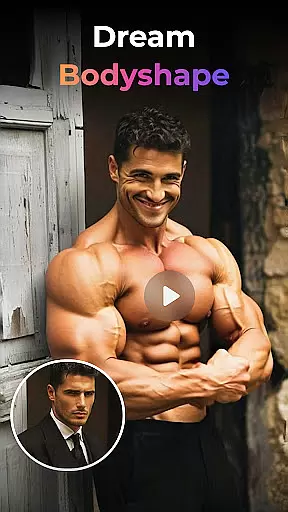
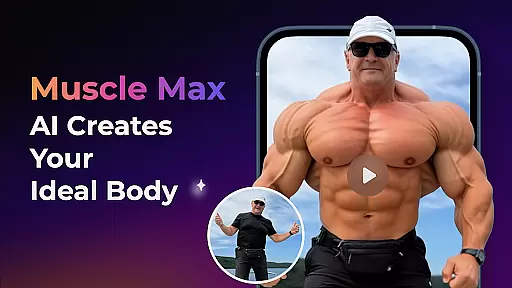
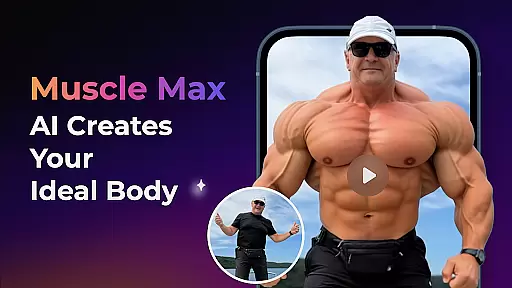
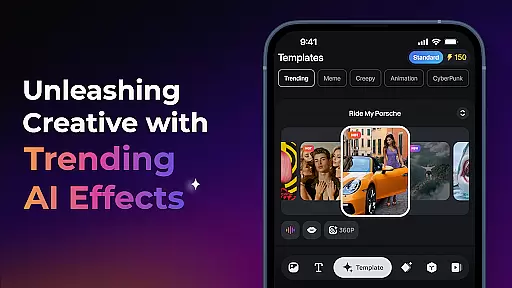
The app also includes trending AI effects like Earth Zoom Challenge and Muscle Max, which add dynamic flair to videos. With Key Frame Control, users can upload custom frames for precise video generation, and the Fusion feature combines multiple images into a single cohesive video. These tools collectively empower creators to produce professional-grade content effortlessly.
Real-time capture and preview functionality is essential for ensuring that every photo or video taken meets the user's expectations without delay. PixVerse offers an advanced real-time preview feature, allowing users to see exactly how their final output will look before they even press the capture button.
This application leverages AI technology to provide a seamless capturing experience. Whether converting images to videos, text to cinematic sequences, or enhancing old photos, users can witness transformations instantly. This immediate feedback empowers creators to make necessary adjustments on-the-fly, ensuring optimal results.
The value of real-time previews extends beyond convenience; it enhances creativity and productivity. By eliminating guesswork, PixVerse enables users to focus on their creative vision, confident that what they see in the preview is what they'll get in the final output. This feature significantly reduces the time spent on re-shoots and edits, streamlining the entire content creation process.
In the realm of photography, beauty enhancement features are crucial for delivering polished yet natural-looking results. PixVerse stands out with its AI-powered beauty and enhancement tools that prioritize authenticity while elevating visual appeal.
The app employs sophisticated algorithms capable of analyzing facial features, skin tones, and lighting conditions to apply enhancements that look genuine. From reviving old photos to sculpting physiques with Muscle Max, each tool is designed to maintain the subject's original essence while adding professional-grade touches.
Users benefit from this meticulous attention to detail as it ensures their creations resonate with viewers on an emotional level. The naturalness of enhancements not only boosts the overall quality of outputs but also builds trust among audiences who appreciate realistic portrayals over exaggerated effects. With PixVerse, achieving stunning yet believable visuals becomes effortlessly attainable.
Lightning-fast rendering
Cinematic HD quality
Advanced AI physics
Versatile creation modes
Constant feature updates
Subscription fees apply
Learning curve for beginners
Limited free features
High system requirements
Occasional bugs

All-in-One Editor & AI Photo Enhancer, Collage, Cartoonify, Funny Stickers & BGS
 4.10
4.10
Create & Edit with AI: AI Remove, Enhance, Retouch, Filter
4.10
Android Native system HD camera app. Never been so simple and faster.
4.70
Be your best in every shot! Fix, edit and retouch your face in selfies & photos.
3.70
Photo editor & gallery. Crop pictures & edit photos offline, no wifi!
4.50
AI Photo Editor with 100+ Filters, Effects! Remove BG, Retouch & Photo Enhancer.
4.80
Astrophotography with your smartphone, photo live stacking and much more!
3.90
live datamoshing
4.00
Remote control the phone camera shutter from your smartwatch and take a picture
1.60
Light-weight Media Gallery app for Android made with Jetpack Compose
4.60
PhotoSync Bundle Add-On License. Enables all features and services in PhotoSync.
4.60
Transform photos into videos! Create realistic or anime-style images easily!
4.50
Turn your phone into a professional camera - full DSLR manual photography
4.30
All-in-One Editor & AI Photo Enhancer, Beautify & Retouch, Collage, Cartoonify
4.20
Professional photography on your mobile phone
4.20
Professional quality photo edits with the new Snapseed.
4.00
Hair color changer, AI haircut app, fun hair editor and buzz cut filter for all!
3.80
Perfect photos with body shaping, BG changer and object remover.
3.70
HD Photo gallery and photo manager to edit, hide private photos, videos & albums
4.0


User Reviews