
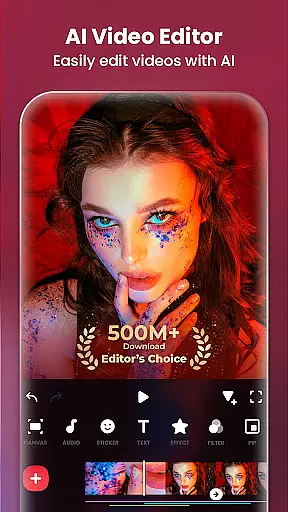
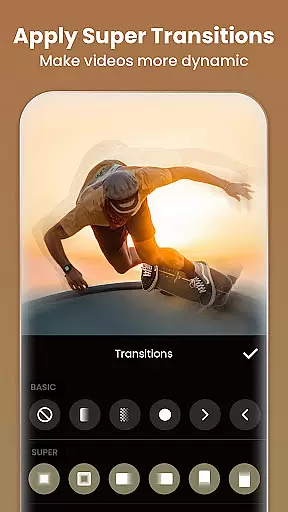
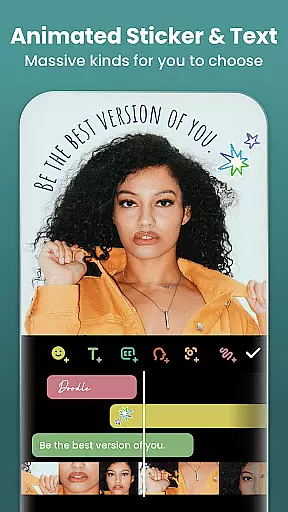
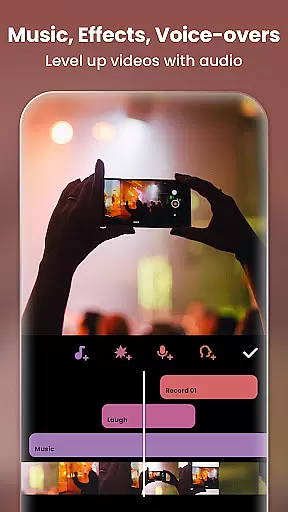
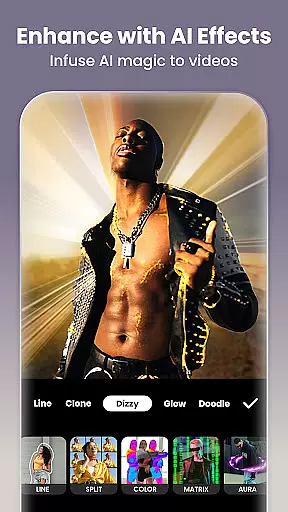
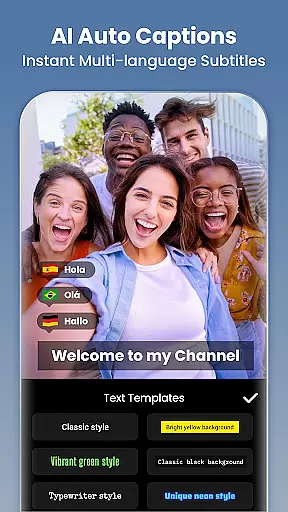
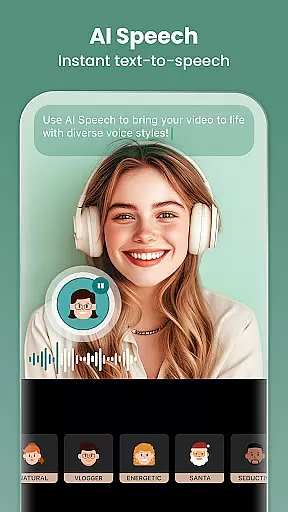
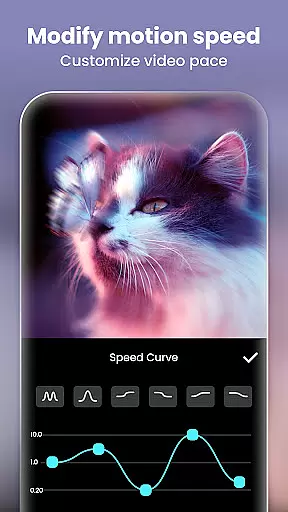
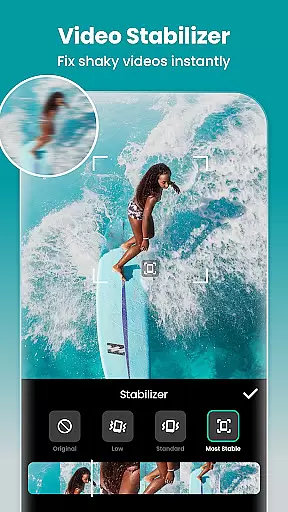
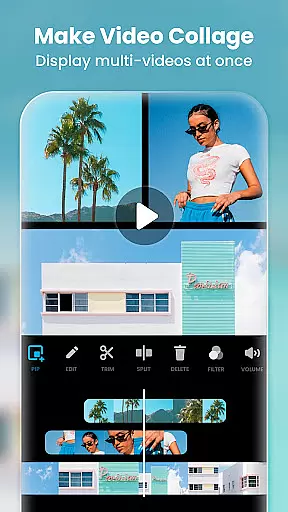
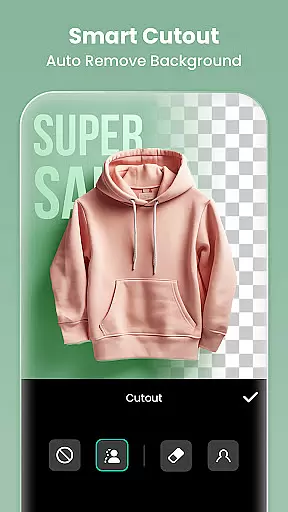
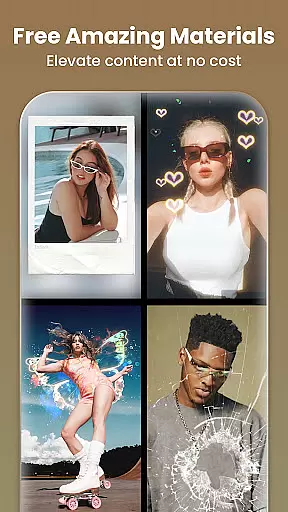
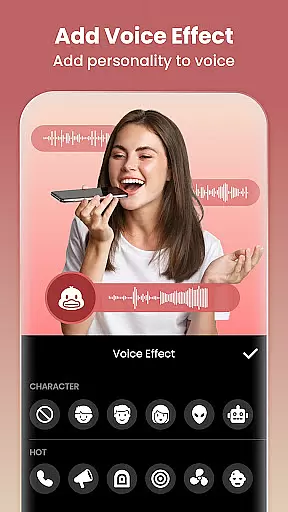
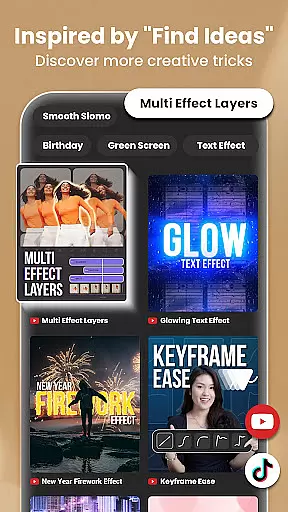
InShot is a versatile video editing and photo enhancement application designed for both casual users and professional content creators. This all-in-one tool offers an extensive range of features including video trimming, merging, reversing, and speed control, alongside advanced options like chromakey editing and picture-in-picture functionality. The app stands out with its AI-powered tools such as auto captions, background removal, and smart tracking, which simplify complex editing tasks.
With InShot, users can add music, text, transition effects, and various filters to their videos, creating polished content ready for social media platforms like YouTube, Instagram, TikTok, and Facebook. Its intuitive interface makes it easy to produce high-quality vlogs, video collages, and slow-motion clips. Additionally, the app provides robust photo editing capabilities, allowing users to blur backgrounds, adjust HSL settings, and remove unwanted objects from images.
The app's value extends beyond simple video editing by offering creative tools that enhance storytelling through visual media. Whether you're looking to create engaging Instagram stories or cinematic video content, InShot provides the necessary tools to bring your vision to life while maintaining ease of use and accessibility across different skill levels.
InShot distinguishes itself through a comprehensive suite of professional-grade editing features. One of its standout aspects is the integration of AI tools that streamline the editing process. For instance, the AI body effects and auto captions allow users to enhance their media with minimal effort, while the smart tracking feature ensures that stickers or text move in sync with selected objects, adding a dynamic layer to videos.
The app supports full-featured video editing, enabling users to trim, merge, and compress clips without sacrificing quality. It also includes advanced functionalities such as reverse video, speed ramping, keyframe animations, and chromakey editing, which are typically found in desktop software. These features empower creators to experiment with complex techniques like green screen effects and multi-layered compositions, resulting in visually stunning outputs.
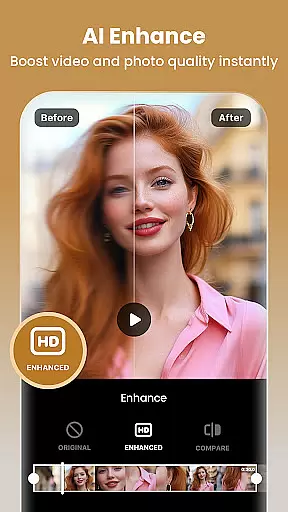
Beyond video editing, InShot excels as a photo editor and collage maker. Users can apply cinematic filters, adjust brightness and contrast, and utilize unique effects such as glitch and weather overlays. The AI photo enhancer transforms blurry images into sharp, high-definition visuals, and the easy-to-use collage maker offers over 100 customizable layouts. These diverse capabilities ensure that whether you're editing videos or photos, InShot delivers professional results tailored to your creative needs.
Real-time capture and preview functionality is essential for any photography or video editing application. It allows users to see exactly what their camera is capturing, ensuring that the framing, lighting, and composition are perfect before they take a shot or start recording.
InShot - Video Editor & Maker offers an advanced real-time capture feature that provides users with a seamless experience. The app ensures that every moment captured is precisely as intended, offering live adjustments for exposure, focus, and white balance. This immediate feedback empowers creators to make necessary changes on the fly, enhancing the overall quality of their work.
The benefits of this feature extend beyond just capturing images. When creating video content, real-time preview enables users to apply filters, effects, and transitions instantly, seeing the results without delay. This capability not only saves time during post-production but also elevates the creative process by allowing instant experimentation with different styles and aesthetics.
Ultimately, InShot's real-time capture and preview functions provide users with the tools needed to produce professional-quality visuals confidently. Whether crafting engaging social media posts or editing comprehensive video projects, these features ensure that every piece of content meets high standards of excellence.
AI beauty and enhancement features have become increasingly popular in photo and video editing applications. These tools leverage artificial intelligence to automatically enhance facial features, smooth skin, whiten teeth, and perform other aesthetic improvements while maintaining a natural look.
InShot - Video Editor & Maker incorporates sophisticated AI algorithms that deliver stunning yet realistic enhancements. Users can rely on the appu2019s AI-powered auto-beautification to refine their portraits effortlessly. By intelligently analyzing facial structures, the app applies subtle adjustments that highlight natural beauty without appearing over-processed or artificial.
This level of precision ensures that every edited image or video retains its authenticity. For content creators aiming to maintain a genuine appearance, InShot's AI beauty features offer customizable options that cater to individual preferences. Whether it's evening out skin tones or adding a touch of glamour, the enhancements blend seamlessly with the original footage.
By prioritizing naturalness in AI-driven enhancements, InShot empowers users to achieve polished results that resonate with audiences. This approach not only boosts confidence in sharing personal content but also aligns with contemporary trends favoring authentic and relatable visual storytelling.
User-friendly interface
Extensive AI tools
Professional video effects
Versatile photo editing
Social media optimization
Some features require payment
Occasional ads
Advanced tools may overwhelm beginners
Export quality depends on device
Limited offline tutorials

Perfect photos with body shaping, BG changer and object remover.
 3.70
3.70
Safe & smart flight with Go Fly drone controller for 40+ drone camera, zone map
4.50
Viewfinder, Light meter, Reciprocity failure time, DOF & Bellows Extension
4.60
Create collages easily! Nice pic collage maker & background eraser for Instagram
4.50
Turn your phone into a professional camera - full DSLR manual photography
4.30
Fit multiple photos on one post. Create carousels & scroll layouts for Instagram
4.50
Catch sunlight, sunrise sunset times and sun phases with the AR sun tracker.
4.10
Enhance, upscale, and transform your images — on your device, without limits
4.70
Solocator stamps photos you take with GPS location, Compass Direction, Date/Time
3.80
Amazing Photo Effects - The most fun you can have with your photos!
4.70
Unblur, enhance & restore photos with powerful AI photo enhancer tools.
4.60
PhotoSync Bundle Add-On License. Enables all features and services in PhotoSync.
4.60
Cut and paste photo editor & eraser to customize photos easy and swap faces fun
4.50
AI photo editor with hair editor, retouch tools, hair color changer & filters!
4.50
Photo Exif Editor allows to view, add and modify EXIF data of multiple photos
4.50
A reflected light meter with spot metering and incident light metering.
4.40
How would you look like with a differently shaped nose, chin or lips?
3.90
An interval timer to automate photo taking process for timelapse
2.90
HD Photo gallery and photo manager to edit, hide private photos, videos & albums
4.3


User Reviews