
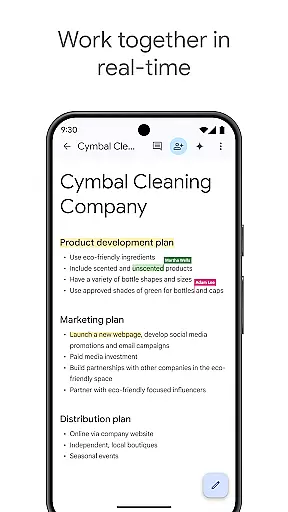
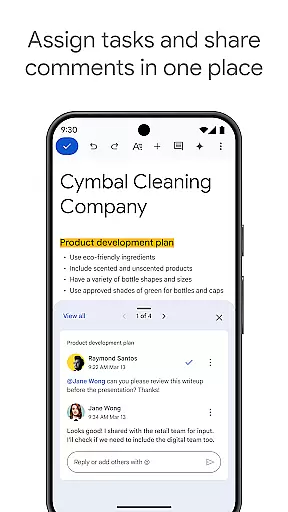
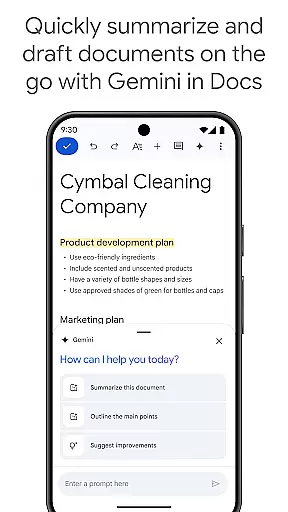
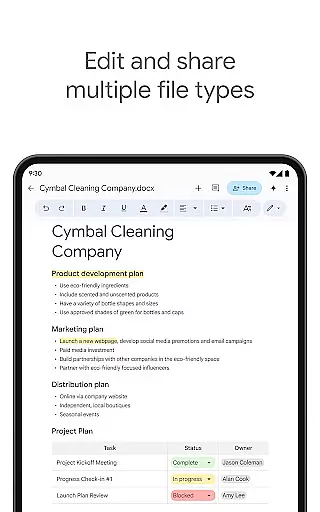
Google Docs is a powerful productivity application that enables users to create, edit, and collaborate on documents directly from their Android devices. The app's core functionality revolves around real-time collaboration, allowing teams to work together seamlessly on projects regardless of location. With its intuitive interface, users can easily share documents, leave comments, assign action items, and make live edits that are instantly visible to all collaborators.
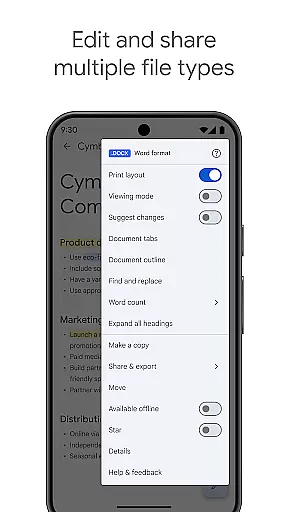
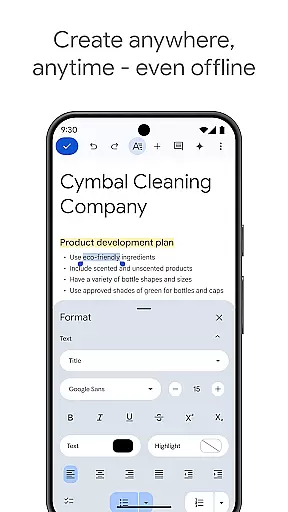
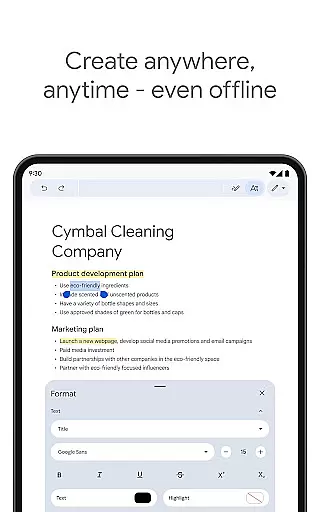
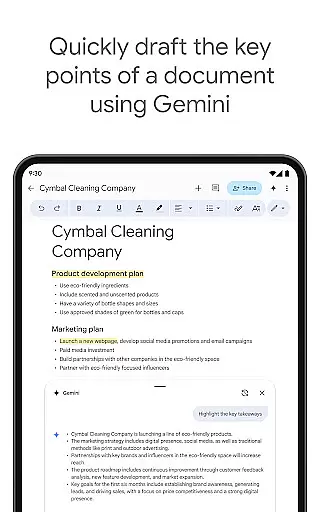
Beyond basic document creation, Google Docs offers advanced features including offline mode for uninterrupted productivity and a collection of professional templates to streamline workflow. The app supports multiple file formats, including Microsoft Word documents, making it an ideal solution for cross-platform collaboration. Paid subscribers of Google Workspace gain access to enhanced AI-powered features such as content generation assistance through Gemini, writing improvement suggestions, and custom image creation tools.
Google Docs distinguishes itself through its comprehensive feature set designed to enhance productivity and collaboration. The real-time collaboration capabilities are particularly robust, enabling multiple users to simultaneously edit documents while seeing each other's changes instantaneously. This feature extends beyond simple text editing, incorporating comment threads and assignable action items that facilitate project management within documents.
The application's versatility is further demonstrated through its offline functionality and template library. Users can work productively even without internet connection, with changes automatically syncing once connectivity is restored. The built-in template gallery helps users create professional-looking documents quickly, from reports to presentations. Additionally, the app's seamless integration with other document formats ensures compatibility across different platforms and applications, while paid features like AI-powered writing assistance and image generation tools provide advanced capabilities for enterprise users.
Task management is a cornerstone of productivity applications, and Google Docs excels in this area by providing users with robust tools to handle their document-based tasks efficiently. The app allows real-time collaboration, enabling multiple users to work on the same document simultaneously, which streamlines workflows and enhances team productivity.
Google Docs offers seamless integration with other Google Workspace apps, ensuring that all your projects are interconnected. This means you can easily reference Sheets or Slides within your documents, assign action items, and track changes without ever leaving the app. Such features make it simpler for teams to manage complex projects and keep everyone aligned with the latest updates.
For users who need to work while traveling or during internet outages, Google Docs provides an offline mode. This ensures that your ability to create and edit documents isn't hindered by connectivity issues. Once back online, all changes sync automatically, maintaining version control and data integrity across devices.
Cross-device synchronization is vital for maintaining consistency and accessibility across various platforms, and Google Docs delivers reliable performance in this aspect. Whether you're switching from your Android phone to a tablet or desktop, your documents are updated in real time, ensuring that you always have access to the most current version of your work.
The synchronization process in Google Docs is designed to be fast and dependable. Changes made on one device appear almost instantly on others, minimizing the risk of working with outdated information. This reliability is crucial for professionals who depend on up-to-date data to make informed decisions quickly.
Moreover, Google Docs supports a wide range of file types, including Microsoft Word files, allowing for frictionless collaboration regardless of the software used by team members. With seamless conversion and export options, you can ensure that your documents retain their formatting and functionality when shared outside the Google ecosystem.
User-friendly interface
Real-time collaboration
Offline functionality
Cross-platform compatibility
AI-powered enhancements
Limited free features
Requires internet
Basic formatting tools
Occasional sync issues
Subscription costs

Auto-shutoff Alarm with Sunrise, Sunset & Fixed Options.
 3.50
3.50
The Pro Version of Android's tiniest Notepad app. Just 0.3MB but feature-packed!
4.60
Mind Map and brainstorm, note taking and idea collection
4.80
Stay on top of your to-dos with Google Tasks, part of Google Workspace.
4.60
Font maker keyboard with your own handwriting
4.10
Tally and goal counter for Wear OS & mobile
4.50
Scientific calculator for Android - looks and operates like the real thing!
4.90
Use powerful, industry-leading AI tools to generate visual charts from any data
4.80
Simple notepad & memo. Take notes, to-do list, shopping list with reminders.
4.80
aCalendar+ makes your day, week and month
4.70
Okta MFA
4.70
App Lock with fingerprint, password: Lock apps & hide photos with lock screens
4.60
Send files, sync SMS, notifications & clipboard across devices via local network
4.40
Access, manage and transfer files on Android, PC, Mac, NAS and cloud storages.
4.30
The ultimate file manager for rooted devices. The original and still the best.
4.00
All in one sketching tool. Technical and General drawing. Online Maps support.
3.70
Remotely view listen control and record cameras.
3.70
Find and delete junk files & block unwanted notifications & manage files
3.70
A comprehensive suite of tools designed specifically for Lactation Consultants
4.1


User Reviews