
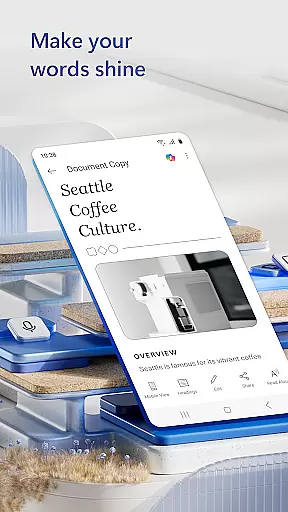
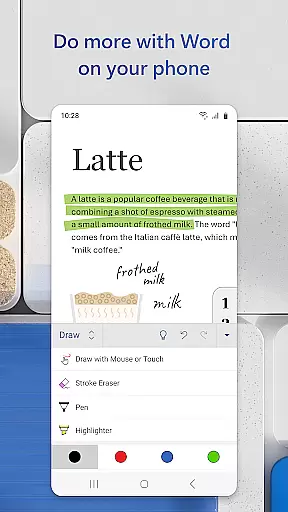
Microsoft Word is the quintessential mobile document editor that empowers users to create, edit, and collaborate on documents from their mobile devices with ease. This productivity app allows you to write and edit text, convert files to PDF, craft cover letters, and work collaboratively on projects just as you would on a PC. With its intuitive interface, Microsoft Word simplifies document collaboration and editing while on the move.
The app provides seamless access to files and documents, enabling users to make edits effortlessly using built-in document viewing capabilities. Whether you're a blogger, writer, or project manager, Microsoft Word adapts to your needs by offering a rich template gallery for resumes, newsletters, brochures, and more. Its powerful features support various writing tasks, making it an indispensable tool for professionals who require flexibility and functionality in a mobile writing app.
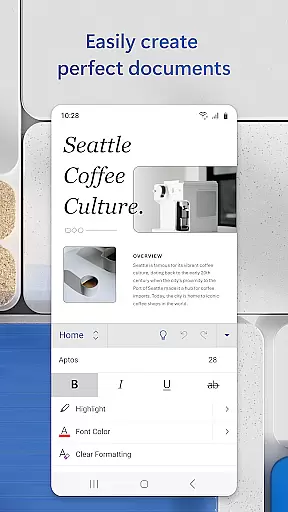
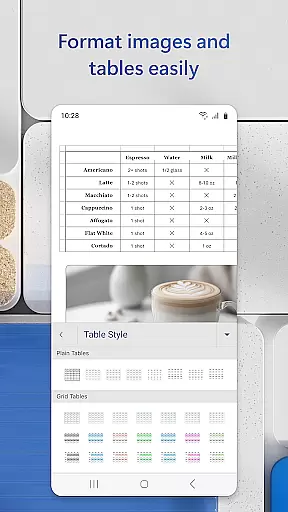
Microsoft Word stands out with its comprehensive set of features tailored for mobile productivity. The app offers beautiful templates for crafting cover letters, resumes, and other documents, ensuring formats and layouts remain intact during editing. It supports rich formatting options, allowing users to create visually appealing documents for any writing task they encounter.
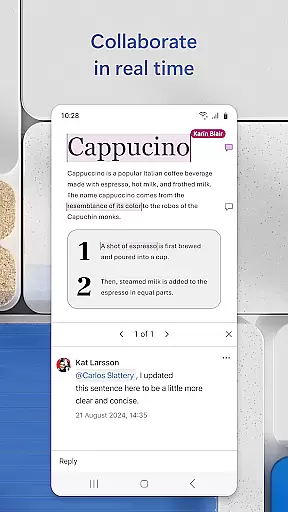
For reading and editing convenience, the app includes a Reading View mode and the ability to convert between Word and PDF formats. Users can leave comments next to text for efficient collaboration, view editor history, and revert to earlier drafts when needed. Additionally, file sharing is simplified with options to share documents via links, emails, or attachments, along with managing permissions and tracking who is working on what within shared documents.
Microsoft Word's core task management capabilities redefine how users handle document creation and collaboration on the go. The app ensures that tasks such as writing, editing, and formatting documents are executed seamlessly across devices.
With features like real-time collaboration, users can work together on documents, leave comments next to specific texts, and track changes efficiently. This functionality is crucial for teams who need to stay aligned on project updates and modifications.
The app also provides powerful tools for task-specific needs, including templates for resumes, cover letters, and forms. These resources allow users to create professional-quality documents with minimal effort, ensuring productivity is maintained regardless of location or device.
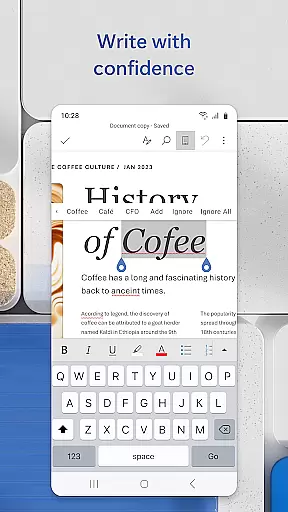
By integrating advanced proofreading and layout management options, Microsoft Word empowers users to manage their document-related tasks effectively, making it an indispensable tool for anyone needing to maintain high productivity levels while working remotely.
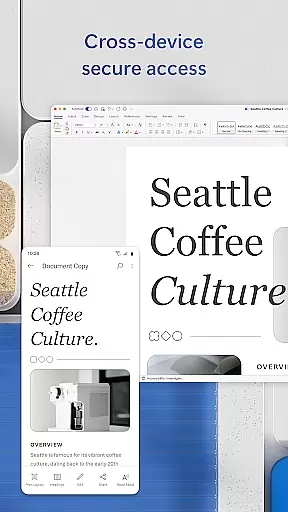
Cross-device synchronization is a cornerstone of Microsoft Word's productivity suite, allowing users to access their documents from any device without losing formatting or data integrity. This reliable synchronization ensures that whether you're switching from a PC to a mobile device, your work remains consistent and up-to-date.
The app employs robust cloud integration, which means files saved on one device are immediately available on another. This feature is particularly beneficial for users who work in multiple locations or use different devices throughout their day.
Moreover, Microsoft Word supports seamless transitions between file types, such as converting documents to PDFs and vice versa. This flexibility enhances workflow efficiency, enabling users to share and collaborate on files in various formats without compatibility issues.
By prioritizing synchronization reliability, Microsoft Word ensures that users can focus on their content creation and collaboration tasks without worrying about technical disruptions or data loss, thus maintaining productivity at all times.
User-friendly interface
Extensive template library
Real-time collaboration tools
Cross-device compatibility
Robust formatting options
Requires Microsoft account
Limited functionality on small screens
Some features need premium subscription
Occasional sync issues
Heavier on device resources

Experience Reading - Night Mode for Documents
 4.40
4.40
Total remote control for your Android device, PC and cloud services (IFTTT)!
4.20
8 custom complications. Custom Time Fonts. Beautiful color schemes. A++ Design.
5.00
Simple and reliable communication between inmates, friends and family
3.20
Docker, Kubernetes management over Portainer Mobile
4.40
A comprehensive suite of tools designed specifically for Lactation Consultants
4.1
Scientific calculator for Android - looks and operates like the real thing!
4.90
Use powerful, industry-leading AI tools to generate visual charts from any data
4.80
Lightweight PDF, Word, Excel reader.
4.60
Mind Map and brainstorm, note taking and idea collection
4.80
Client for Nextcloud Deck
4.60
Send files, sync SMS, notifications & clipboard across devices via local network
4.40
Professional calendar app for Google Calendar, MS Outlook & Exchange
4.20
Intelligent AI Assistant
4.10
Secure, open-source, SPICE and SSH Remote Desktop for QEMU KVM virtual machines
4.00
Take control of your clipboard with Clipper!
3.90
Ultimate Virtual AI Character for immersive Roleplay Chat. Perfect Companion
3.90
Auto-shutoff Alarm with Sunrise, Sunset & Fixed Options.
3.50
IP Camera Viewer - Android TV : RTSP Surveillance camera viewer for Android TV
4.0


User Reviews