
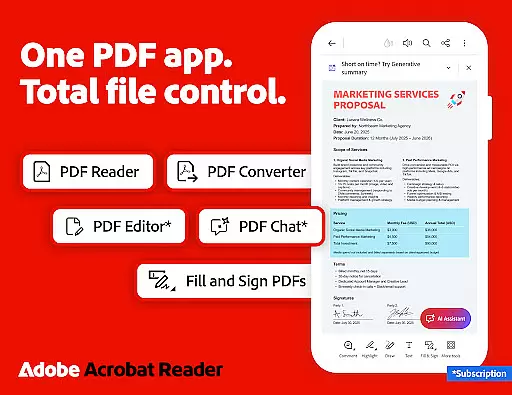
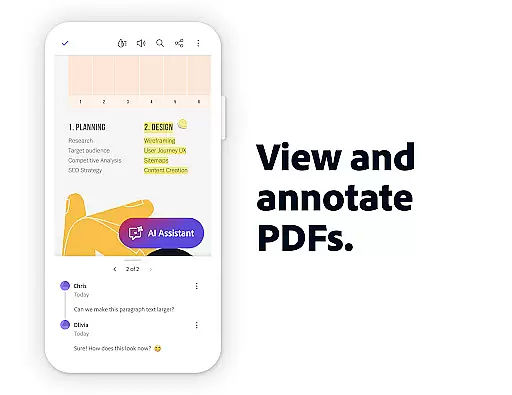
Adobe Acrobat Reader is a comprehensive productivity tool that redefines how users interact with PDF documents. As the world's most trusted PDF reader, editor, and maker, it boasts over 635 million installs. The app offers advanced features such as the Adobe Acrobat AI Assistant, which allows users to work across multiple files using voice or text prompts, generate instant summaries, and extract cited answers from charts and graphs. Its editing capabilities enable users to modify text and images directly within PDFs, while Optical Character Recognition (OCR) transforms scanned documents into editable formats.
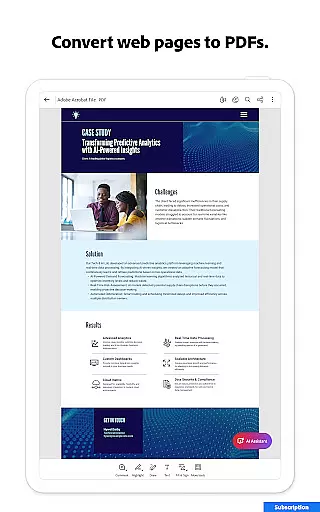
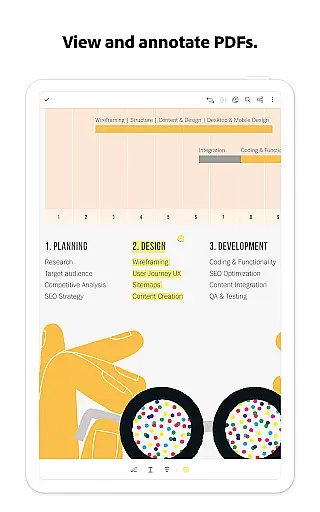
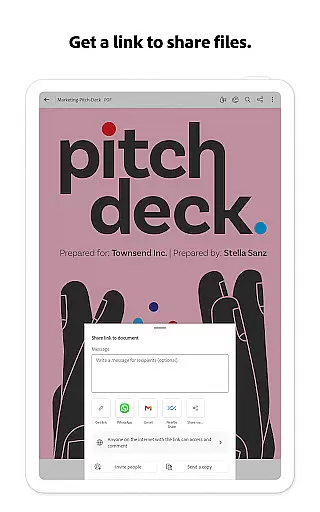
The application also provides extensive file management options, including merging, splitting, compressing, and converting PDFs into various formats like Microsoft Word and Excel. With collaboration tools for sharing and annotating documents, as well as Liquid Mode for an optimal reading experience, Adobe Acrobat Reader ensures both productivity and convenience. Whether you're working on mobile or desktop, this app delivers a seamless experience for viewing, editing, and managing PDFs.
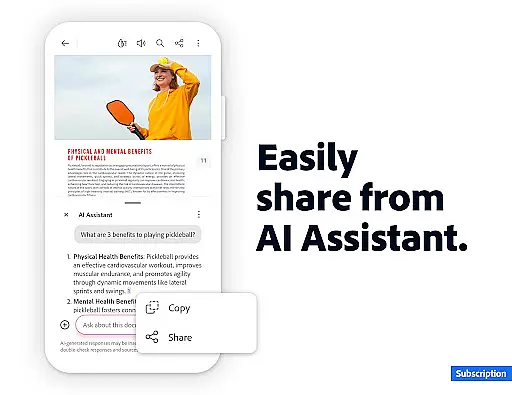
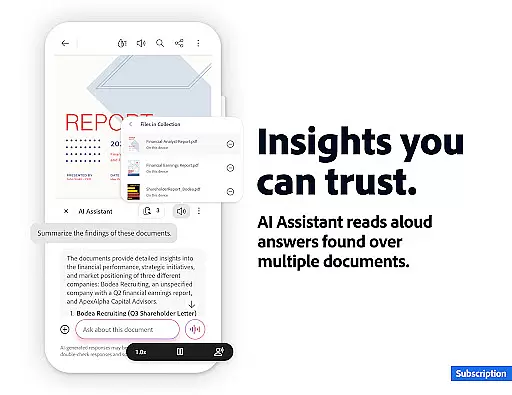
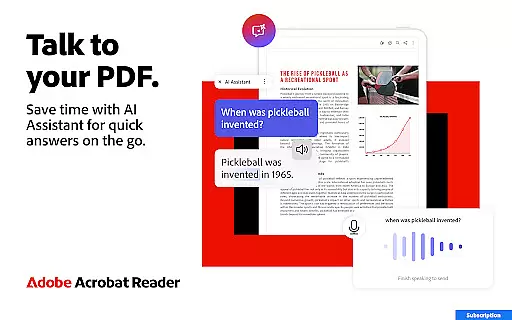
Adobe Acrobat Reader stands out with its innovative features tailored for productivity enthusiasts. The app's AI Assistant revolutionizes document interaction by enabling users to ask questions about their PDF content and receive cited responses, even from complex elements like tables and graphs. This feature extends to generating concise summaries, making information extraction effortless. Additionally, the AI-powered voice support allows users to ask queries and have answers read aloud, enhancing accessibility.
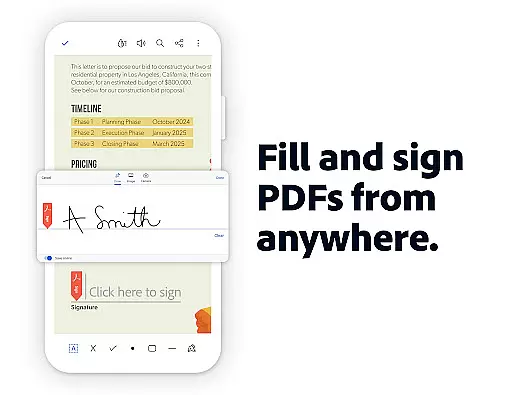
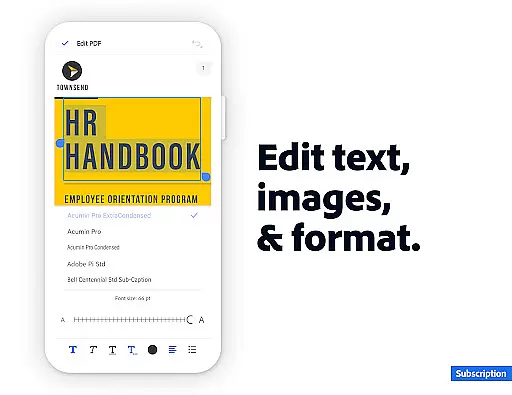
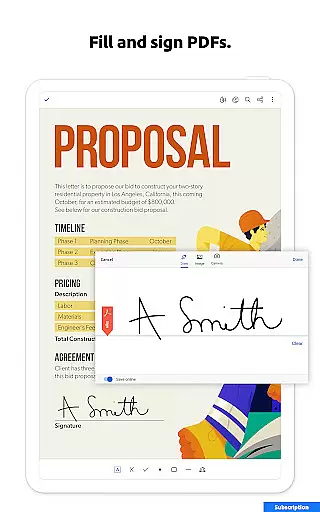
Editing capabilities are robust, allowing direct modification of text and images in PDFs, alongside page management functions such as inserting, deleting, rotating, and reordering pages. The app supports conversion between various file types, ensuring compatibility across platforms. Security is prioritized with options to password-protect documents and compress files for easier sharing. Furthermore, integration with cloud services like Google Drive and Dropbox streamlines file storage and access, providing a unified workspace for all your PDF needs.
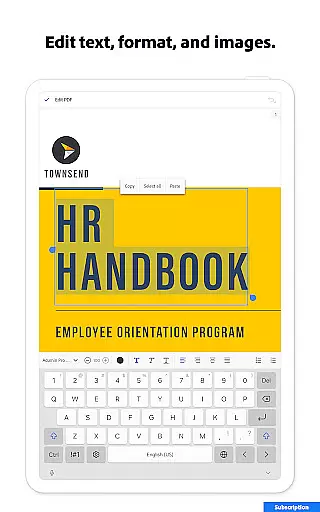
Core task management in Adobe Acrobat Reader encompasses a wide range of features that streamline PDF handling. This includes the ability to edit text and images directly within PDFs, making document adjustments seamless and efficient.
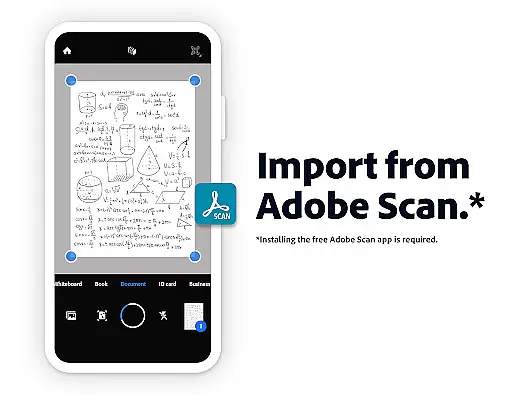
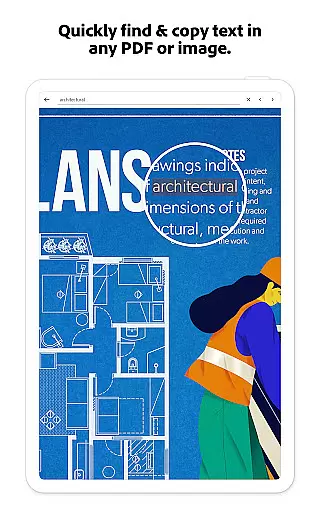
The application provides Optical Character Recognition (OCR), which transforms scanned documents into editable and searchable files. This functionality is crucial for repurposing content across different formats and enhancing productivity.
Moreover, users can merge, split, or reorder pages, as well as compress files for easier sharing. These capabilities ensure that managing complex documents remains intuitive and straightforward.
By integrating advanced editing tools with cloud storage options, Adobe Acrobat Reader empowers users to organize their workflow effectively, ensuring documents are always up-to-date and accessible from any device.
Cross-device synchronization reliability is a cornerstone of Adobe Acrobat Reader's design, allowing users to access their files seamlessly across multiple platforms. Whether on mobile, tablet, or desktop, all changes are updated in real-time, ensuring consistency and reliability.
This synchronization extends to cloud services like Google Drive, Dropbox, and Microsoft OneDrive, providing a centralized repository for all PDF documents. Users can easily link these accounts within the app, creating a unified workspace that enhances collaboration.
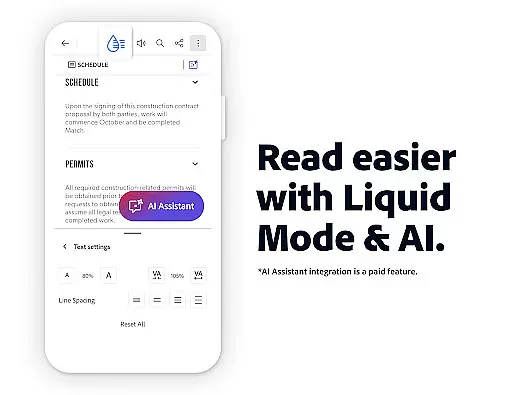
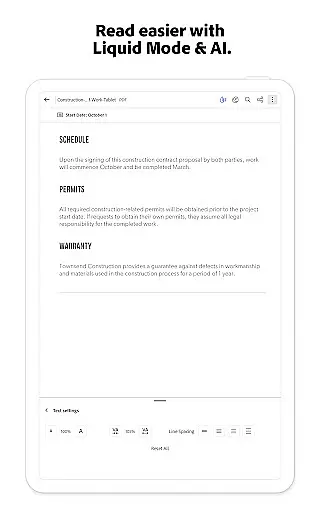
Furthermore, features such as Liquid Mode optimize the reading experience by adjusting font sizes and spacing to fit any screen, ensuring documents remain readable regardless of the device. This adaptability is vital for maintaining productivity on the go.
With reliable cross-device support, Adobe Acrobat Reader ensures that teams can collaborate efficiently, accessing and editing shared documents without worrying about version control or data loss.
User-friendly interface
Advanced AI features
Comprehensive editing tools
Strong security options
Cloud service integration
Paid subscription required
Some features are mobile-only
High resource usage
Limited free OCR capabilities
Complex for beginners

Experience Reading - Night Mode for Documents
 4.40
4.40
When you Focus, so will your Bean in this cozy focus timer
4.30
Direct Chat without saving contacts & Dual WA Account on Single Device
4.70
All in One PDF Reader: Manage, Read and Edit your Documents
4.20
Simple and reliable communication between inmates, friends and family
3.20
Calendar 2023 widget for Android. Appointment scheduler, planner, and reminder
4.60
A beautiful digital clock with autostart and many other functions
4.70
The ultimate file manager for rooted devices. The original and still the best.
4.00
Simple notepad & memo. Take notes, to-do list, shopping list with reminders.
4.80
Understand anything with a personalized AI research assistant
4.80
Protect and view your important info on your phone and tablet with eWallet®
4.80
QuickBooks Workforce lets teams view pay info and track time in one place.
4.70
Quickly and easily keep track of your work shifts
4.70
Scan paperwork into PDF/JPG, generate your own e-signature and send fax or email
4.70
Functional QR scanner and barcode reader that requires little storage space.
4.60
The AI assistant that thinks with you - write, code, and solve complex tasks
4.60
Planet Free VPN - The best Fast Unlimited and Secure VPN Without Logs
4.50
Share files & memories safely. Keep your photos and videos secure.
4.40
Access your phone's notifications, calls, apps, photos & texts on your PC
3.90


User Reviews