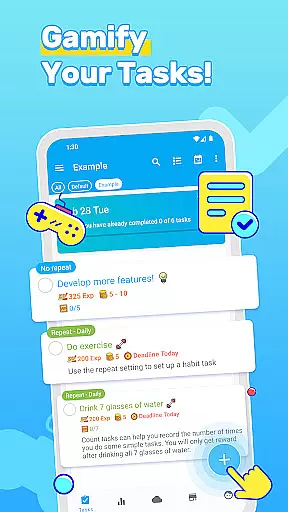
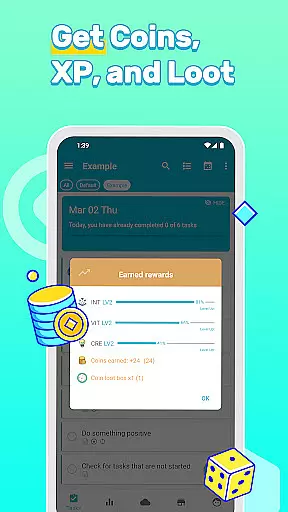
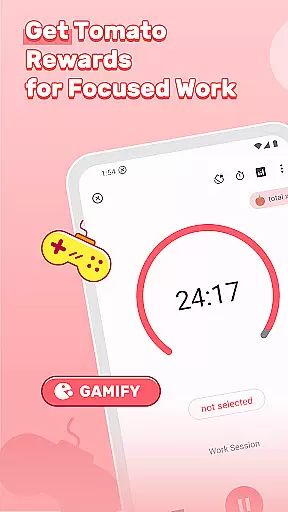
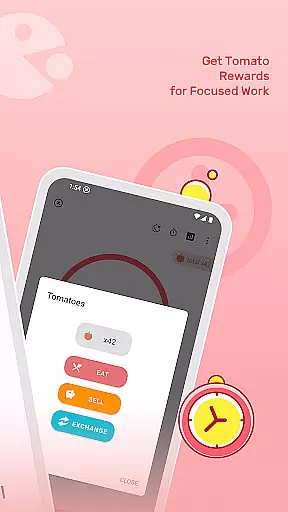
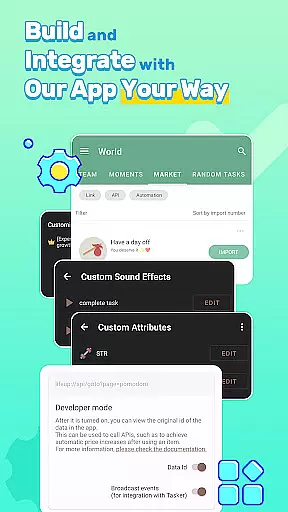
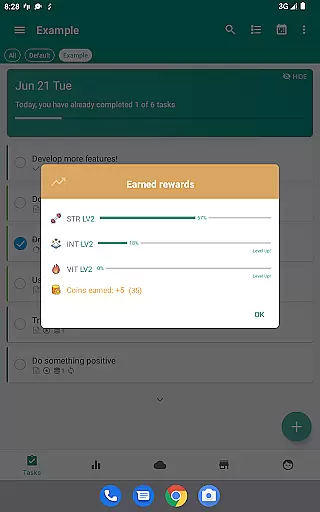

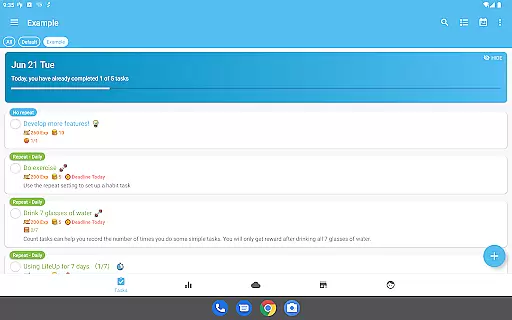
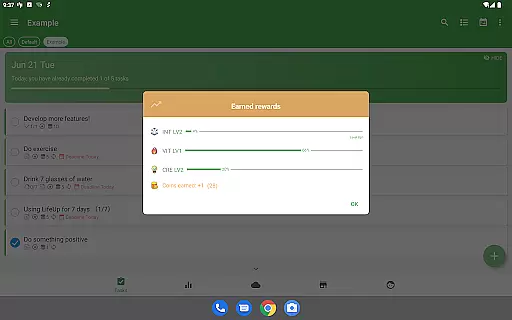
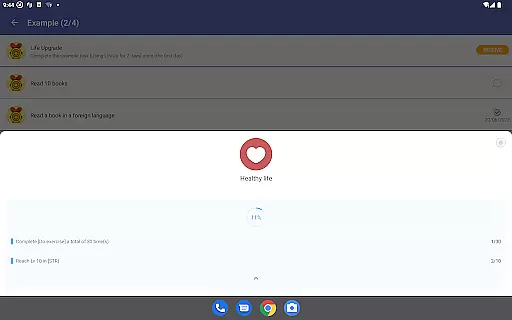
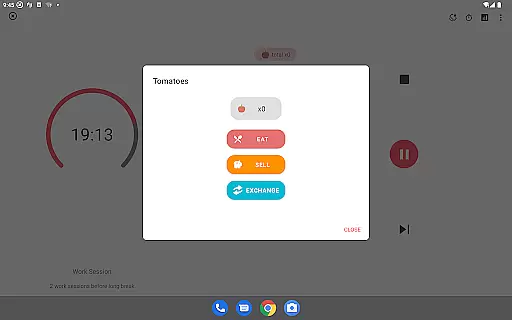
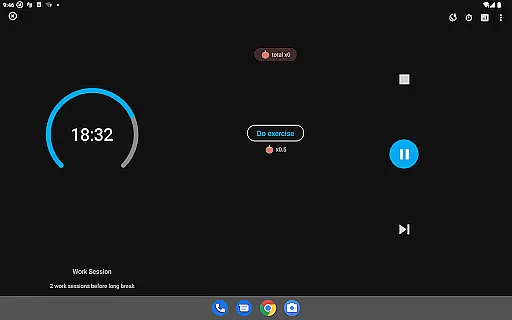

LifeUp is a hyper-customizable productivity RPG that transforms your daily tasks and habits into an engaging game-like experience. With this app, you can design your own gamification system by creating custom skills, personal reward shops, and unique milestones tailored to your lifestyle.
The app offers powerful productivity tools including a complete to-do list function, habit tracker, world module for community interaction, and extensive customization options. Whether you want to build streaks for positive habits or earn virtual rewards for completing tasks, LifeUp provides the framework for you to create your personalized productivity system.
This innovative approach to productivity is especially beneficial for users seeking a customizable solution that adapts to their specific needs rather than conforming to rigid pre-set rules.
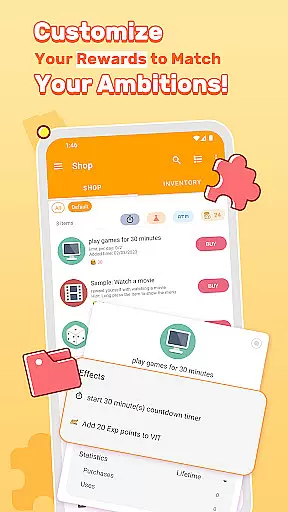
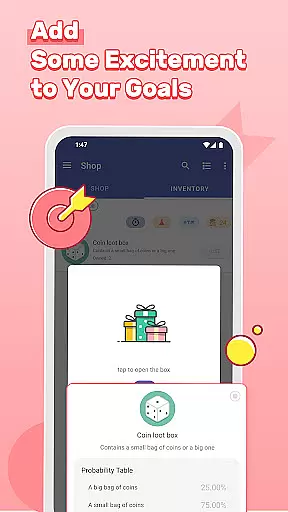
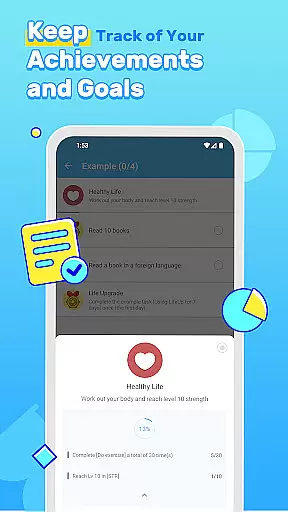
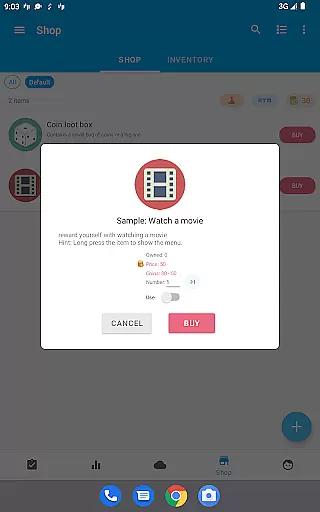
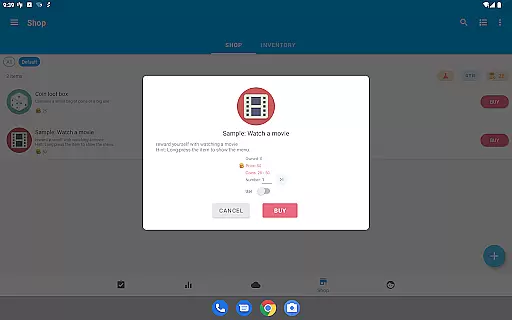
LifeUp stands out with its unparalleled customization capabilities. Users can design their skill trees, such as 'Coding' or 'Fitness', and link them to specific tasks to level up in real life. The Personal Shop feature allows you to set tangible rewards like '30 Min Break' or 'Watch a Movie' that can be purchased with earned coins.
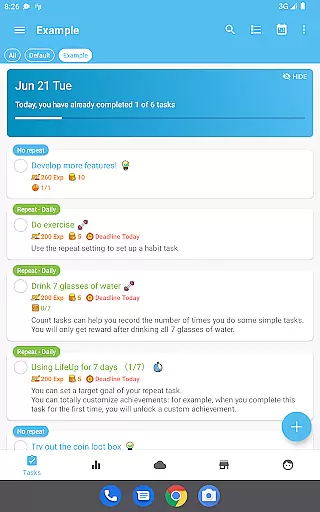
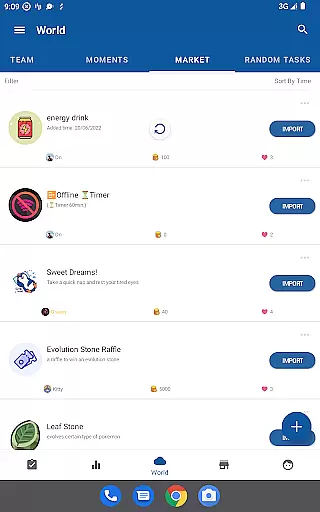
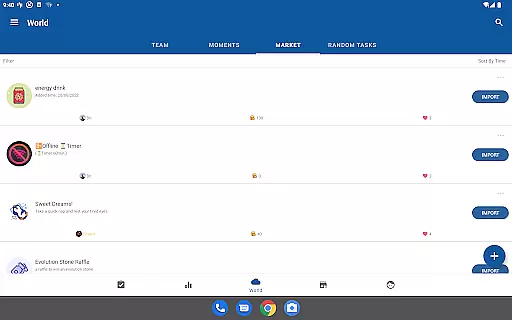
Beyond gamification, LifeUp includes comprehensive productivity features. It offers advanced to-do functions with repeats, reminders, notes, deadlines, and attachments. The habit tracker helps maintain streaks for consistent behavior improvement while the World Module connects you with task teams and community-generated content.
With dozens of themes, night mode, app widgets, and regular updates, LifeUp ensures both functionality and personalization are at the forefront of your productivity journey.
At the heart of LifeUp lies its robust core task management system, designed to transform how users approach productivity. This feature allows individuals to create, organize, and track tasks with remarkable flexibility and control.
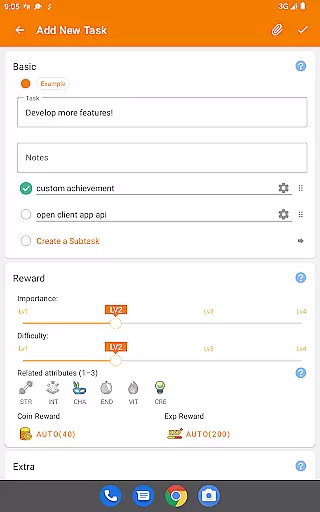
The app supports a comprehensive suite of task management tools including repeats, reminders, notes, deadlines, checklists, attachments, and history tracking. Such extensive functionality ensures that no detail is overlooked, empowering users to maintain an organized and efficient workflow.
By integrating these capabilities into a single platform, LifeUp delivers significant value to its users. They can seamlessly manage their responsibilities, set clear objectives, and monitor progress over time, leading to enhanced personal and professional productivity.
Cross-device synchronization is a critical component of LifeUp, ensuring that user data remains consistent and accessible across all devices. This reliability is vital for users who switch between smartphones, tablets, or computers throughout their day.
The app employs a secure and efficient sync mechanism, supporting offline-first operations with optional cloud backups via Google Drive, Dropbox, or WebDAV. This approach guarantees data integrity and availability, even when internet connectivity is unreliable or unavailable.
With this dependable synchronization, users gain peace of mind knowing their information is always up-to-date and safely stored. Whether at home or on the go, LifeUp's synchronization feature provides a seamless experience, allowing users to focus on their tasks without worrying about data loss or inconsistencies.
Highly customizable
No ads or subscriptions
Offline-first approach
Regular feature updates
Community-driven support
Steep learning curve
Initial setup time
Limited built-in templates
Premium price point
Complex interface

The long-awaited modern gallery app for your Nextcloud server
 4.70
4.70
Professional calendar app for Google Calendar, MS Outlook & Exchange
4.20
Direct Chat without saving contacts & Dual WA Account on Single Device
4.70
⏰ Finally a timer app which can run multiple timers simultaneously on your watch
3.90
Pwnagotchi companion app
4.20
Docker, Kubernetes management over Portainer Mobile
4.40
Great calculator for Android named one of USA TODAY's "25 Essential Apps".
4.90
Secure your apps with lock screens, use custom themes and different features.
4.40
Okta MFA
4.70
Multilingual translator for text, voice, and image translation!
4.90
App Lock with fingerprint, password: Lock apps & hide photos with lock screens
4.60
Functional QR scanner and barcode reader that requires little storage space.
4.60
A simple Whisper AI keyboard for reliable speech transcription and rewording
4.60
Tally and goal counter for Wear OS & mobile
4.50
Automates browsing any website and notifies you of important changes or events
4.30
The ultimate file manager for rooted devices. The original and still the best.
4.00
All in one sketching tool. Technical and General drawing. Online Maps support.
3.70
Remotely view listen control and record cameras.
3.70
IP Camera Viewer - Android TV : RTSP Surveillance camera viewer for Android TV
4.4


User Reviews