
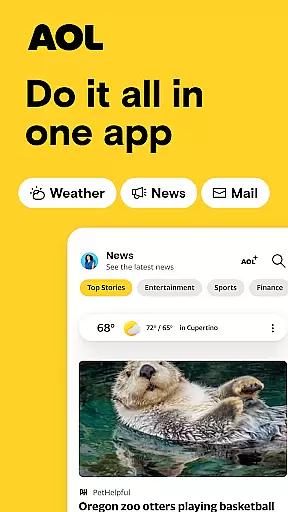
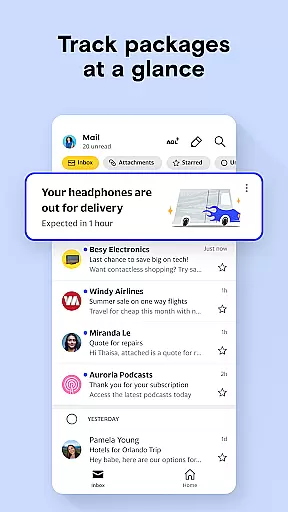
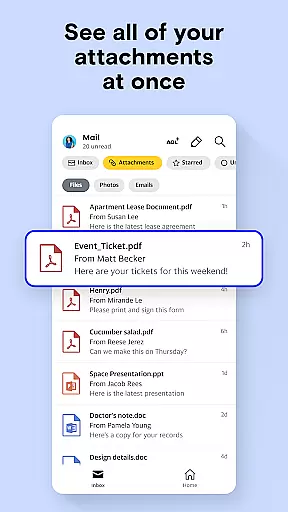
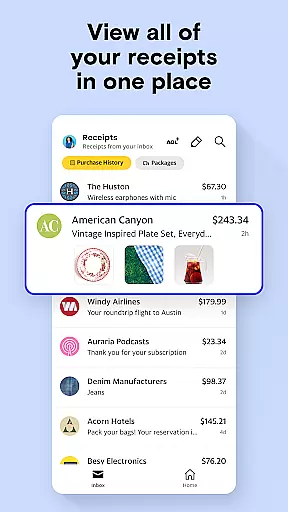


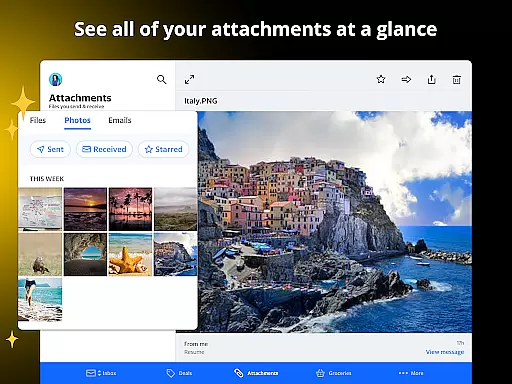
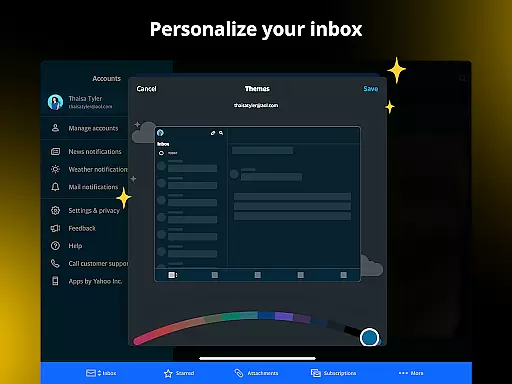
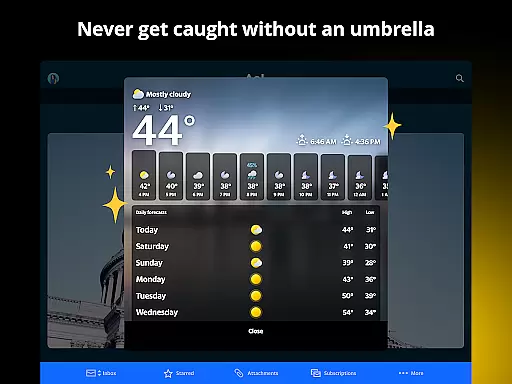
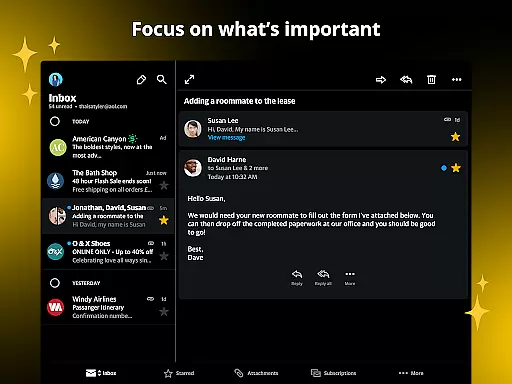

The AOL app is a comprehensive productivity tool that combines essential features like email, news aggregation, and weather updates into one seamless platform. Designed for users seeking an all-in-one solution, this app provides a user-friendly interface with lightning-fast email access, breaking news from trusted sources, and customizable weather forecasts. Whether you're managing your inbox, staying informed on global events, or planning your day based on weather conditions, the AOL app ensures efficiency and convenience.
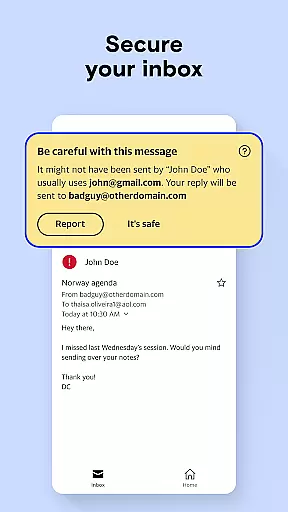
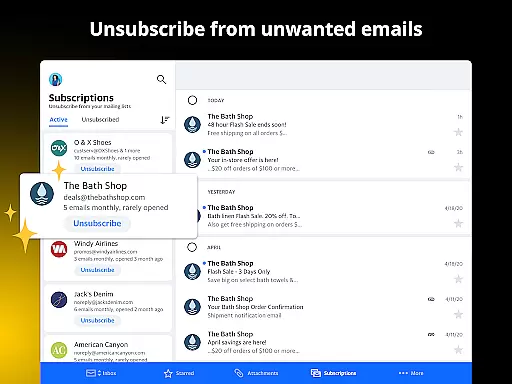
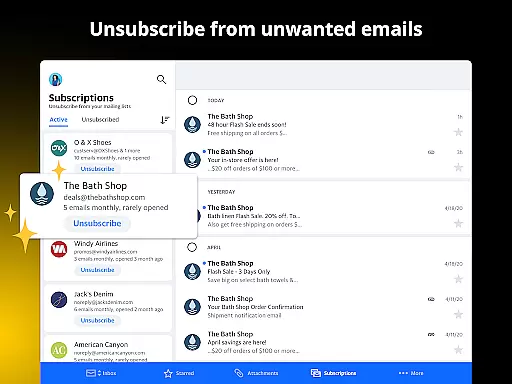
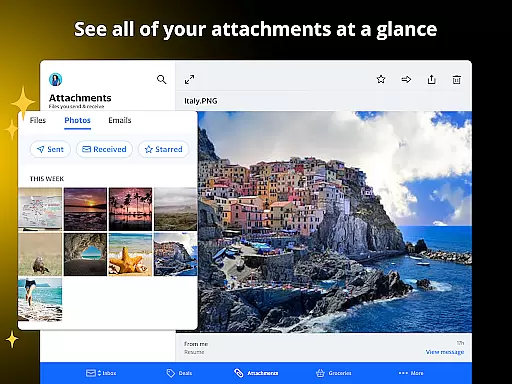
One of the standout features of the AOL app is its ability to save articles for later reading, coupled with 1 TB of email storage. This allows users to organize their digital lives effectively while never missing important content or correspondence. Additionally, advanced email tools such as attachment previews, auto-sorting of coupons, and easy unsubscribe options make it a superior choice compared to other email services like Yahoo Mail, Outlook, and Gmail.
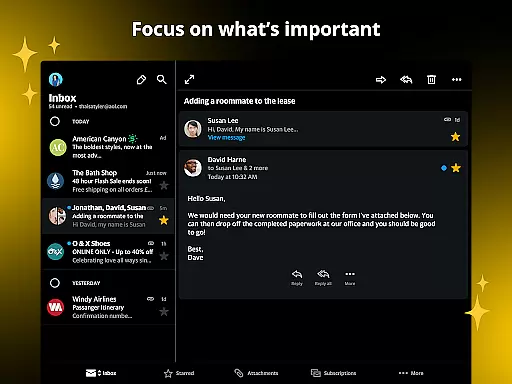
The AOL app offers a diverse range of features designed to enhance productivity and streamline daily tasks. Its email functionality includes smart organization tools, massive 1 TB storage capacity, and intuitive shortcuts for managing emails efficiently. Users can preview attachments without opening messages, sort promotional content automatically, and declutter their inboxes with ease.
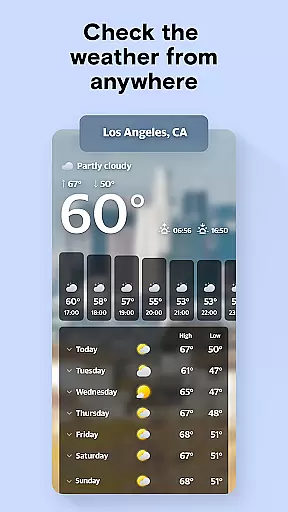
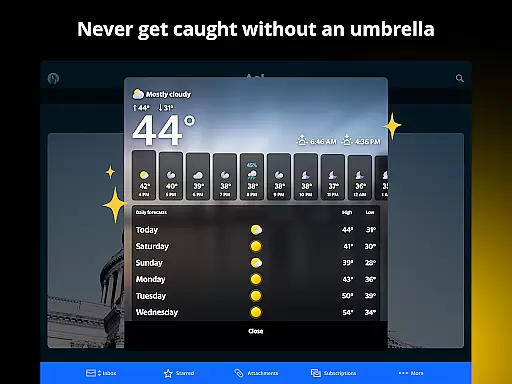
Beyond email, the AOL app excels in delivering real-time news updates across multiple categories including politics, finance, sports, and entertainment. Trusted sources like ABC News, CNN, BBC, and Reuters ensure reliable information. The app also provides detailed weather forecasts with customizable notifications, making it ideal for both everyday use and travel planning. With additional features like saved articles, coupon tabs, and gift card tracking, the AOL app truly serves as a complete digital organizer.
Task management is a cornerstone of productivity applications, and the AOL App excels in providing users with robust tools to manage their digital lives efficiently. The app integrates email, news, and weather updates into one seamless platform, allowing users to prioritize and organize their daily tasks without switching between multiple apps.
The AOL App's intuitive interface simplifies the process of checking emails, reading news, and planning activities based on weather forecasts. With features like attachment previews, auto-sorting of gift cards and coupons, and an easy unsubscribe option, users can maintain an organized inbox effortlessly. These smart features ensure that users spend less time managing their emails and more time focusing on important tasks.
Moreover, the app offers 1 TB of email storage, ensuring that all correspondence, attachments, and important documents are securely stored and easily accessible. This vast storage capacity eliminates the need to delete crucial messages due to space constraints, thereby enhancing the overall task management experience. Users can rely on AOL to keep their digital lives organized and clutter-free.
In addition to its core email functionalities, the AOL App provides a 'saved' feature for articles, enabling users to store interesting content for later reading. This ensures that valuable information is not lost and can be revisited when needed. By combining essential productivity tools with user-centric design, the AOL App empowers users to take control of their tasks and stay productive throughout the day.
Cross-device synchronization is vital for users who operate across multiple platforms and devices, ensuring that their data remains consistent and up-to-date regardless of the device they use. The AOL App addresses this need by offering reliable synchronization capabilities that allow users to access their emails, saved articles, and other important information seamlessly from any device.
With AOL's massive 1 TB email storage, users can sync their entire email history, including attachments and important documents, across devices without worrying about storage limitations. This means whether you're using your smartphone, tablet, or desktop, your emails and files are always available, maintaining continuity in your workflow.
The app also supports real-time updates, ensuring that changes made on one device are immediately reflected on others. For instance, if you read an email or save an article on your phone, the status will be updated across all linked devices. This real-time synchronization minimizes the risk of missing critical information and enhances the overall user experience by providing a unified view of your digital life.
Furthermore, AOLu2019s commitment to security ensures that all synchronized data is protected against unauthorized access. By leveraging advanced encryption protocols, the app guarantees that your personal and professional information remains secure while being synced across devices. This combination of reliable synchronization, extensive storage, and top-notch security makes the AOL App a dependable choice for managing your digital presence efficiently.
User-friendly interface
Massive email storage
Advanced email sorting
Real-time news updates
Customizable weather alerts
Limited offline functionality
Occasional syncing issues
Ads in free version
Complex setup for beginners
Fewer integrations than competitors

A customizable calendar for your Wear OS watch
 4.20
4.20
Mega cloud explorer plugin for Solid Explorer
3.80
Professional calendar app for Google Calendar, MS Outlook & Exchange
4.20
Automates browsing any website and notifies you of important changes or events
4.30
A lightweight JSON & XML files creator, editor and viewer (Premium Version)
4.40
Todo reminder
4.10
Experience and share your SolidWorks designs on your Android® phone and tablet.
2.50
Access your phone's notifications, calls, apps, photos & texts on your PC
3.90
AI Chatbot and AI writing assistant powered by ChatGPT.
4.60
8 custom complications. Custom Time Fonts. Beautiful color schemes. A++ Design.
5.00
Scientific calculator for Android - looks and operates like the real thing!
4.90
Protect and view your important info on your phone and tablet with eWallet®
4.80
The long-awaited modern gallery app for your Nextcloud server
4.70
Direct Chat without saving contacts & Dual WA Account on Single Device
4.70
The Pro Version of Android's tiniest Notepad app. Just 0.3MB but feature-packed!
4.60
App Lock with fingerprint, password: Lock apps & hide photos with lock screens
4.60
Secure your apps with lock screens, use custom themes and different features.
4.40
Make apps & sites with natural language prompts
4.10
Font maker keyboard with your own handwriting
4.10


User Reviews