
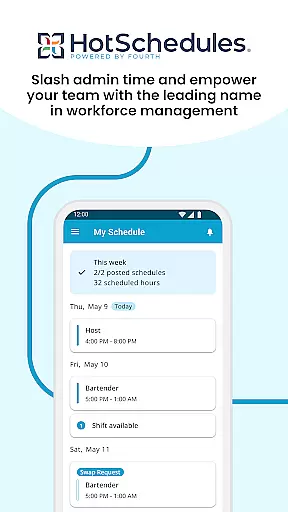
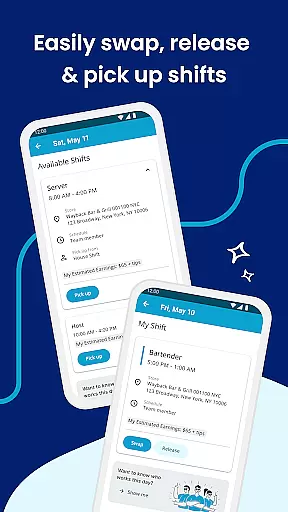
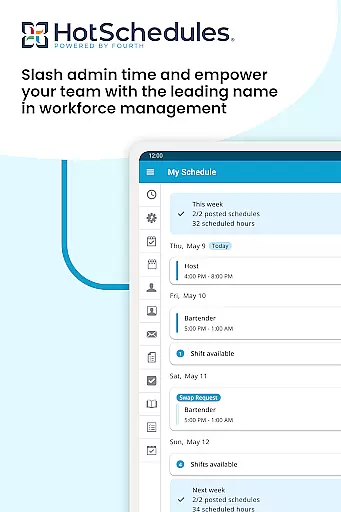
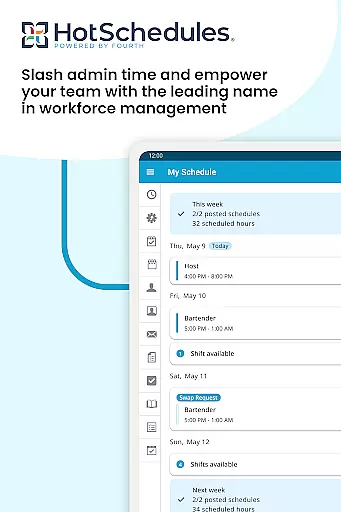
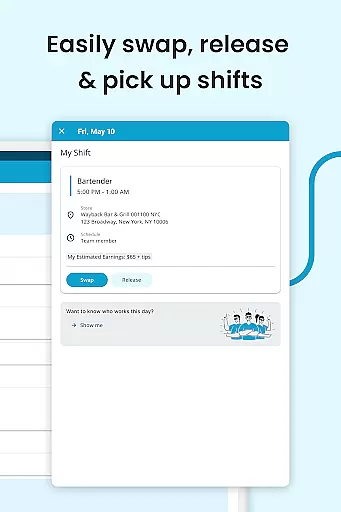
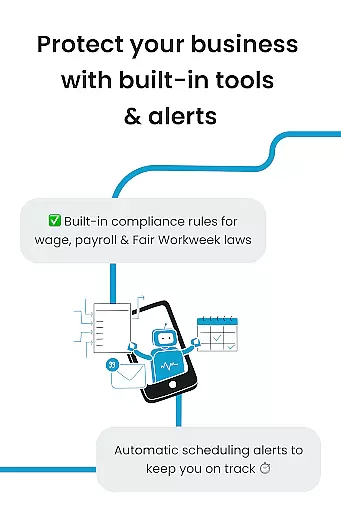
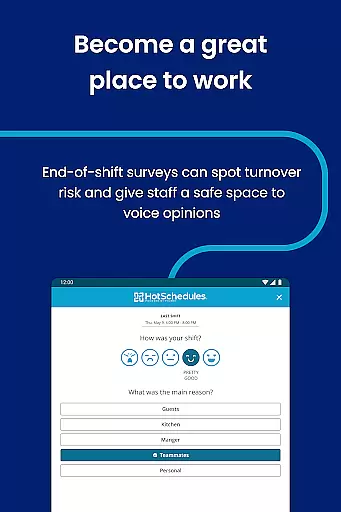
HotSchedules is a leading productivity app designed to streamline employee scheduling and team communication. The app allows users to manage work schedules efficiently while maintaining a healthy work-life balance. Team members can easily swap, pick up, or release shifts with just one click, ensuring flexibility in managing their time. For managers, the app offers significant time savings by simplifying the creation and management of staff schedules, enabling one-click approvals for shift changes.
In addition to scheduling, HotSchedules provides tools for monitoring business performance remotely. Managers can access sales and labor snapshots from anywhere, reducing time spent in the office. The app also supports automatic calendar sync and instant notifications, keeping everyone informed about schedule changes. With features like broadcast messaging and one-to-one communication, HotSchedules fosters a connected and productive team environment. This makes it an essential tool for businesses looking to enhance operational efficiency and team satisfaction.
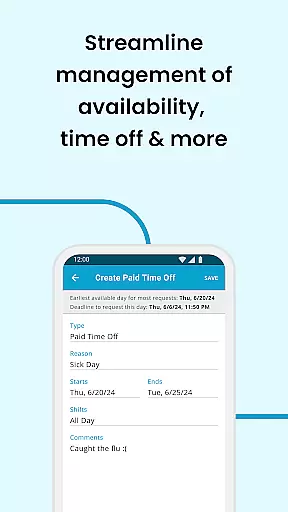
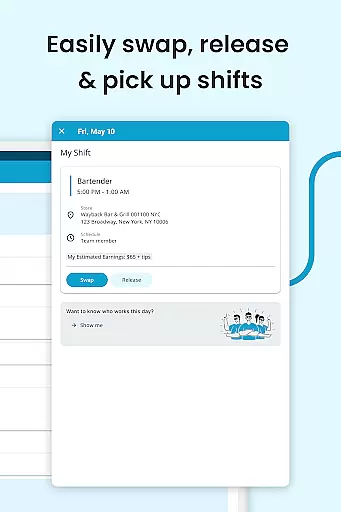
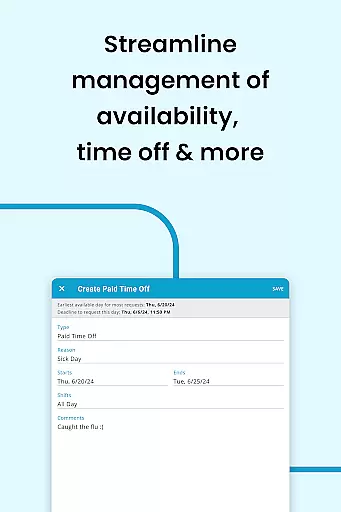
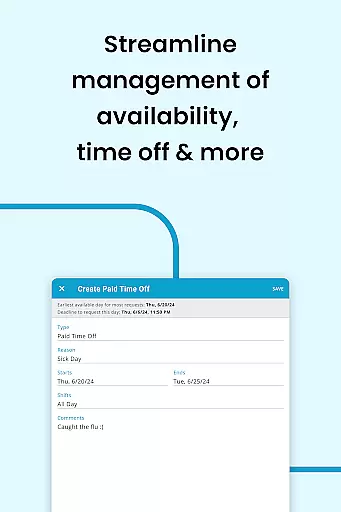
HotSchedules stands out with its comprehensive set of features tailored for both employees and managers. One of the key highlights is the ability for team members to manage their shifts effortlessly. With just a single click, employees can swap shifts, pick up additional hours, or release shifts they cannot work, promoting a flexible work environment. The app also supports automatic time-off requests and shift pickups, empowering users to maintain their desired work-life balance.
For managers, HotSchedules offers powerful tools that save up to 75% of the time typically spent on building schedules. The app's one-click approval system for shift changes ensures that managers can quickly respond to scheduling needs. Additionally, the app provides real-time business performance insights through sales and labor snapshots, accessible from any location. This feature helps managers stay connected to their business operations without being tied to a desk. Enhanced communication tools, including broadcast and direct messaging, further contribute to a cohesive and motivated team culture.
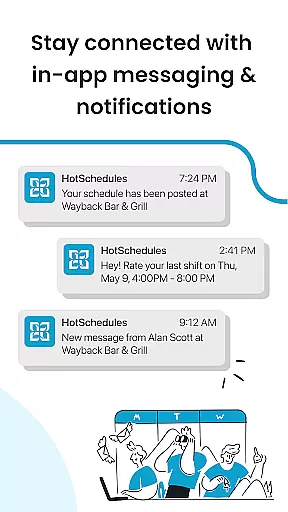
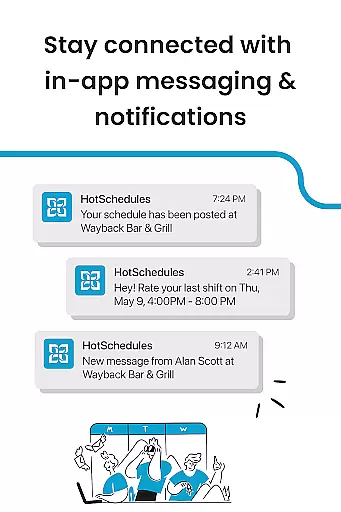
The app also integrates seamlessly with users' personal calendars and sends instant notifications for any manager-approved changes. This ensures that all team members are always up-to-date with their schedules. Furthermore, the app requires a valid HotSchedules user account through the employer, ensuring secure and controlled access. With round-the-clock customer support, HotSchedules guarantees assistance whenever needed, making it a reliable choice for businesses focused on improving productivity and team communication.
HotSchedules excels in core task management by offering a comprehensive suite of tools designed to streamline scheduling and team communication. The app allows for quick shift swaps, pickups, and releases with just one click, ensuring that employees can efficiently manage their work-life balance.
For managers, the app provides significant time savingsu2014up to 75%u2014when building schedules, along with one-click approvals for shift changes. This functionality not only simplifies the scheduling process but also enhances productivity by allowing managers to focus on other critical aspects of their business.
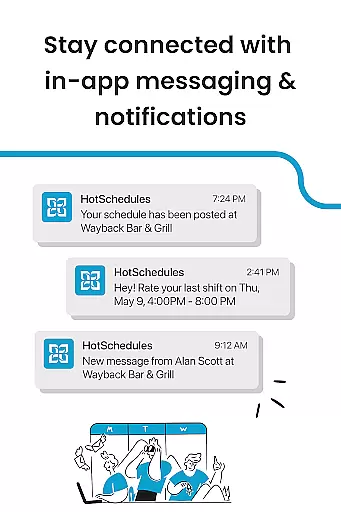
The automatic updates and notifications ensure that any manager-approved changes are immediately reflected in the employee's schedule, keeping everyone informed and aligned. This real-time communication fosters a more organized and responsive work environment.
Cross-device synchronization is a standout feature of HotSchedules, ensuring reliable and consistent access to schedules and communications across multiple devices. With calendar sync capabilities, users can seamlessly integrate their work schedules into their personal calendars, maintaining an up-to-date overview of their commitments.
Notifications play a crucial role in maintaining synchronization reliability. Any changes approved by managers are automatically updated on the employee's device, ensuring that everyone has access to the most current information. This automatic updating minimizes the risk of missed shifts or scheduling conflicts.
By providing real-time updates and ensuring data consistency across devices, HotSchedules supports a flexible and mobile workforce. Employees and managers can manage schedules and communications on-the-go, from any location, enhancing overall operational efficiency and responsiveness.
User-friendly interface
Efficient shift management
Real-time updates
Comprehensive reporting
Secure access control
Requires employer account
Limited free features
Dependent on internet
Occasional bugs
Premium cost

QuickBooks Workforce lets teams view pay info and track time in one place.
 4.70
4.70
Direct Chat without saving contacts & Dual WA Account on Single Device
4.70
Simple and reliable communication between inmates, friends and family
3.20
Cloud storage, automatic phone backup, and more.
4.10
Subscribe to Webcal & .ics calendars and keep them up-to-date!
4.50
A beautiful digital clock with autostart and many other functions
4.70
Share files & memories safely. Keep your photos and videos secure.
4.40
Scan paperwork into PDF/JPG, generate your own e-signature and send fax or email
4.70
QuickEdit is a fast, stable and full featured text and code editor.
4.20
Native client for Forgejo and Gitea
5.00
Quickly and easily keep track of your work shifts
4.70
App Lock with fingerprint, password: Lock apps & hide photos with lock screens
4.60
Functional QR scanner and barcode reader that requires little storage space.
4.60
Docker, Kubernetes management over Portainer Mobile
4.40
Easily read and manage all your PDF files
4.10
Wake up & get tasks done! Add alarms & reminders on the Clock Launcher.
4.00
Customizable calendar widget for seamless event sync, planning & scheduling.
4.00
Ultimate Virtual AI Character for immersive Roleplay Chat. Perfect Companion
3.90
Easiest event planning, volunteer signups & parent teacher conference scheduling
2.20


User Reviews