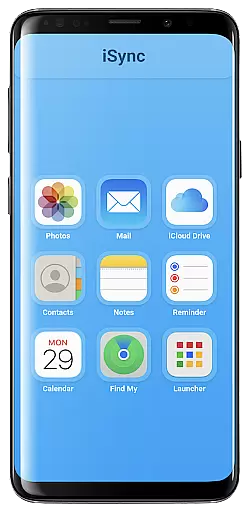
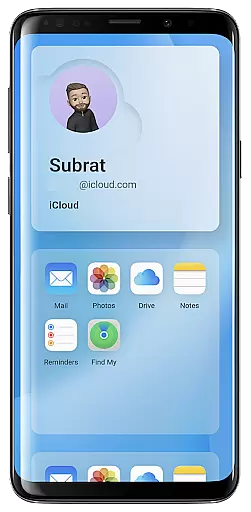
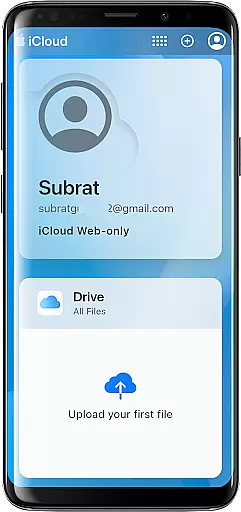
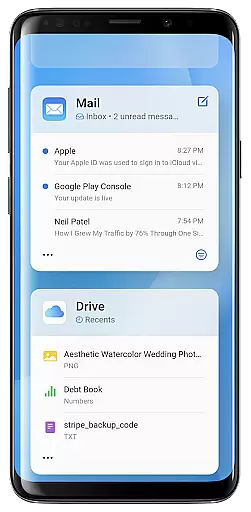
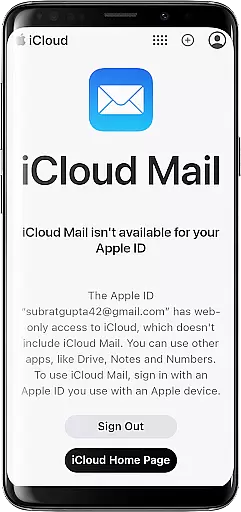
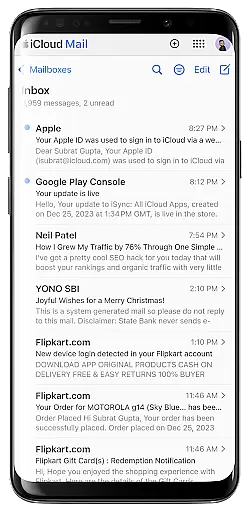
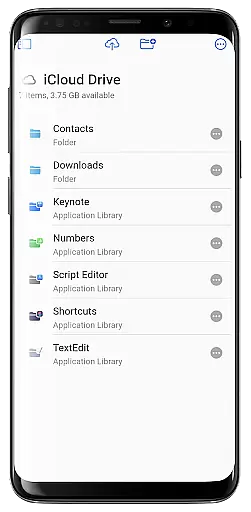
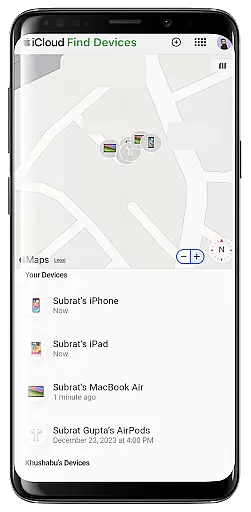
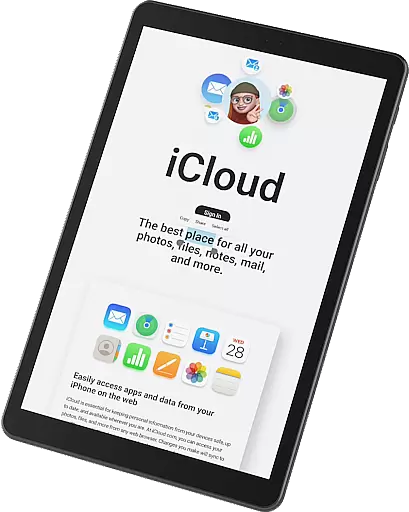
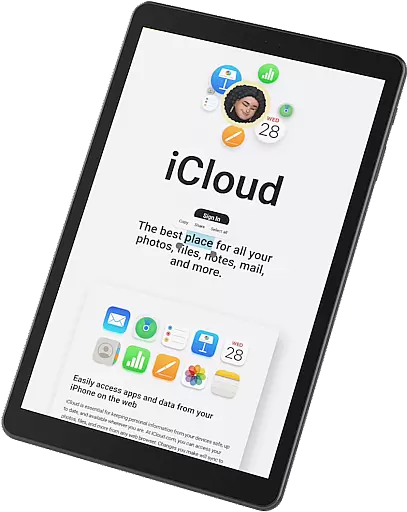
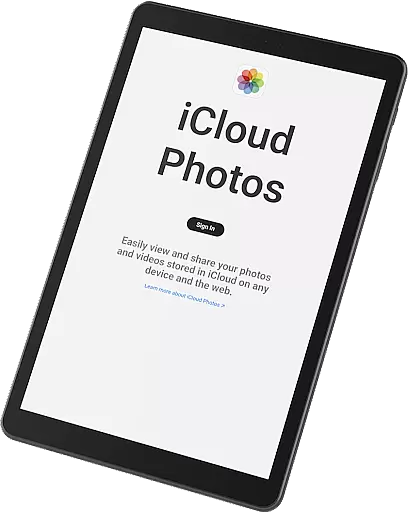
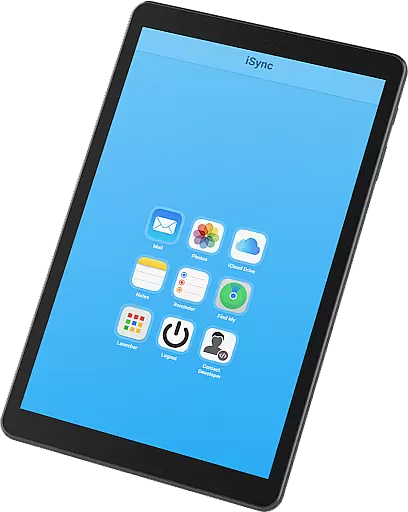
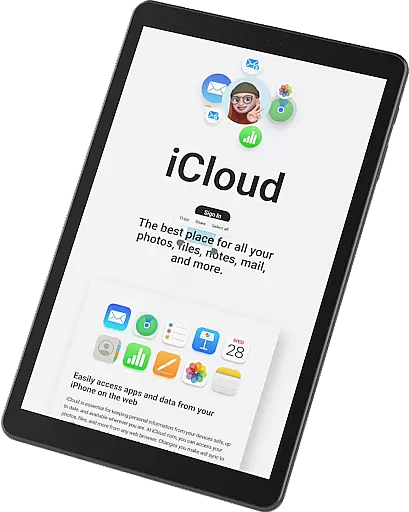
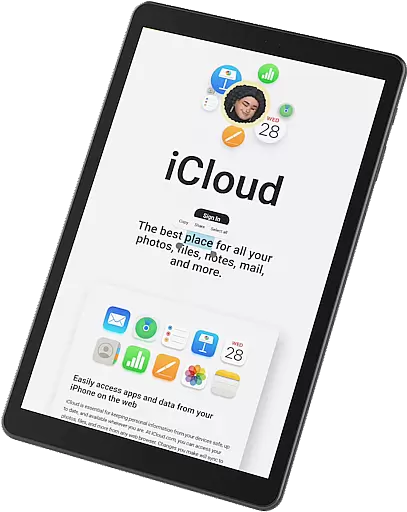
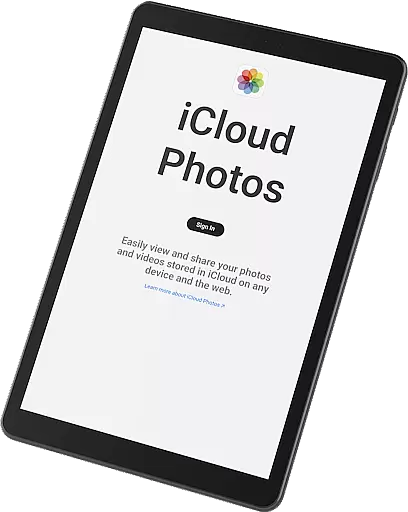
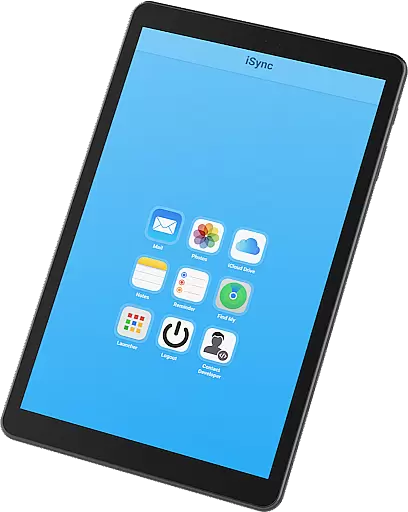
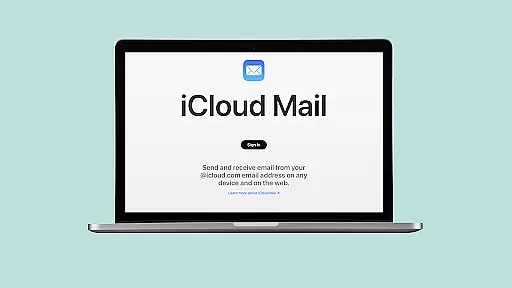
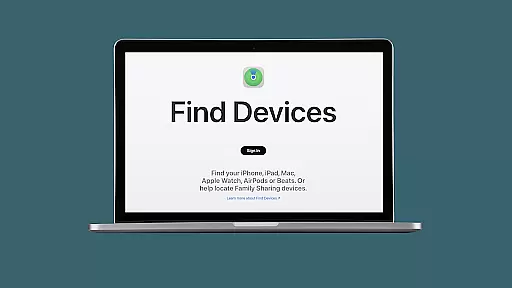
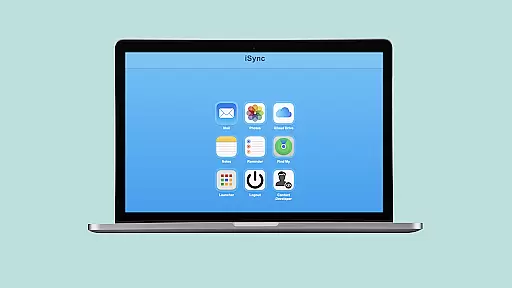
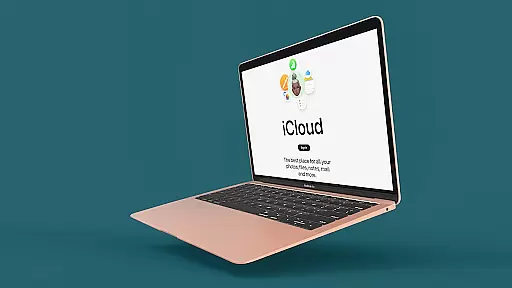
iSync Premium is a productivity-focused application that bridges the gap between Android and Apple ecosystems. It allows users to access their iCloud account and all its applications directly from an Android device. The app provides seamless integration with essential iCloud services such as Mail, Photos, iCloud Drive, Notes, Reminders, and Find My. With a user-friendly interface, iSync Premium ensures that your personal data remains secure while offering effortless access to your digital life across platforms.
One of the standout features is the Launcher, which offers one-touch access to favorite iCloud apps. Whether you need to manage emails, view photos, or locate a lost device, iSync Premium has you covered. This makes it an invaluable tool for users who operate in both Android and Apple environments, ensuring they stay connected and productive regardless of the platform they are on.
iSync Premium stands out with its comprehensive set of features designed to maximize productivity. The app supports core iCloud functionalities including Mail, Photos, iCloud Drive, Notes, Reminders, and Find My. Each feature is crafted to ensure that users can perform tasks such as sending emails, viewing photos, accessing files, jotting down notes, managing reminders, and locating devices without any hassle.
The Launcher feature provides quick and intuitive access to these iCloud services, enhancing user convenience. Security is also a top priority, with the app designed to protect personal data while maintaining ease of use. This combination of robust functionality and security makes iSync Premium a reliable choice for users seeking to integrate their Apple services into their Android devices seamlessly.
Task management is a cornerstone of productivity applications, and iSync Premium excels in providing users with seamless access to their iCloud Reminders. This feature allows users to stay organized by managing their reminders hassle-free, anytime, anywhere.
The app ensures that all tasks are synced across devices, meaning whether you're on your Apple device or an Android smartphone, your reminders are always up-to-date. This synchronization empowers users to manage their daily schedules effectively without being tied to a single ecosystem.
Furthermore, the straightforward interface of iSync Premium makes it easy for users to add, edit, or complete tasks. The intuitive design reduces the learning curve, allowing users to focus more on their tasks rather than figuring out how to use the app.
By bridging the gap between Android and Apple, iSync Premium offers a unique advantage for those who operate in both ecosystems, ensuring they maintain peak productivity without missing a beat.
Cross-device synchronization is vital for users who operate across multiple platforms, and iSync Premium shines in this area by offering reliable access to various iCloud services such as Mail, Photos, iCloud Drive, Notes, and Find My. This ensures that all user data is consistently updated across devices.
With iSync Premium, users can send, receive, and manage emails, view and share photos, access files, take notes, and locate their devices with ease. The synchronization process is smooth and operates in the background, ensuring that users have the most current information at their fingertips without any extra effort.
The reliability of this synchronization is one of the key features of iSync Premium, designed to offer peace of mind to its users. Knowing that their data is securely and accurately mirrored across all their devices allows users to focus on their work without worrying about data loss or inconsistencies.
Ultimately, iSync Premium's dedication to secure and dependable cross-device synchronization means that users can enjoy uninterrupted access to their digital lives, enhancing both their productivity and peace of mind.
Seamless cross-platform access
User-friendly interface
Comprehensive iCloud integration
Secure data protection
Effortless file management
Limited to Android users
Requires iCloud account
Premium features may cost extra
Occasional sync delays
Dependent on internet connectivity

A customizable calendar for your Wear OS watch
 4.20
4.20
The long-awaited modern gallery app for your Nextcloud server
4.70
Wake up & get tasks done! Add alarms & reminders on the Clock Launcher.
4.00
Translate text/voice/photos in 150+ languages. Offline & fast translator app.
4.50
Access, manage and transfer files on Android, PC, Mac, NAS and cloud storages.
4.30
A beautiful digital clock with autostart and many other functions
4.70
Access your phone's notifications, calls, apps, photos & texts on your PC
3.90
Simple notepad & memo. Take notes, to-do list, shopping list with reminders.
4.80
Seamlessly read, manage, and organize all your PDF files solution in one place
4.40
Use powerful, industry-leading AI tools to generate visual charts from any data
4.80
Quickly and easily keep track of your work shifts
4.70
Scan paperwork into PDF/JPG, generate your own e-signature and send fax or email
4.70
The Pro Version of Android's tiniest Notepad app. Just 0.3MB but feature-packed!
4.60
All document reader, all in one file viewer read PDF, DOCX, XLS, PPT, TXT files.
4.60
CalenGoo is a very flexible and feature-rich calendar app
4.40
Share files & memories safely. Keep your photos and videos secure.
4.40
Enjoy classic gameplay with customizable features and retro-style graphics.
4.30
The ultimate file manager for rooted devices. The original and still the best.
4.00
All in one sketching tool. Technical and General drawing. Online Maps support.
3.70


User Reviews